


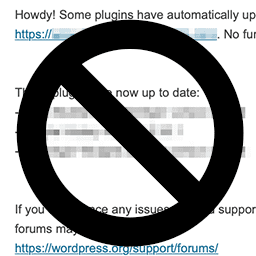
Disable Theme and Plugin Auto-Update Emails
Disables the default notification emails sent by a site after an automatic theme and/or plugin update. Simply activate the plugin to disable these email notifications (allows failure notices through unless setting is enabled to disable these as well).
This is a simple & lightweight plugin that simply uses the official filters made available as of WordPress 5.5 to disable these email notifications upon activation. It does let update failure notifications through by default, but the Settings => General page has a setting to disable these as well.
Check things out on GitHub at https://github.com/KZeni/Disable-WordPress-Theme-and-Plugin-Auto-Update-Emails
Details

Related plugins
Plugins that also contain the tag email
MC4WP: Mailchimp for WordPress

Post SMTP – Complete Email Deliverability and SMTP Solution with Email Logs, Alerts, Backup SMTP & Mobile App

WP Mail Logging

Creative Mail – Easier WordPress & WooCommerce Email Marketing

Mailchimp for WooCommerce

SureMail – SMTP and Email Logs Plugin with Amazon SES, Postmark, and Other Providers


About
Plugin for that tries to help you find the WordPress plugin you are looking for.
| Please enjoy an image of Crush (this awesome turtle) and have a lovely day! |  |
We do not own any plugin listed on this site and do not work for or work with WordPress.com or it's associated companies. We simply provide a searchable list of the available WordPress plugins.