



Disabled Source, Disabled Right Click and Content Protection
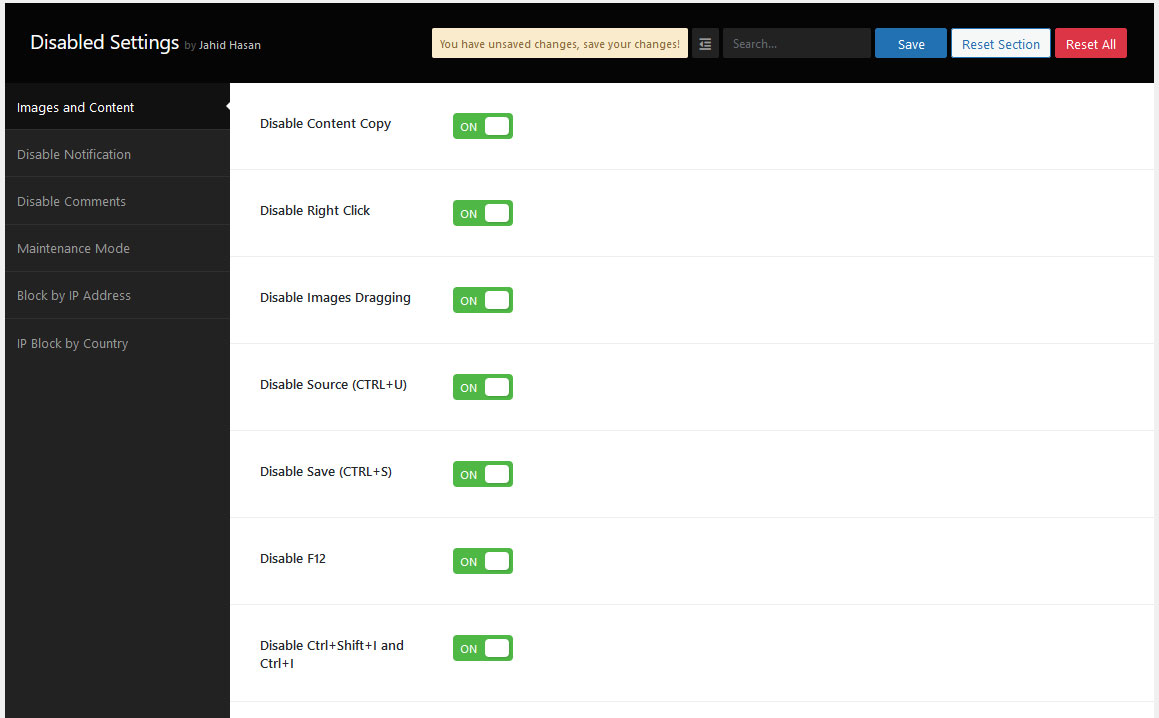
Disabled Source, Disabled Right Click, and Content Protection is a very simple plugin to Protect your Website Content, Disable view page source(Ctrl+U), Disable Right Click, Disable F12 functional key, and Disable save the page(Ctrl+S). The special thing is for you to allow or disallow your post comments/review section.
The plugin is called copy content protection. It is very easy to use and install. This plugin protects content both on PC and mobile devices. Our latest features block IP Addresses.
Activate Disabled Source, Disabled Right Click, and Content Protection plugin and check those features by opening your website on a private/Incognito window/By Logout
🎉 Features
- Content Protection
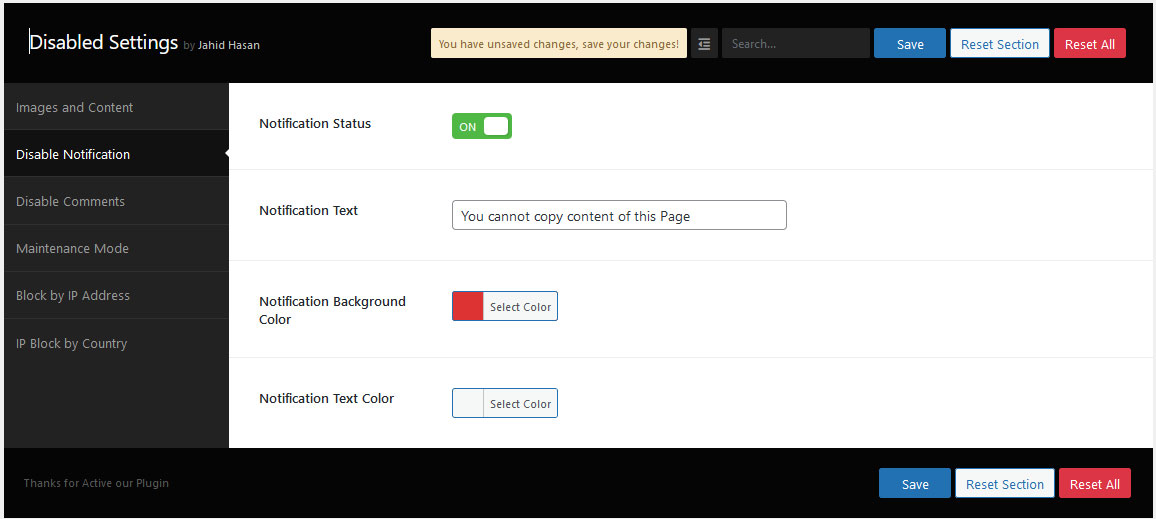
- Notification text
- Disable Developer Tools
- Right Click Off
- Disable Image Drag/Drop
- Disable F12
- Disable Ctrl+I
- Disable Ctrl+Shift+I
- Disable Ctrl+J
- Disable Ctrl+Shift+J
- Disable Ctrl+C
- Disable Ctrl+Shift+C
- Disable Ctrl+U
- Disable Ctrl+Shift+U
- Disable Comments
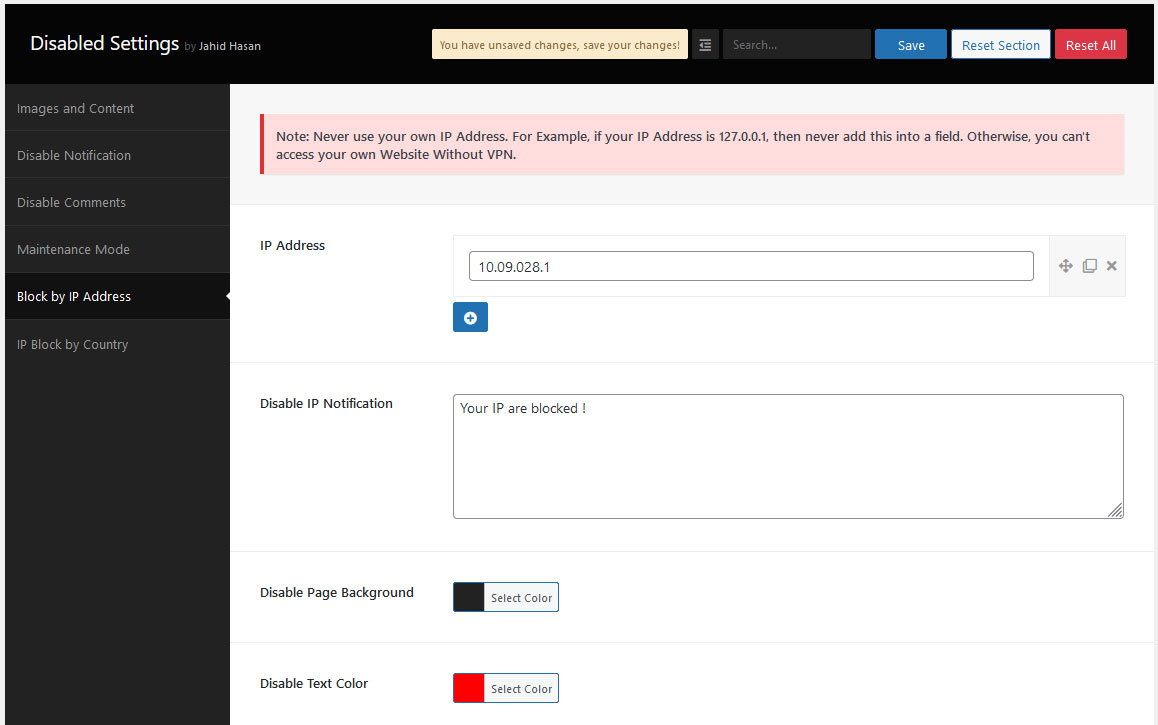
- Disable by IP Address
- Disable by IP Address Page Design
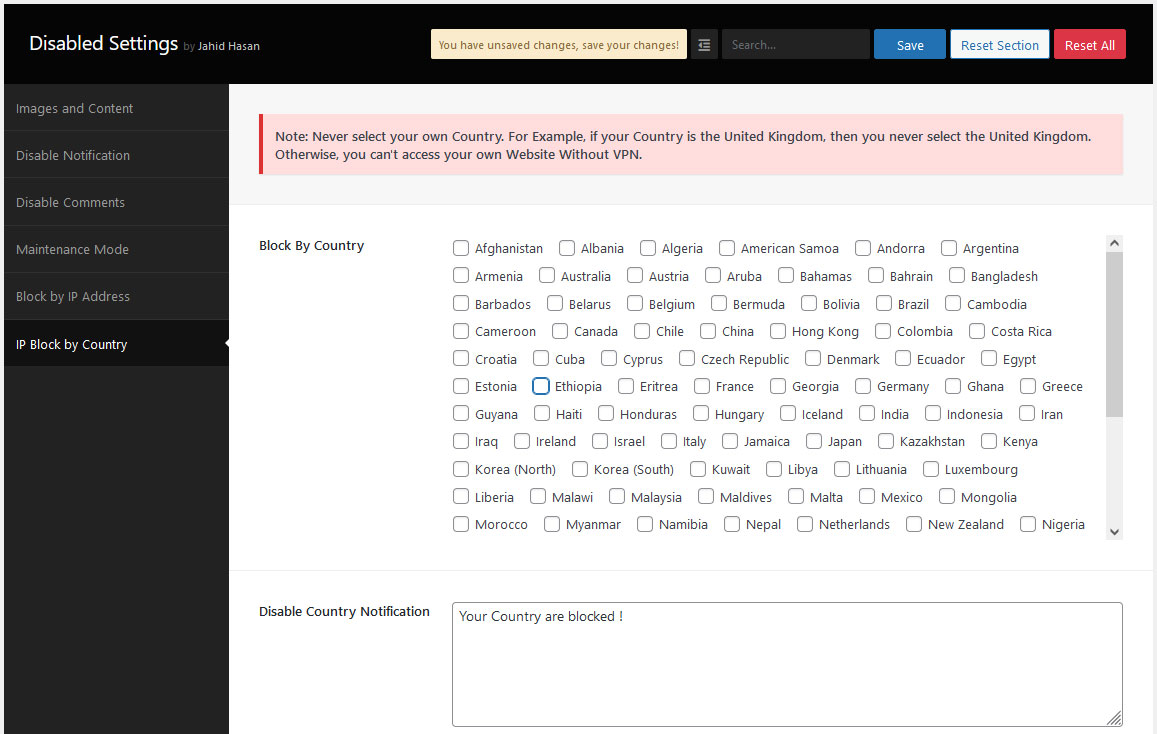
- Disable by Country
- Disable by Country Notification
- Disable by Country Notification Page Design
- Website Maintenance
- Website Maintenance Custom Design
- Disable Print Preview Page
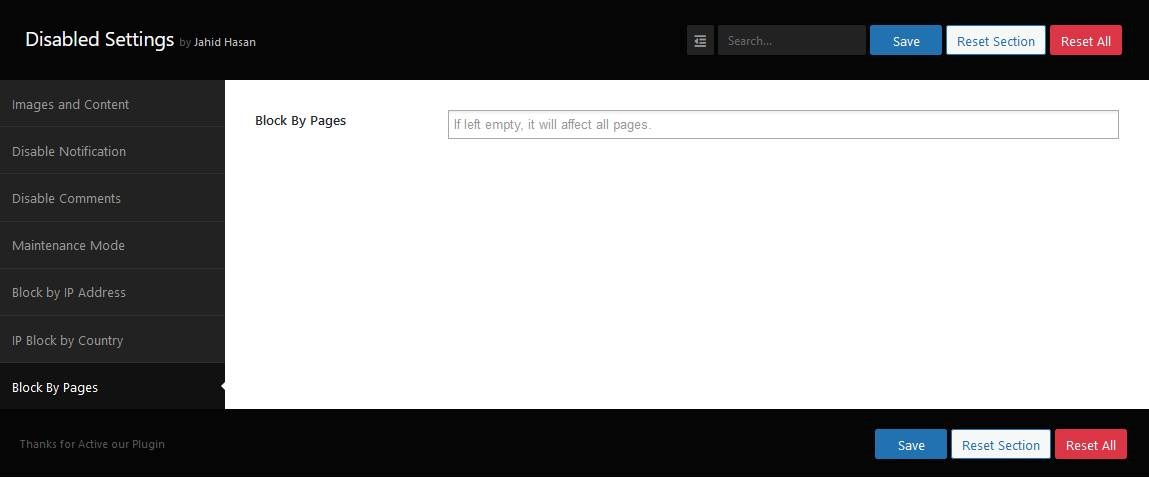
- Disable by Page id
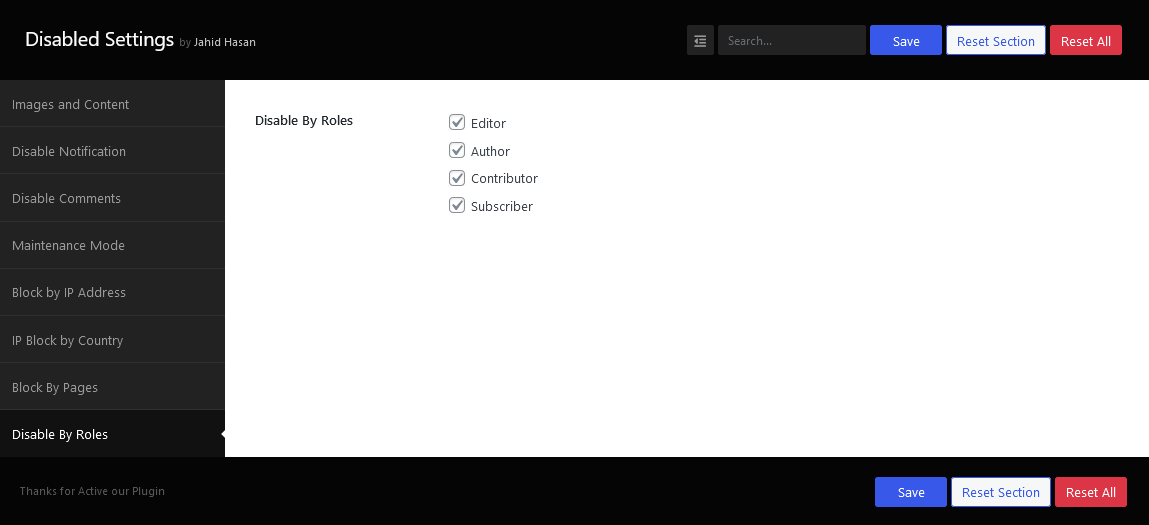
- Disable by Role wise
- Disable by Post Type
🎉 Content Copy Protection
- Prevent unauthorized users from copying or reproducing your website content and images. Perfect for bloggers, photographers, and businesses who need to protect their intellectual property.
🎉 Disable Developer Tools
- Blocks users from inspecting your website source code or accessing developer tools, enhancing overall site security.
🎉 Disable Comments
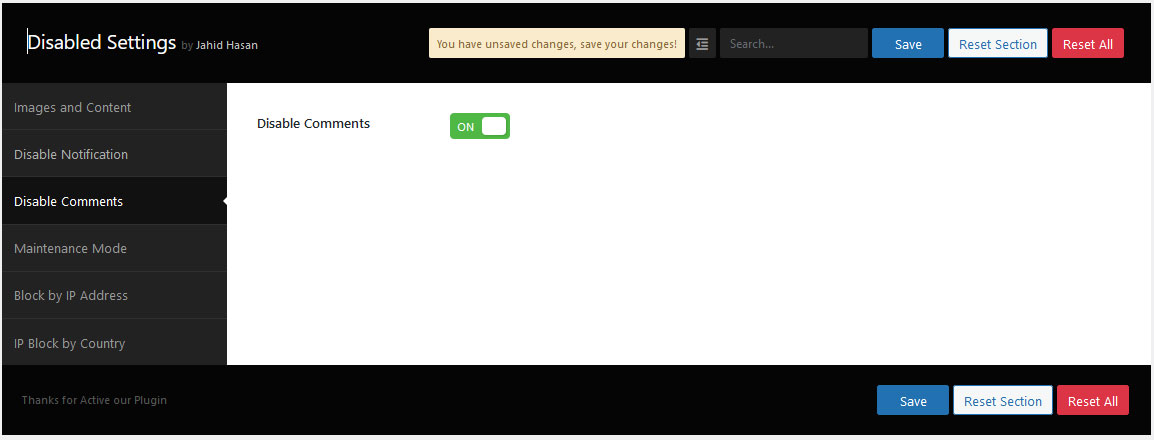
- If you planning to allow or disallow comments on your website you just activate the Disabled Source, Disabled Right Click, and Content Protection plugin.
🎉 Disable by IP Address
- This feature enables users to block unwanted traffic from accessing your website frontend and backend by IP Address. It helps to reduce spam and unwanted sign-ups quickly by preventing unwanted visitors from browsing an entire website.
🎉 Disable by Country
- This feature enables users to block unwanted traffic from accessing your website frontend and backend by Country. It helps to reduce spam and unwanted sign-ups quickly by preventing unwanted visitors from browsing an entire website.
🎉 Website Maintenance Mode
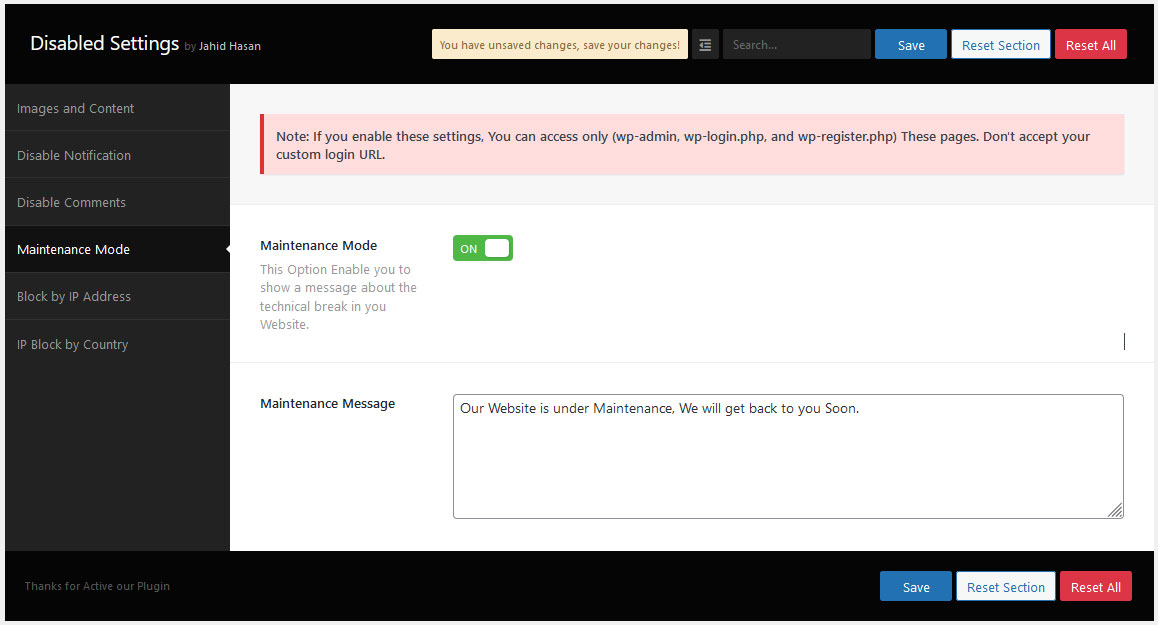
- Activate maintenance mode with a professional custom design, ensuring visitors see a well-crafted page while your site is being developed or updated.
🎉 Protect by Post Type
- Apply protection to entire post types (e.g., Posts, or Custom Post Types), providing comprehensive coverage for your website’s critical assets.
🎉 Protect by User Roles
- You can restrict content and image usage based on user roles (e.g., Editor, Subscriber), allowing you to define who can view or copy sensitive information.
Details
Related plugins
Plugins that also contain the tag content-protection
WP Content Copy Protection & No Right Click

Secure Copy Content Protection and Content Locking

WP Content Copy Protection

WP-Copyright-Protection

ContentProtector – password protect your page, post or text

WP Content Copy Protection with Color Design


About
Plugin for that tries to help you find the WordPress plugin you are looking for.
| Please enjoy an image of Crush (this awesome turtle) and have a lovely day! |  |
We do not own any plugin listed on this site and do not work for or work with WordPress.com or it's associated companies. We simply provide a searchable list of the available WordPress plugins.