



Easy MCP AI
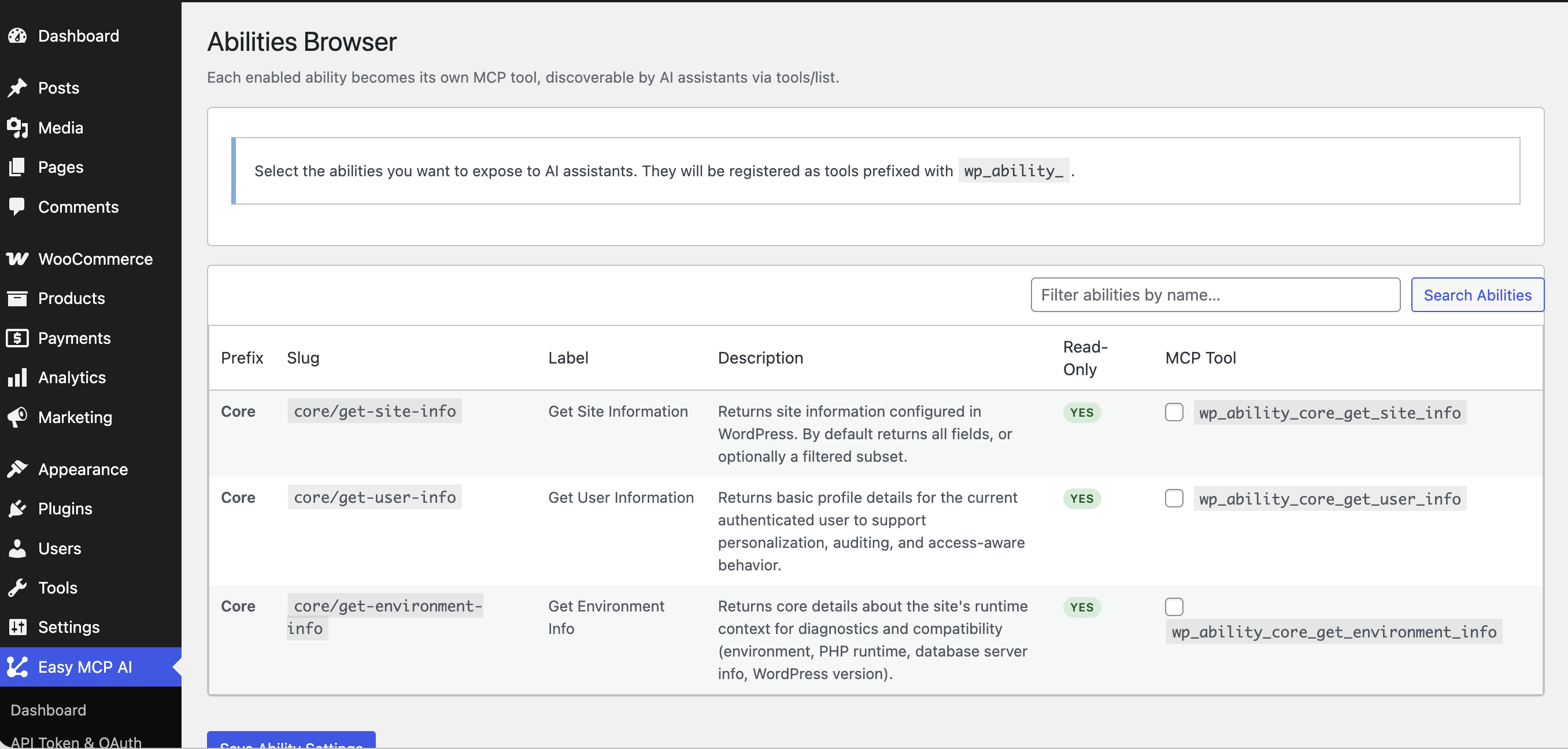
Easy MCP AI connects your WordPress site to the world’s most powerful AI assistants through the Model Context Protocol (MCP). Once connected, your AI can read, write, and manage your entire site — posts, pages, media, users, menus, and more — just by having a conversation.
No Node.js. No external proxy. No complicated setup. Just install, generate a token, and start building.
Vibe Blogging — Blog Without Touching WordPress Admin
Imagine telling your AI assistant: “Write a 1,000-word post about productivity tips, add a featured image from my media library, assign it to the Blog category, and publish it” — and it just happens.
That’s Vibe Blogging. With Easy MCP AI installed on your WordPress site, you and your AI work together as a team. You bring the ideas, the AI handles all the clicking, writing, and publishing. No tab-switching, no copy-pasting, no admin panel required.
Combined with other MCP tools (web search, image generation, SEO analyzers), your AI can research a topic, write the content, source visuals, optimize for search, and hit publish — all in one go.
Works With Every Major AI
Connect any of the following AI assistants directly to your WordPress site:
- Manus — the autonomous AI agent that can run multi-step workflows start to finish
- Claude (Claude.ai, Claude Desktop, Claude Code) — Anthropic’s powerful assistant
- ChatGPT (OpenAI Developer Mode) — the world’s most popular AI, connected to your site
- Gemini CLI / Google Antigravity — Google’s AI tools with MCP support
- Cursor, Windsurf, Cline, Roo Code — AI-powered code editors that can also manage your content
- n8n — automate content pipelines and publishing workflows
- Any MCP-compatible client — the protocol is open and supported by a growing ecosystem
What Can Your AI Do On Your Site?
Once connected, your AI assistant can handle everything you’d normally do in the WordPress admin:
Content — draft, write, edit, and publish posts and pages; search and update existing content
Media — browse your media library, upload new images, update alt text and captions
Organization — manage categories, tags, and navigation menus
Users — list users, create accounts, update profiles and roles
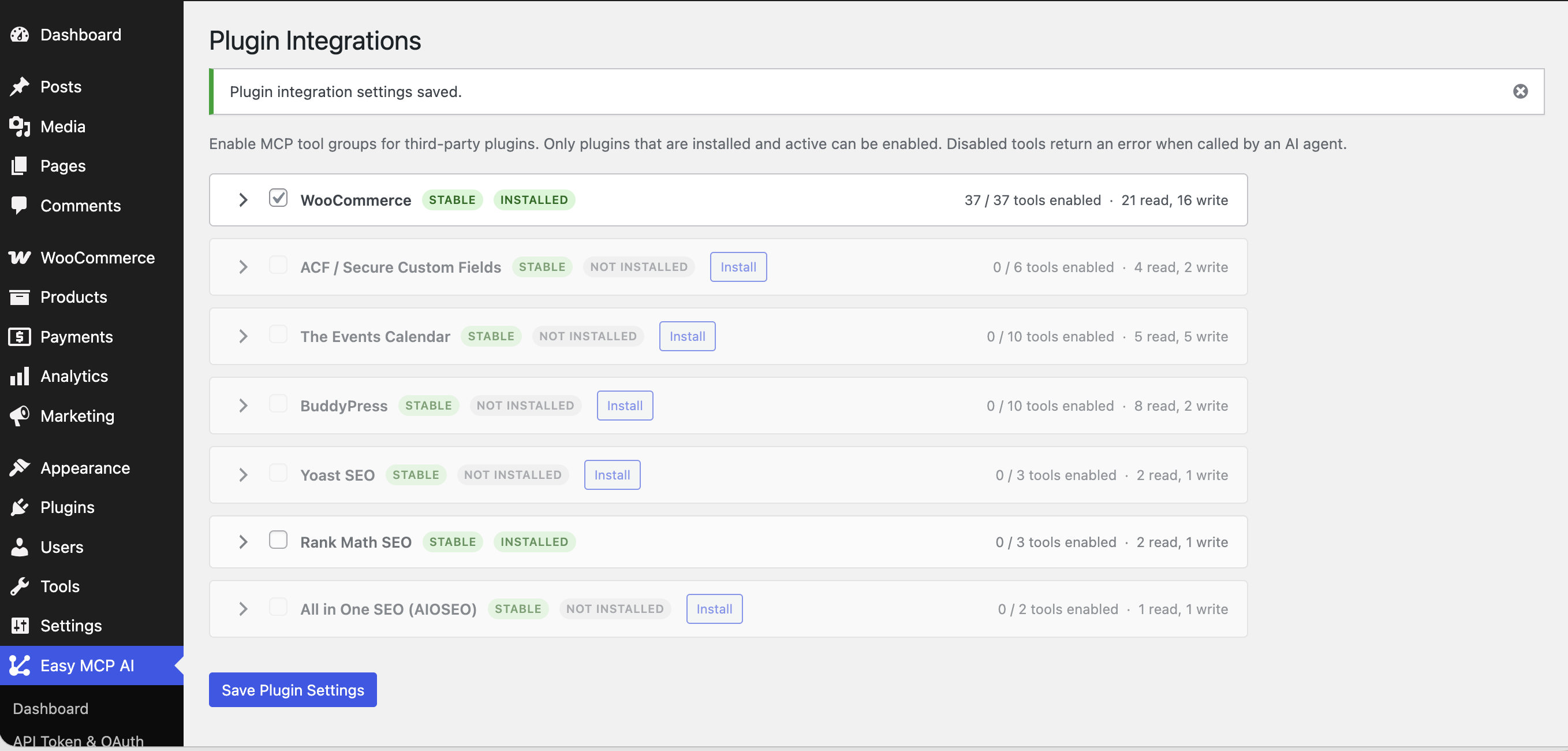
Plugins & Themes — see what’s installed, activate or deactivate plugins
Site Settings — read and update core WordPress settings
74 Tools, Ready to Use
Posts — list, get, create, update, delete, search
Pages — list, get, create, update, delete
Media — list, get, upload, update, delete
Categories — list, get, create, update, delete
Tags — list, get, create, update, delete
Comments — list, get, create, update, delete
Users — list, get, create, update, delete
Menus — list menus, get, create, update, delete; list, create, update, delete menu items
Custom Post Types — list, get, create, update, delete CPT items
Post Meta — get and update post meta
Revisions — list, get, delete post revisions
Blocks — list, get, create, update, delete blocks
Templates — list, get, update block templates
Styles — get and update global styles
Site — get and update settings, list post types, taxonomies, and post statuses
Plugins — list installed plugins
Themes — list themes, get active theme
Search — search across all content
Built for Security
Giving an AI access to your site is serious — so security is built into every layer:
- Bearer token authentication with SHA-256 hashing — the raw token is never stored
- Per-token permissions — create a read-only token for one AI, a full-access token for another
- WordPress capability checks on every single tool call
- Rate limiting per token (default 60 requests/min, configurable)
- Full audit log — every tool call is logged with the token used, arguments, result, and client IP
- IP whitelisting — optionally restrict which IPs can use the MCP endpoint
Simple Admin Interface
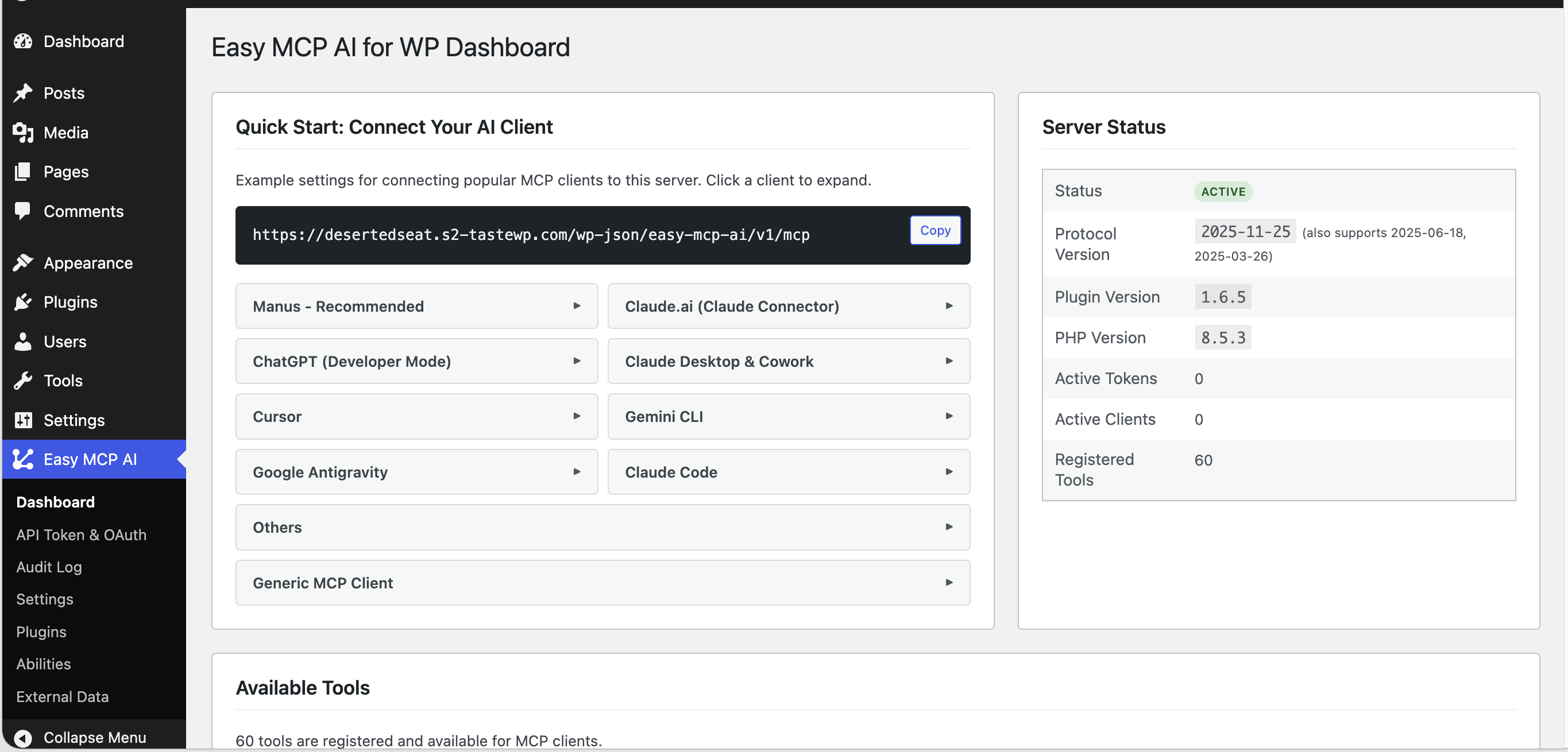
- Dashboard — your MCP endpoint URL and one-click connection configs for every major AI client
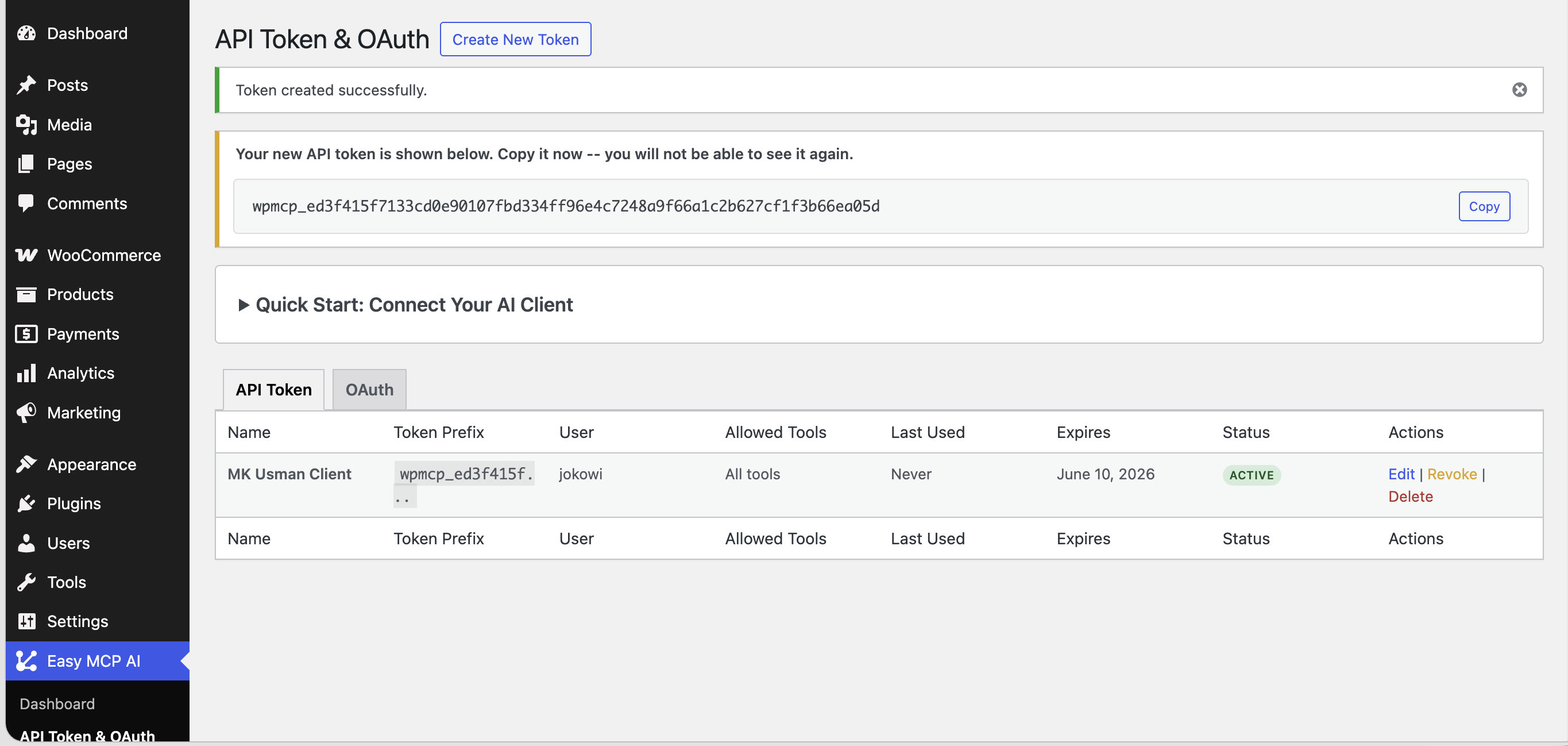
- API Tokens — create and manage tokens with a checkbox-based tool permission tree
- Audit Log — a paginated, searchable log of every AI action taken on your site
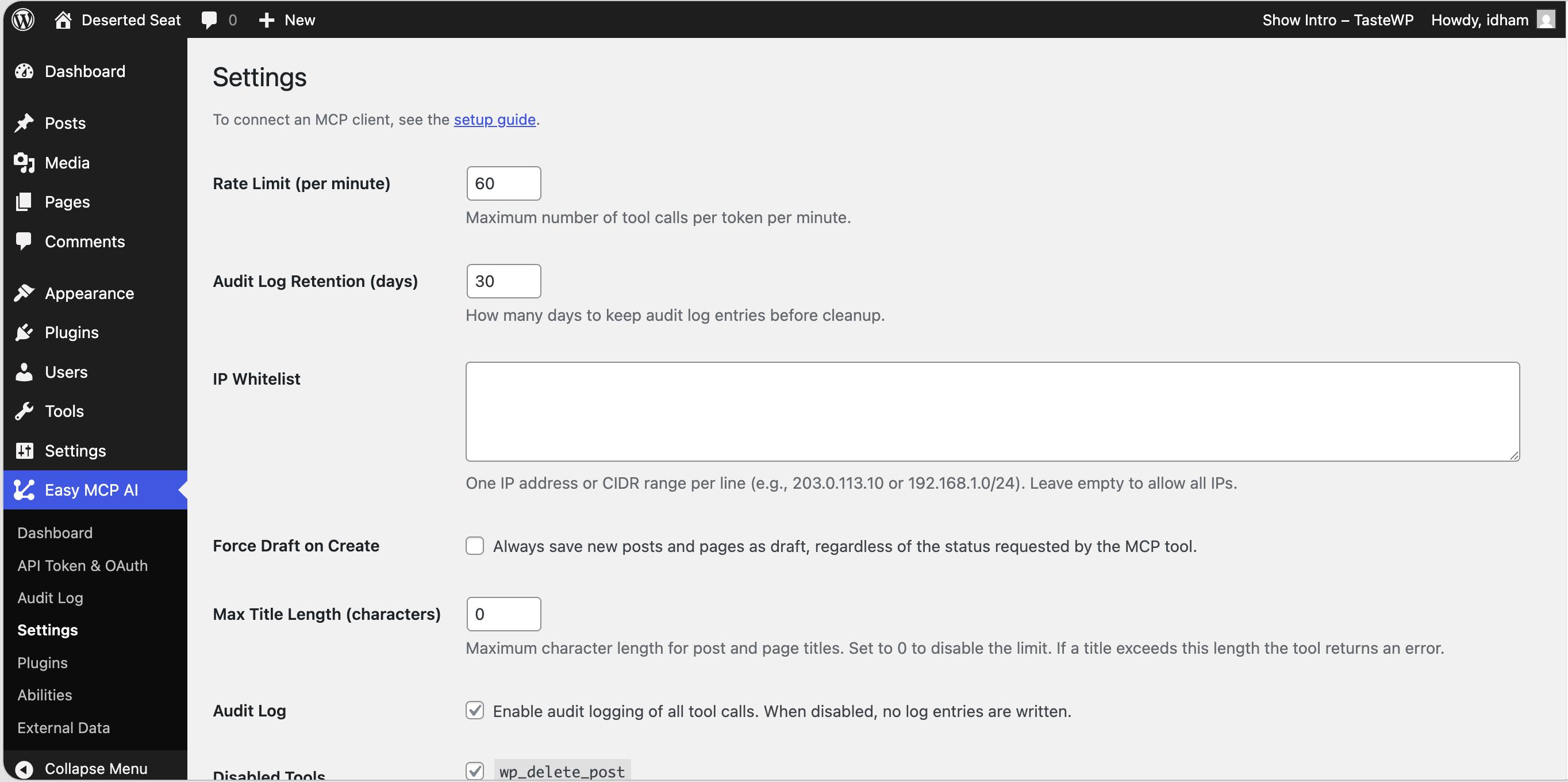
- Settings — tune rate limits, log retention, IP whitelist, and more
Author
Developed by EasyMCPAI.
Details
Related plugins
Plugins that also contain the tag ai
SEOPress – On-site SEO & Analytics

AI Engine – The Chatbot, AI Framework & MCP for WordPress

GetGenie – AI Content Writer with Keyword Research & SEO Tracking Tools

SEO Plugin by Squirrly SEO

Website LLMs.txt

Smartsupp – live chat, AI shopping assistant and chatbots


About
Plugin for that tries to help you find the WordPress plugin you are looking for.
| Please enjoy an image of Crush (this awesome turtle) and have a lovely day! |  |
We do not own any plugin listed on this site and do not work for or work with WordPress.com or it's associated companies. We simply provide a searchable list of the available WordPress plugins.