



Easy Resources Page
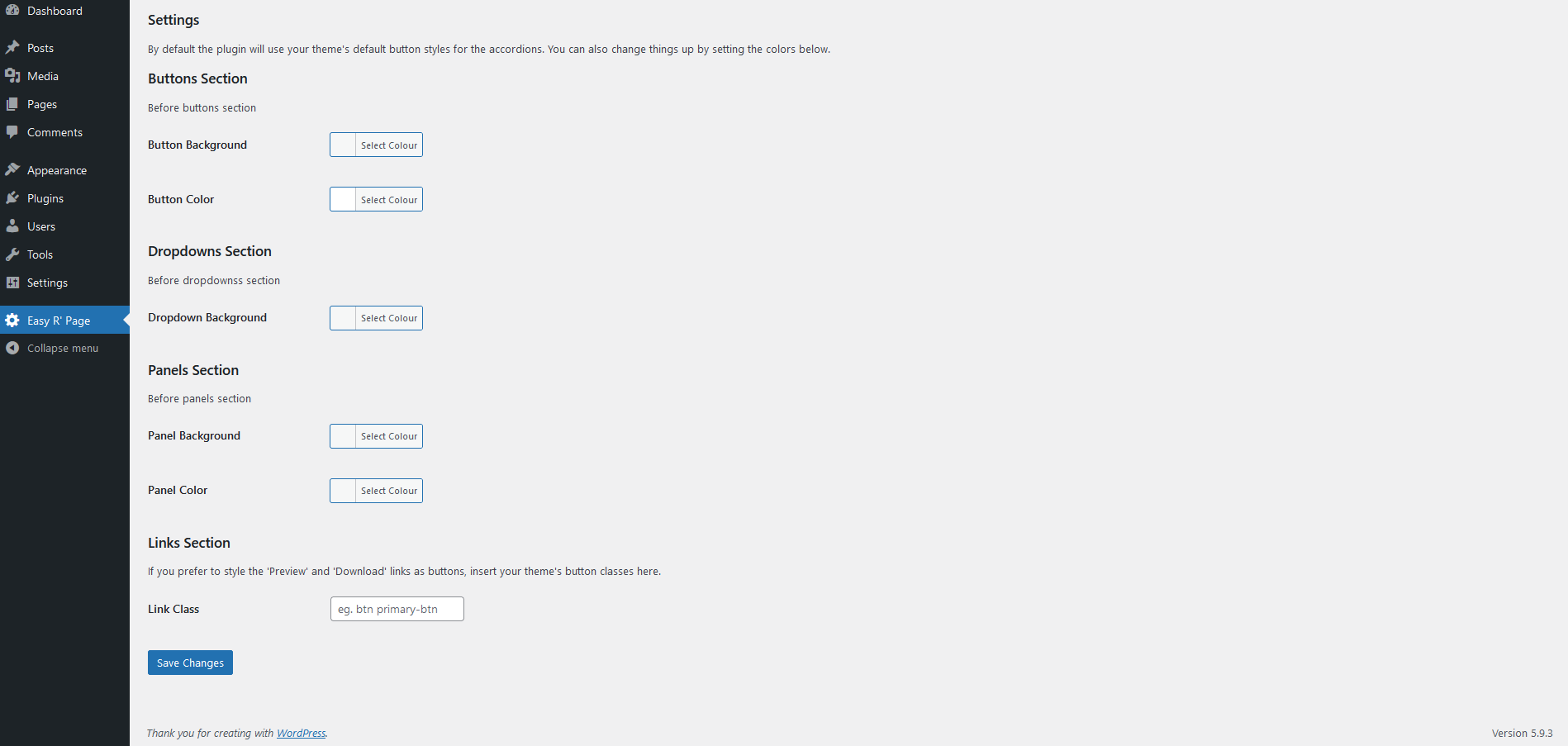
Easy Resources Page creates a ‘Resource’ custom taxonomy so it’s easy to group Media Library assets. It includes a custom page template to automatically display your resources inside accordions on the front end. This means that you can create an organised downloads or resources page with almost no effort.
Here’s how to use the plugin:
-
Add a Resource. Go to Media => Resource. Fill in the Name, Slug, Description & click ‘Add New Resource’. For example…
- Name ‘Press Releases’
- Slug ‘press-releases’
- Description: ‘This is optional…’
-
To assign items to your ‘Press Releases’ resource open the Media Library, click on the item you want to add, click “Edit More Details”. Tick the ‘Press Releases’ box to assign the item.
-
Now select the ‘Resources Template (Plugin)’ template on the page you want to use. That’s it!
Details


Related plugins
Plugins that also contain the tag accordions
Accordion Blocks

Meks Flexible Shortcodes

Gutena Accordion – Beautiful FAQ Accordion Block

Accordion Toggle

Squelch Tabs and Accordions Shortcodes

Accordions – Responsive Accordion & FAQ Plugin for WordPress

About
Plugin for that tries to help you find the WordPress plugin you are looking for.
| Please enjoy an image of Crush (this awesome turtle) and have a lovely day! |  |
We do not own any plugin listed on this site and do not work for or work with WordPress.com or it's associated companies. We simply provide a searchable list of the available WordPress plugins.