


Back

Embed Block for Figma
Details
View on WordPress
Back
- Embed a Figma file using a block in the WordPress editor.
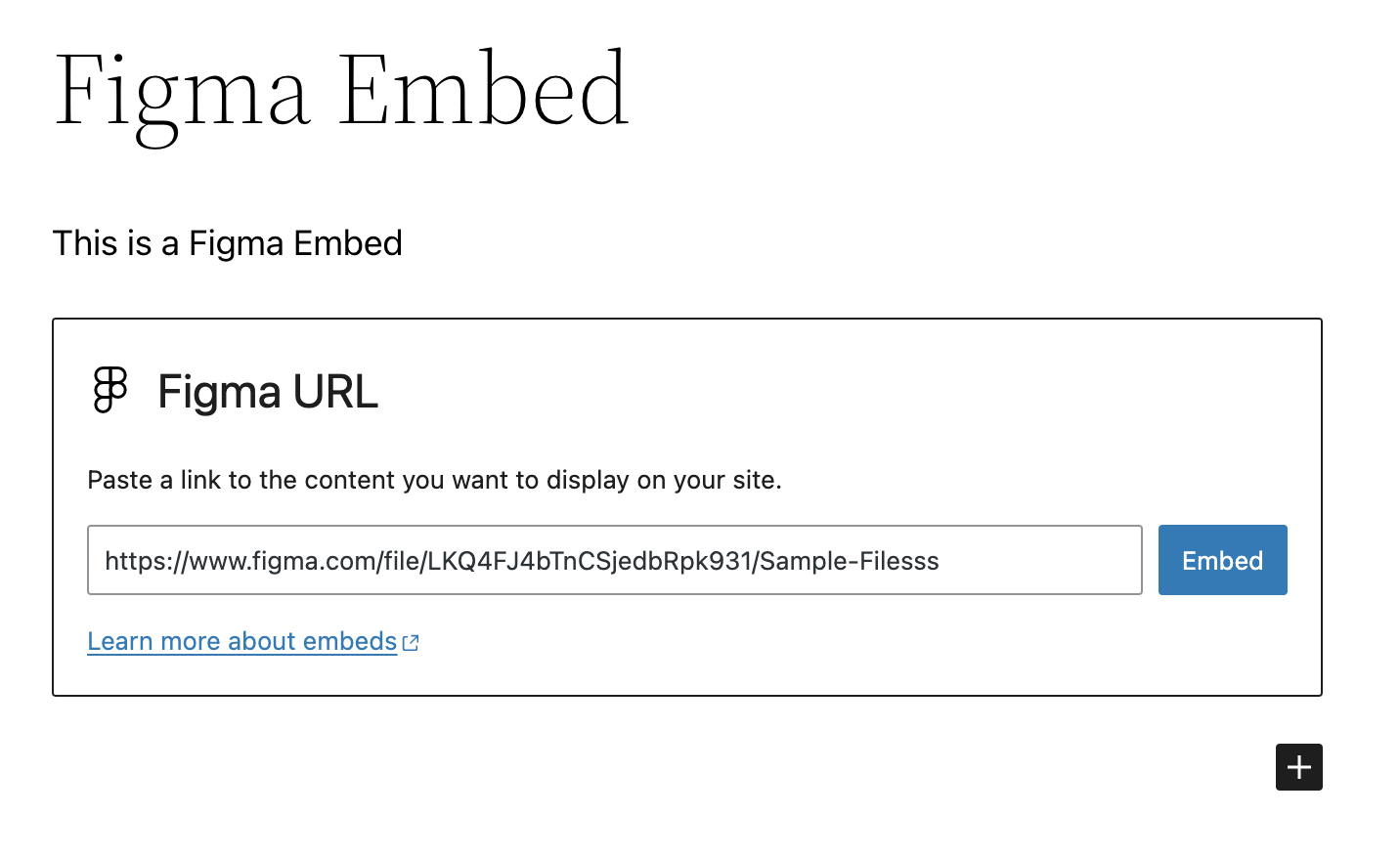
- Paste a Figma URL on a new line in the Block Editor to automatically convert it to a Figma Embed block.
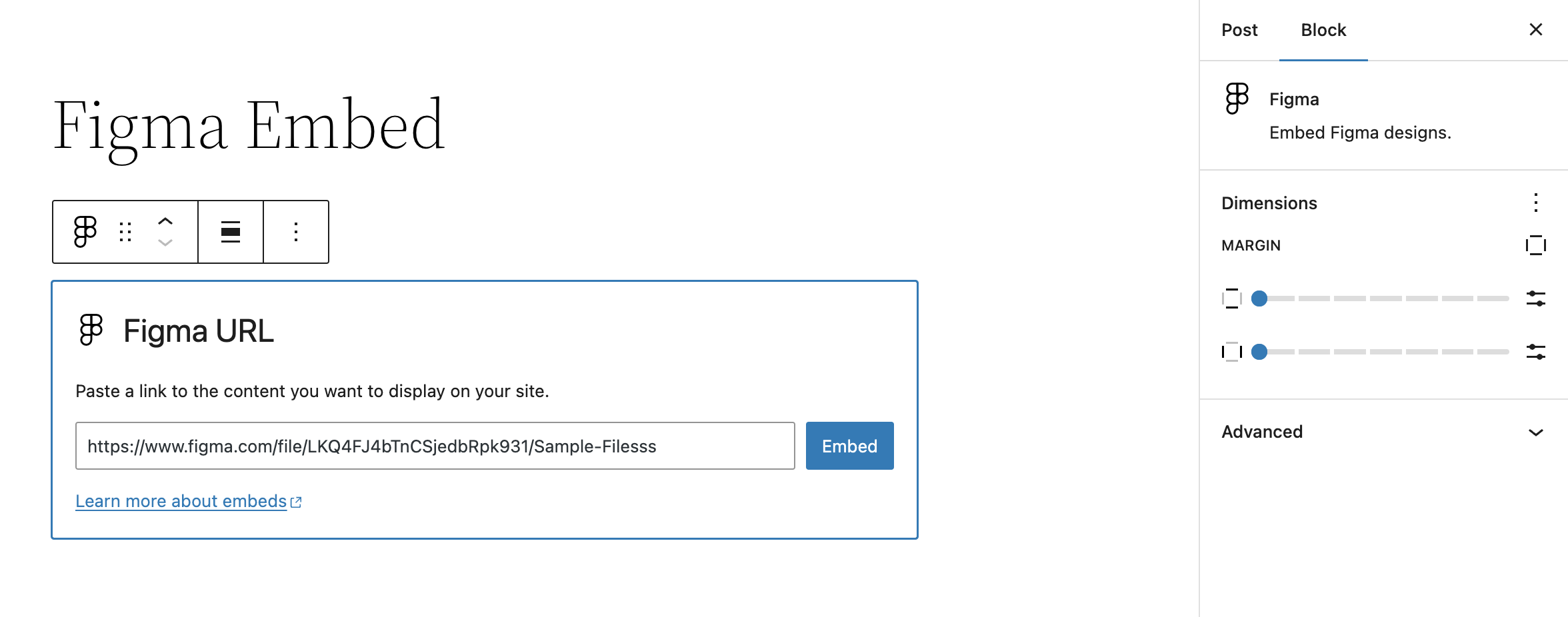
- Block settings allow for altering margins of rendered Figma file embed
Getting Started
Once the plugin is installed and activated, you should see a new Figma Embed block. Insert this block into your content and enter the URL of the Figma file you want to embed.
Assuming it’s a valid URL, the block will automatically fetch the Figma file and display it in the editor. Once saved, this will also display on the front-end.
Details
Plugin code:
embed-block-figma
Plugin version:
0.4.0
Author:
Outdated:
No
WP version:
6.6 or higher
PHP version:
7.4 or higher
Test up to WP version:
6.9
Total installations:
100
Last updated:
2026-01-05
Rating:
Times rated:
0
blocks
custom-blocks
embed
figma
gutenberg


Related plugins
Plugins that also contain the tag blocks
Spectra Gutenberg Blocks – Website Builder for the Block Editor

Kadence Blocks — Page Builder Toolkit for Gutenberg Editor

Extendify

Otter Blocks – Gutenberg Blocks, Page Builder for Gutenberg Editor & FSE

Page Builder Gutenberg Blocks – CoBlocks

GenerateBlocks


About
Plugin for that tries to help you find the WordPress plugin you are looking for.
| Please enjoy an image of Crush (this awesome turtle) and have a lovely day! |  |
We do not own any plugin listed on this site and do not work for or work with WordPress.com or it's associated companies. We simply provide a searchable list of the available WordPress plugins.