



Document Viewer – Embed Word, Excel, PowerPoint & PDFs Instantly
The Most Reliable Document Viewer for WordPress – Trusted by Thousands of Users
Document Viewer | Live Demo | Buy Pro | Support
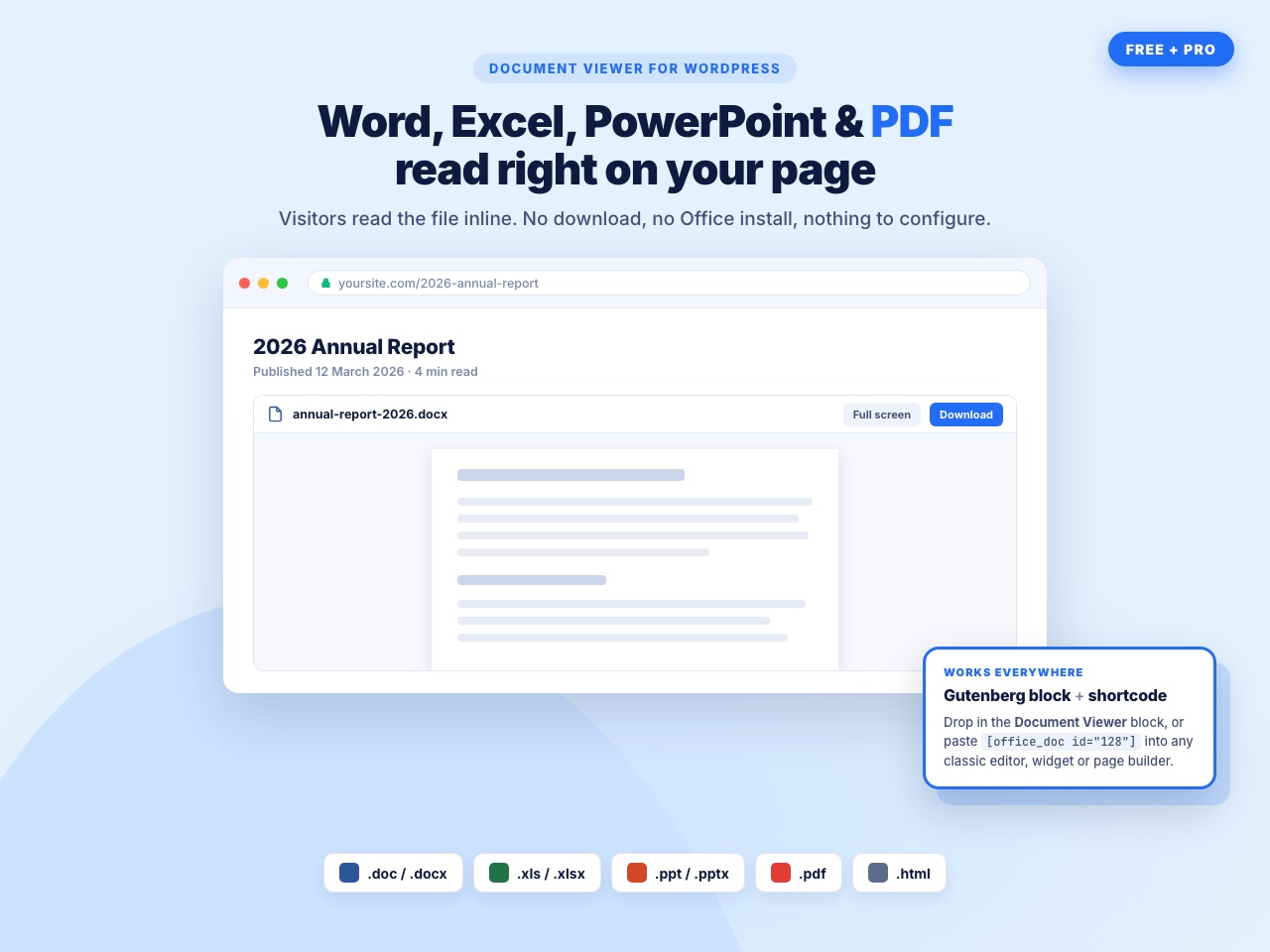
Document Viewer lets you embed Microsoft Office files and PDFs right inside posts, pages, and custom templates — with no need for additional software or plugins.
Whether you want to display a syllabus, project file, brochure, spreadsheet, presentation, or any document on your WordPress site, this plugin provides a smooth, responsive, and user-friendly viewing experience.
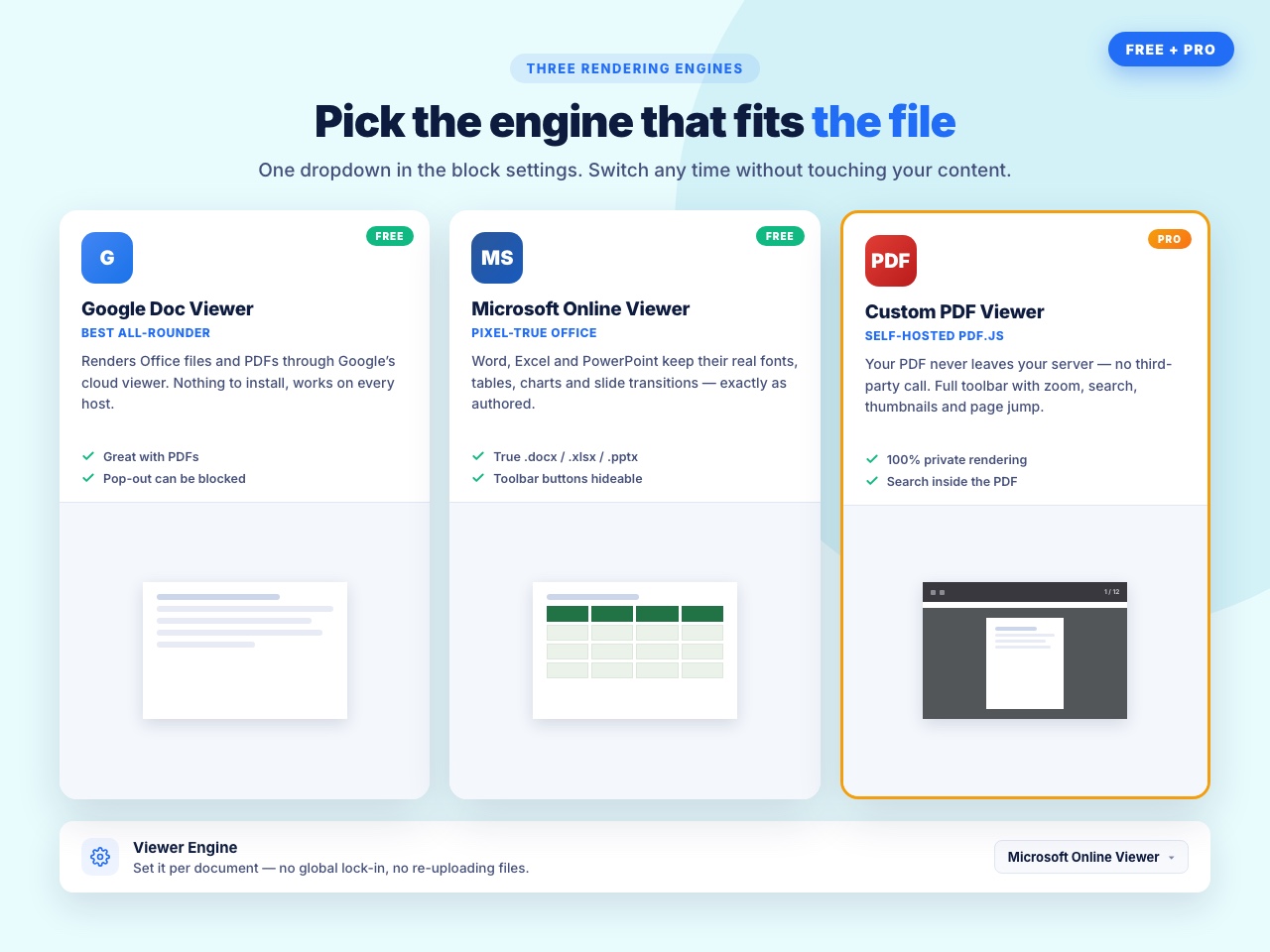
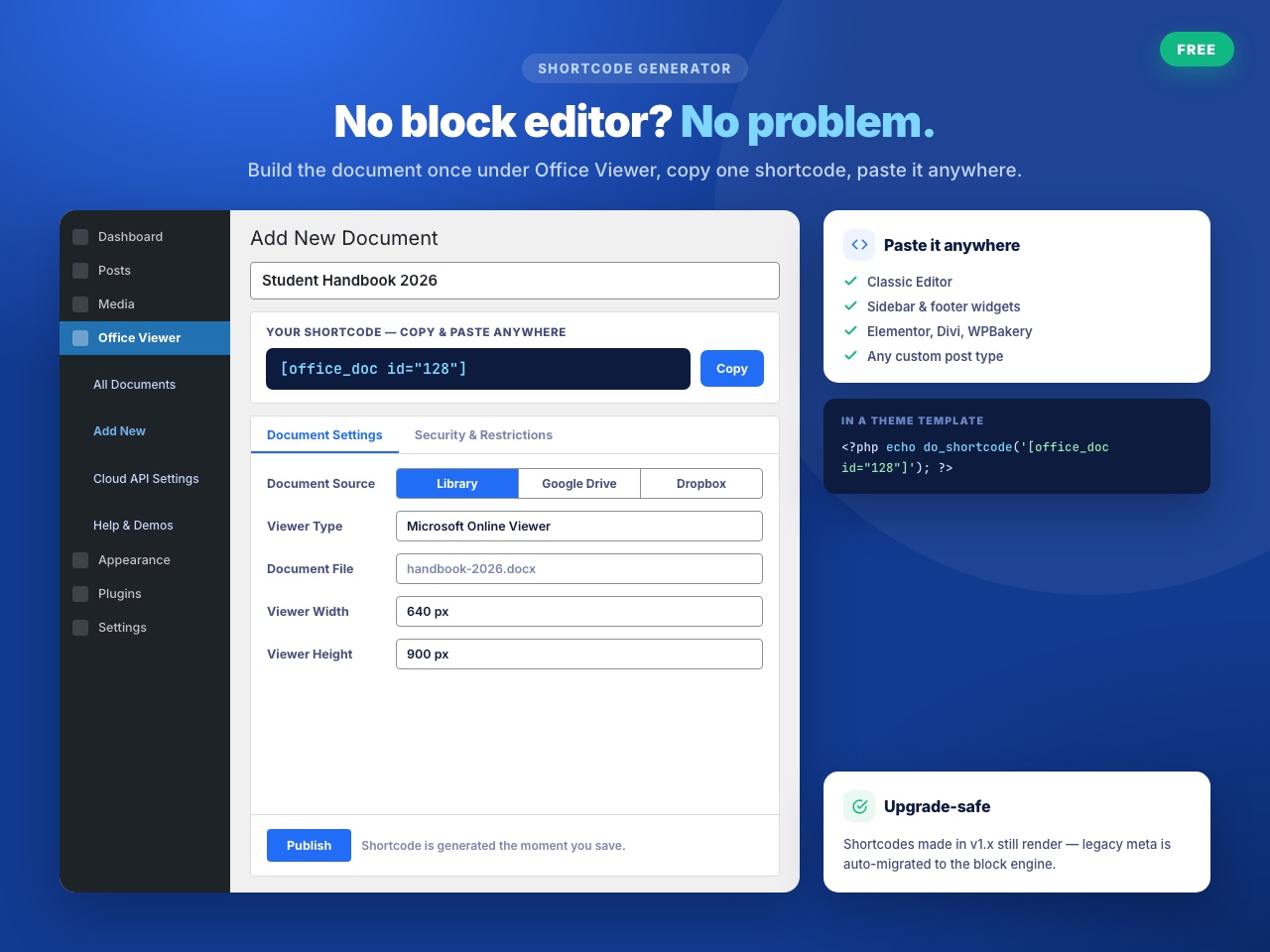
The plugin supports Google Doc Viewer and Microsoft Online Viewer, allowing easy embedding through shortcodes or Gutenberg block. Just upload a file generate shortcode insert anywhere done.
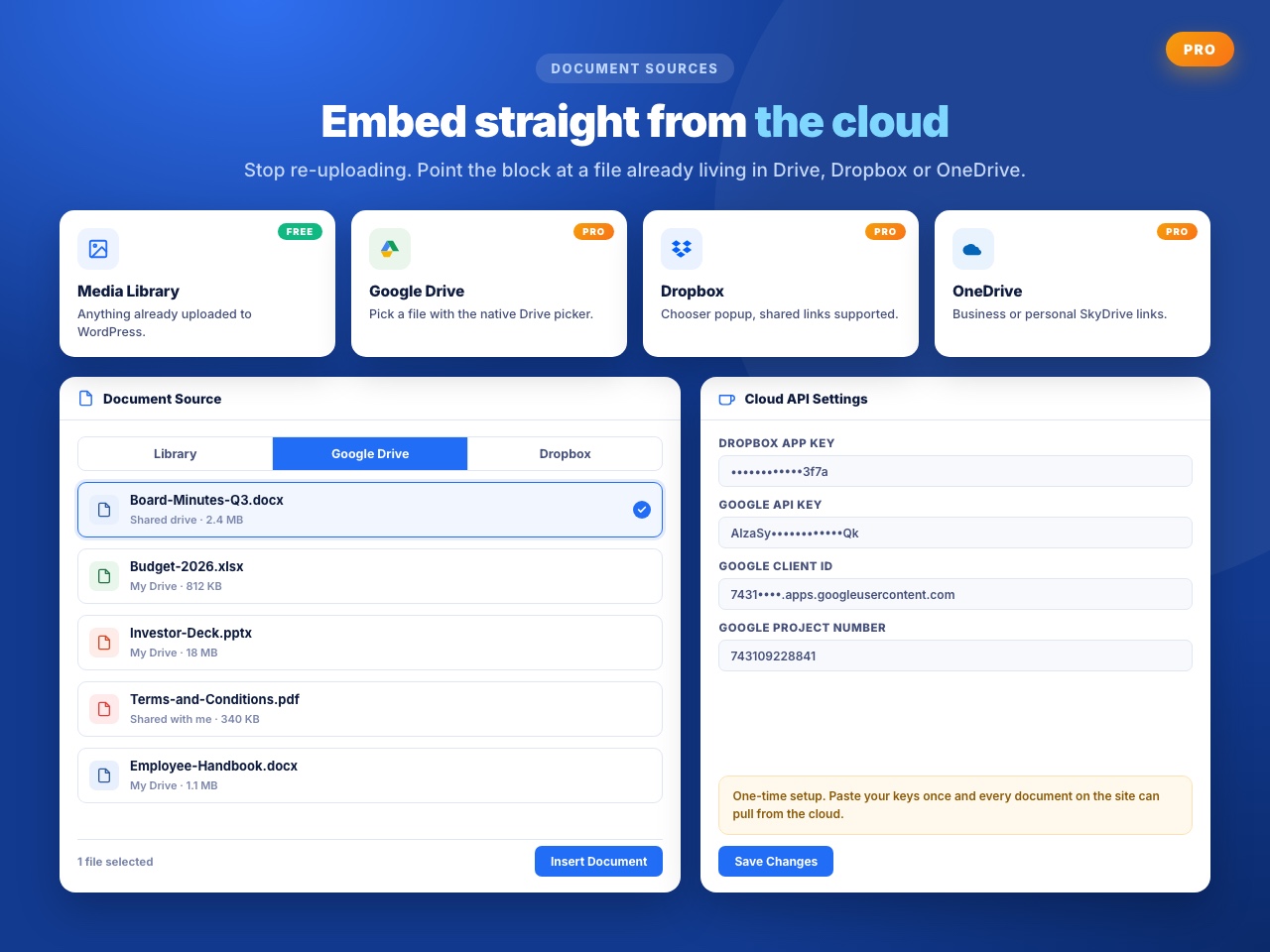
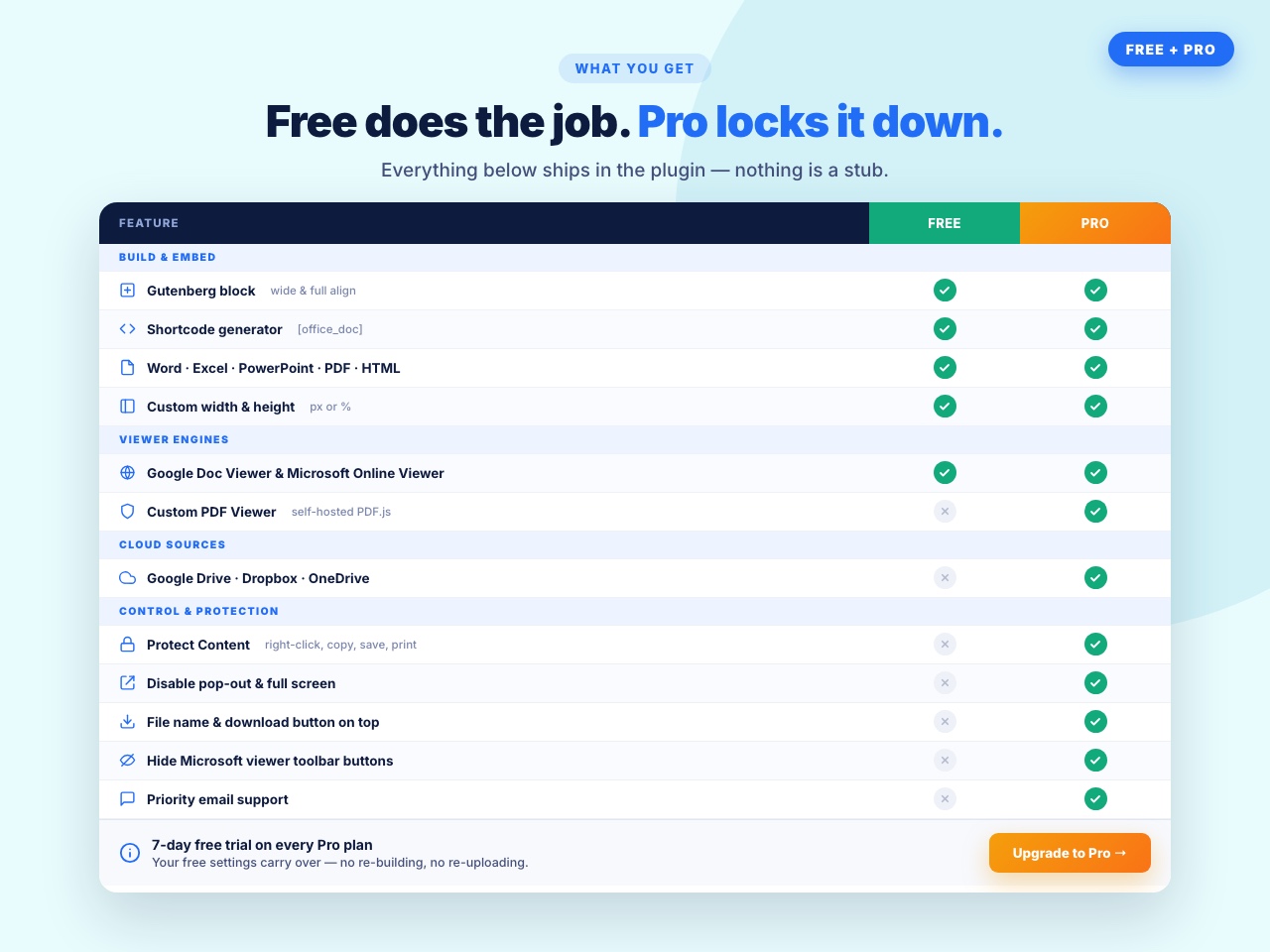
The Pro version unlocks cloud integrations (Google Drive, OneDrive, Dropbox), extra viewing controls, and enhanced security options like disabling right-click.
Perfect for: educators, corporate sites, portfolios, publishers, agencies, product manuals, documentation systems, and more.
Key Features (Free)
– Supports Multiple Viewers: Choose between Google Doc Viewer or Microsoft Online Viewer for better compatibility.
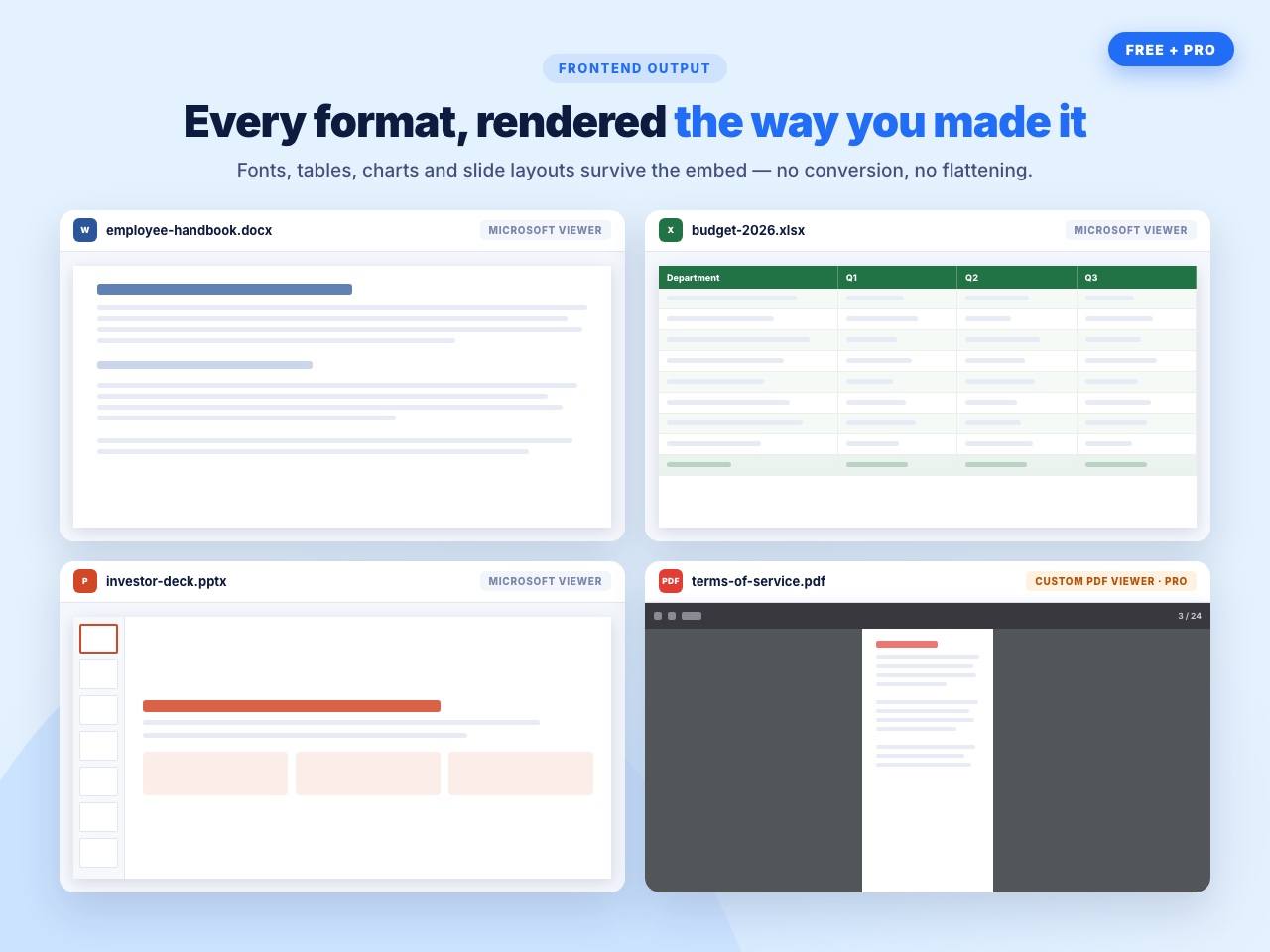
– Embed Office Files Seamlessly: Display Word, Excel, PowerPoint, and PDF files directly inside your pages.
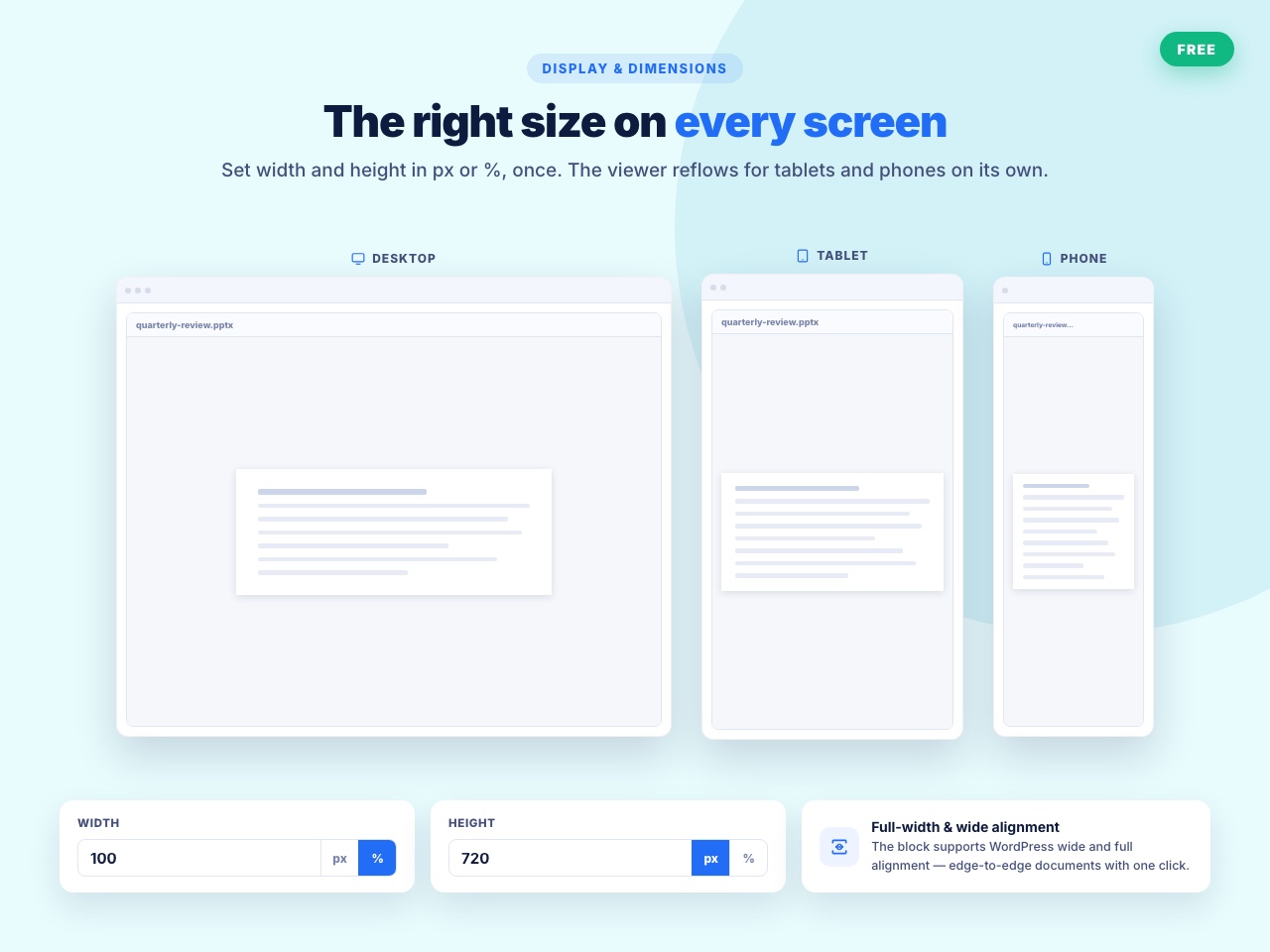
– Fully Responsive: Works perfectly across mobile, tablet, and desktop devices.
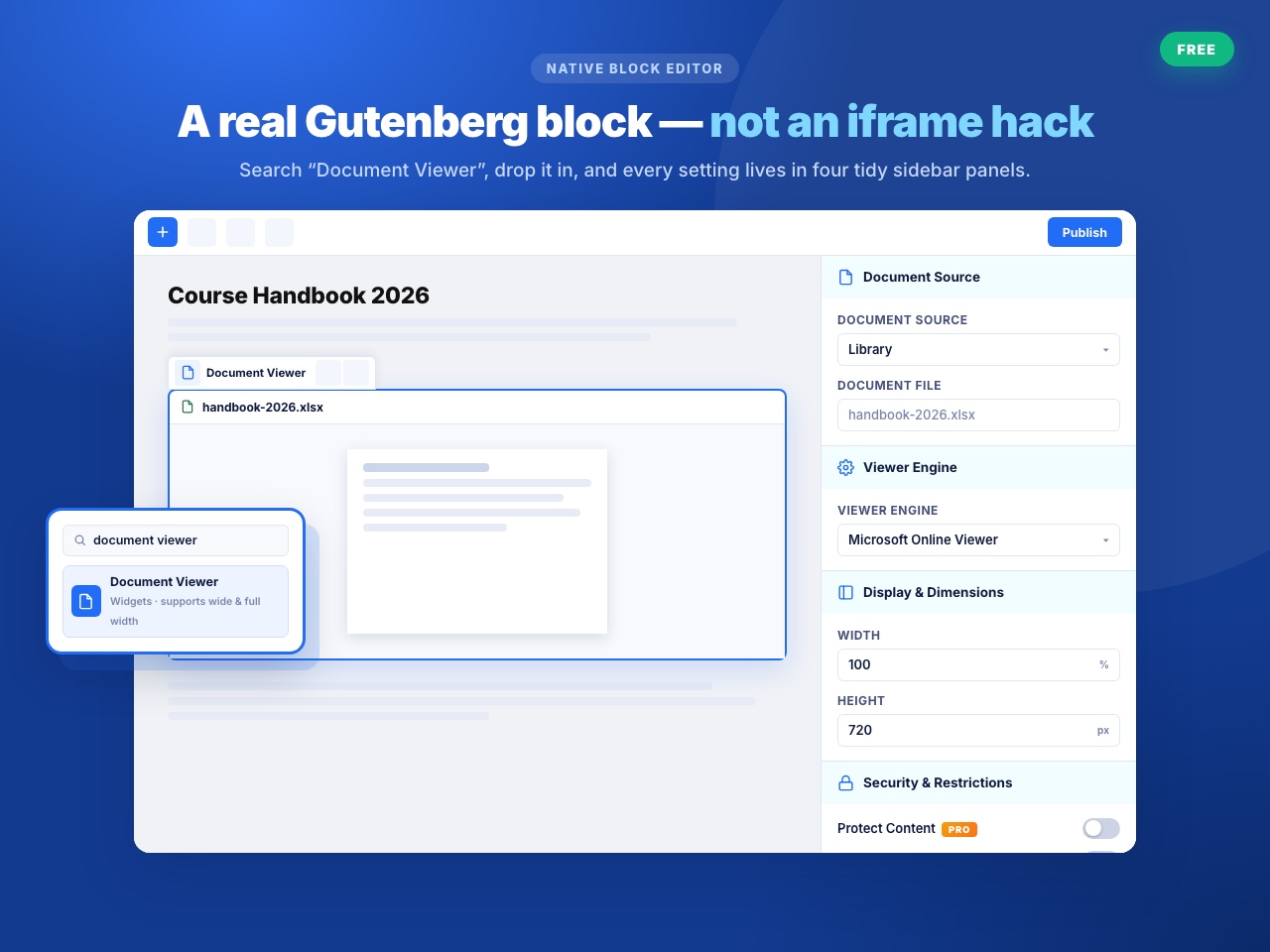
– Customizable Layout: Adjust width and height to match your site design.
– Gutenberg Block Support: Add documents visually using the block editor.
– No Conversion Needed: Upload your file as-is — the viewer handles everything.
Pro Features
Upgrade to Document Viewer Pro and unlock premium document control and cloud integration.
What’s Included in Pro?
– Google Drive File Picker
Select files directly from your Google Drive account. No need to upload manually — just browse your drive, pick a file, and embed instantly.
– Dropbox File Picker
Connect your Dropbox account to choose documents from your cloud storage. The embedded document will always display the latest version.
– View Docs via Google Doc Viewer
Use Google’s online viewer for smoother, faster rendering of Word, Excel, PowerPoint, PDF, and more. Offers better compatibility and performance in many cases.
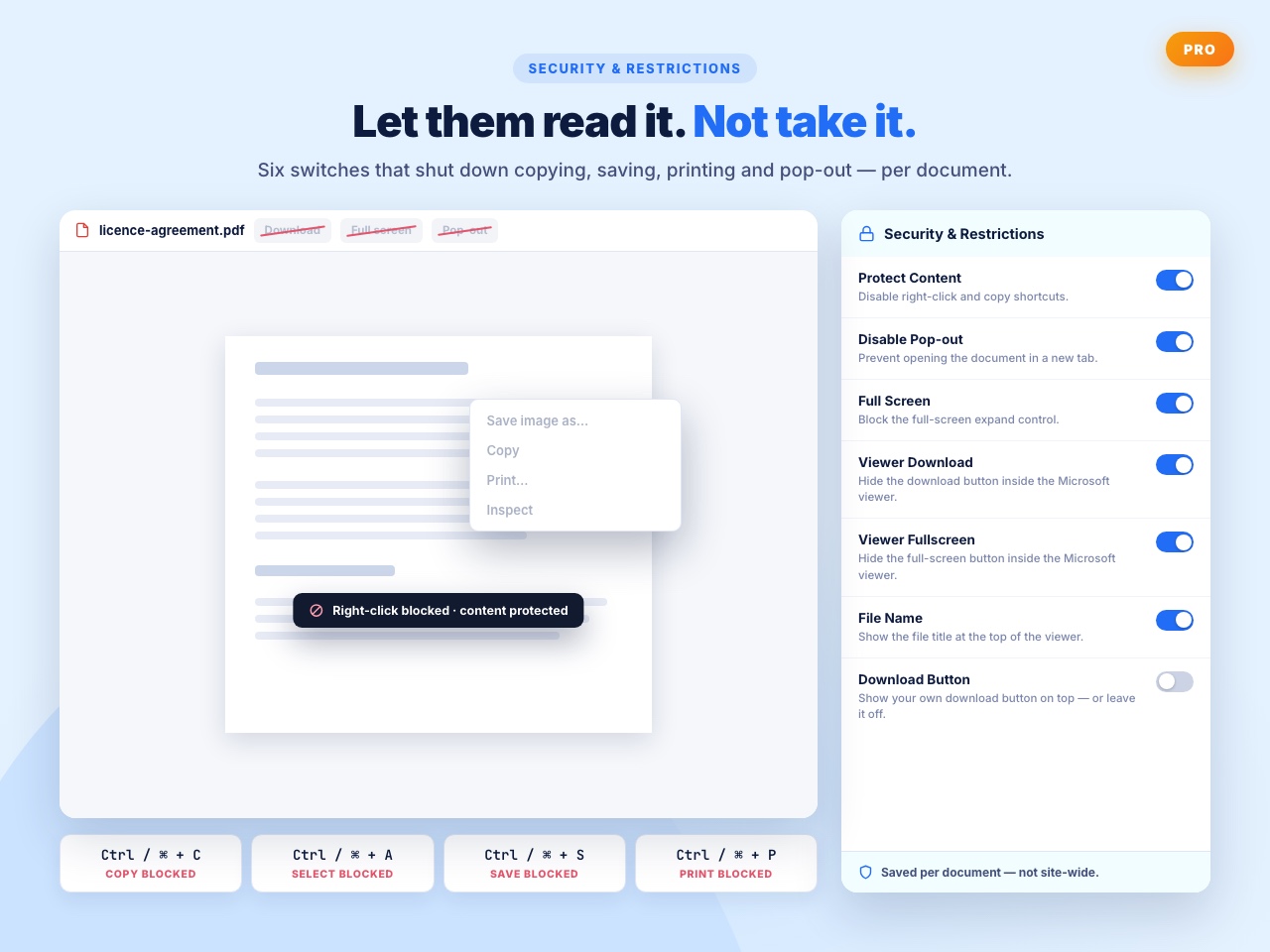
– Enable/Disable Pop-Out Option
Decide if visitors can open the document in a new tab or pop-out window. Keeps users on your page when needed or allows full-screen viewing if preferred.
– Show/Hide File Name Header
Choose whether to display the file name above the embedded document. Keep your design clean or maintain privacy as needed.
– Show/Hide Download Button
Control whether users can download the document. Useful for protecting course materials, confidential files, or premium content.
– Disable Right-Click (Content Protection)
Prevent visitors from right-clicking on the document to save, copy, or download it. Adds an extra layer of content protection.
– More Viewer Customization Settings
Fine-tune how your documents are displayed, including scroll behavior, frame borders, responsive heights, clean embed mode, and other visual settings.
User Feedback
⭐⭐⭐⭐⭐ Impressively Stable
❛❛Nice wp plugin ever. I’ve use it for 4 years.❜❜
⭐⭐⭐⭐⭐ Does the job well.
❛❛This plugin works fine❜❜
⭐⭐⭐⭐⭐ Exactly What I Need
❛❛***I am a theatre director and I use my website to communicate with my performers and technical crews.
I wanted to SHOW them documents in situ as well as enable them to easily download them and, after looking at other solutions, this plugin is PERFECT for this.
I am delighted with it and cannot recommend it highly enough.***❜❜
– Did you like this plugin? Dislike it? Have a feature request? Please share your feedback with us
How It Works
– Your Document will be embed in your site, blog via a iframe which is service of Office Web Viewer
– This plugin use Office Web Viewer service of Microsoft Read More About Office Web viewer
– Terms Of Service : Microsoft’s Terms of service
– Privacy Policy: Microsoft’s Privacy Policy
📘 How to Use – Quick Start Guide
- Install & activate the plugin
- Go to: Office Viewer Add New
- Upload a document
- Configure viewer settings
- Copy the shortcode
- Paste into any post, page, or widget
Your document is now fully embedded!
Use Cases
- Document previews before download
- School/college syllabus viewer
- Product manuals or guides
- Employee onboarding documents
- Business reports & spreadsheets
- Presentations and pitch decks
- PDF books, brochures, and catalogs
⭐ Checkout our other WordPress Plugins
🔥 Html5 Audio Player – Best audio player plugin for WordPress
🔥 Html5 Video Player – Modern video player plugin
🔥 PDF Poster – Advanced PDF viewer
🔥 StreamCast – Radio player plugin
🔥 3D Viewer – Display interactive 3D models
Details

Related plugins
Plugins that also contain the tag document-viewer
Embed Any Document – Embed PDF, Word, PowerPoint and Excel Files

Document Preview For WooCommerce

PDF Embedder – Scrollable

PDF Rack – PDF Viewer, Document Manager & Embed PDF Files

Continuous PDF Viewer
SAB PDF Flipbook

About
Plugin for that tries to help you find the WordPress plugin you are looking for.
| Please enjoy an image of Crush (this awesome turtle) and have a lovely day! |  |
We do not own any plugin listed on this site and do not work for or work with WordPress.com or it's associated companies. We simply provide a searchable list of the available WordPress plugins.