


Back

Enable Classic Editor & Widgets
Details
View on WordPress
Back
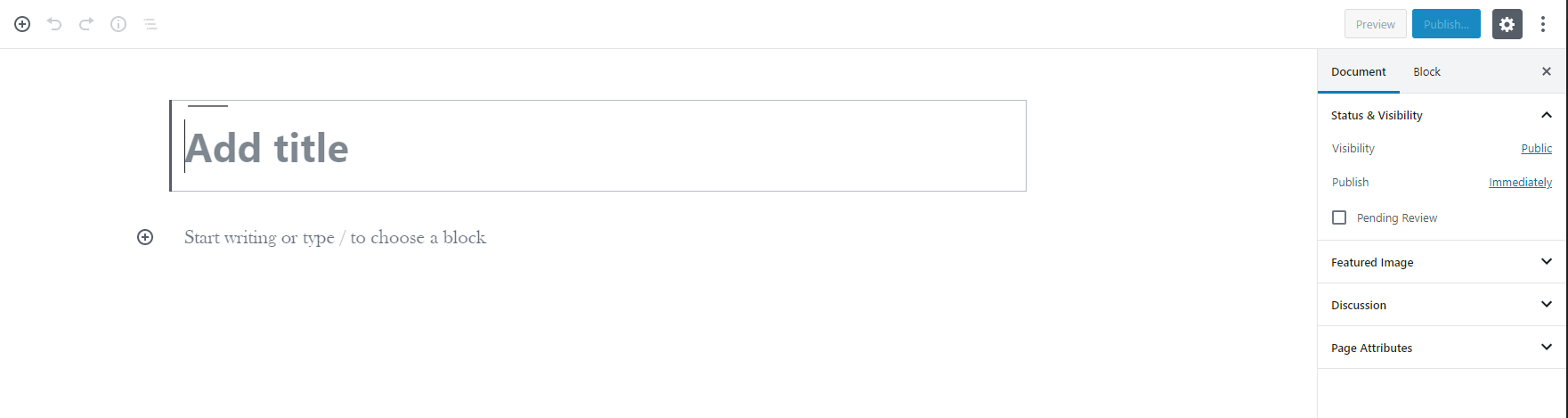
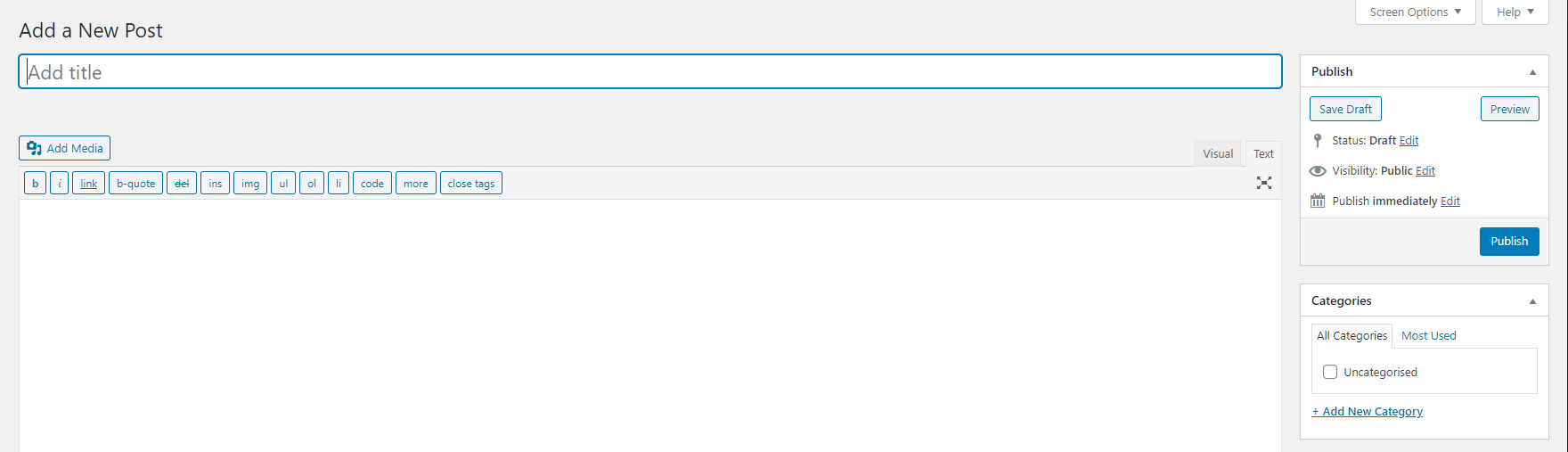
This is a lightweight Classic Editor plugin that gives you complete control over when to use the Classic Editor vs the Block Editor (Gutenberg). Despite the introduction of Gutenberg, a brand new block editor with WordPress 5.x, many users still prefer the Classic Editor due to its compatibility and ease of use.
What does this plugin do?
- Disables the Gutenberg Block Editor (with granular control)
- Reverts back to the Classic WordPress Editor
- Reverts to Classic Widgets section
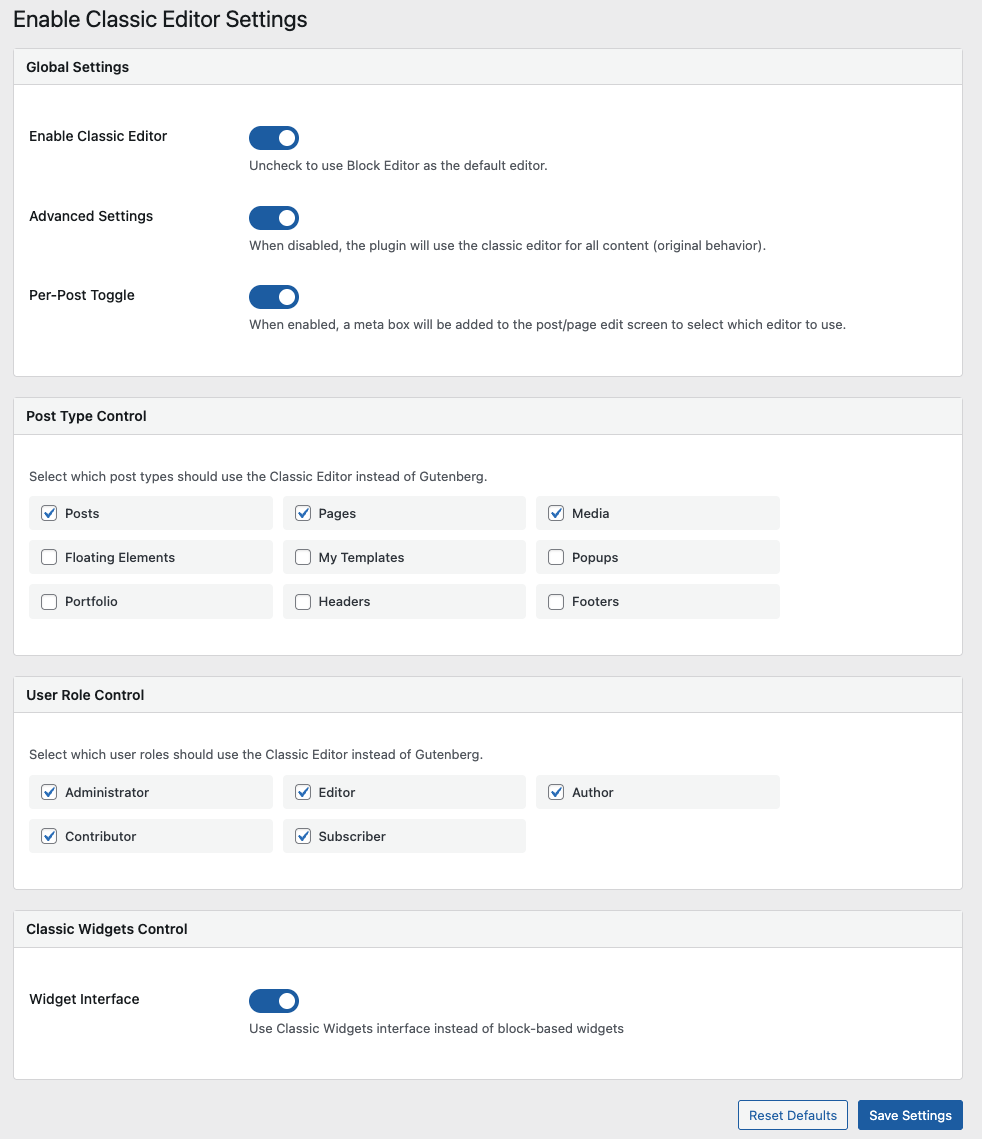
- Configure which post types use Classic Editor
- Configure which user roles use Classic Editor
- Simple mode for quick setup or Advanced mode for granular control
- Modern, user-friendly settings interface
How to use this plugin?
- Simple Mode: Just activate the plugin and it works immediately (default)
- Advanced Mode: Enable “Advanced Settings” to configure per post type and user role
Details
Plugin code:
enable-classic-editor
Plugin version:
3.2
Author:
Outdated:
No
WP version:
4.9 or higher
PHP version:
5.6 or higher
Test up to WP version:
6.8.3
Total installations:
2,000
Last updated:
2025-11-08
Rating:
Times rated:
5
block-editor
classic-editor
disable-gutenberg
enable-classic-editor
gutenberg
Related plugins
Plugins that also contain the tag block-editor
Classic Editor

Starter Templates – AI-Powered Templates for Elementor & Gutenberg

Advanced Editor Tools

Disable Gutenberg

Gutenberg Essential Blocks – Page Builder for Gutenberg Blocks & Patterns

Blocks Animation: CSS Animations for Gutenberg Blocks


About
Plugin for that tries to help you find the WordPress plugin you are looking for.
| Please enjoy an image of Crush (this awesome turtle) and have a lovely day! |  |
We do not own any plugin listed on this site and do not work for or work with WordPress.com or it's associated companies. We simply provide a searchable list of the available WordPress plugins.