

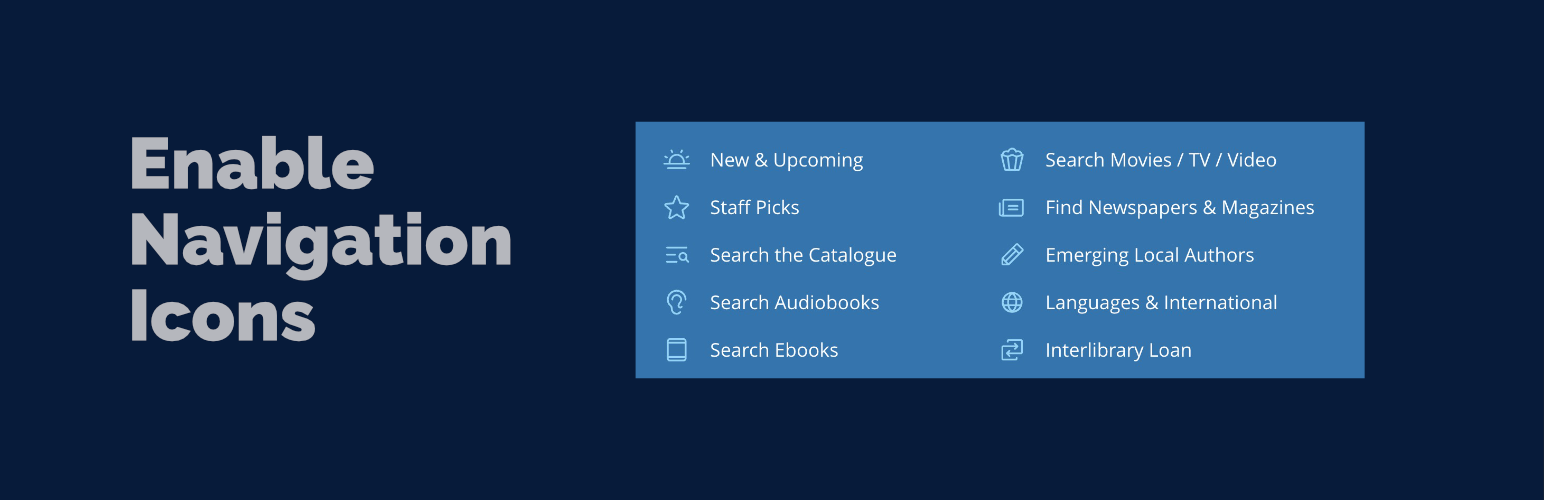
Enable Navigation Icons
Enable Navigation Icons makes it simple to add and customize icons for your WordPress Navigation Block items. Whether you’re building a simple menu or complex mega menu navigation, this plugin provides intuitive controls for adding beautiful icons to your navigation links.
Recommended Companion Plugin: Use the Icon Block plugin to add custom icon sets and expand your icon library options. Icon Block is a powerful companion that allows you to register additional icon libraries for use with Enable Navigation Icons.
Key Features
Icon Selection
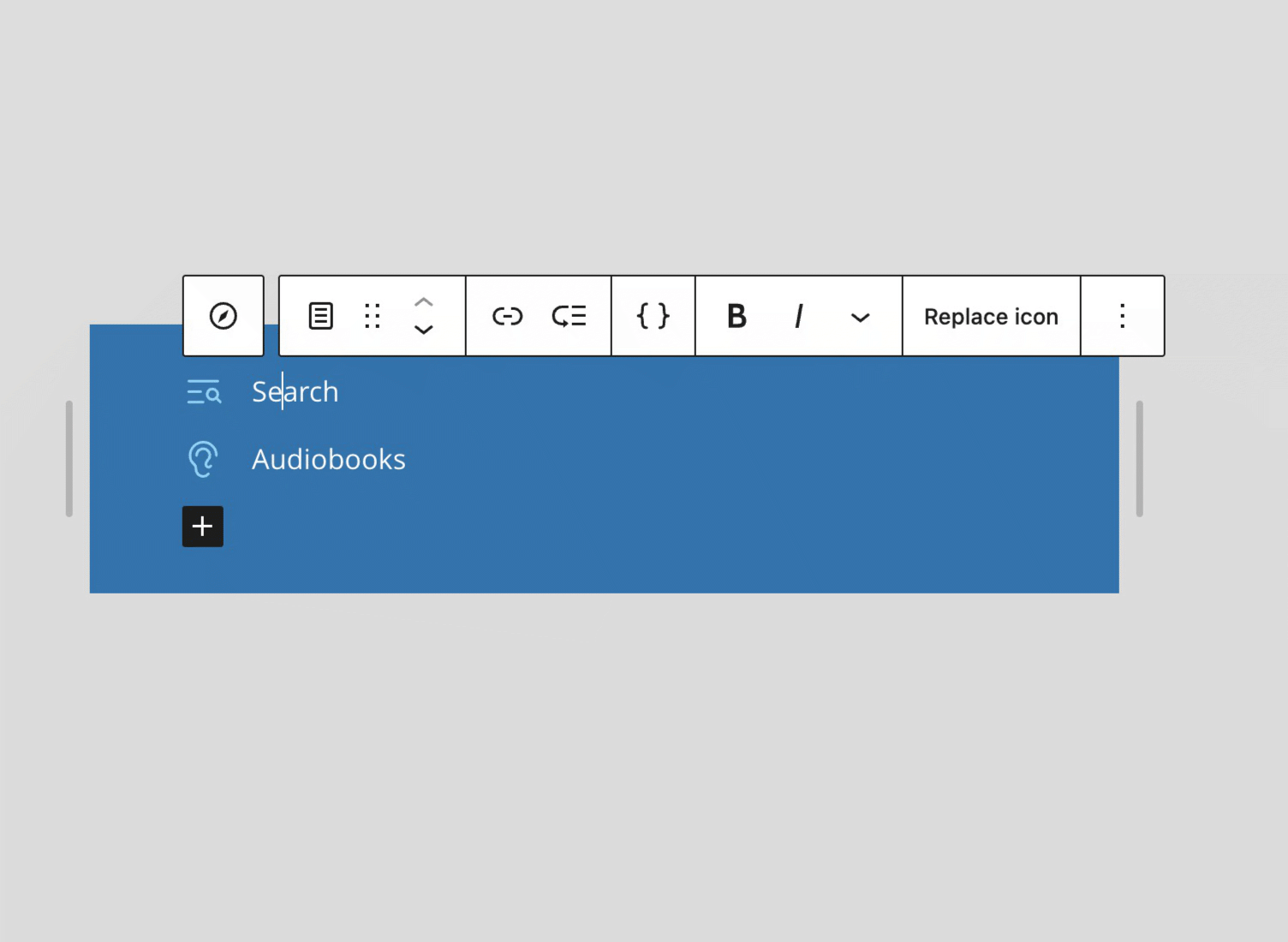
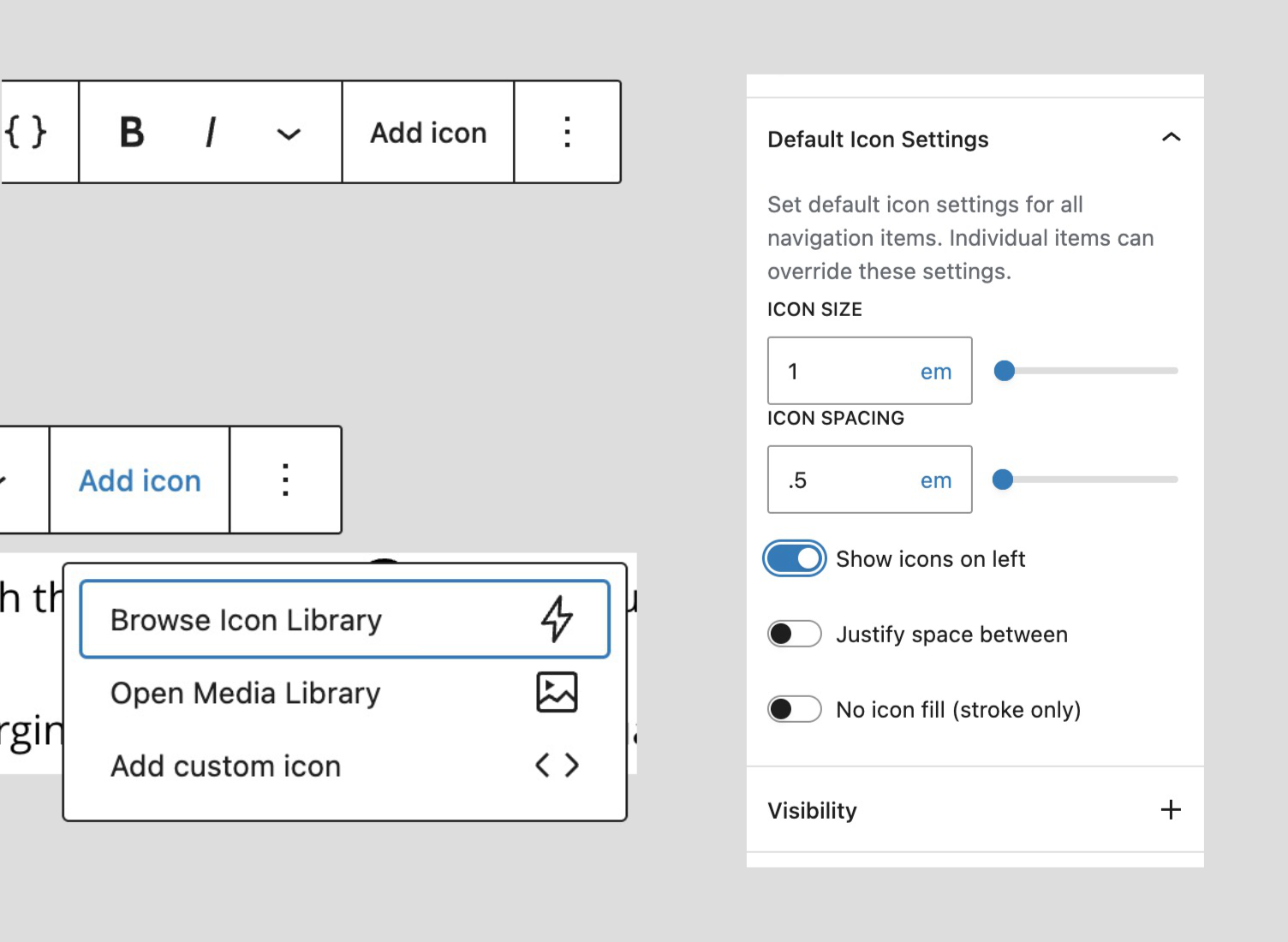
* Browse and select from a curated collection of WordPress icons
* Upload and use custom SVG icons from your media library
* Paste custom SVG code directly for complete flexibility
Icon Positioning
* Position icons before or after navigation link text (left/right)
* Space between justification for full-width layouts
* Flexible alignment options
Icon Styling
* Adjust icon dimensions with a slider control (supports px, em, rem units)
* Control the gap between icon and text (supports px, em, rem units)
* Choose from theme colors or set a custom color
* Support for stroke-based icons with “No Fill” option (e.g., Lucide icons)
Navigation Block Default Settings
Set default icon settings at the Navigation block level that apply to all child navigation items:
* Configure size, spacing, color, position, and styling once for the entire navigation
* Individual navigation items can inherit defaults or use custom settings
* Works seamlessly with multiple and nested Navigation blocks
* Applies to both inline navigation items and dynamically loaded WordPress menus
This feature streamlines icon management for large navigation menus by eliminating repetitive configuration while maintaining flexibility for individual items.
Ollie Menu Designer Integration
Full support for the Ollie Menu Designer plugin’s mega menu dropdown items:
* Add icons to Ollie mega menu dropdown navigation items
* Same icon selection and styling options as standard navigation items
* Works seamlessly with Ollie themes and the Menu Designer plugin
Supported Blocks
core/navigation– Navigation block (for setting default icon settings)core/navigation-link– Standard navigation linkscore/navigation-submenu– Submenu/dropdown navigation itemsollie/mega-menu– Ollie Menu Designer dropdown menu items (requires Ollie Menu Designer plugin)
Credits
This plugin was inspired by and incorporates code and ideas from the enable-button-icons project. Special thanks to @ndiego for his excellent work on button icon functionality, which served as a foundation for implementing navigation icon features.
Details
Related plugins
Plugins that also contain the tag block-editor
Classic Editor

Starter Templates – AI-Powered Templates for Elementor & Gutenberg

Advanced Editor Tools

Disable Gutenberg

Gutenberg Essential Blocks – Page Builder for Gutenberg Blocks & Patterns

Blocks Animation: CSS Animations for Gutenberg Blocks


About
Plugin for that tries to help you find the WordPress plugin you are looking for.
| Please enjoy an image of Crush (this awesome turtle) and have a lovely day! |  |
We do not own any plugin listed on this site and do not work for or work with WordPress.com or it's associated companies. We simply provide a searchable list of the available WordPress plugins.