

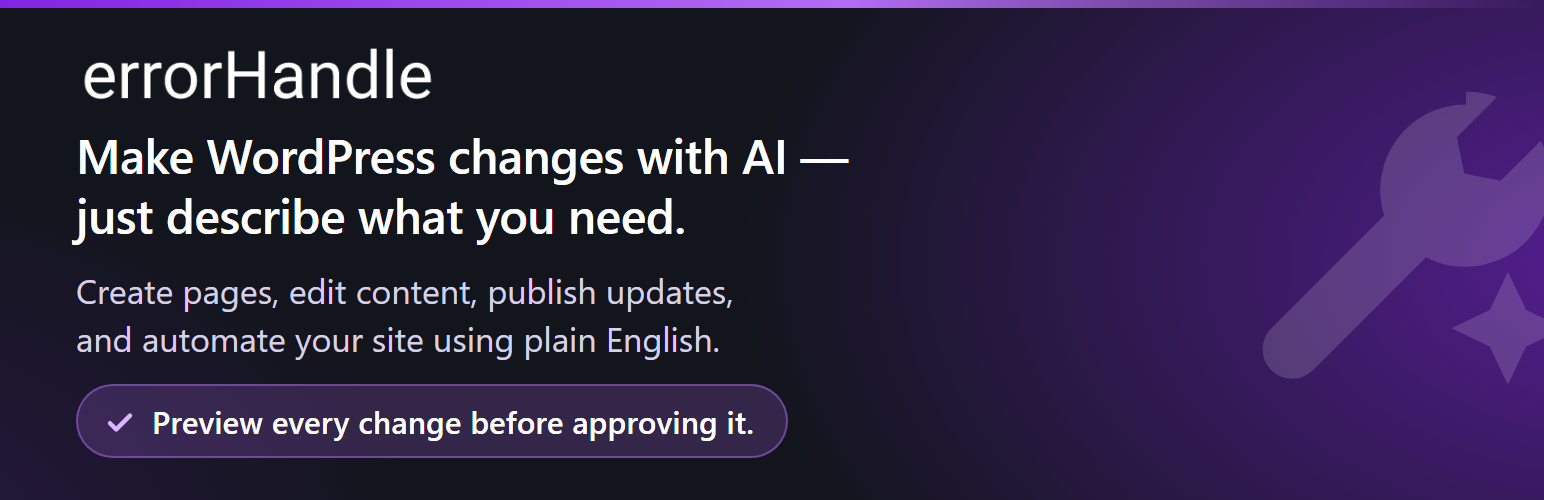

errorHandle
errorHandle is an AI assistant for your WordPress site. Tell it what you
want in your own words. It shows you exactly what it would change. Nothing
happens until you say yes.
No coding. No page builder. No support ticket.
How it works
- Describe it. “Change the phone number on every page to 020 7946 0100.”
- Preview it. You see the exact pages, and the exact before and after.
- Approve it. errorHandle makes the change and checks that it worked.
Changed your mind? Undo it from the History screen.
Things people ask it to do
- “Create a draft page called Returns Policy with our 30-day policy.”
- “Change the phone number on every page to 020 7946 0100.”
- “Publish the About page.”
- “Replace ‘Call us today’ with ‘Schedule a consultation’ across the site.”
- “When a new customer registers, email me their name and address.”
- “When a WooCommerce order over £500 comes in, add a note and email me.”
Why errorHandle
- No code required. Describe the outcome, not the method.
- You stay in control. Every change is previewed and approved by you.
Nothing is applied behind your back. - Faster than clicking through screens. One sentence can change fifty
pages. - It tells you the truth. After applying, it reads the change back and
reports done, partly applied, or failed — never a success it cannot
confirm. - Automations cost nothing to run. AI is used only while you are
building. Once approved, an automation runs as ordinary PHP and never
contacts an AI service again, however often it fires.
What it will not do
Worth saying plainly, because these are deliberate:
- It does not store or run code. No CSS, JavaScript, PHP, raw HTML or
tracking snippets. For styling use the Customizer or your theme; for
tracking and embeds use a plugin built for it. - It does not touch your server. Nginx, Apache,
.htaccess,php.ini,
DNS and file permissions are outside WordPress. It says so instead of
guessing. - It does not phone home. No telemetry, no licence checks, no usage
reporting. A fresh install makes no external request at all until you
choose an AI option.
Your free AI commands
On first run errorHandle asks how you want to power it. Choose
errorHandle AI and you get:
- 3 AI commands straight away — no account, no email, no card.
- 7 more once you confirm an email address.
- 10 in total, for the lifetime of that site.
Confirming your email does not reset the count: if you have used three, seven
remain. Reinstalling does not grant a fresh ten.
When the ten are used, nothing you have built stops working. Every
automation, your history and undo, and every feature of the plugin keep
working, because none of them use AI. Only new AI planning pauses — and you
can carry on with your own API key, or with the offline planner, at no cost.
Four ways to power it
1. errorHandle AI — free trial. We pay for the first ten commands. Opt in
with a button; nothing is sent until you do.
2. WordPress AI — recommended on WordPress 7.0+. WordPress 7.0 can hold
your AI key for the whole site. Add it once to an AI provider plugin, and
errorHandle uses it without ever storing or seeing a key of its own.
3. Your own API key. Anthropic (Claude), OpenAI or Google Gemini.
Requests go straight from your server to your provider, and errorHandle
does not count, cap or meter them — there is no limit from us because there
is no cost to us. Your provider bills you at their rates. Note that a
ChatGPT Plus, Claude Pro or Gemini app subscription is not API access; you
need a developer API key.
4. The offline planner. Runs on your own server and contacts nothing at
all. It recognises common request shapes — text replacement, publishing and
the standard automation patterns — rather than free-form description. Pick it
if you would rather nothing left the building.
About Pro
A paid tier is intended, where errorHandle supplies the AI with a monthly
allowance. It does not exist yet. There is no billing, no licence, no
account to create and nothing to buy in this version, and the plugin will
never interrupt you to sell one.
External services
errorHandle contacts an external service only when you have explicitly
chosen one. On first run it asks, and nothing is contacted until you
answer. The default is the offline planner, which contacts nothing.
errorHandle AI (optional)
If you choose it, the plugin uses errorHandle’s hosted service at
wp.errorhandle.com. You are shown what is sent before you agree, and you have
to press a button.
At registration it receives your site’s address and your WordPress, PHP and
plugin versions, then asks your site to publish a single-use token at one
public URL to prove the site is yours. For each request it receives the text
you typed and the site summary listed below, and forwards them to
Anthropic, which generates the plan.
It records how many commands you have used and approximate token counts. It
does not keep your requests, your content, your users or your IP address. If
you confirm an email address, it is stored hashed and encrypted, and the
confirmation email is sent through Microsoft Graph.
Terms: https://errorhandle.com/wp-errorhandle-terms/
Privacy: https://errorhandle.com/wp-errorhandle-privacy/
Your own AI provider (optional)
With your own key, or with WordPress AI, requests go directly from your
server to that provider. errorHandle is not involved and receives nothing.
- Anthropic — api.anthropic.com —
Terms: https://www.anthropic.com/legal/consumer-terms —
Privacy: https://www.anthropic.com/legal/privacy - OpenAI — api.openai.com —
Terms: https://openai.com/policies/terms-of-use —
Privacy: https://openai.com/policies/privacy-policy - Google Gemini — generativelanguage.googleapis.com —
Terms: https://ai.google.dev/gemini-api/terms —
Privacy: https://policies.google.com/privacy
What a provider receives
Whichever you choose, the provider receives:
- the text of the request you typed
- the list of operations your site supports (names and descriptions, not your
data) - a technical summary of your site: WordPress and PHP versions, active theme
name, whether WooCommerce or Elementor are active, counts of posts and
pages, public post type names, timezone and currency code - the titles and IDs of a few pages that look relevant to your request
It does not receive post or page content, customer records, orders, user
accounts, email addresses, passwords, API keys, or anything about your
visitors.
Every host this plugin can contact
Four, and no others:
- api.anthropic.com — only with your own Anthropic key
- api.openai.com — only with your own OpenAI key
- generativelanguage.googleapis.com — only with your own Google key
- wp.errorhandle.com — only after you choose errorHandle AI
Plus any address you enter yourself in a webhook or fetch action.
Other hostnames appear in the source and none of them is ever contacted:
links shown for you to click, a blocklist of private and cloud-metadata
addresses that outbound requests are refused for, and a list of host-preview
and development-tunnel suffixes used to recognise a throwaway copy of a site
so it cannot claim a second free trial. errorHandle holds no credentials for
those services and makes no request to any of them.
Privacy
Everything the plugin stores stays in your own WordPress database: your
requests and the plans they produced, execution history, applied changes and
their undo data, your automations, and your encrypted provider credentials.
What leaves your site depends entirely on which AI option you chose, and is
set out in full under External services above. With the offline planner,
nothing leaves at all. With your own key or WordPress AI, errorHandle is not
in the path. With errorHandle AI, the hosted service counts your commands and
forwards your request to Anthropic; it does not keep your requests, your page
content, your users or your IP address.
Uninstalling removes the plugin’s data from your WordPress database. It does
not delete the record on our side of how many free commands a site has used,
because that record is what stops a reinstall granting another ten.
Full policy: https://errorhandle.com/wp-errorhandle-privacy/
Details


Related plugins
Plugins that also contain the tag ai
SEOPress – On-site SEO & Analytics

AI Engine – The Chatbot, AI Framework & MCP for WordPress

GetGenie – AI Content Writer with Keyword Research & SEO Tracking Tools

SEO Plugin by Squirrly SEO

Website LLMs.txt

Smartsupp – live chat, AI shopping assistant and chatbots


About
Plugin for that tries to help you find the WordPress plugin you are looking for.
| Please enjoy an image of Crush (this awesome turtle) and have a lovely day! |  |
We do not own any plugin listed on this site and do not work for or work with WordPress.com or it's associated companies. We simply provide a searchable list of the available WordPress plugins.