



FlareLoad
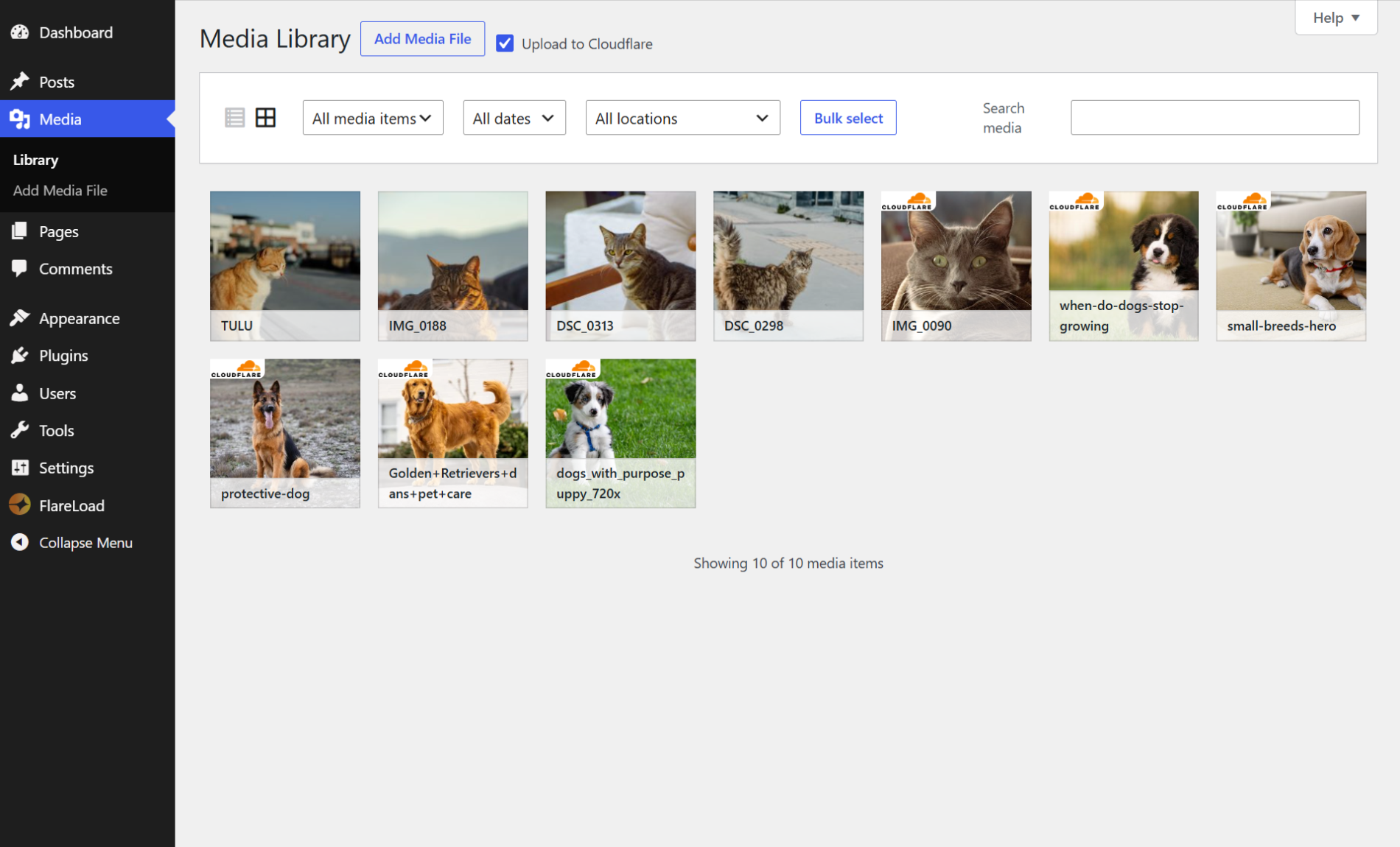
FlareLoad integrates Cloudflare Images as a direct upload destination alongside the default WordPress media uploader. Instead of storing images on your server, you can send them directly to Cloudflare’s global CDN — with automatic delivery optimization and variant support built in.
Features:
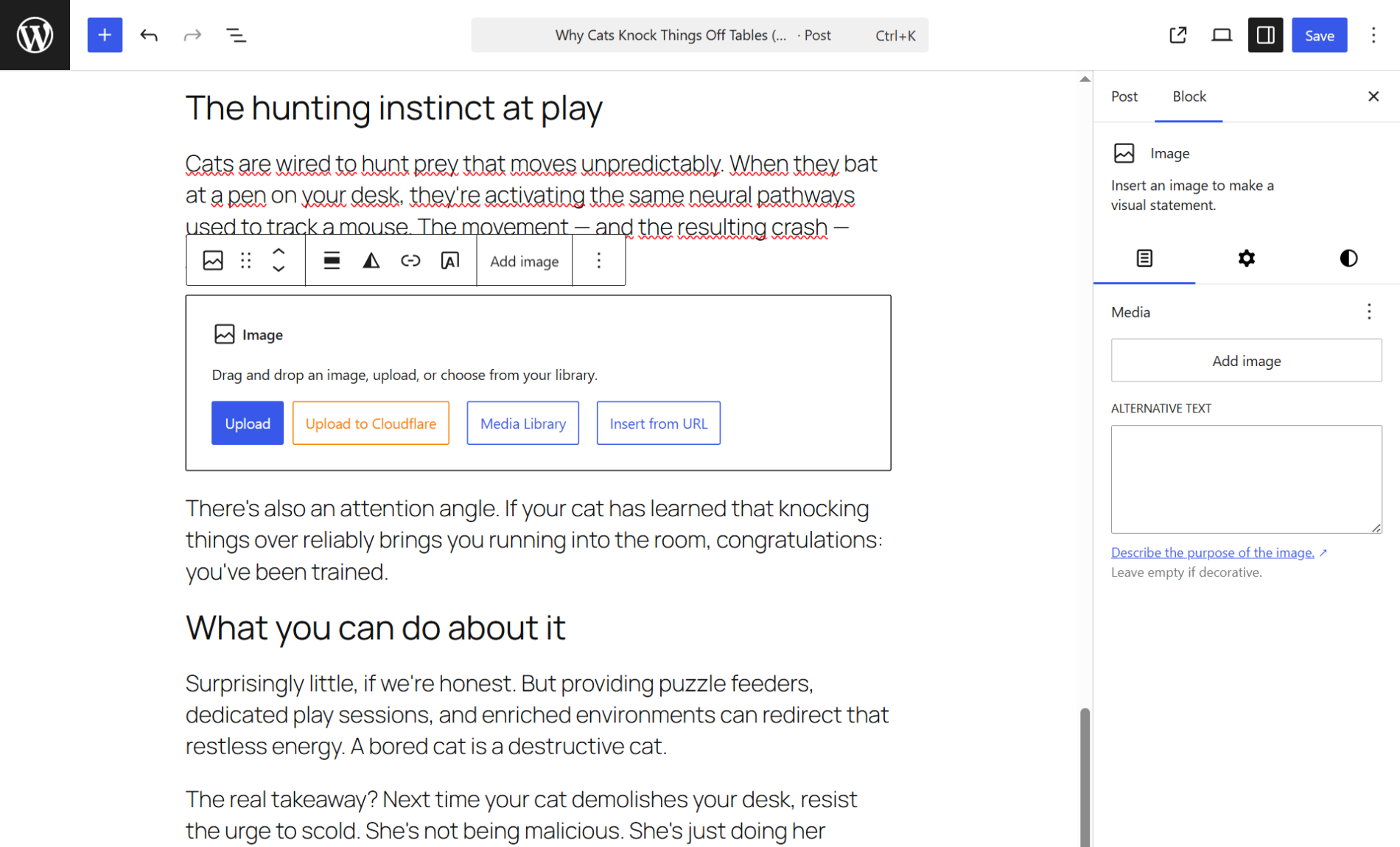
- Upload images directly to Cloudflare Images from the media library and block editor
- Keep or delete local copies after upload — your choice
- Automatic local thumbnail generation (avoids counting against Cloudflare delivery quotas)
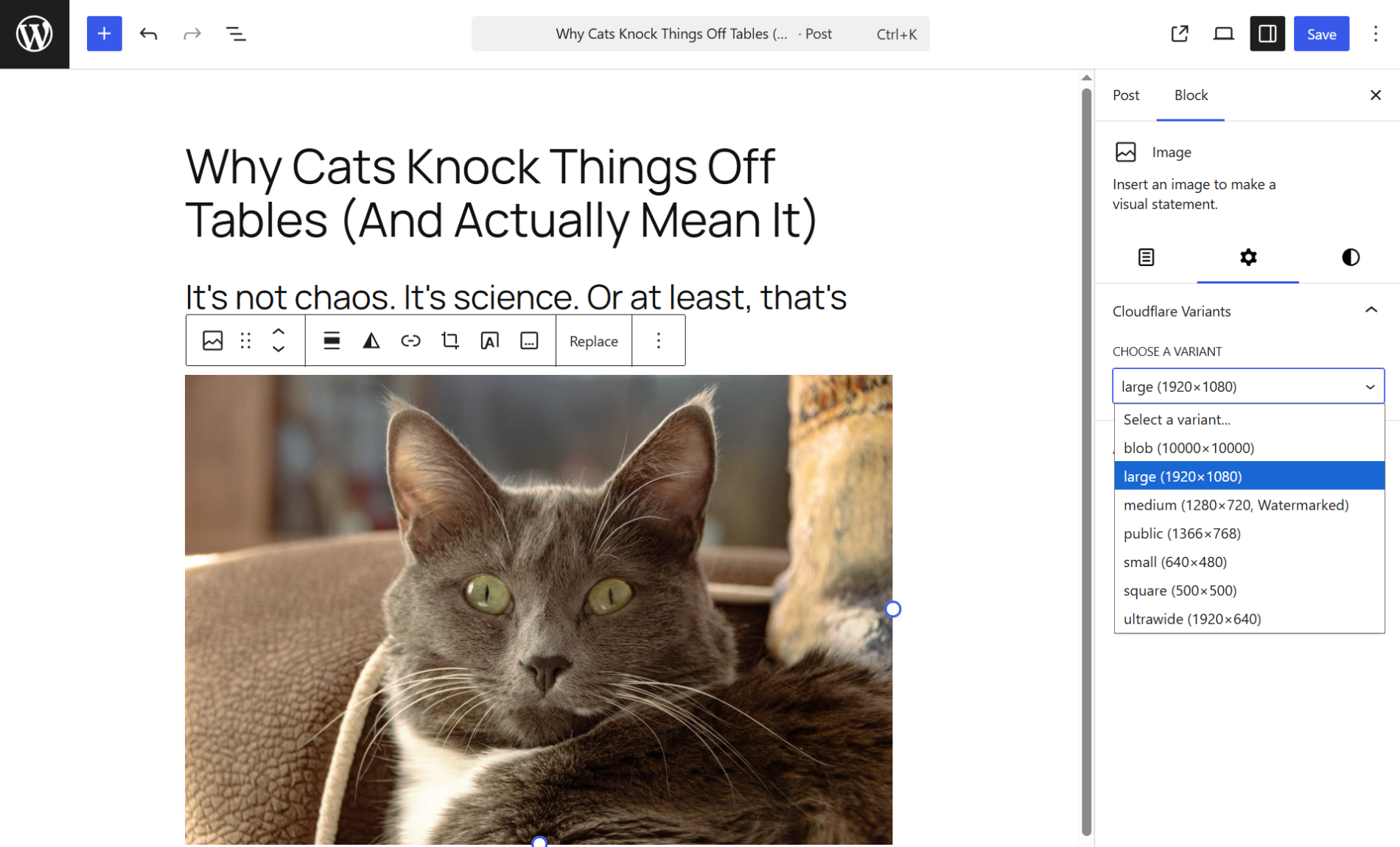
- Cloudflare image variant support with per-image variant selection in the block editor
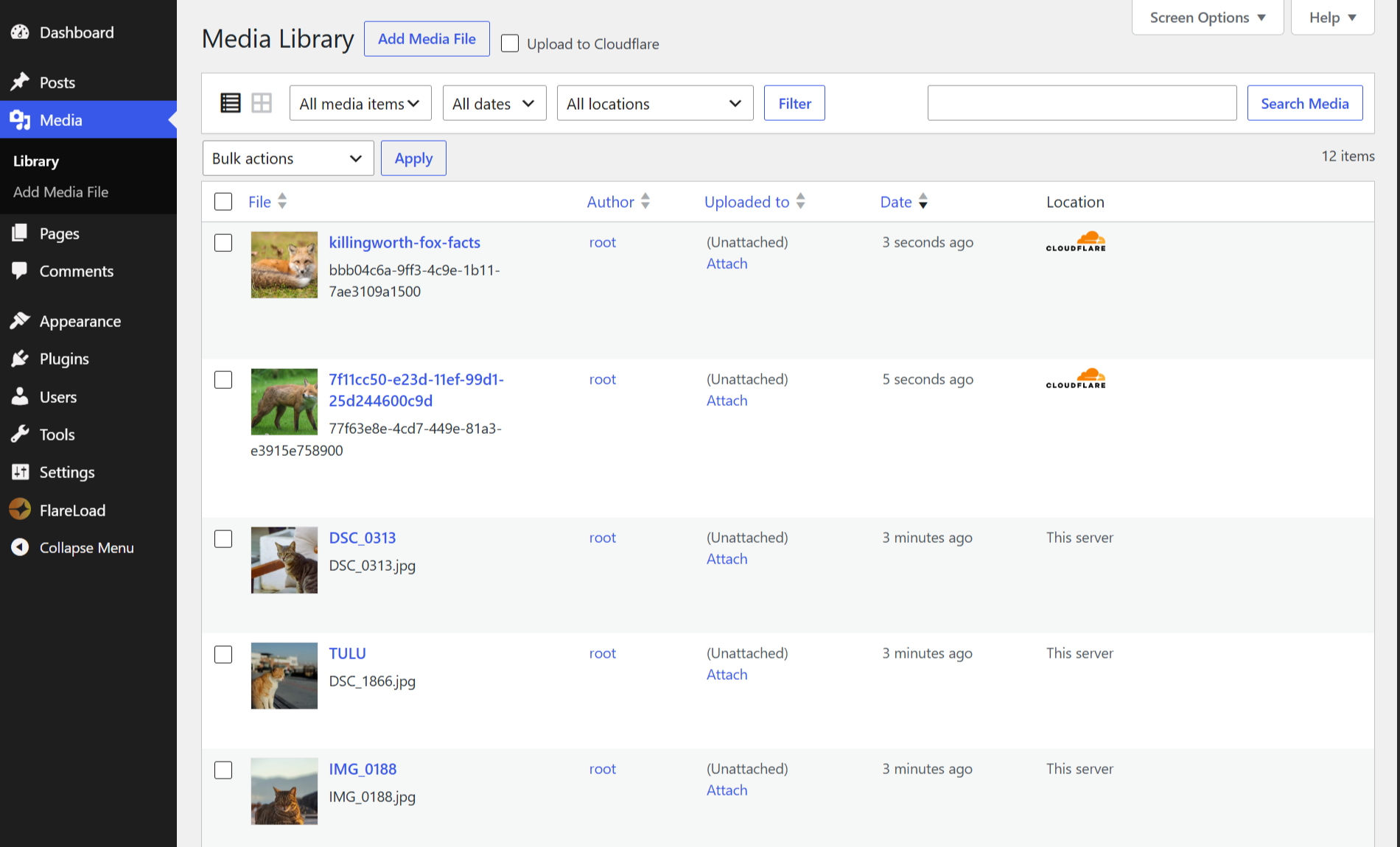
- Visual indicator in the media library list view for Cloudflare-hosted images
- Sync variants from your Cloudflare account with a single click
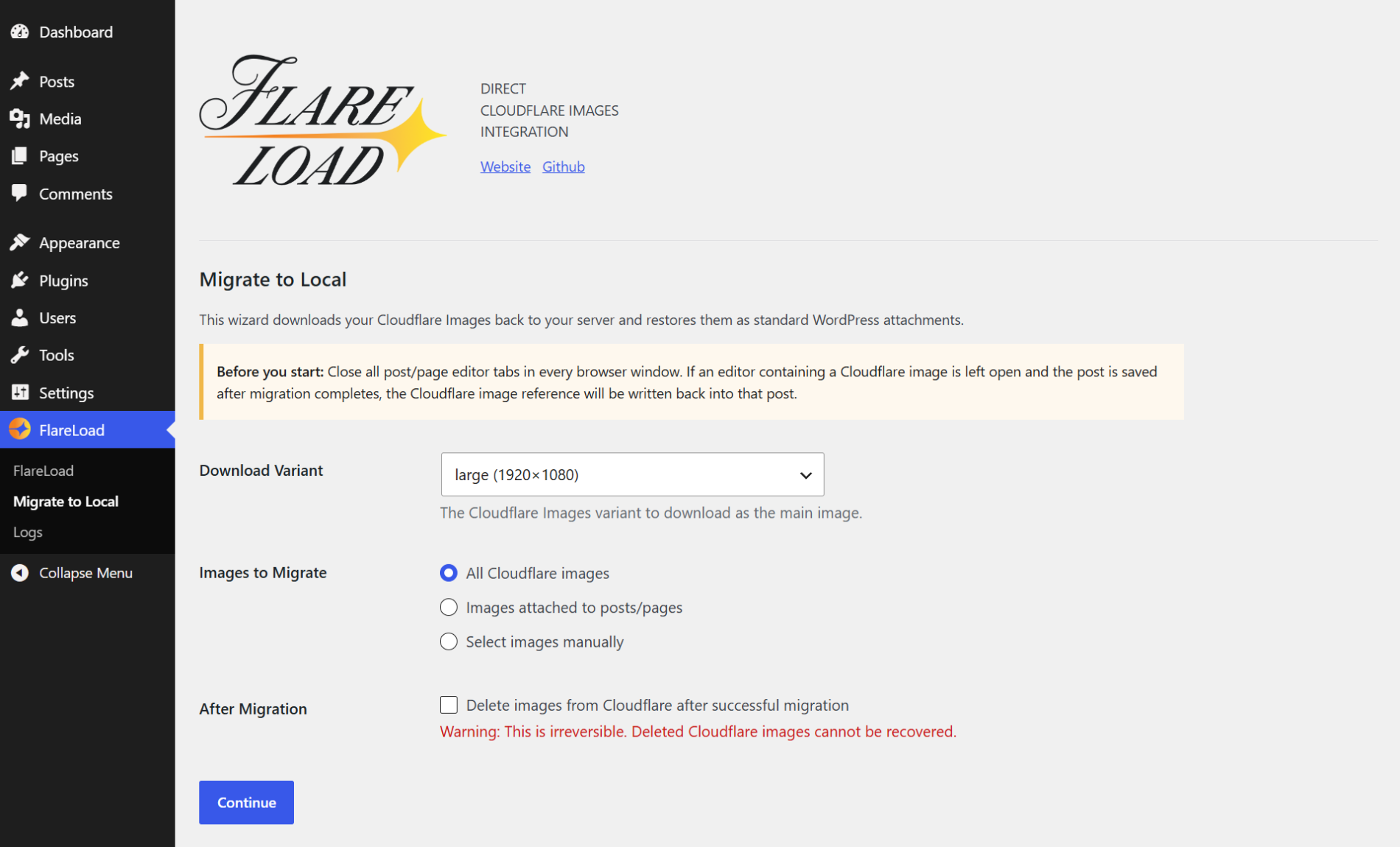
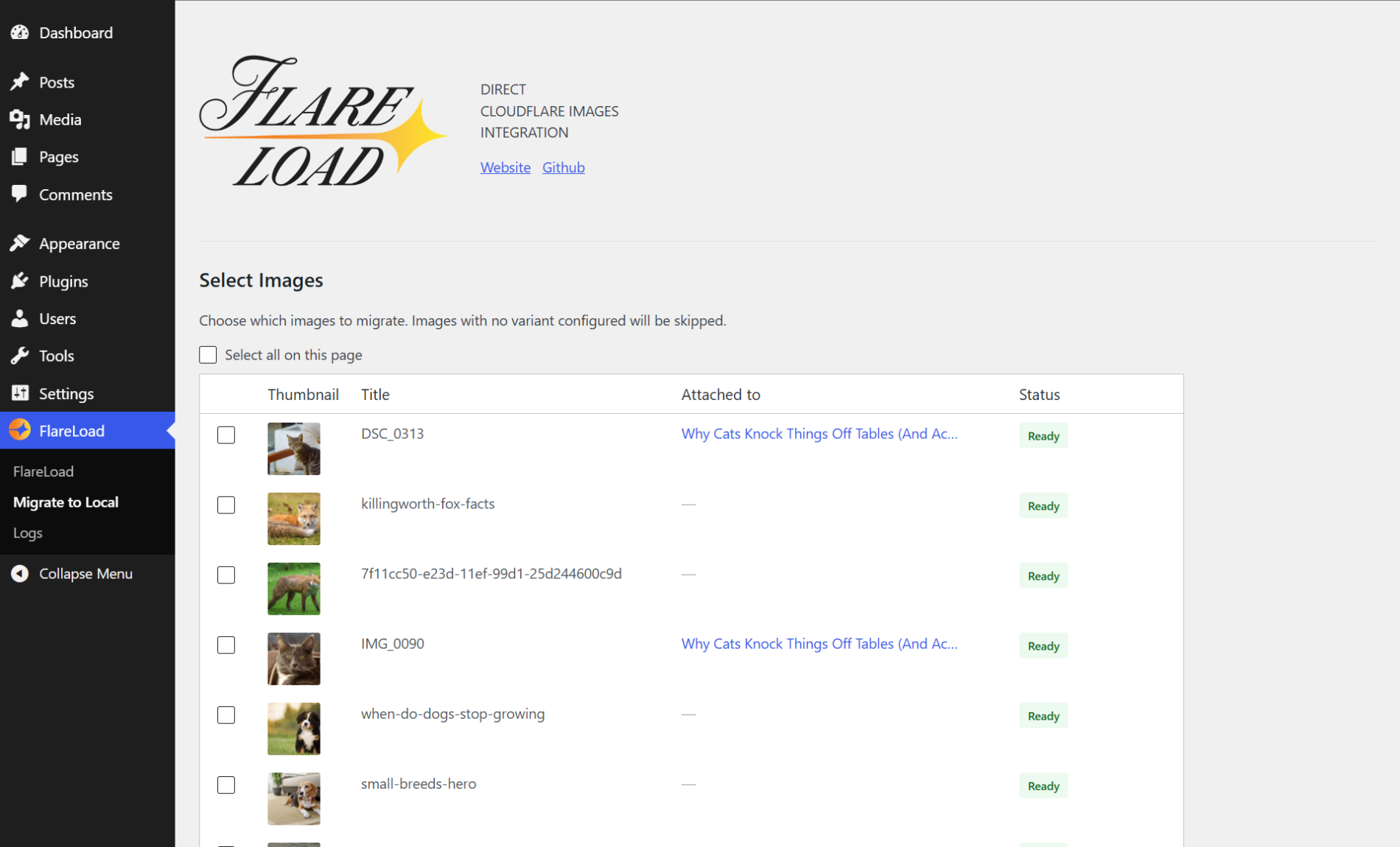
- Migrate Cloudflare-hosted images back to local storage with an interactive wizard
- Activity log viewer for debugging
Source Code
The source code for this plugin, including all TypeScript/JavaScript source files and build tools, is publicly available on GitHub:
https://github.com/tanyunus/flare-load
To rebuild compiled assets from source:
- Install dependencies: npm install
- Build assets: node build.js
Source files are located in the src/ directory of the repository. The build tool is esbuild for TypeScript/JavaScript and Sass for CSS.
Third-party Services
This plugin communicates with the Cloudflare Images API to upload, retrieve, and delete images. Requests are made when you upload an image to Cloudflare from the media library, delete a Cloudflare-hosted image, or sync your image variants from the plugin settings page.
Your Cloudflare Account ID, API Token, and uploaded image files are transmitted to Cloudflare’s servers.
Details
Related plugins
Plugins that also contain the tag cdn
SpeedyCache – Cache, Optimization, Performance

Breeze Cache

Pantheon Advanced Page Cache

Use Google Libraries

CDN Enabler

bunny.net – WordPress CDN Plugin


About
Plugin for that tries to help you find the WordPress plugin you are looking for.
| Please enjoy an image of Crush (this awesome turtle) and have a lovely day! |  |
We do not own any plugin listed on this site and do not work for or work with WordPress.com or it's associated companies. We simply provide a searchable list of the available WordPress plugins.