

FlipWebP
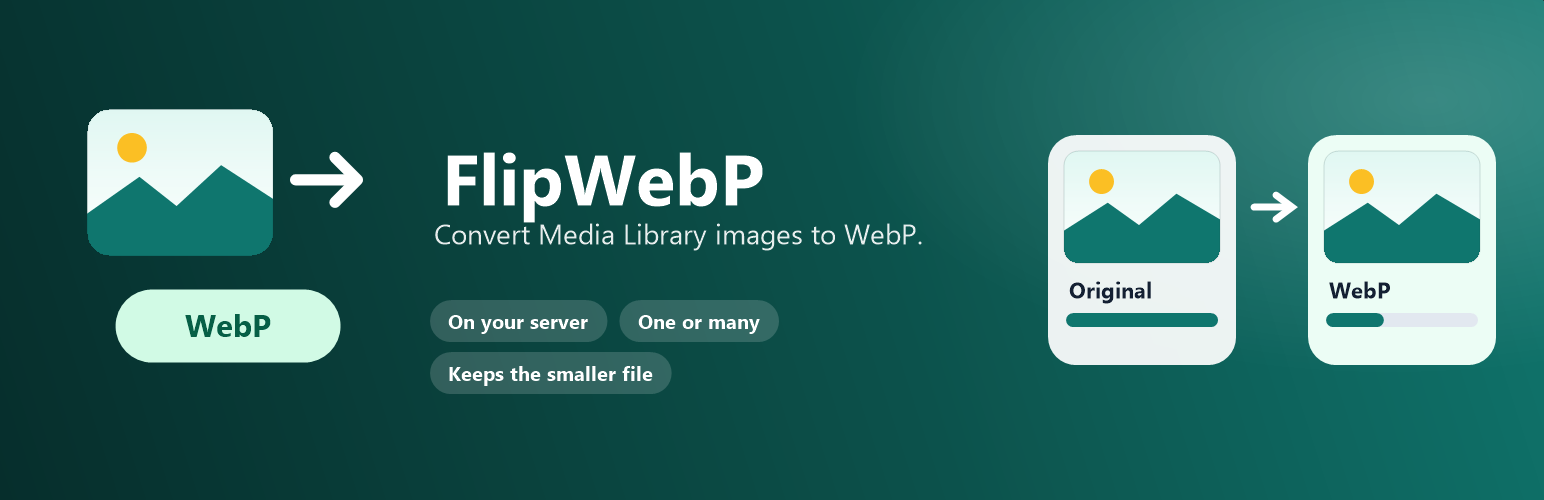
FlipWebP converts JPEG, PNG, and GIF images that are already in the Media Library to WebP. You can convert one image or a selection, and you can work through every image that is still waiting.
Conversion runs on your server with WordPress’s image editor (Imagick or GD). Files are not uploaded to FlipWebP or any other service.
An image is replaced only when the WebP version is meaningfully smaller. Animated GIF and animated WebP files are left unchanged. SVG files are never converted.
After a successful conversion, FlipWebP updates the attachment and rewrites stored addresses in posts, comments, and settings so existing content keeps pointing at the image. Addresses inside serialized objects are left unchanged rather than risk corrupting them.
What you can do
- Convert the selected images on the FlipWebP screen.
- Convert every waiting image, one request at a time, and stop after the current image.
- Convert from the Media Library bulk action, a row action, or the attachment details panel.
- Choose quality from 40 to 100 and an optional maximum dimension.
- Delete the original only after a smaller WebP file is saved, or keep it.
- Store a restorable backup in a protected folder under uploads.
- Optionally convert new JPEG, PNG, and GIF uploads. This is off until you enable it.
Details
Related plugins
Plugins that also contain the tag compression
Disable JPEG Compression

WP Resized Image Quality

Images Optimize and Upload CF7
WP HTTP Compression

Image Quality

WP GZip


About
Plugin for that tries to help you find the WordPress plugin you are looking for.
| Please enjoy an image of Crush (this awesome turtle) and have a lovely day! |  |
We do not own any plugin listed on this site and do not work for or work with WordPress.com or it's associated companies. We simply provide a searchable list of the available WordPress plugins.