


This plugin is outdated and might not be supported anymore
Back

WP OPcache
Details
View on WordPress
Back
Flush OPcache
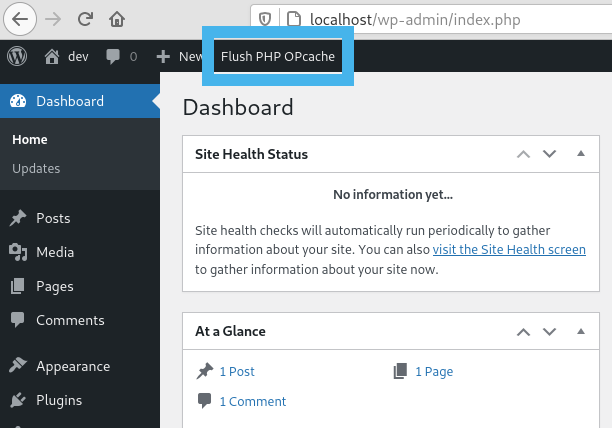
- creates a button in admin bar to flush OPcache
- flush only files in WordPress absolute path
- individual or bulk file invalidation
- support both memory and file caching
- support multisite
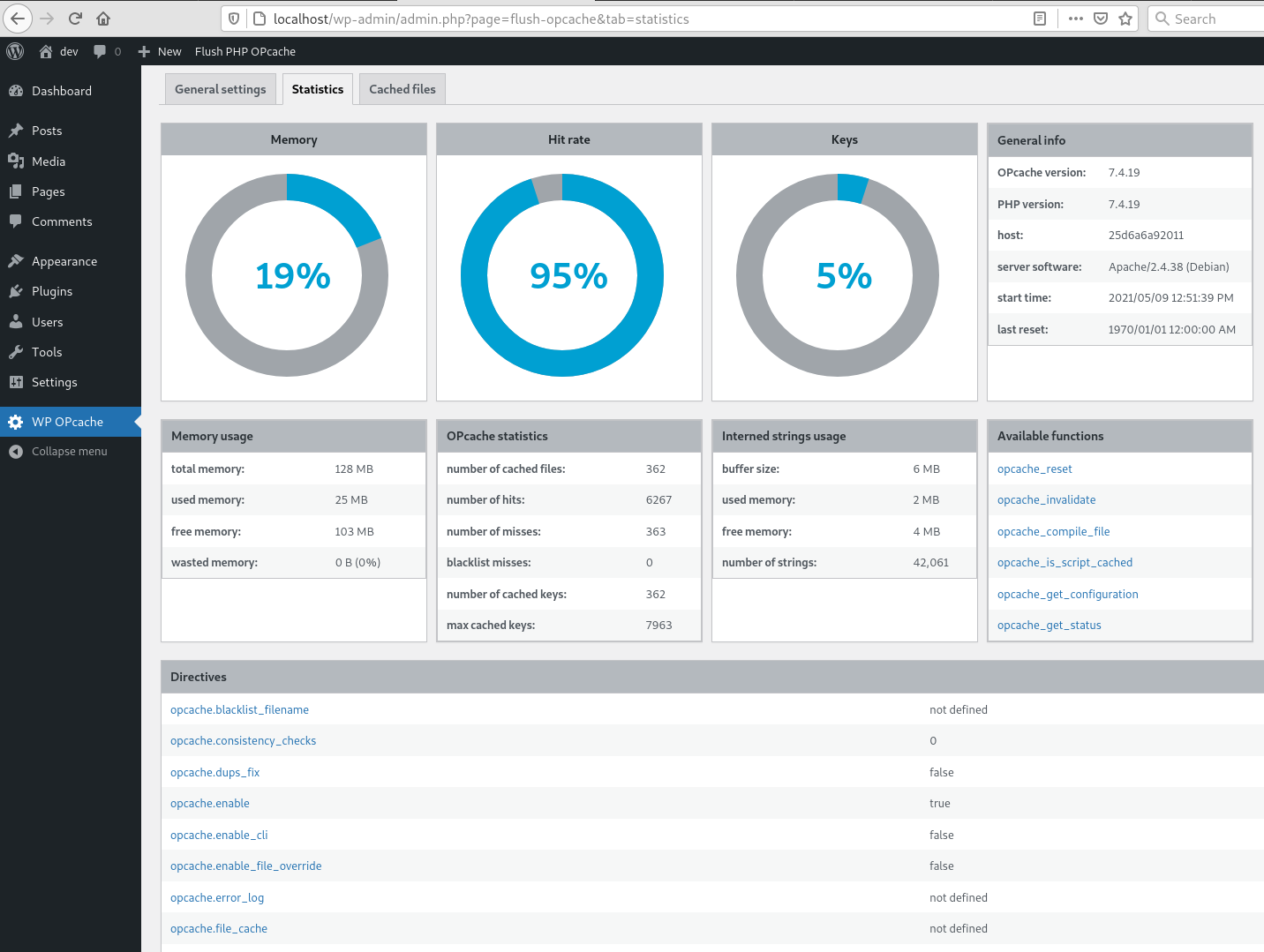
OPcache Statistics
- memory, hits, strings and keys statistics
- directives, functions and general informations
- list all files
- fully responsive
WP CLI ready
- add flush-opcache command to flush cache with cli:
wp flush-opcache flush - don’t forget to add
opcache.enable_cli=1to your PHP configuration
There are three tabs in admin page under Tools:
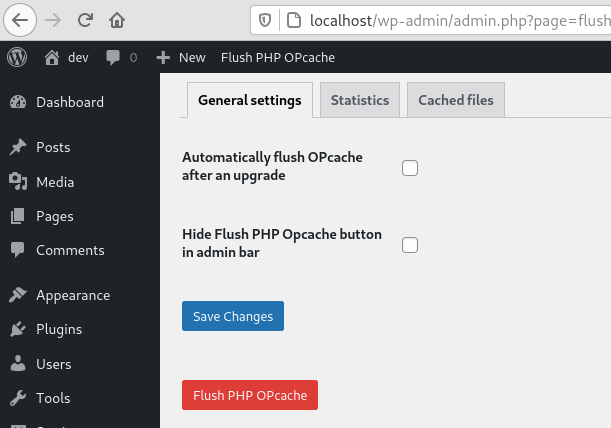
- General settings: plugin settings
- Statistics: responsive dashboard about OPcache statistics
- Cached files: list of cached files with the possibility of invalidating them
Details
Plugin code:
flush-opcache
Plugin version:
4.2.3
Author:
Outdated:
Yes
WP version:
6.0 or higher
PHP version:
8.1 or higher
Test up to WP version:
6.7.2
Total installations:
10,000
Last updated:
2025-02-27
Rating:
Times rated:
20
cache
flush
multisite
opcache
php



Related plugins
Plugins that also contain the tag cache
WP Super Cache

WP-Optimize – Cache, Compress images, Minify & Clean database to boost page speed & performance

SpeedyCache – Cache, Optimization, Performance

Breeze Cache

OMGF | GDPR/DSGVO Compliant, Faster Google Fonts. Easy.

Jetpack Boost – Website Speed, Performance and Critical CSS


About
Plugin for that tries to help you find the WordPress plugin you are looking for.
| Please enjoy an image of Crush (this awesome turtle) and have a lovely day! |  |
We do not own any plugin listed on this site and do not work for or work with WordPress.com or it's associated companies. We simply provide a searchable list of the available WordPress plugins.