



FlyHR
FlyHR turns your WordPress site into a complete HR system. No external tools, no monthly SaaS fees – just a fast, modern HR app built right into your dashboard.
Whether you’re a small business tracking a handful of staff, an agency managing departments and reporting lines, or a team that just needs leave requests to stop living in email, FlyHR gives you what you need without leaving WordPress.
Why FlyHR?
- Zero learning curve – If you know WordPress, you already know how to use FlyHR.
- Your data, your server – No third-party SaaS. Your employee data stays on your hosting, under your control.
- Beautiful modern UI – Built with React and Tailwind CSS for a snappy, app-like experience.
- No monthly fees – One plugin, all the core HR features, completely free.
Employees
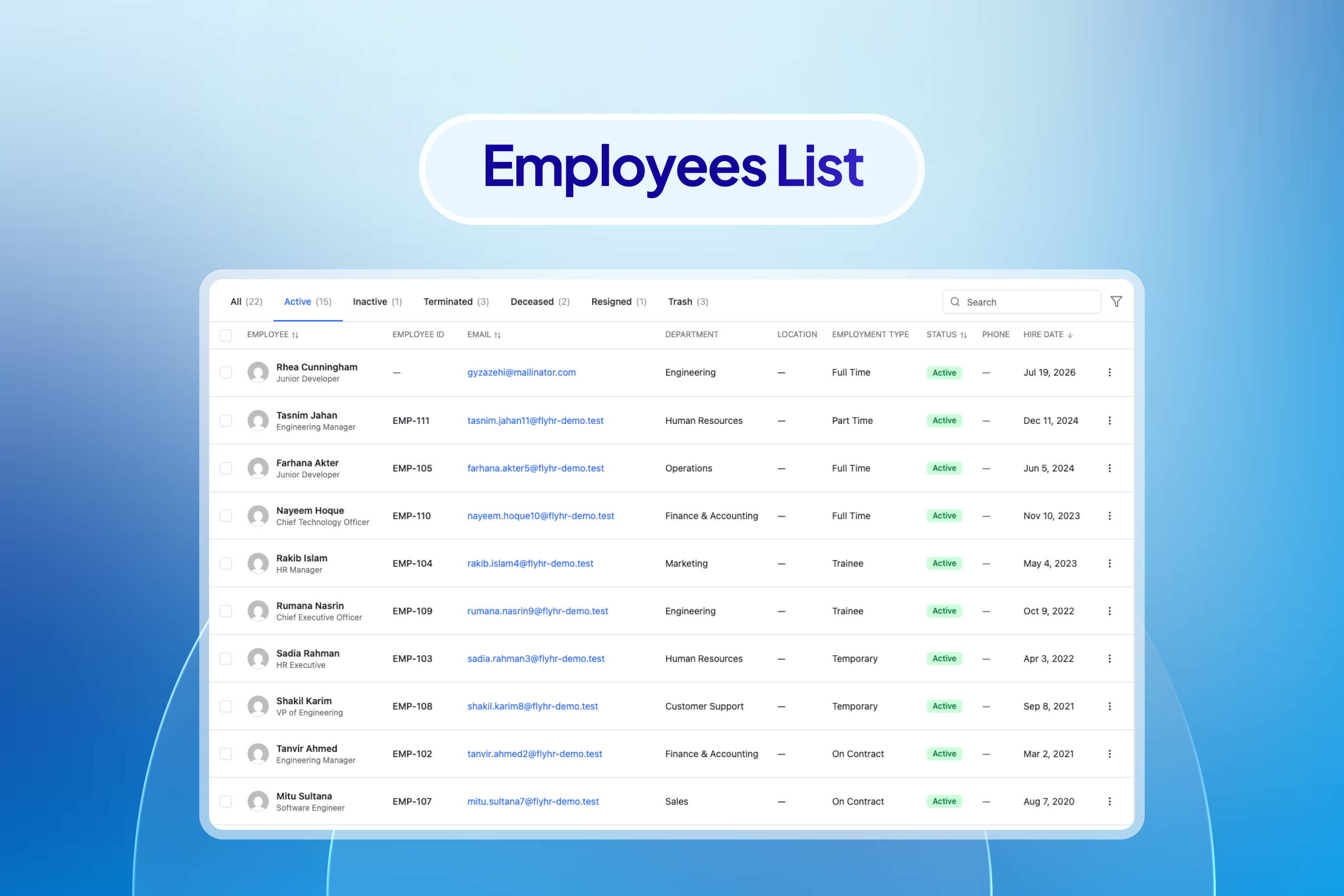
Keep every employee record in one place, with the history behind it.
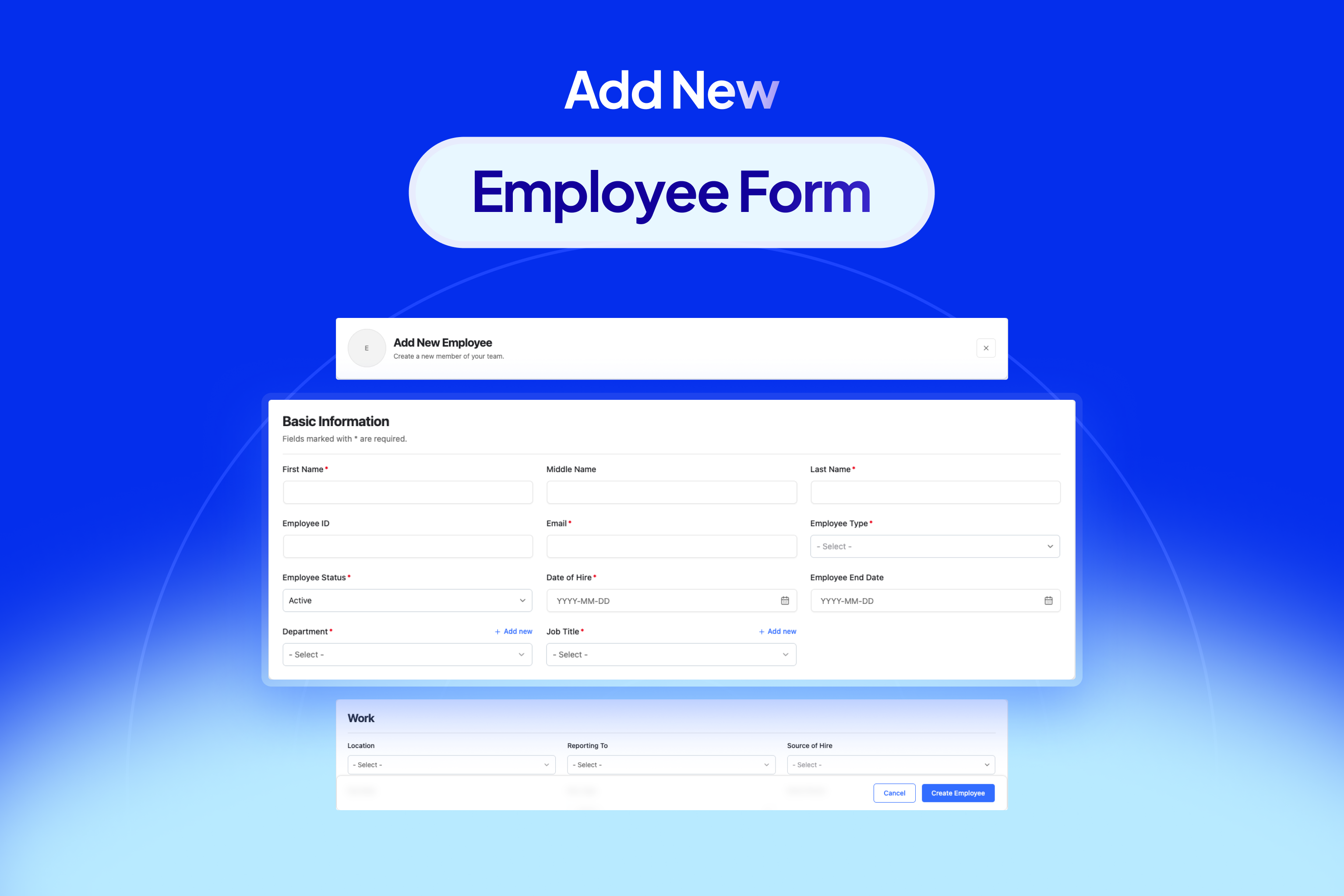
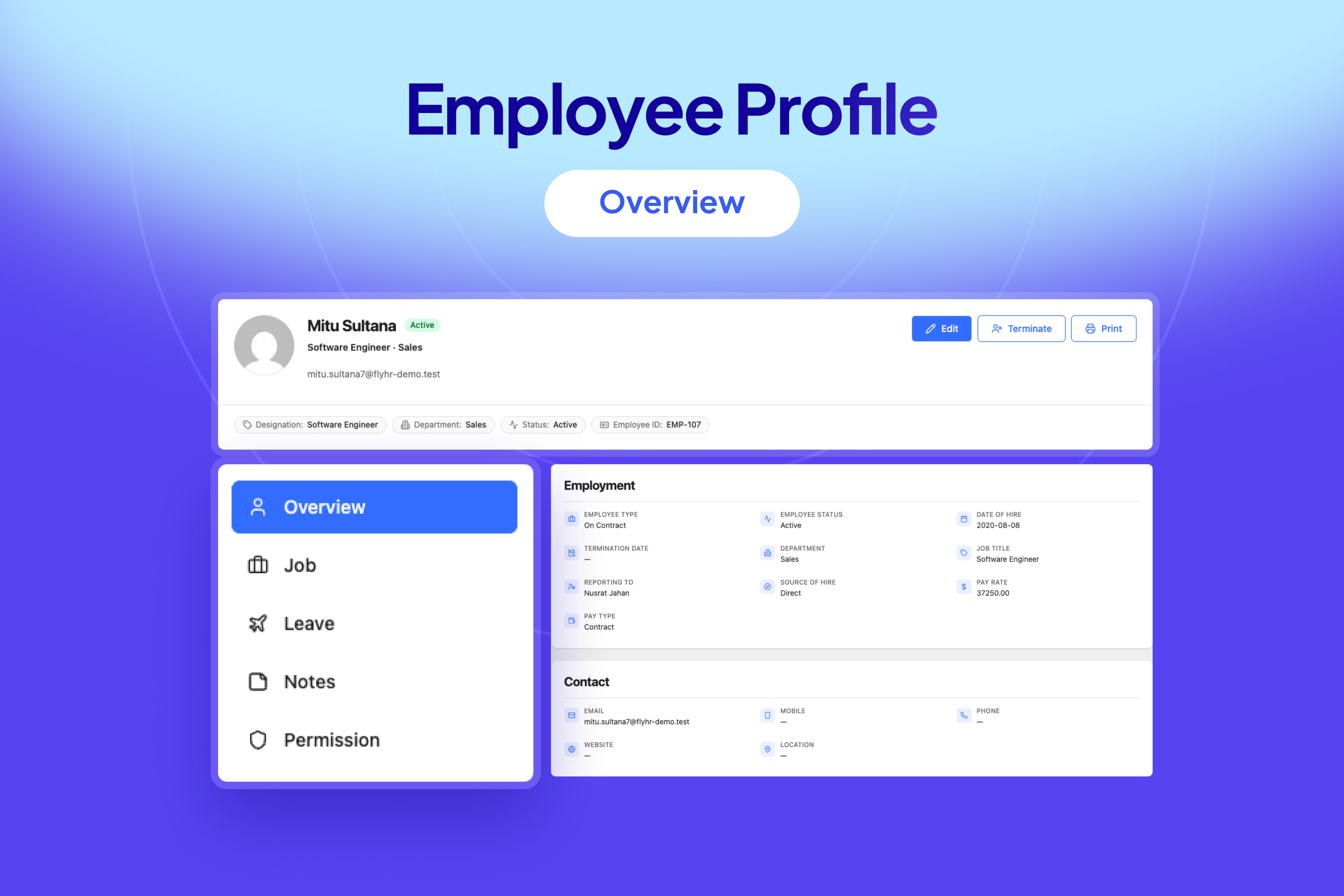
- Full profiles – name, contact details, address, personal details, and photo
- Job details – department, designation, location, reporting line, and employment type
- Job history – every status, type, and compensation change recorded over time
- Per-employee notes for anything that doesn’t fit a field
- Termination with type, reason, and rehire eligibility
- Turn an existing WordPress user into an employee in one step
- Search and filter the directory by department, designation, location, type, and status
Departments & Designations
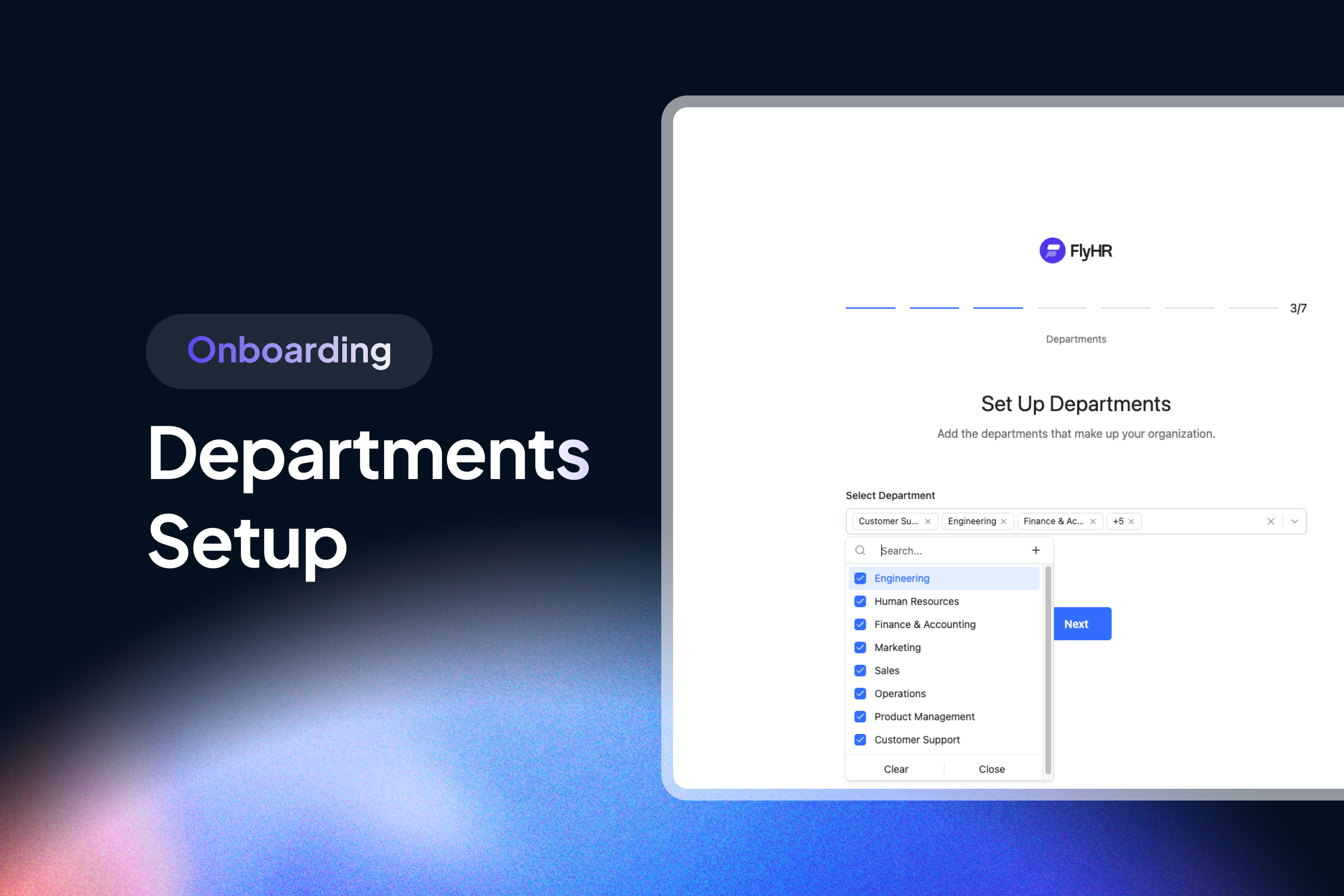
- Departments with a lead, a parent department, and a description
- Designations for job titles
- Both usable as filters across the employee directory and the leave screens
Leave Management
Define how leave works once, then let the plugin do the accounting.
- Leave types – name and describe each kind of leave you offer
- Leave policies – set the days per year, then scope a policy by employment type, department, designation, location, gender, marital status, and financial year
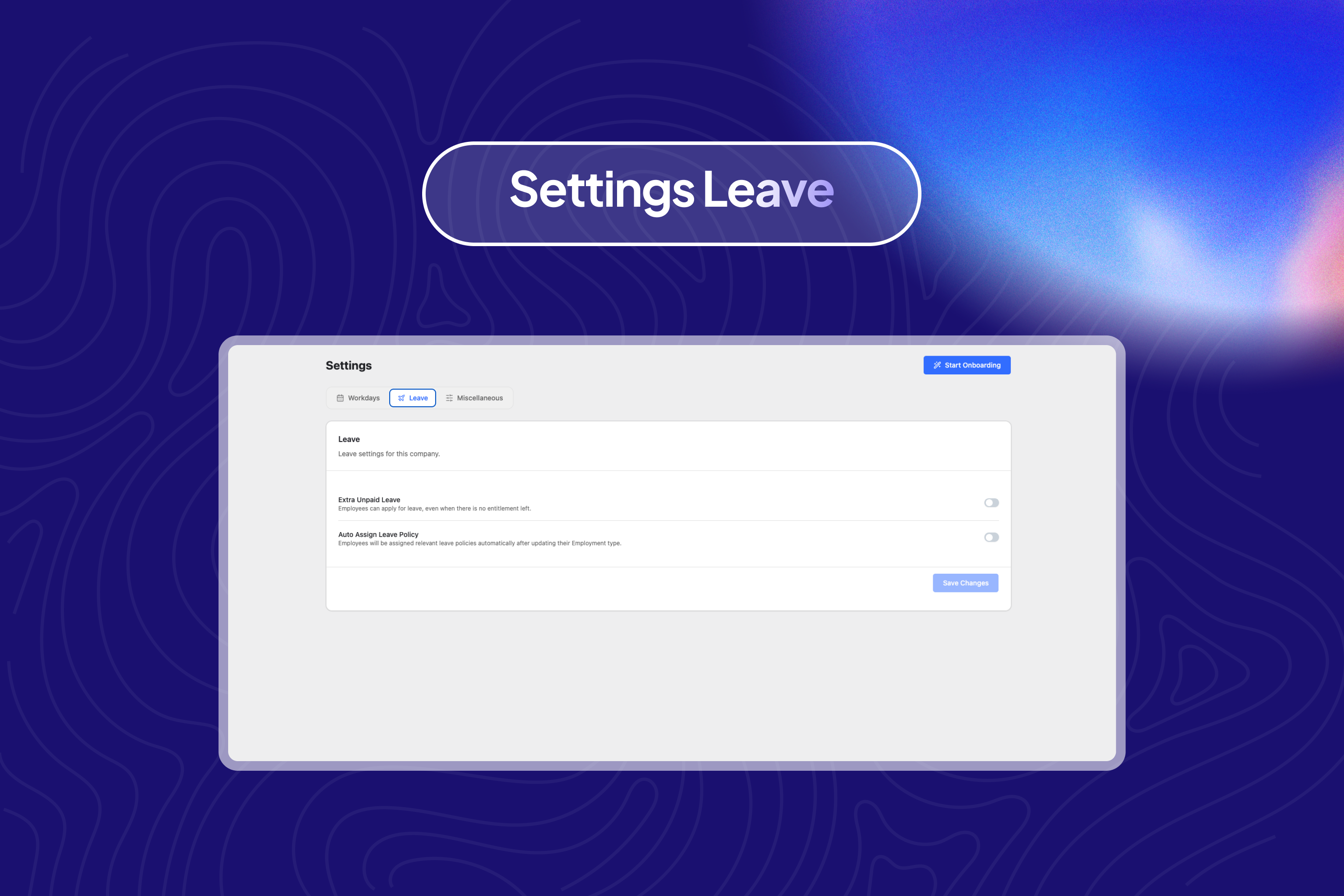
- Apply a policy automatically to new employees, or retroactively to existing ones
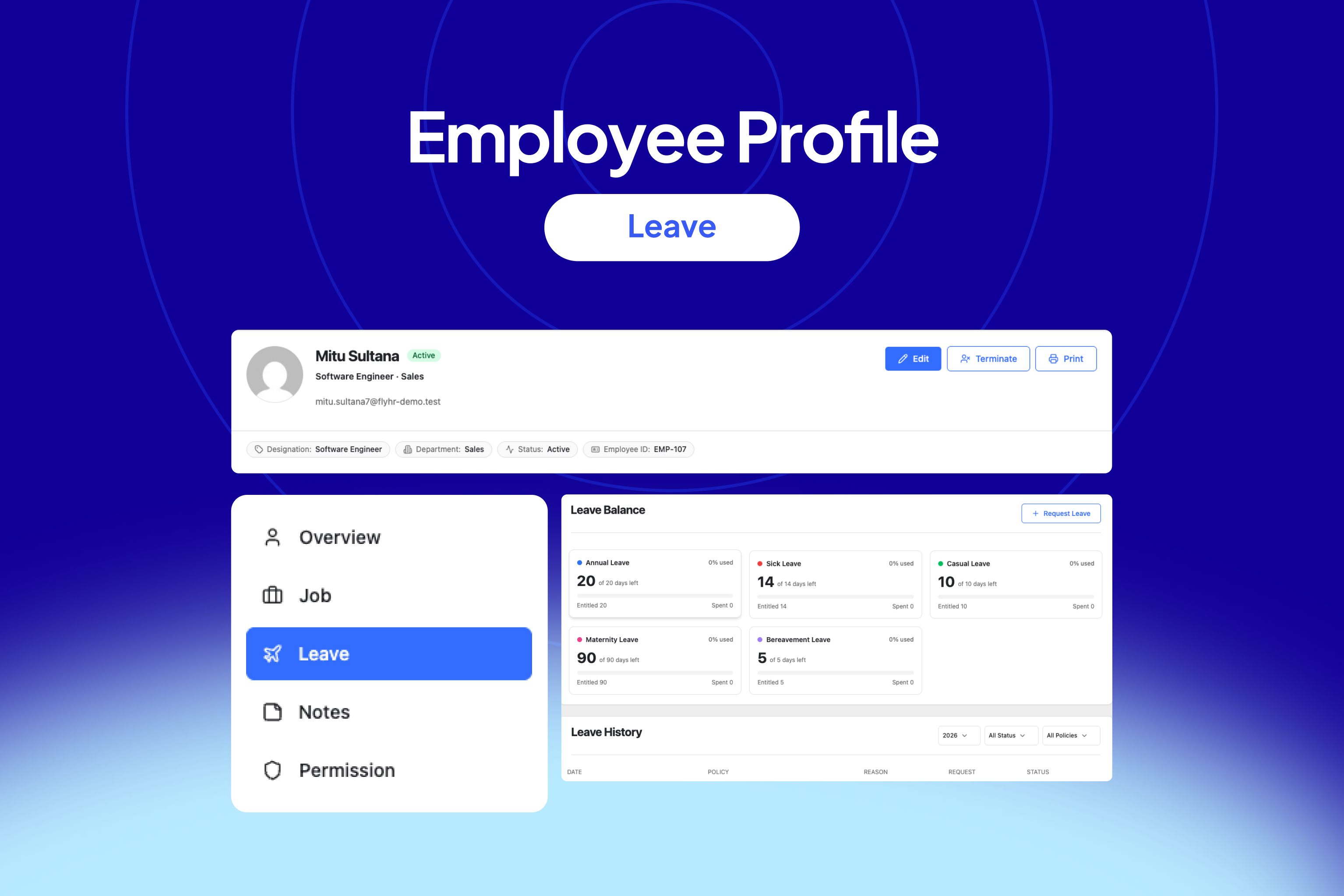
- Entitlements – per-employee balances tracked as a ledger, so a balance is always the sum of what was granted and what was taken
- Assign a policy to one employee or to everyone it matches
Leave Requests & Approvals
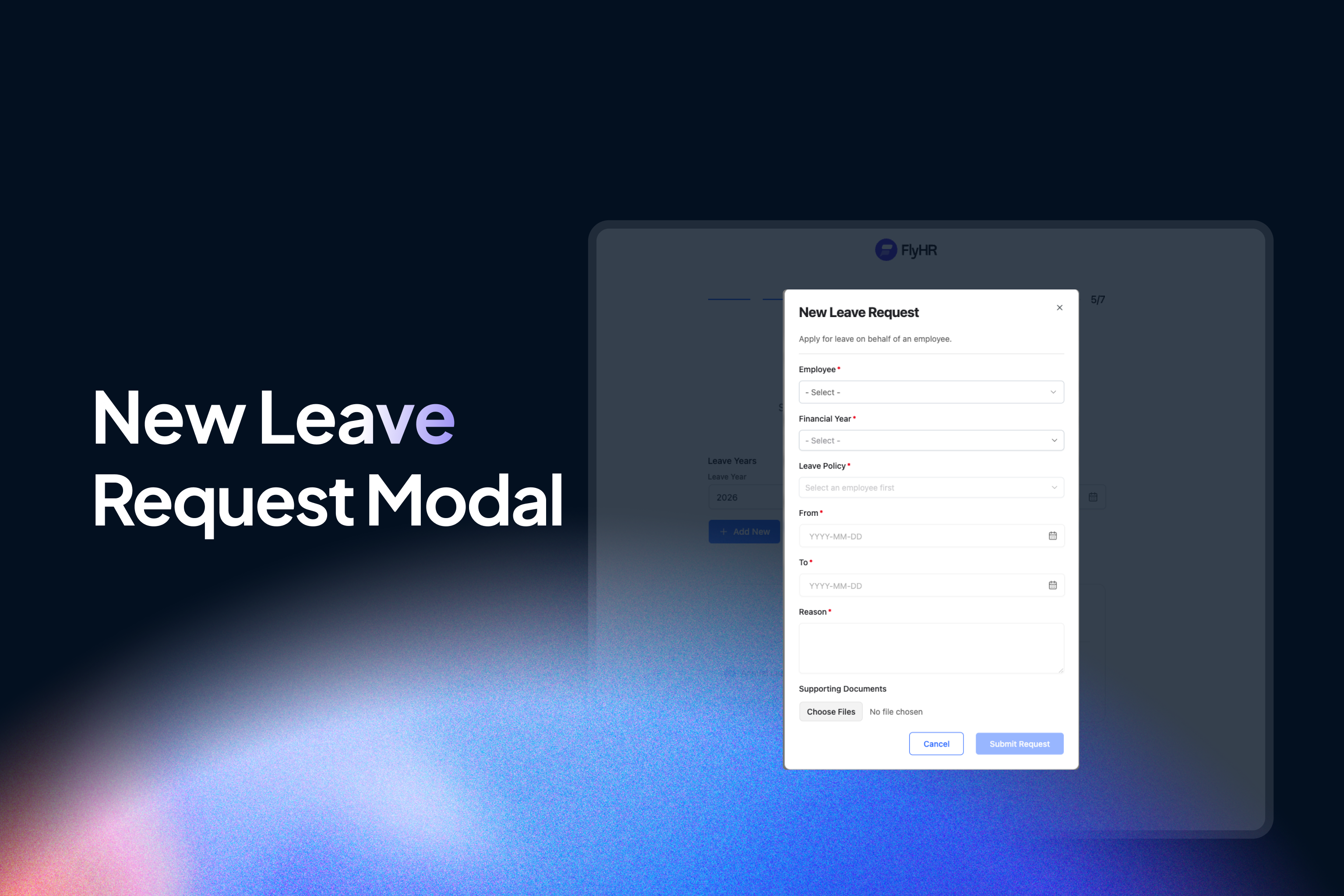
- Employees apply against their own entitlements, with the date range validated live against workdays, holidays, and the balance remaining
- Attach a supporting document to a request
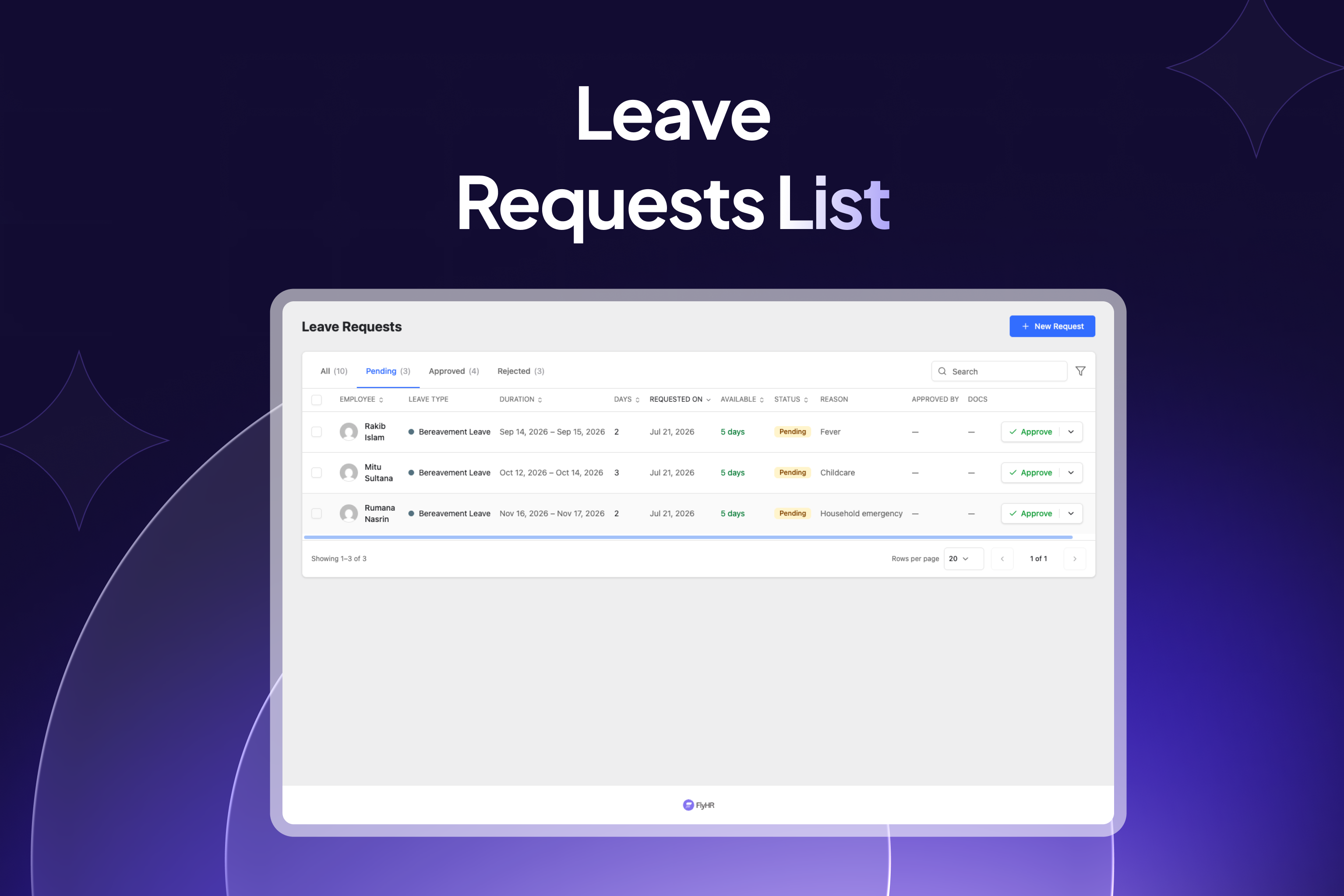
- A single moderation queue with approve and reject, and a rejection reason that is required rather than optional
- Department leads moderate their own departments; HR managers moderate everyone
- Approving debits the ledger and records a per-day breakdown; rejecting a previously approved request refunds it
- Email notifications on a new request, an approval, and a rejection
Holidays & Leave Calendar
- Single-day and date-range holidays
- A month calendar combining leave, holidays, and non-working days
- Managers can view the whole organisation, or filter by department and designation
- Everyone else sees only their own leave – enforced on the server, not just hidden in the interface
Financial Years & Workdays
- Define the financial years leave is accounted against
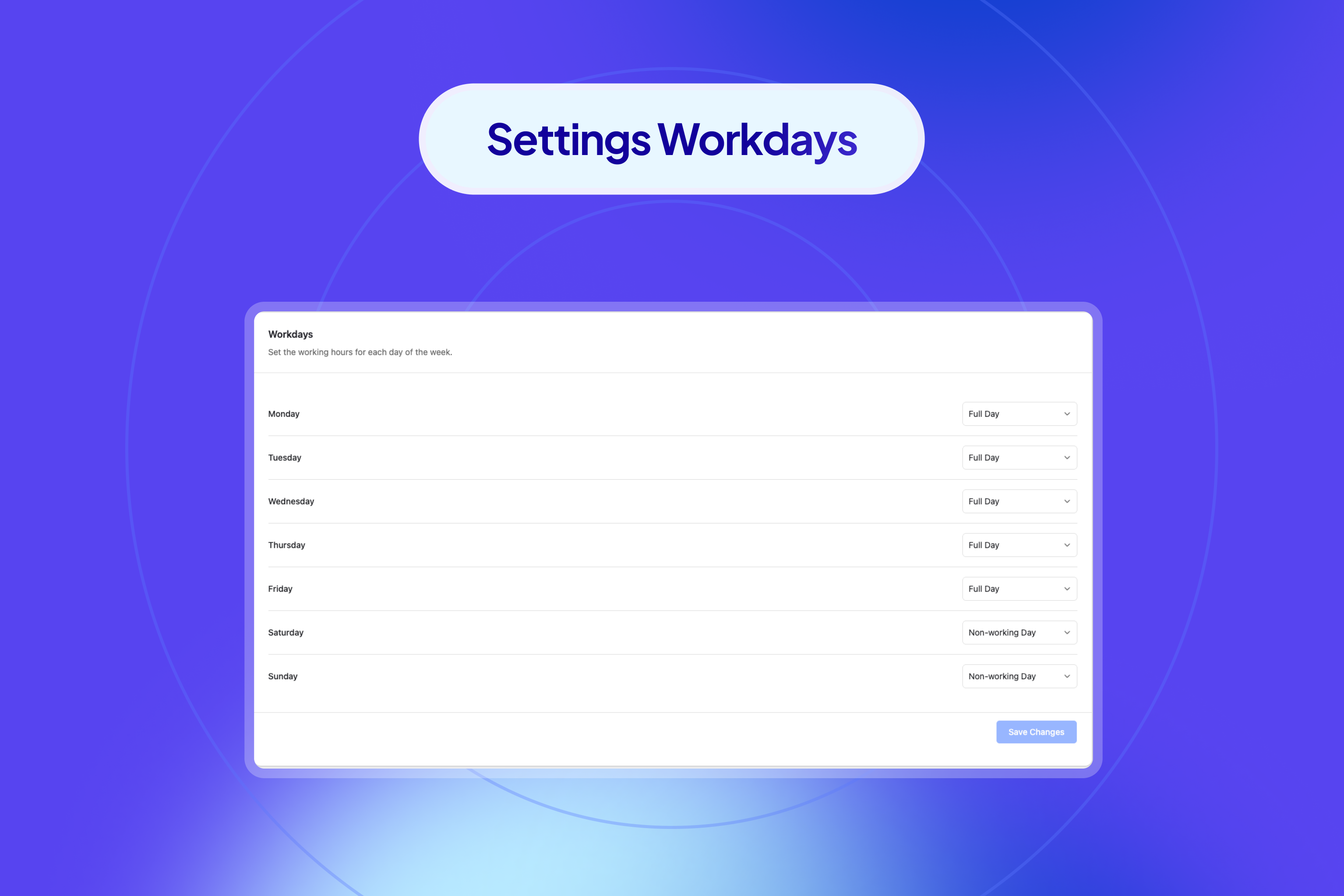
- Set each weekday as a full day, half day, or non-working day
- Day calculations respect both, so a request spanning a weekend or a holiday only counts actual working days
Setup Wizard
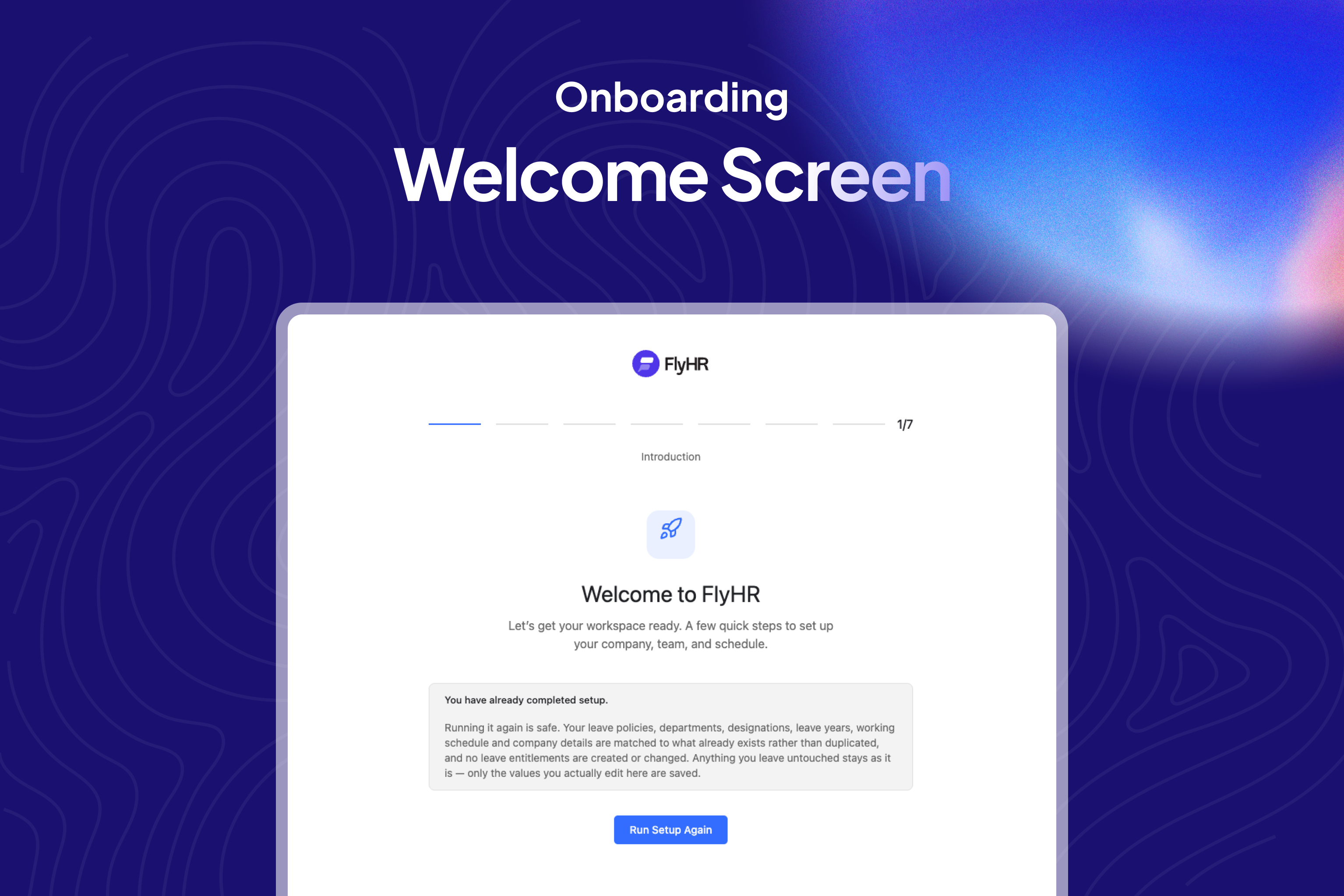
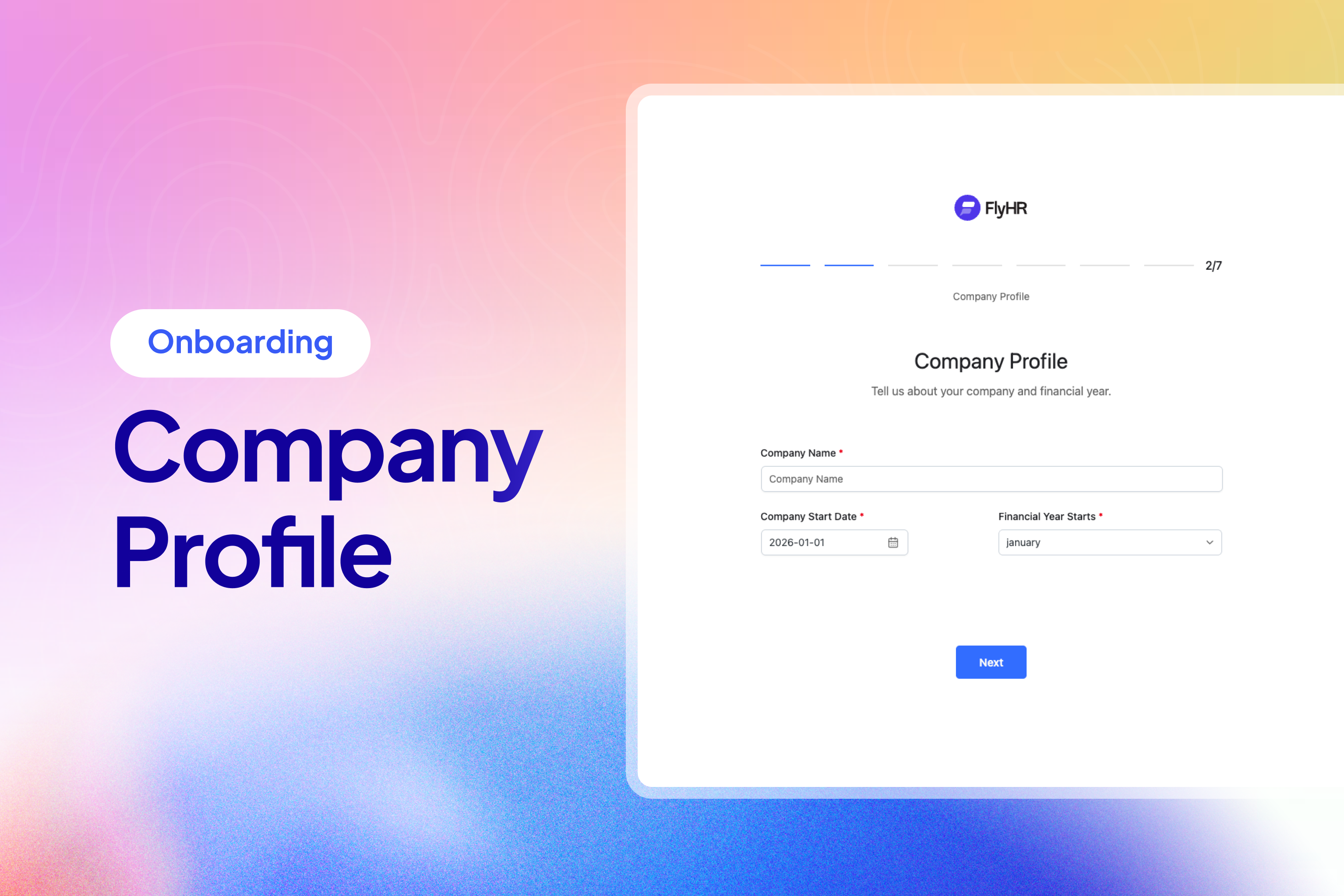
A first-run wizard walks through company details, departments, designations, leave years and types, and workdays, then creates the matching leave policies for you. You can re-run it from Settings at any time.
Roles & Permissions
Two built-in roles:
- HR Manager – full access to employees, leave, and settings
- Employee – their own record, their own leave, and nothing else
Per-record ownership is enforced on the server, so an employee cannot reach another employee’s data by calling the API directly.
Source Code & Build Process
The JavaScript and CSS files shipped in the assets/dist/ directory are compiled and minified production builds generated with webpack. The complete, human-readable source code for these files is included inside this plugin so it can be freely reviewed, studied, modified, and rebuilt:
assets/src/– the full React/TypeScript application and Tailwind CSS source.webpack.config.js– the build configuration that compilesassets/src/intoassets/dist/.package.json,tsconfig.json,postcss.config.js– the tooling configuration.
No external download is required – everything needed to read and rebuild the compiled assets ships with the plugin.
Build tools
The frontend is built with webpack via @wordpress/scripts, using pnpm as the package manager. PHP dependencies are managed with Composer.
Building the compiled assets from source
From the plugin directory:
- Install PHP dependencies:
composer install - Install JavaScript dependencies:
pnpm install - Create the production builds in
assets/dist/:pnpm build - For development with hot reloading, run:
pnpm dev
Running pnpm build reads the source in assets/src/ and regenerates every minified file in assets/dist/.
Details
Related plugins
Plugins that also contain the tag employee-management
VikAppointments Services Booking Calendar

Employee Management System

Easy Employee Management

Oikko – All-in-One Team Management

EmpRoster

Membros Details Slide


About
Plugin for that tries to help you find the WordPress plugin you are looking for.
| Please enjoy an image of Crush (this awesome turtle) and have a lovely day! |  |
We do not own any plugin listed on this site and do not work for or work with WordPress.com or it's associated companies. We simply provide a searchable list of the available WordPress plugins.