

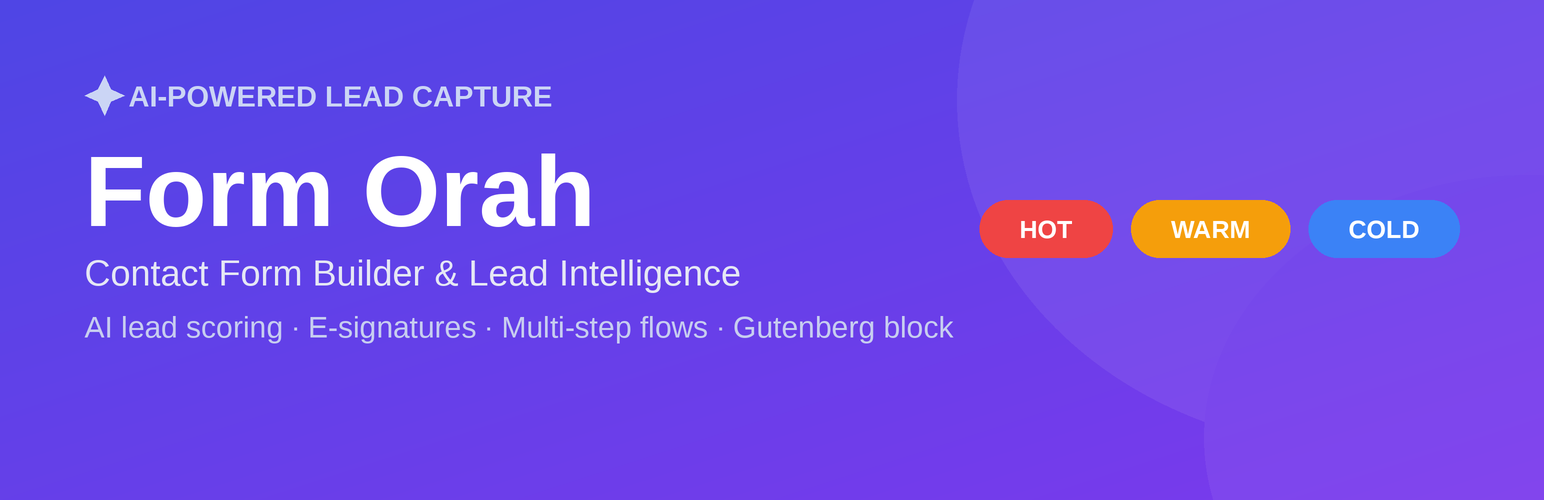

Form Orah – Contact Form Builder & Lead Intelligence
Form Orah is a powerful contact form builder that goes far beyond basic contact forms. Connect your WordPress site to your Form Orah account and embed smart, conversion-optimized contact forms anywhere — in seconds.
Every contact form submission is automatically AI-scored (HOT / WARM / COLD), followed up with a personalized email, and tracked in a full lead intelligence dashboard.
What Form Orah does
Form Orah turns your contact forms into a lead engine:
- AI lead scoring — every contact form submission is scored and qualified automatically
- E-signatures — let contacts sign documents directly inside your contact form
- Multi-step contact forms — break long forms into conversational steps that convert better
- Conditional logic — show or hide fields based on previous answers
- Real-time analytics — see which contact forms convert and why
- Automated follow-up emails — personalized emails sent the moment a form is submitted
- Gutenberg block — visual contact form picker with live preview in the editor
- Shortcode support — works with Elementor, Divi, and any page builder
What is Form Orah?
Form Orah is an AI-powered contact form and lead capture platform. Build any type of contact form — simple inquiry forms, multi-step lead gen forms, quote request forms, appointment booking forms, and more — then embed them on your WordPress site in one click.
Sign up free at formorah.com — the free plan includes unlimited contact forms and submissions.
Features in this plugin
- Gutenberg block — add a Form Orah contact form to any page with a visual picker
- [forc_form] shortcode — paste your contact form into any editor, widget, or page builder
- Dashboard widget — see your 10 most recent contact form leads with AI scores, without leaving WordPress
- Settings page — enter your API key, test the connection, and manage your contact form configuration
Usage
- Install and activate the plugin
- Go to Form Orah Settings and paste your API key (get it from app.formorah.com/settings/developer)
- Click Test Connection to verify, then Save
- Edit any page or post, add the Form Orah block, and pick your contact form
Or use the shortcode anywhere:
[forc_form id="your-form-id"]
You can find your form ID in the Form Orah builder URL.
External Services
This plugin connects to the Form Orah API (https://app.formorah.com) to:
- Retrieve the list of forms associated with your account
- Retrieve recent form submissions for the WordPress dashboard widget
- Test your API key connection
Data sent to the Form Orah API includes your API key (transmitted as a Bearer token in the Authorization header). No visitor data is collected or transmitted by this plugin — the embedded form runs inside an iframe served directly by Form Orah.
The Form Orah service is operated by Pure Grace AI, LLC.
This plugin only contacts the Form Orah API when an administrator has entered a valid API key in the plugin settings.
Details


Related plugins
Plugins that also contain the tag contact
Flamingo

Contact Form 7 add confirm

Sticky Side Buttons

WPZOOM Forms – Drag & Drop Contact Form Builder for WordPress

Contact Form Email
Contact Form Clean and Simple

About
Plugin for that tries to help you find the WordPress plugin you are looking for.
| Please enjoy an image of Crush (this awesome turtle) and have a lovely day! |  |
We do not own any plugin listed on this site and do not work for or work with WordPress.com or it's associated companies. We simply provide a searchable list of the available WordPress plugins.