



Galleo 3D Galleries & Sliders
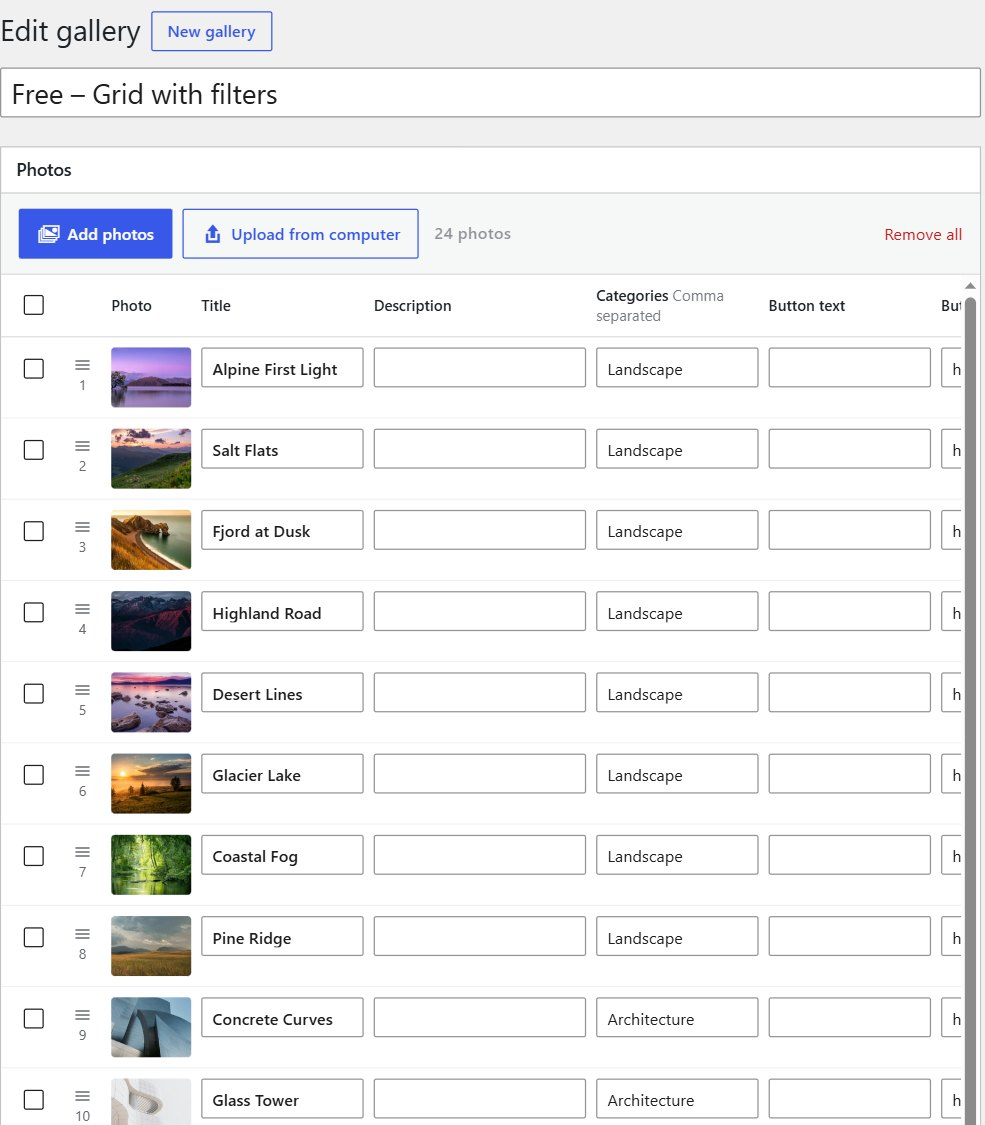
Galleo turns a batch of photos into a portfolio in a few minutes. Drop the photos in, fill in a title, categories and a button for each one in a quick-edit table, choose a layout, and add the gallery to any page with a block or shortcode.
Six layouts
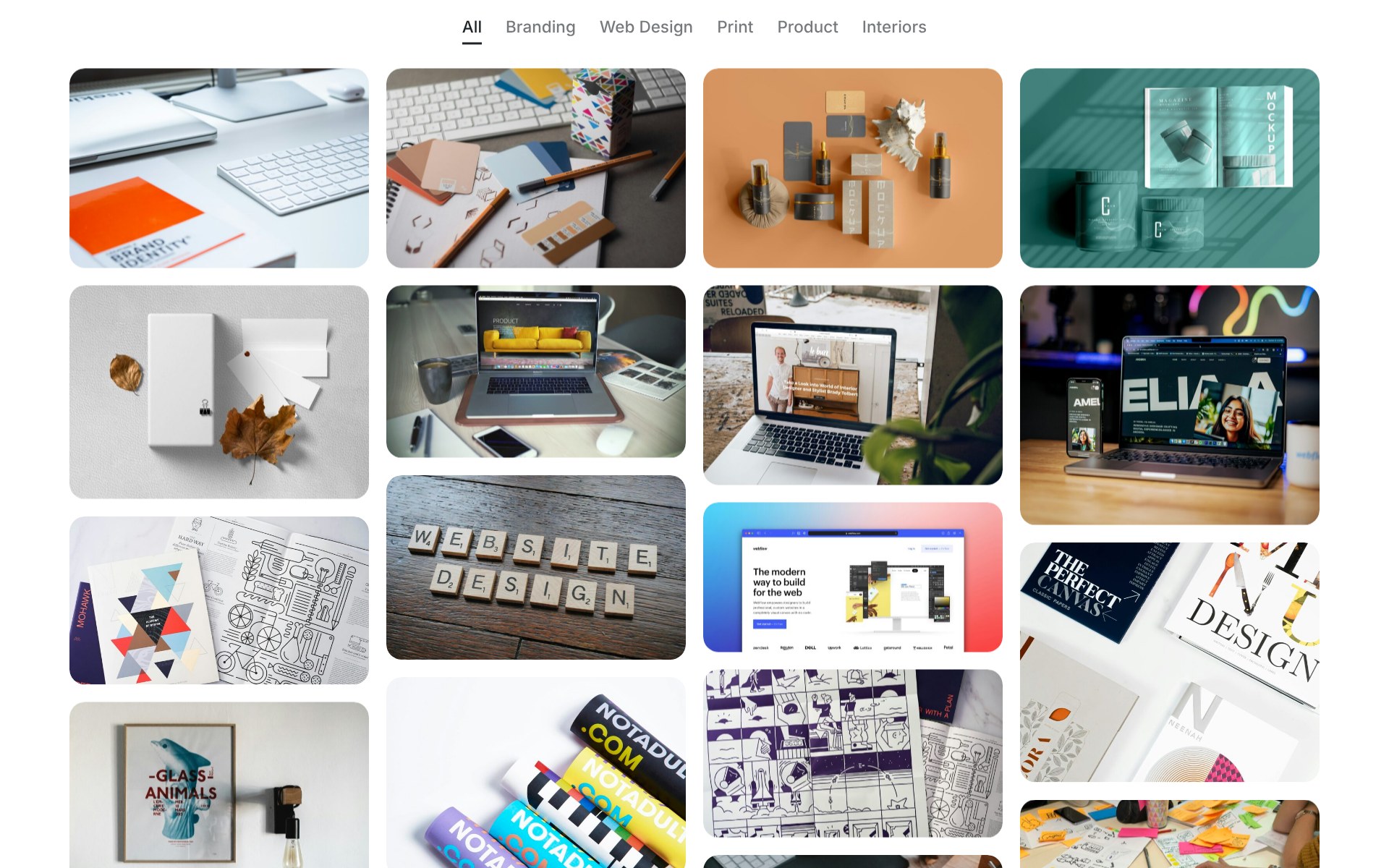
- Grid: even rows in the photo shape you choose (square, 4:3, 3:2, 16:9, portrait or original).
- Masonry: columns that keep every photo’s own shape.
- Justified: rows of equal height that fill the width with no cropping.
- Coverflow: one big photo in the middle with its neighbours angled away in 3D.
- 3D Ring: matted prints stand in a rotating ring with a soft floor reflection.
- Expanding Panels: tall photo strips; the one you choose widens and tilts forward.
Made for real portfolios
- Batch upload. Drag a whole folder of photos onto the editor, or pick many from your Media Library at once.
- Quick-edit table. Every photo is a row with title, description, categories, button text and link. Press Enter to jump down a column. Select several rows to add a category or the same button to all of them.
- Smart titles. “IMG_2034-desert-dunes.jpg” becomes “Desert Dunes”, and captions you’ve already written in the Media Library fill the description.
- Category filters. Give photos categories such as Weddings or Portraits and visitors can filter the gallery. Grids re-sort with a smooth animation.
- Full-screen viewer. Click a photo to see it large, with its caption and button. Swipe, use the arrow keys, or swipe down to close. Every photo has its own link you can share.
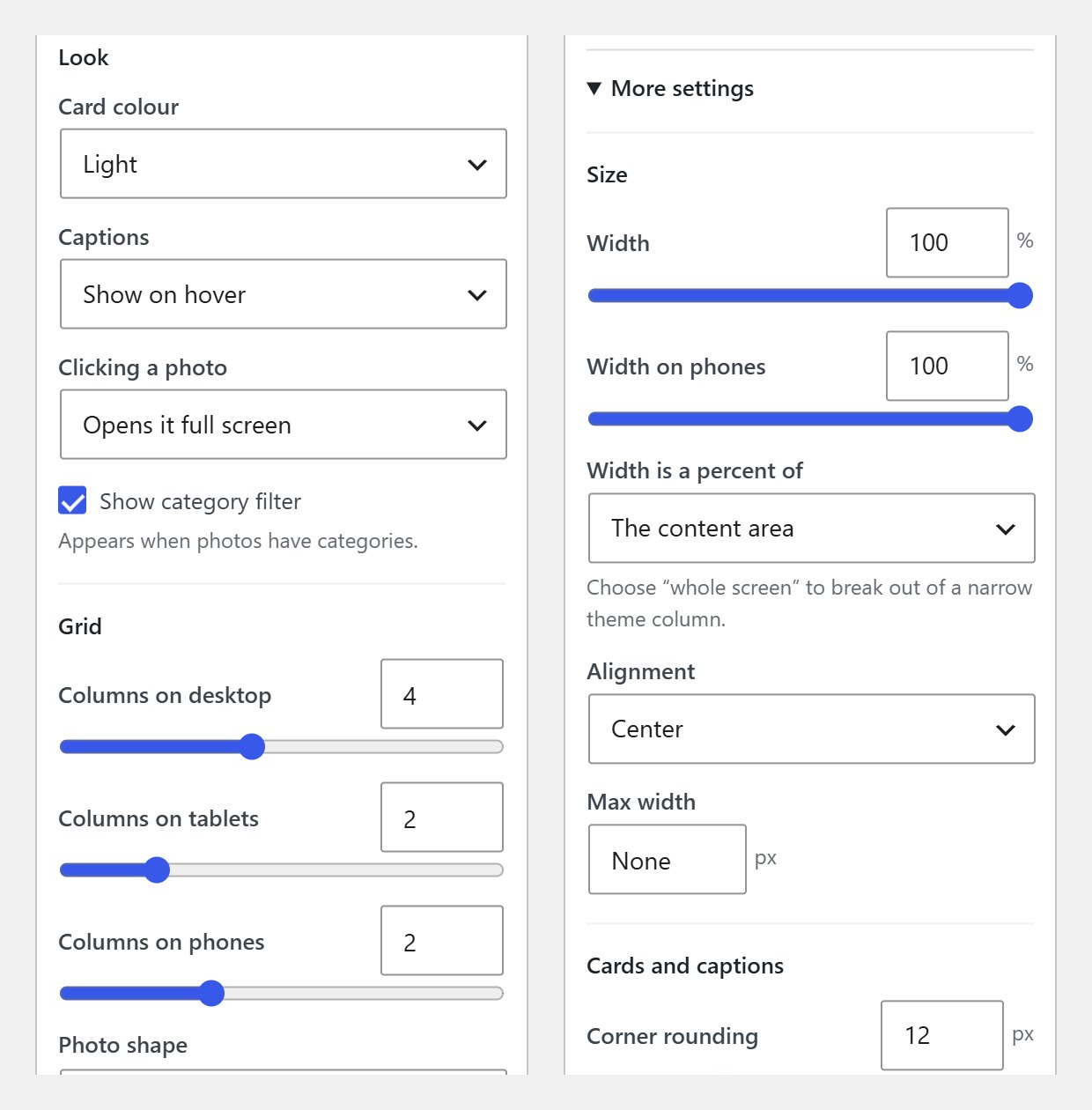
- Phones first. Choose different column counts for phones, tablets and desktops, or a completely different layout on phones.
- Your site’s style. Galleries use your theme’s font. Photos carry the colour while the frames stay neutral. Light or dark cards, with an optional accent colour; text colours are picked automatically for contrast.
- Exact sizing. Set the gallery width as a percentage of the content area or the whole screen, and set exact card sizes if you want them.
- Watermark. Add your name or studio as text over every photo, in the corner, the centre or repeated across it. It shows in the full-screen viewer too.
- Block and shortcode. Use the Galleo Gallery block, or
[galleo id="123"]. - Accessible. Every photo opens from the keyboard, focus is always visible, screen readers get clear labels, moving galleries have a pause button, and “reduce motion” is respected.
Galleo Pro adds 24 more 3D and FX layouts (Helix, Tunnel, Flip Book, Sphere, Infinite Marquee, Scroll Gallery and more), albums, video, password-protected galleries and right-click protection.
Details


Related plugins
Plugins that also contain the tag 3d-carousel
Carousel 3D Slider

Perspective 3D Carousel

Shader Spiral Carousel

Shader Carousel

Reboot Addons


About
Plugin for that tries to help you find the WordPress plugin you are looking for.
| Please enjoy an image of Crush (this awesome turtle) and have a lovely day! |  |
We do not own any plugin listed on this site and do not work for or work with WordPress.com or it's associated companies. We simply provide a searchable list of the available WordPress plugins.