

Glass Act – Backdrop Filters for Blocks
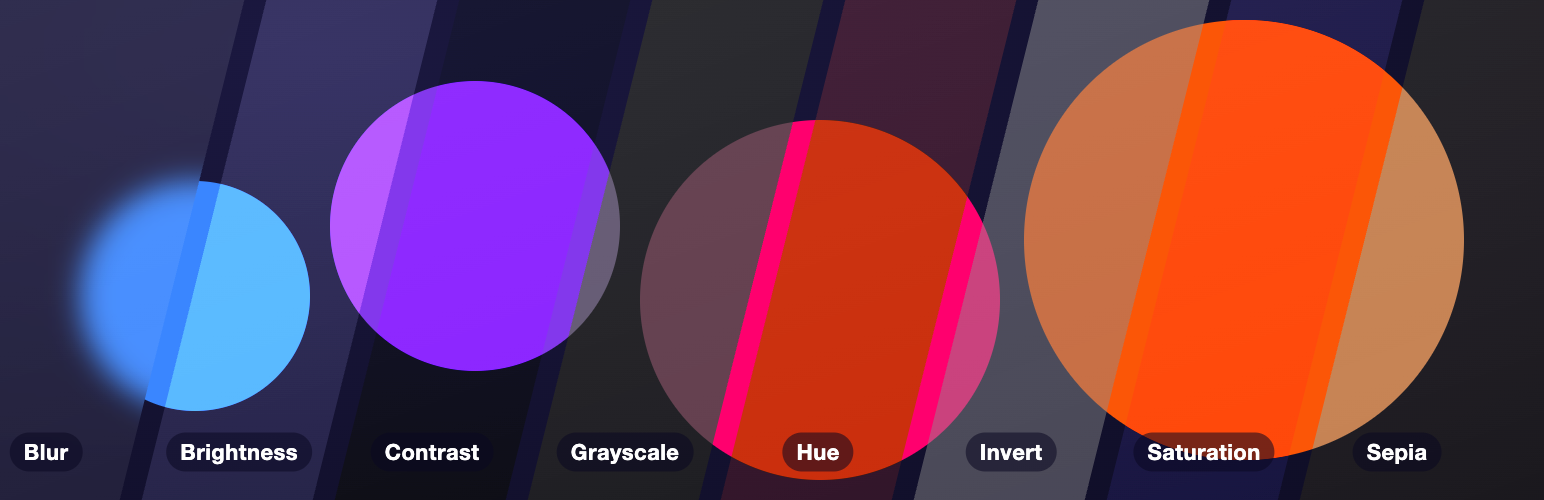
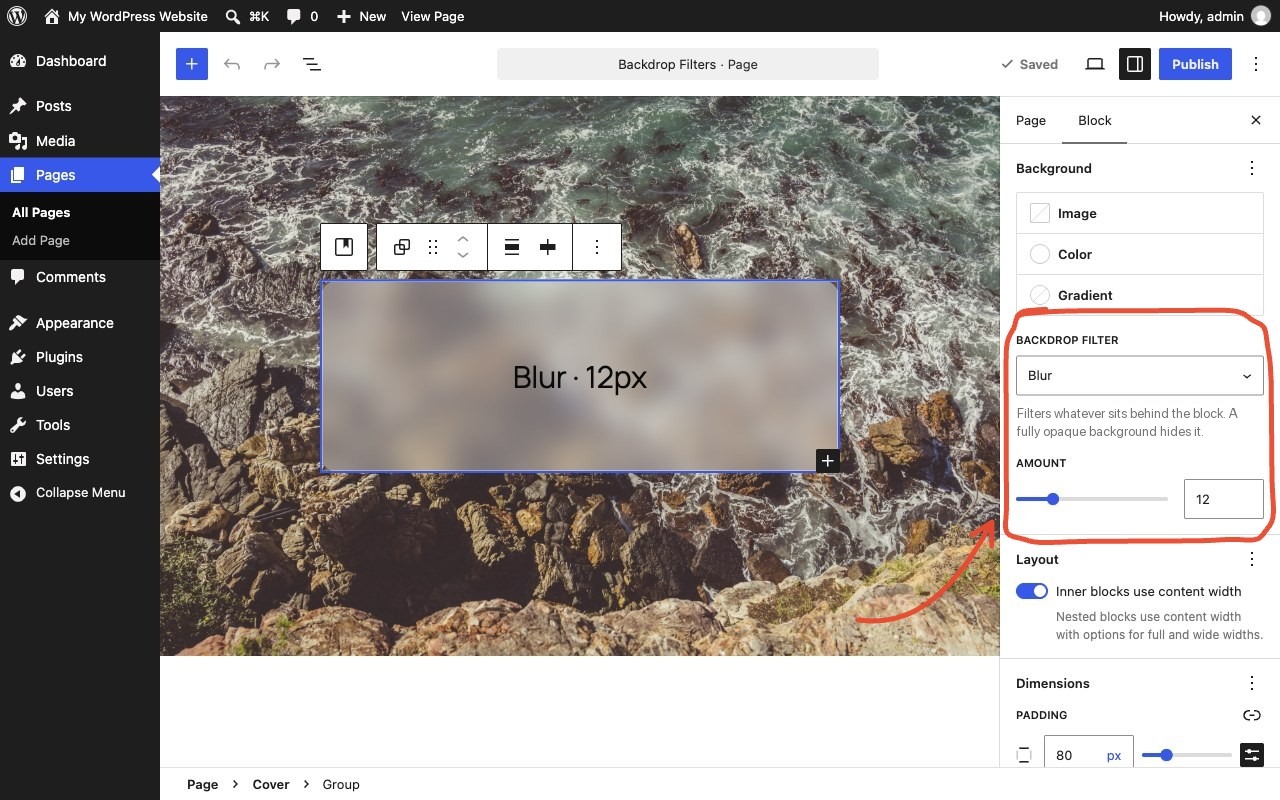
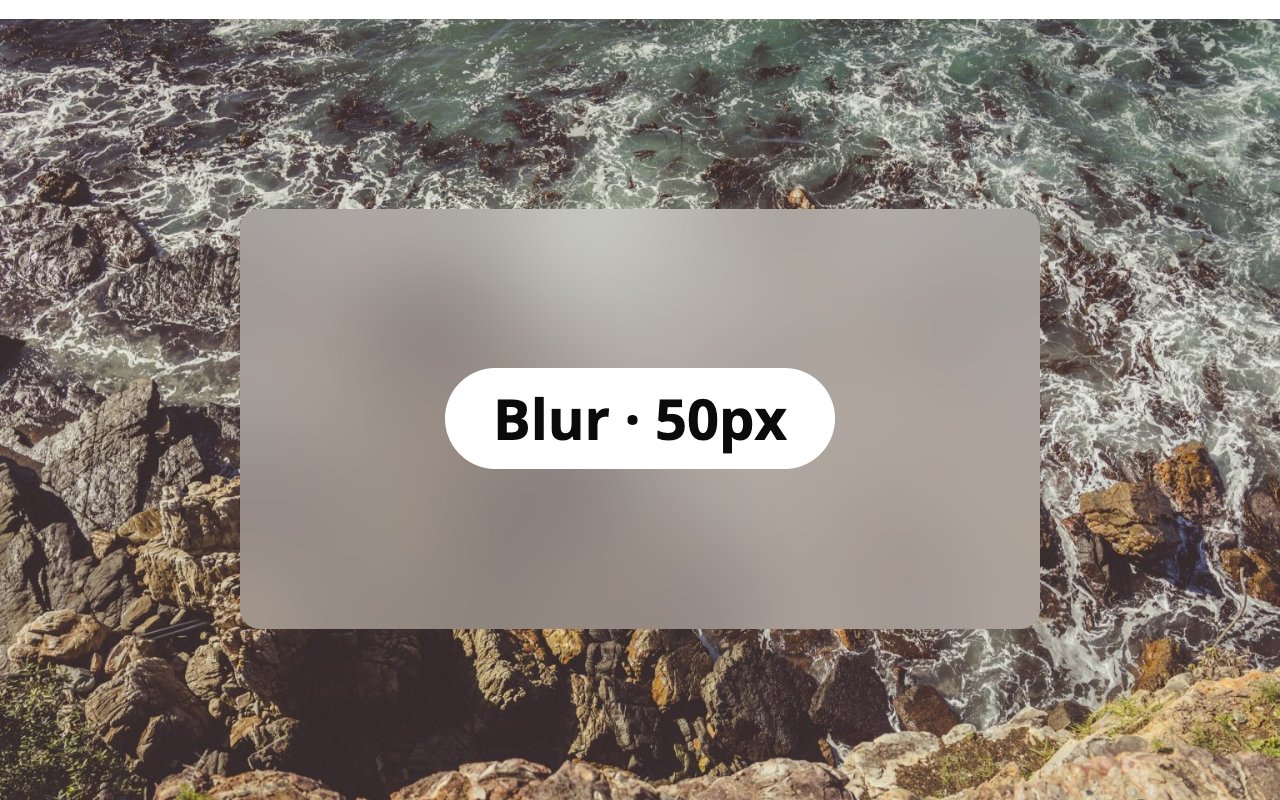
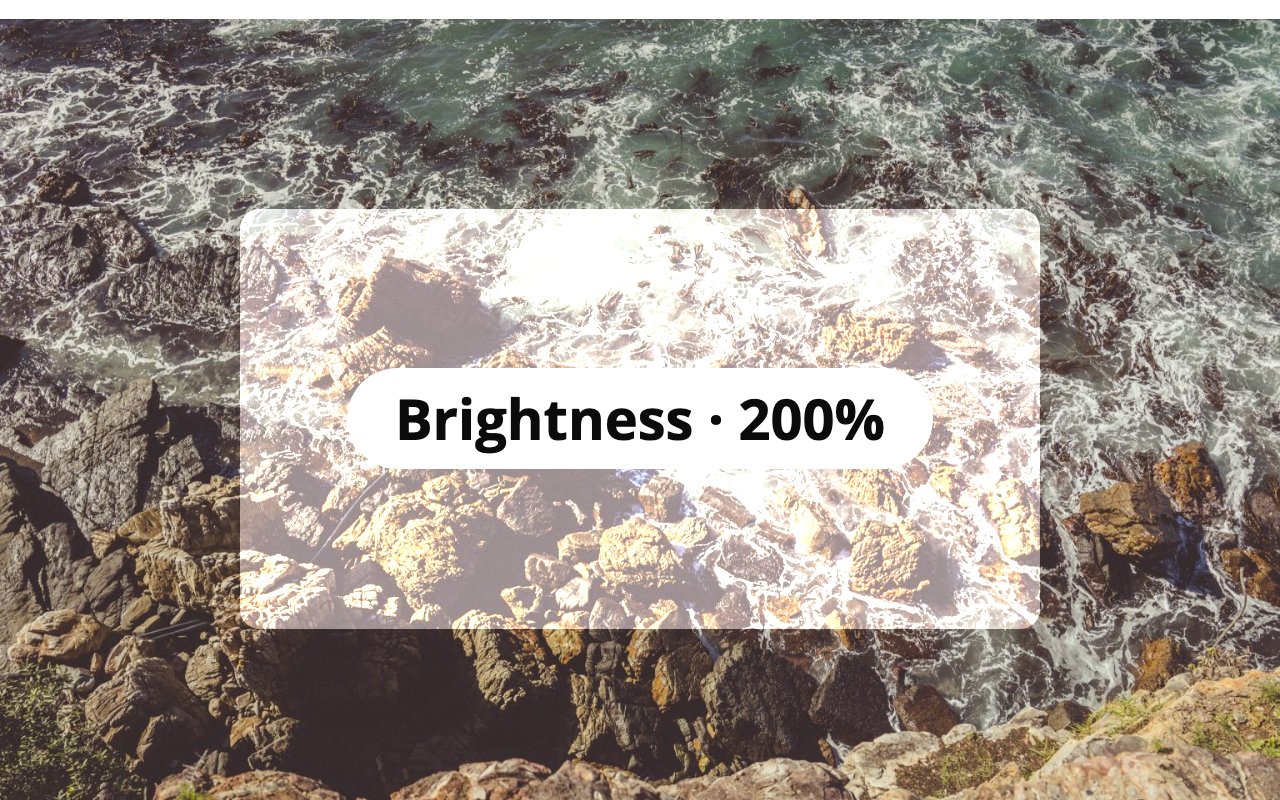
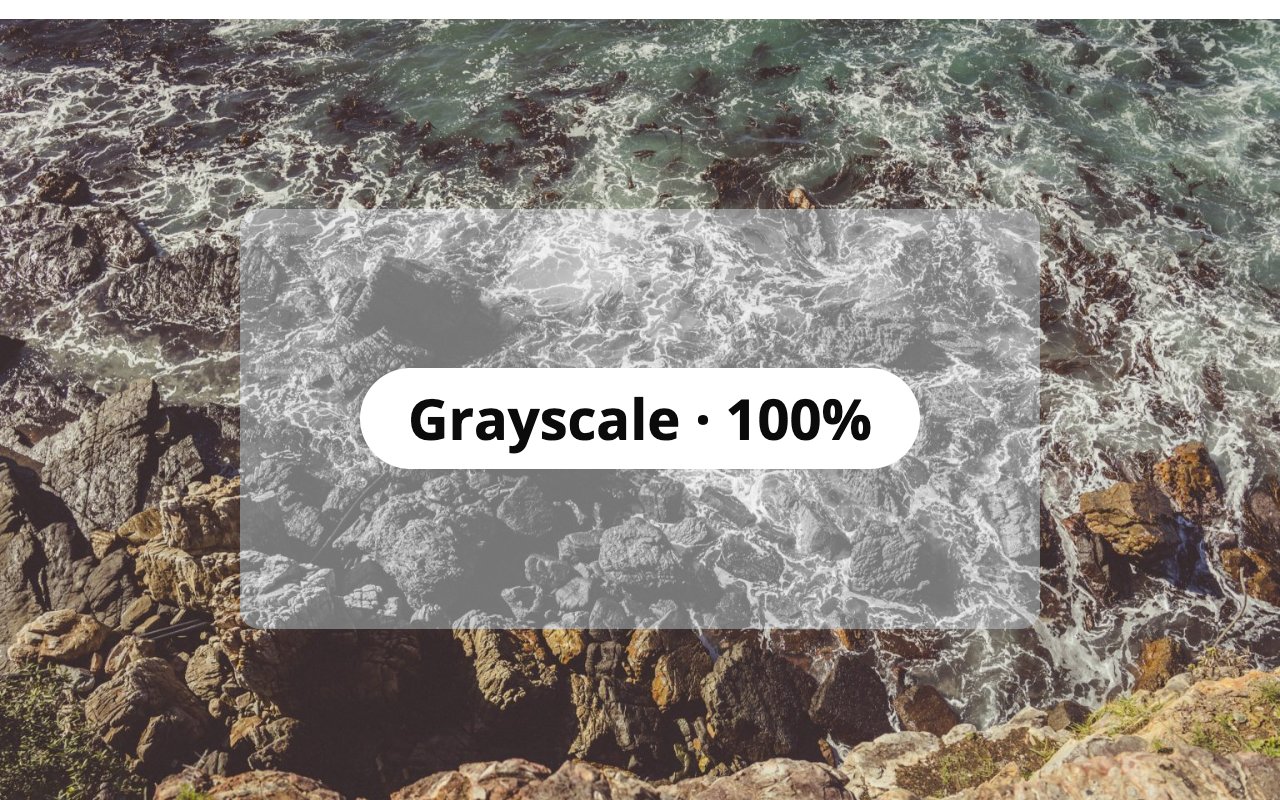
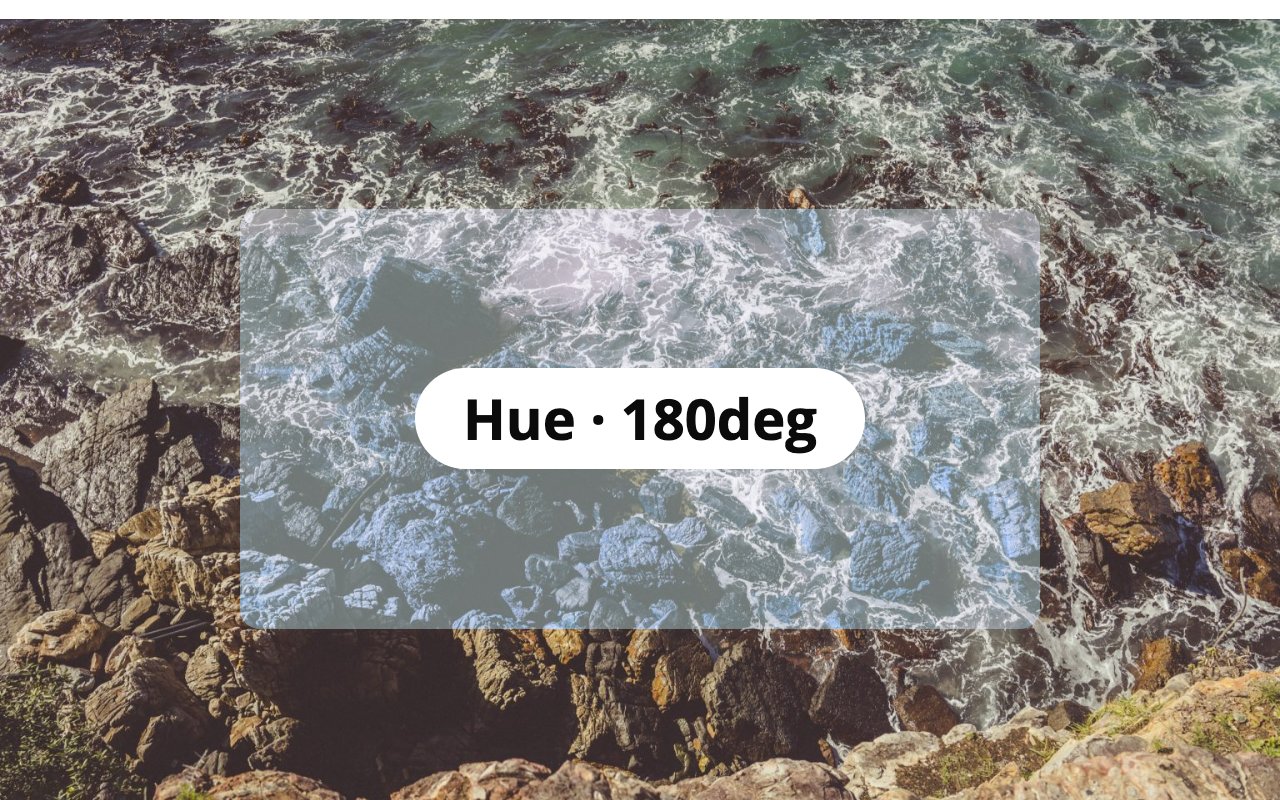
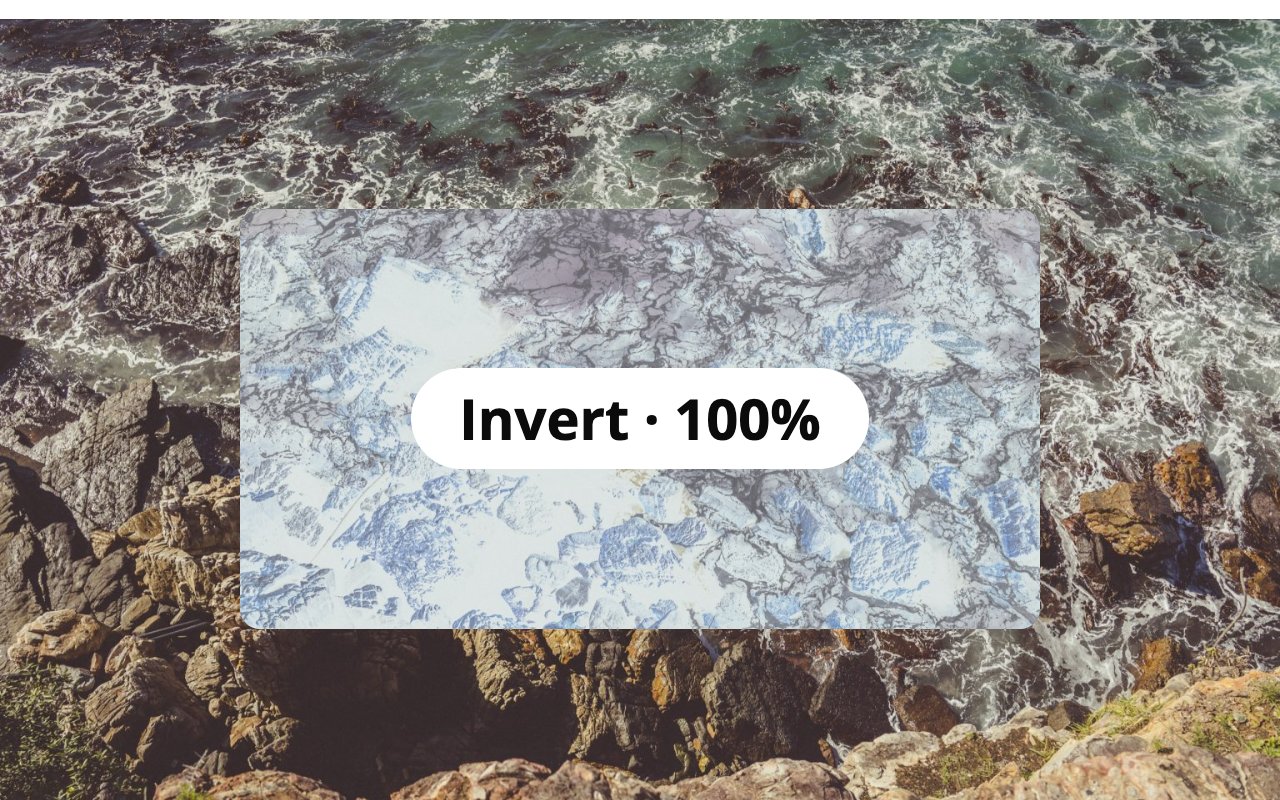
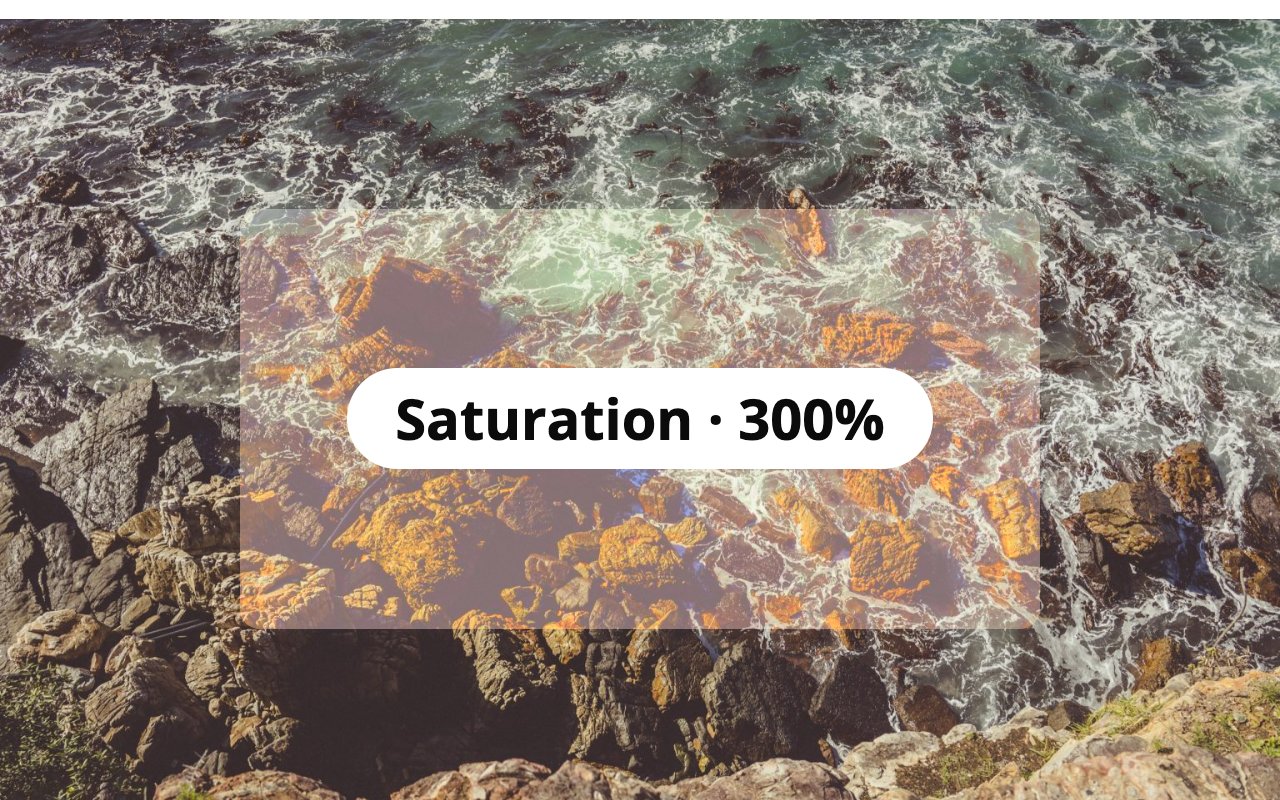
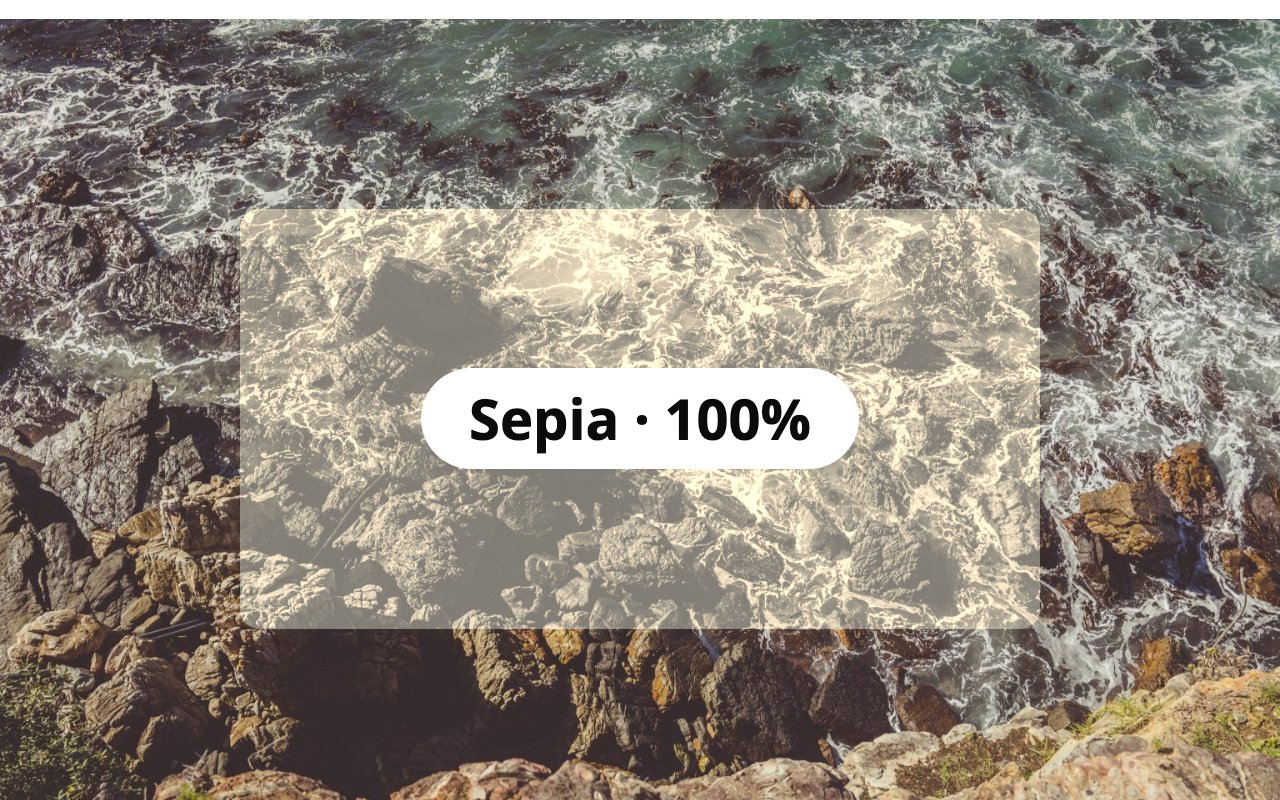
Select a block that sits on top of something, such as a cover image, a photo or scrolling content. Pick a Backdrop filter just below its background color setting and set the amount. Whatever is behind the block gets filtered, giving frosted glass, dimmed, black-and-white or tinted looks.
The block doesn’t need a background color of its own. Leave it empty to see the filter on its own, or add a semi-transparent color to tint it.
Filters: Blur, Brightness, Contrast, Grayscale, Hue, Invert, Saturation and Sepia.
- Works on every block with a background color setting, such as Group, Columns, Buttons, Quote and Search.
- Previews live in the editor.
- Adds the style when the page renders and saves nothing extra into your post content. If you deactivate the plugin, your blocks stay valid and simply lose the filter.
- No settings page, no front-end scripts, no data stored.
Blocks that already support backdrop filters natively are left alone. Theme presets referenced as var:preset|backdrop-filter|{slug} are rendered too.
Source code and issues: github.com/jobthomas/glass-act. The editor script in build/ is minified; its unminified source is in src/ in that repository, built with @wordpress/scripts (npm install && npm run build).
Details

Related plugins
Plugins that also contain the tag backdrop-filter
Altonet Fluid Glassmorphism


About
Plugin for that tries to help you find the WordPress plugin you are looking for.
| Please enjoy an image of Crush (this awesome turtle) and have a lovely day! |  |
We do not own any plugin listed on this site and do not work for or work with WordPress.com or it's associated companies. We simply provide a searchable list of the available WordPress plugins.