


Graceful Error Pages
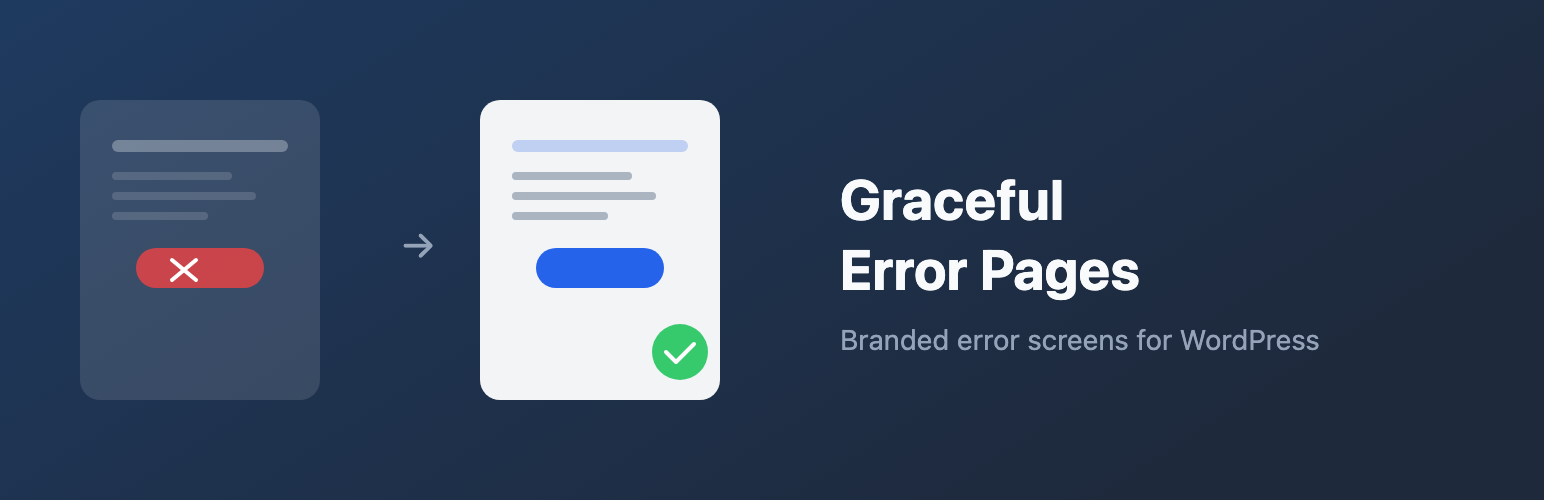
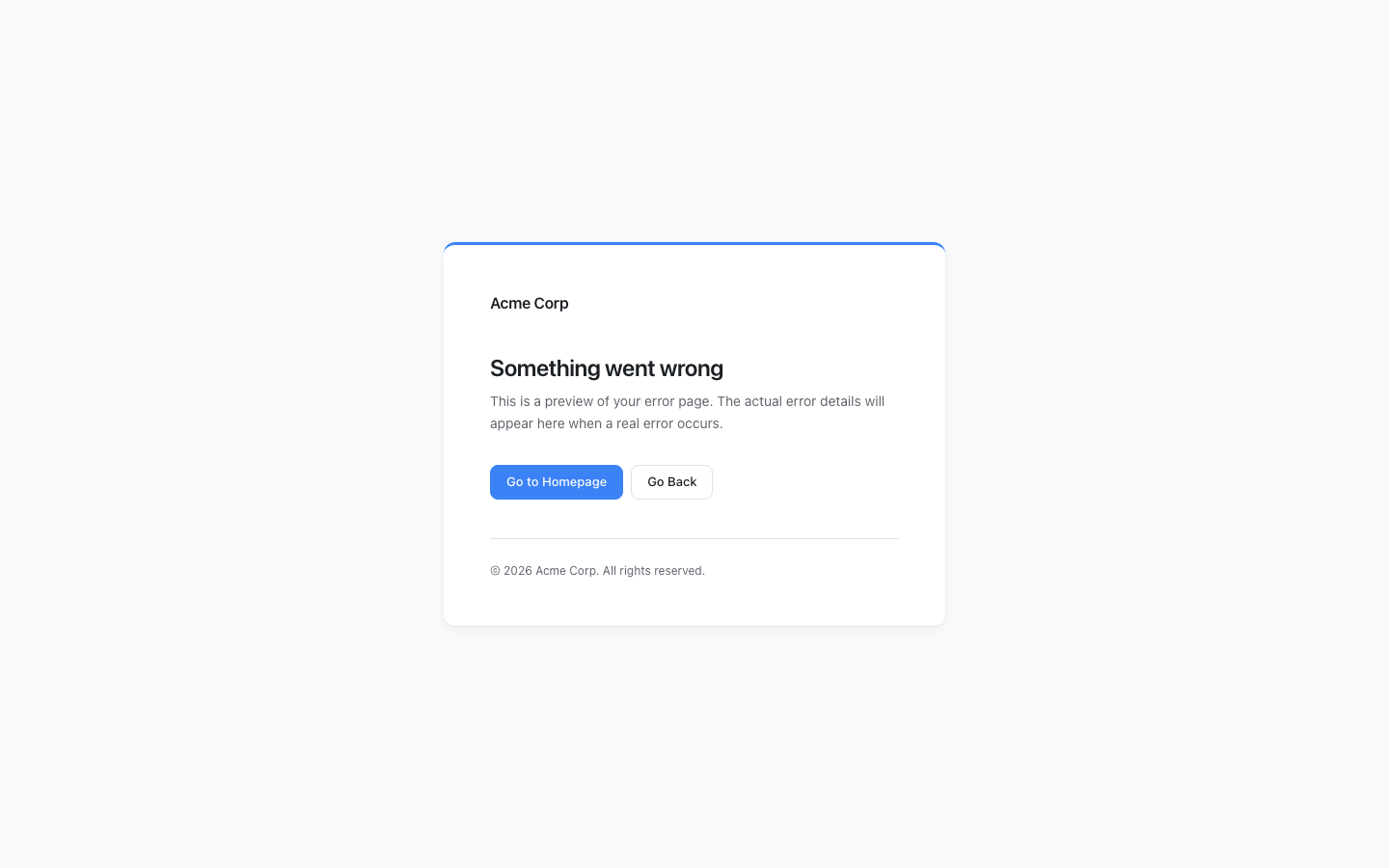
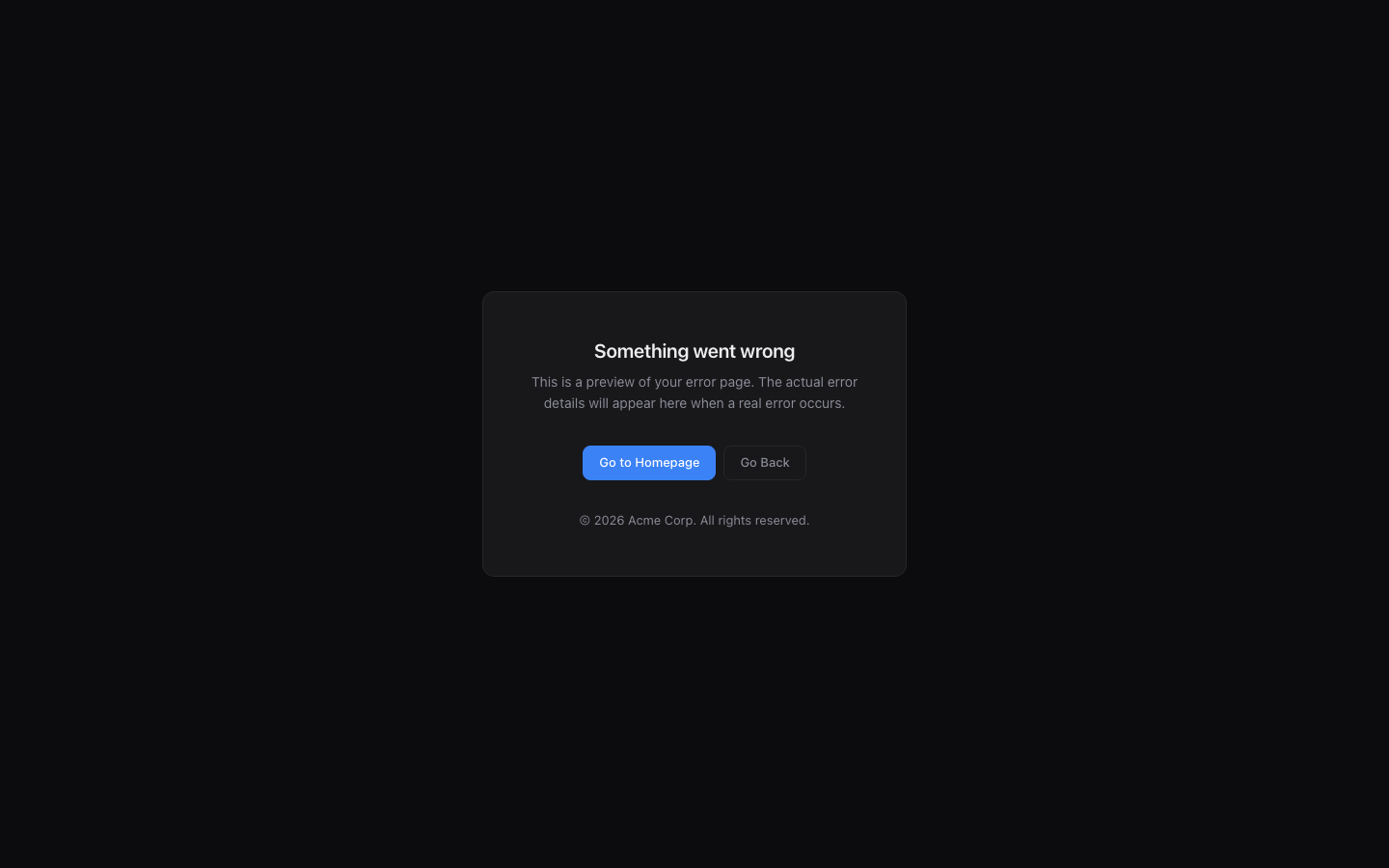
Every WordPress site shows the same plain white error screen when something goes wrong.
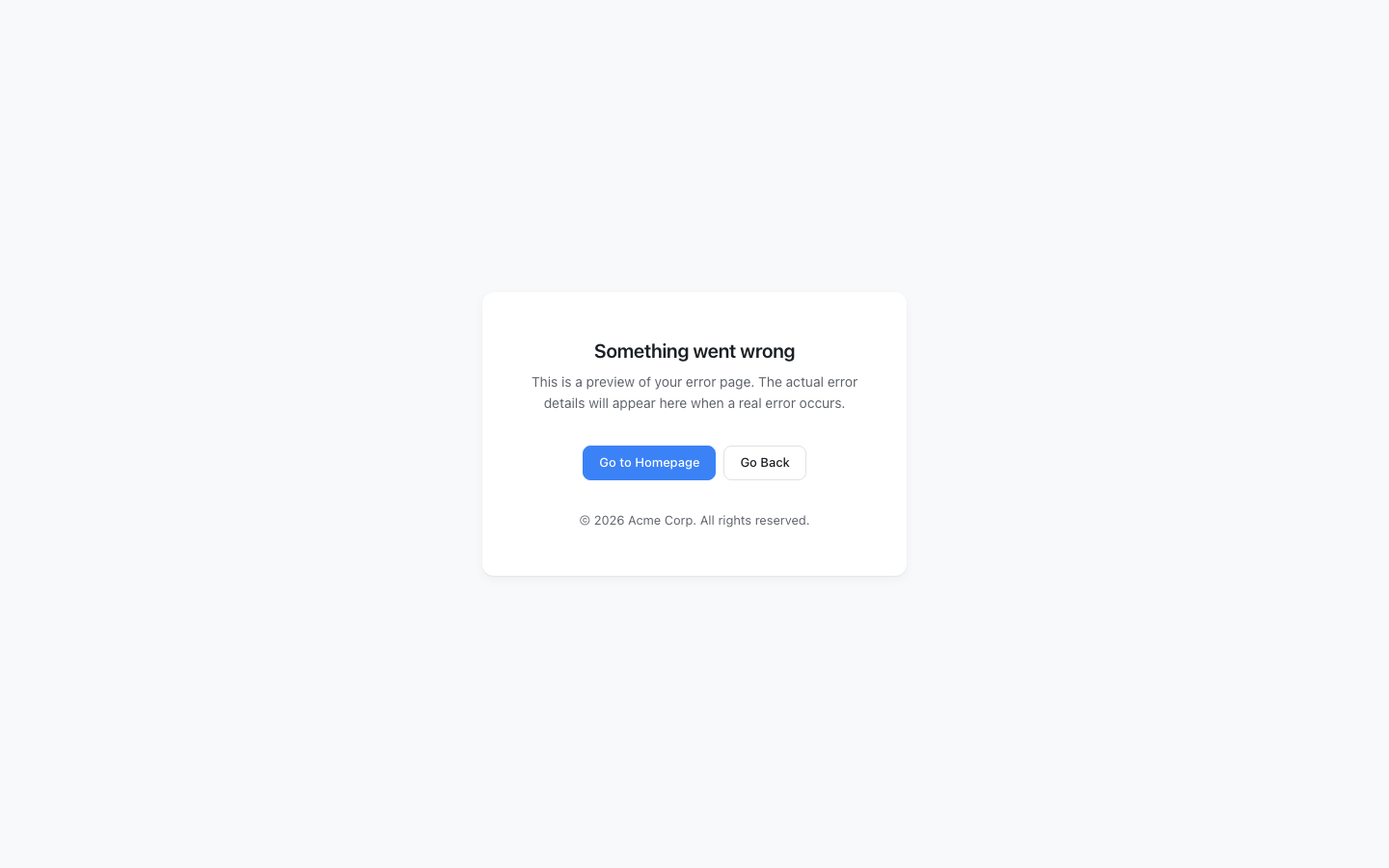
It looks broken. It destroys trust. Graceful Error Pages replaces it with a page that
matches your brand — automatically, the moment you activate it.
What it replaces:
- The
wp_die()error screen (permission errors, expired links, security blocks) - PHP fatal error screens (white screen of death)
Features:
- Zero-config activation — works immediately with auto-detected site name, logo, and colors
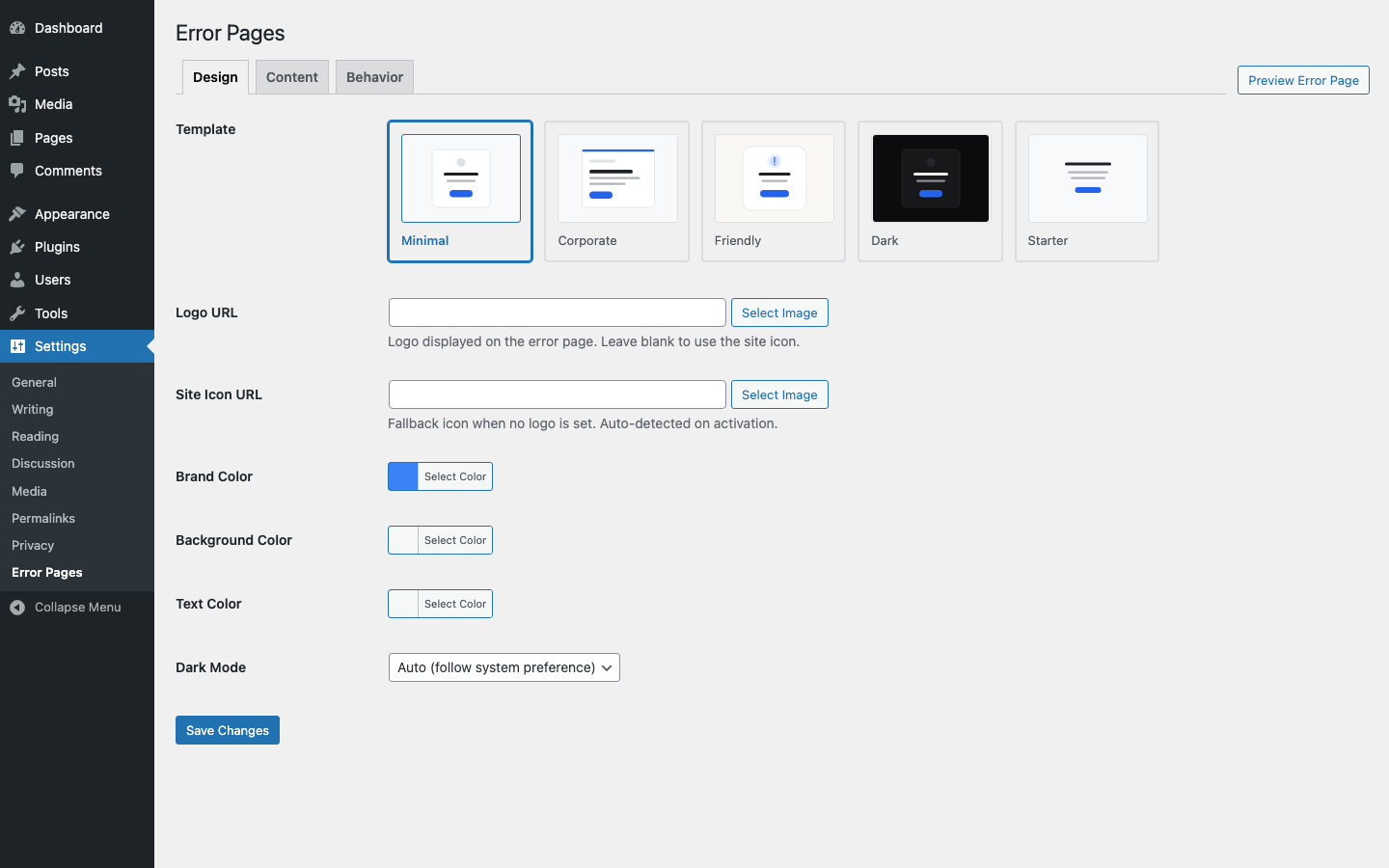
- Five built-in templates — Minimal, Corporate, Friendly, Dark, and Starter
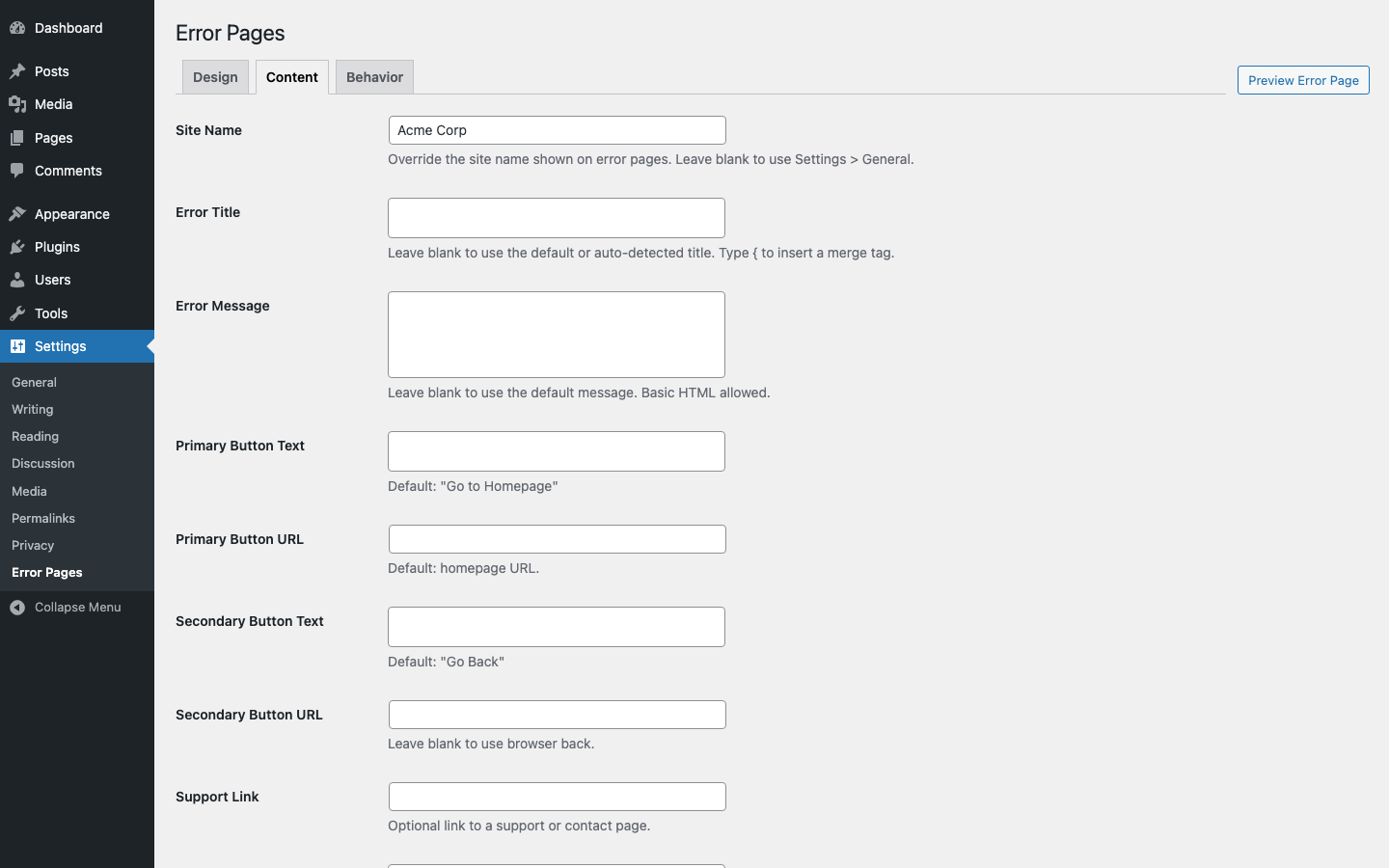
- Brand customization — logo, colors, heading, message, and redirect URL
- Merge tags — dynamic content like {site_name} and {year}
- Self-contained styling — no theme or CDN dependencies (works even during fatal errors)
- API safe — only overrides HTML output; REST API, AJAX, and JSON responses are untouched
- WP-CLI safe — automatically skips CLI contexts
- Lightweight — zero overhead on normal page loads; only runs when an error occurs
- Fully translatable — all strings use WordPress i18n functions
How it works:
- Activate the plugin
- Your site’s error pages are instantly branded with auto-detected settings
- Optionally customize via Settings > Error Pages
Source Code
The full source code, including unminified JavaScript and build tools, is available at:
github.com/codeverbojan/graceful-error-pages
To build from source:
- Clone the repository
- Run
composer install - Run
npm install - Run
npm run build
Details
Related plugins
Plugins that also contain the tag branding
White Label CMS

Theme My Login

Custom Login

WP Custom Login

Ultimate Client Dash

Where Did You Hear About Us Checkout Field for WooCommerce


About
Plugin for that tries to help you find the WordPress plugin you are looking for.
| Please enjoy an image of Crush (this awesome turtle) and have a lovely day! |  |
We do not own any plugin listed on this site and do not work for or work with WordPress.com or it's associated companies. We simply provide a searchable list of the available WordPress plugins.