



Grumpy AI Gate
Grumpy AI Gate helps you stay in control as AI features spread across WordPress. It observes and intercepts outbound HTTP that other code on your site already initiates (plugins, themes, or core)—so you can see which plugin was involved, how much activity you are seeing (including helpful estimates), and optionally stop unwanted WordPress AI Client traffic for specific plugins. This plugin does not call external AI APIs for its own dashboard, analytics, or licensing. Nothing is sent to us or to a third-party analytics service.
Why use it
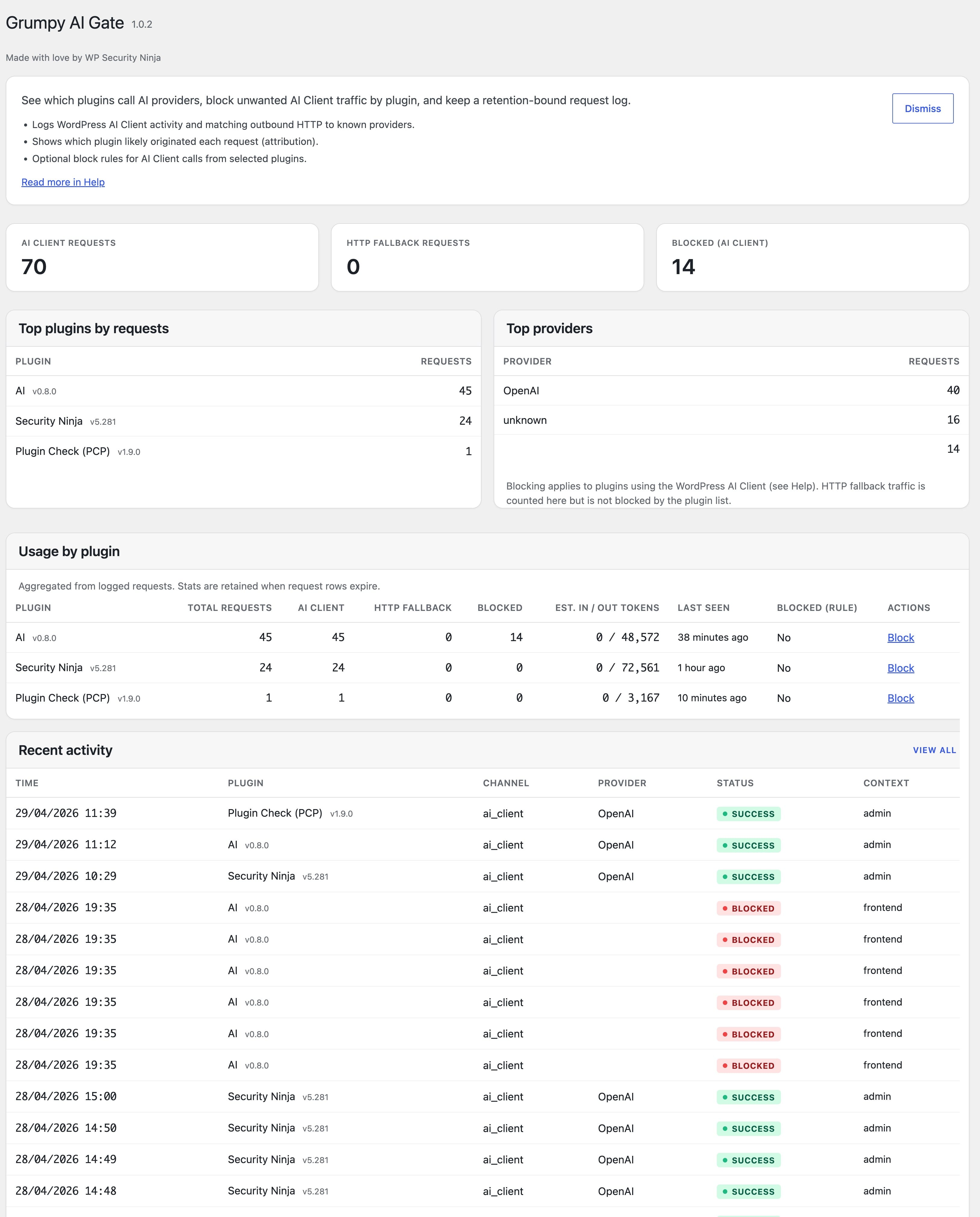
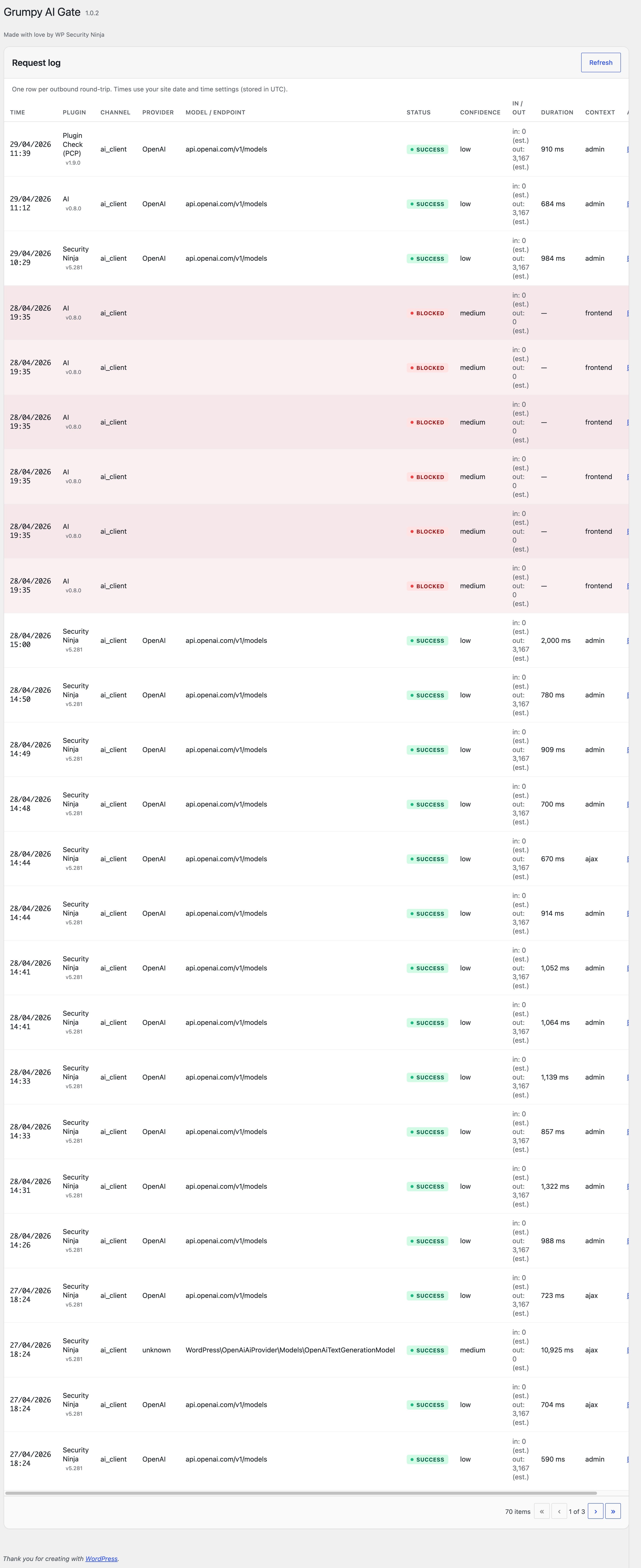
- Visibility — Dashboard summaries, a per-plugin usage table, and a request log so surprises become visible early.
- Spend awareness — When other software calls paid APIs, usage adds up. Logging helps you notice patterns before invoices or quotas become a problem.
- Safer sharing — Knowing what leaves your server makes it easier to decide what belongs in prompts and what does not.
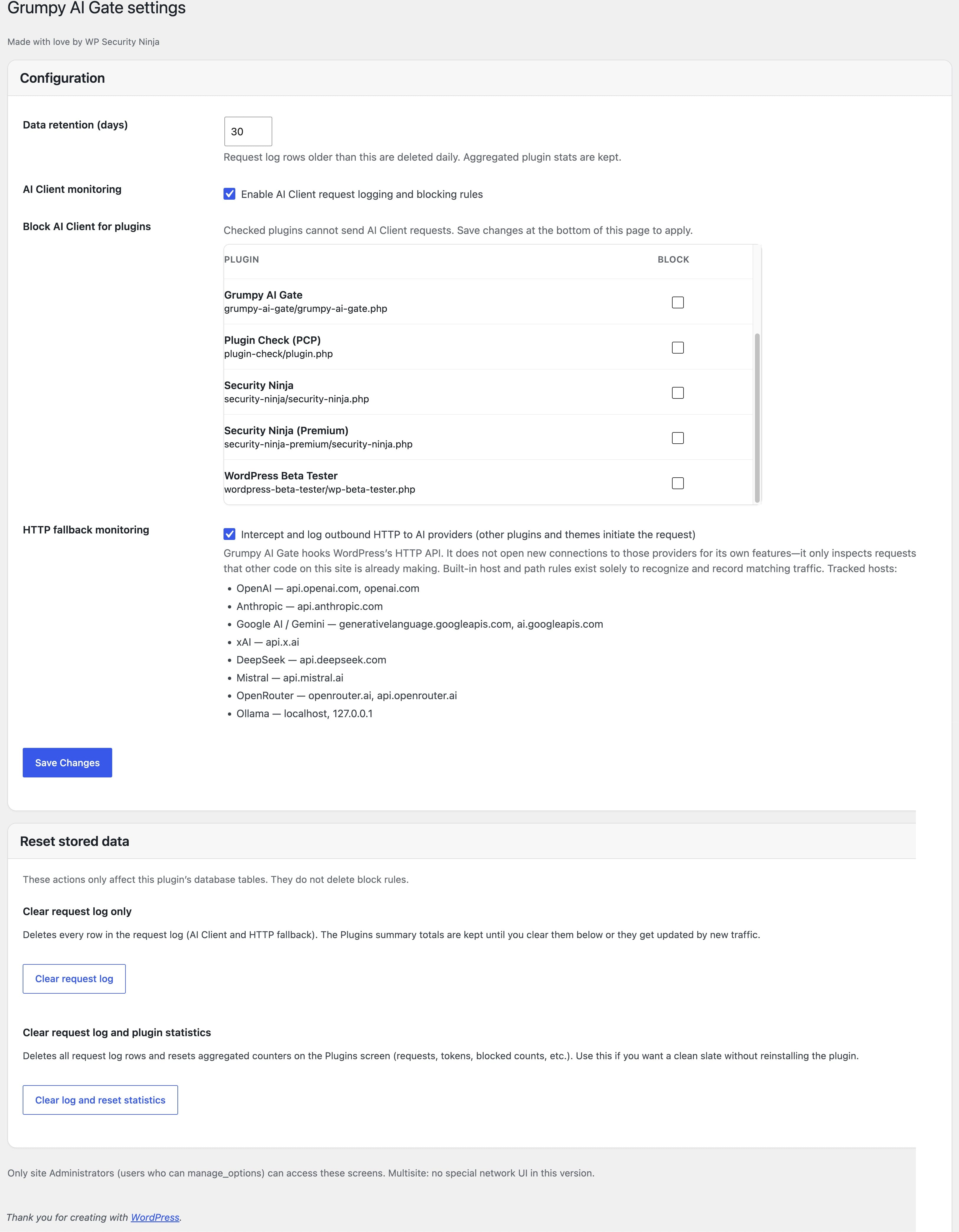
- Optional blocking — For paths that use WordPress’s AI Client, you can block generations from selected plugins under Grumpy AI Gate Settings (save to apply).
How it works
- When the WordPress AI Client is available, the plugin records those requests from core lifecycle hooks (other code still drives the actual generation).
- For HTTP fallback, Grumpy AI Gate hooks WordPress’s HTTP API (for example
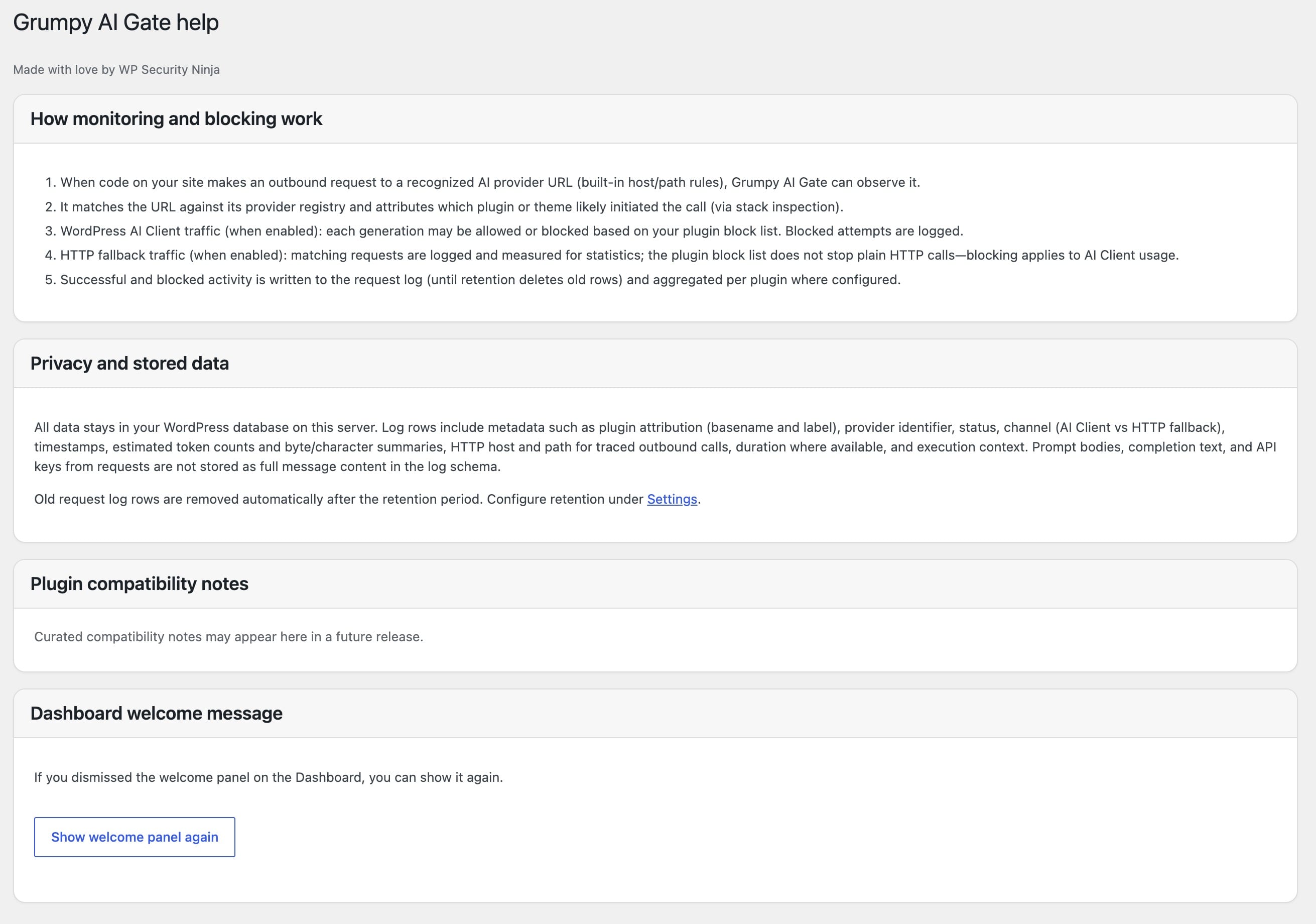
pre_http_request) to inspect requests that are already in flight. If a URL matches built-in recognition rules for major AI providers, a log row can be stored. Grumpy AI Gate does not open those connections for its own purposes—it only filters and classifies traffic initiated elsewhere on the site. - HTTP fallback does not block outbound API calls in the current release—it is there so you still get visibility when plugins talk to providers directly over HTTP instead of (or in addition to) AI Client flows.
Compatibility
The plugin requires WordPress 7.0+ (matches Requires at least in the plugin header). On WordPress 7.x, it works with core AI Client functionality where available. Release testing included WordPress 7.0 Beta 5. HTTP fallback remains important on every supported version—it records calls to recognized provider endpoints that other plugins make directly over HTTP, which is still common alongside (or instead of) AI Client–based flows.
Privacy
Everything is stored locally in your WordPress database. There is no cloud account, no telemetry, and no third-party analytics from this plugin.
For technical details on logging, double-counting avoidance, and blocking limits, see the FAQ below.
External services
This plugin does not rely on third-party AI APIs, remote analytics, or any external service for its own features. All logging and settings stay on your site.
Provider names and URL patterns included with the plugin are local matching rules only. They let Grumpy AI Gate filter and classify outbound HTTP requests that plugins, themes, or WordPress core may already be sending. They are not a list of servers this plugin calls to power the admin UI or to “phone home.”
Your site may still contact third-party AI providers when you or other software use AI features—that traffic is separate from this plugin’s own network use (which does not include calling those providers for monitoring).
Details
Related plugins
Plugins that also contain the tag admin
Redux Framework

Loginizer

LightStart – Maintenance Mode, Coming Soon and Landing Page Builder

Admin Menu Editor

White Label CMS

InfiniteWP Client


About
Plugin for that tries to help you find the WordPress plugin you are looking for.
| Please enjoy an image of Crush (this awesome turtle) and have a lovely day! |  |
We do not own any plugin listed on this site and do not work for or work with WordPress.com or it's associated companies. We simply provide a searchable list of the available WordPress plugins.