


Highlighting Code Block
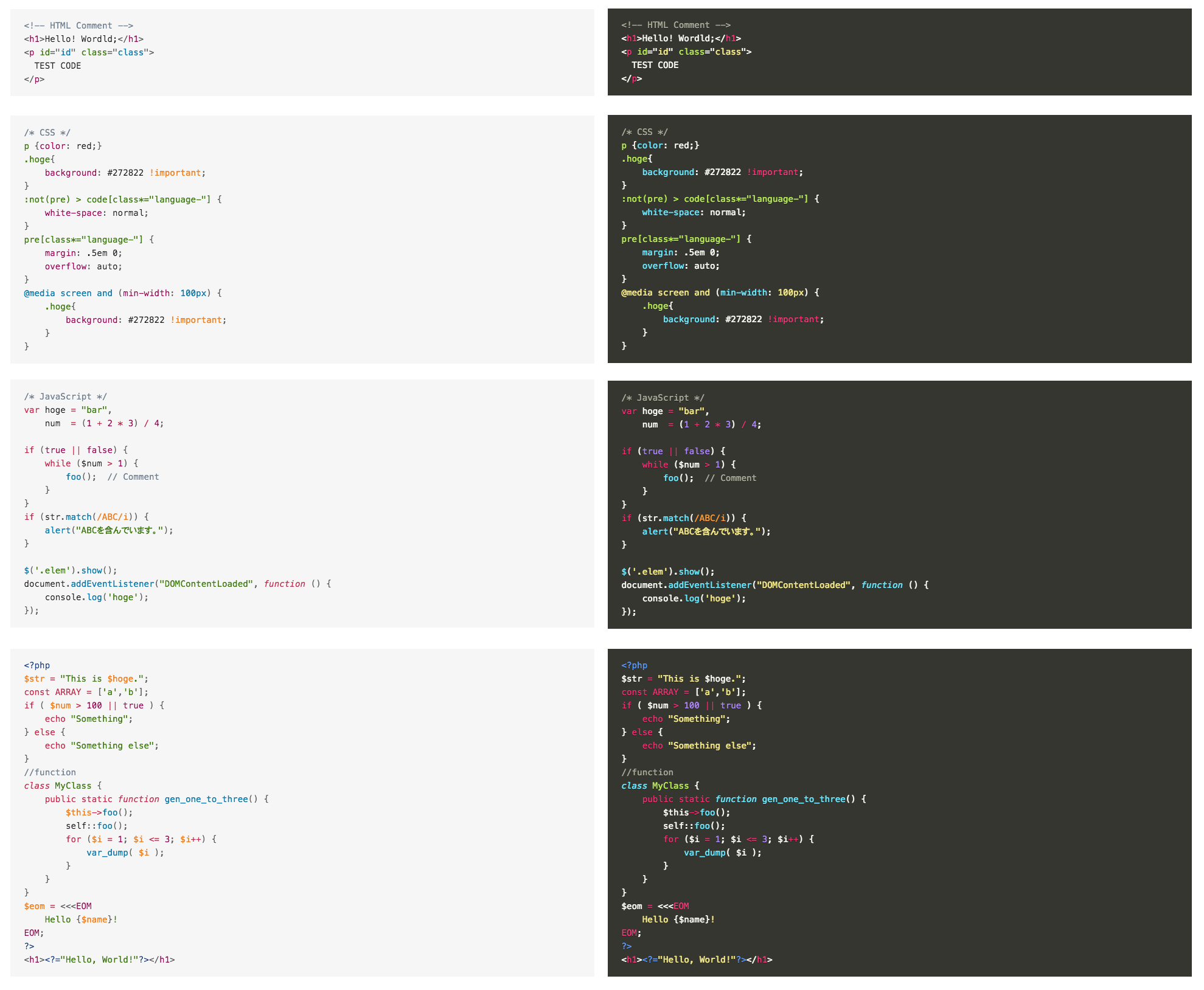
“Highlighting Code Block” allows you to add a syntax-highlighted code block with just a click.
It supports both “Block Editor” and “Classic Editor”.
(However, we recommend using it in the “Block Editor”.)
Please see the following page for a detailed explanation of this plugin.
URL: https://loos.co.jp/en/documents/highlighting-code-block/
Source code
The source code of this plugin is available on Github.
URL: https://github.com/ddryo/Highlighting-Code-Block
How to use
How to use (For Block Editor)
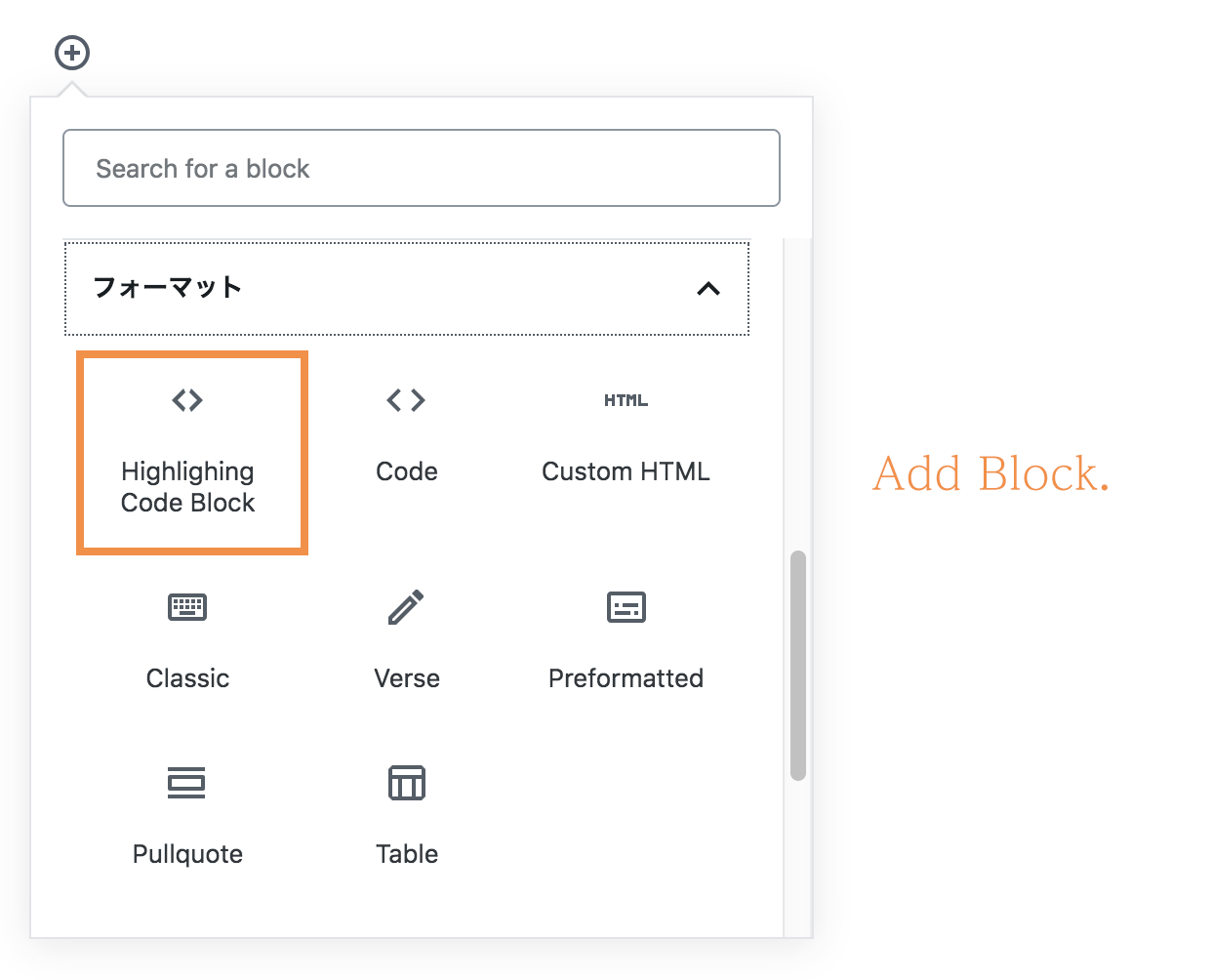
- Open the “Formatting” category of the Block Inserter.
- There is a custom block named “Highlighing Code Block”.
- Select it, the block will be inserted.
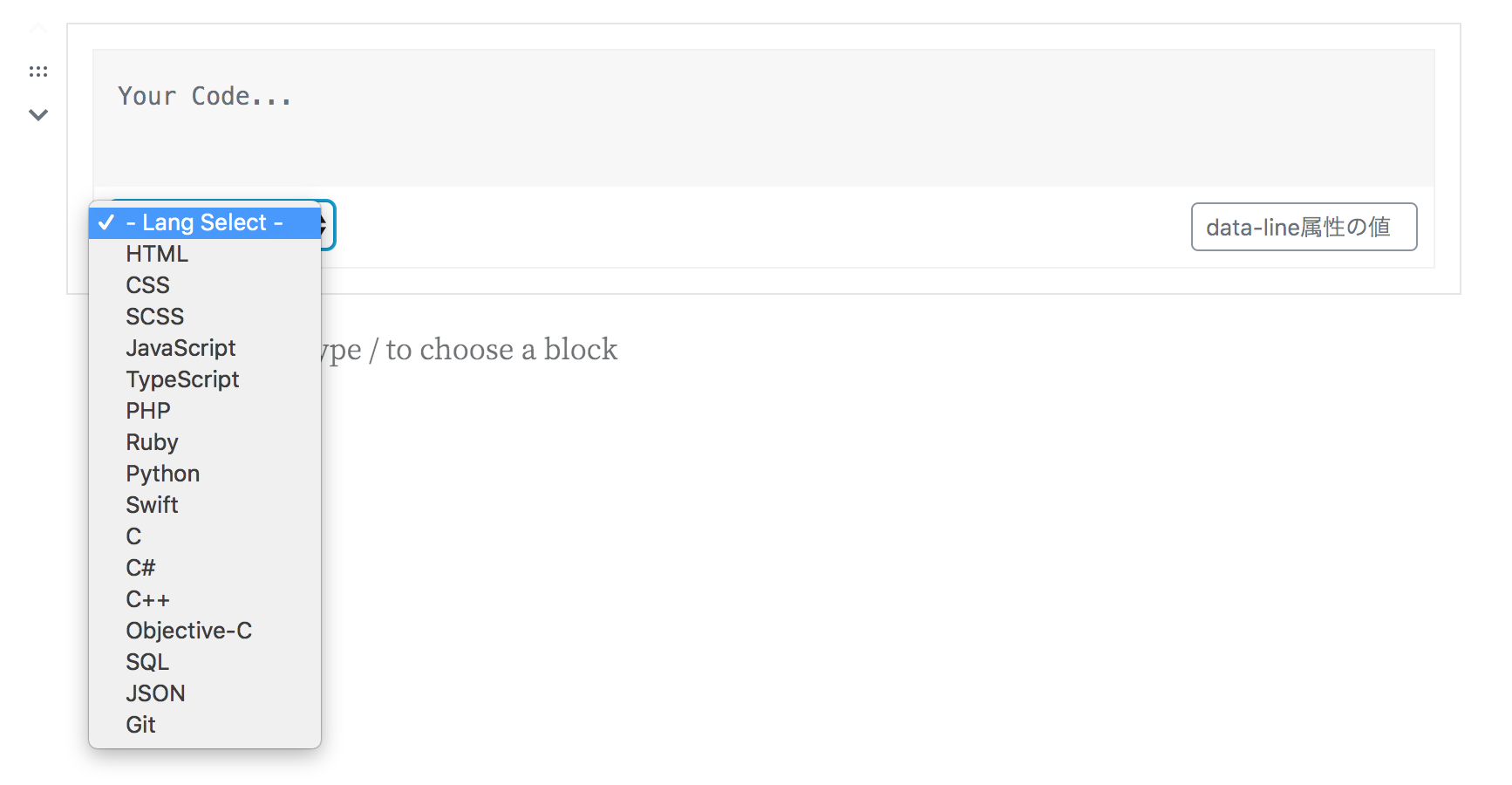
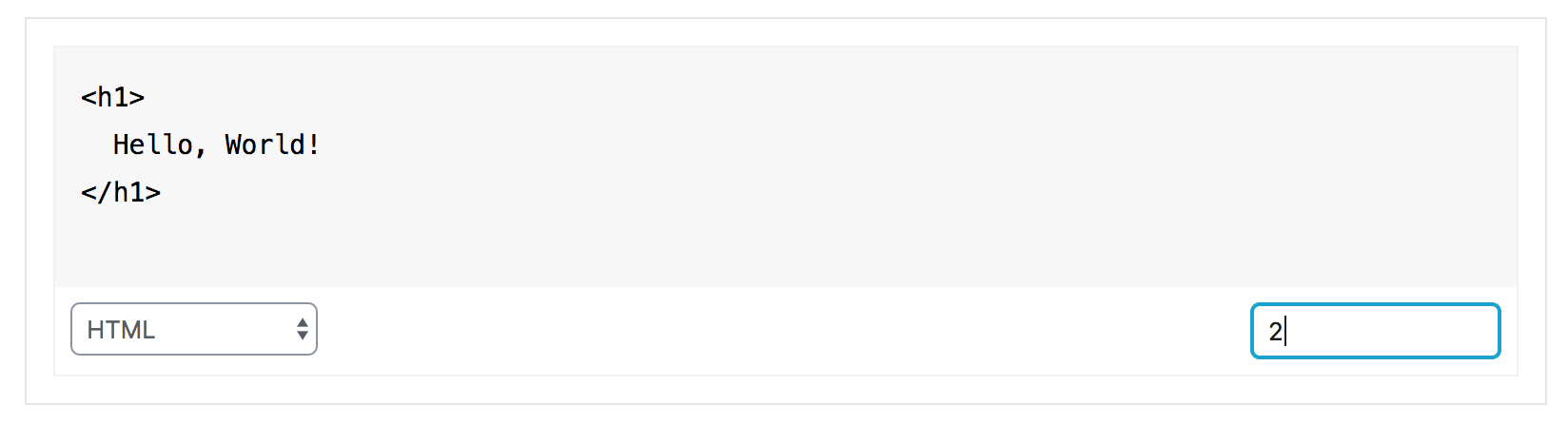
- Select the language of the code and enter any code.
How to use (For Classic Editor)
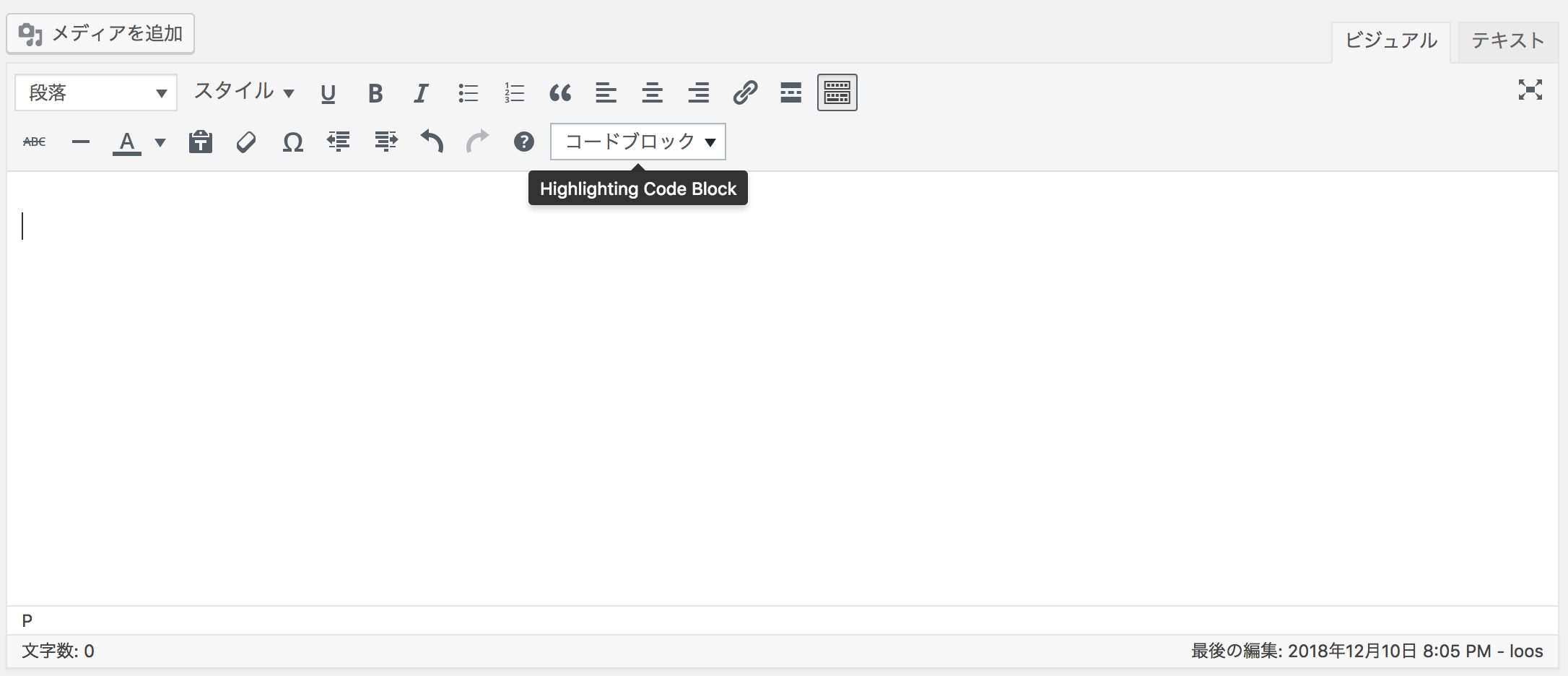
- You should see a select box labeled “Code Block” on the toolbar (2nd row by default).
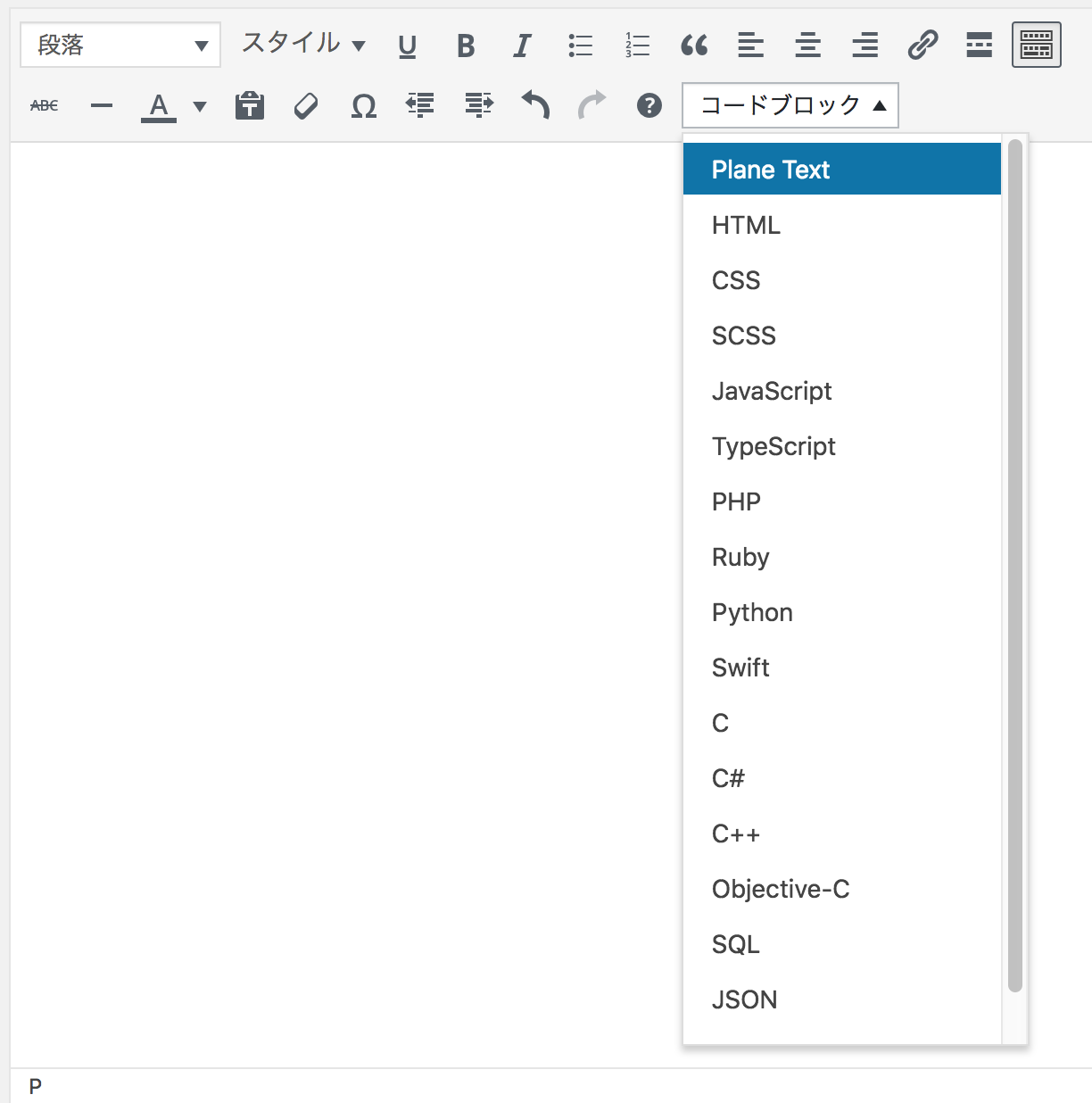
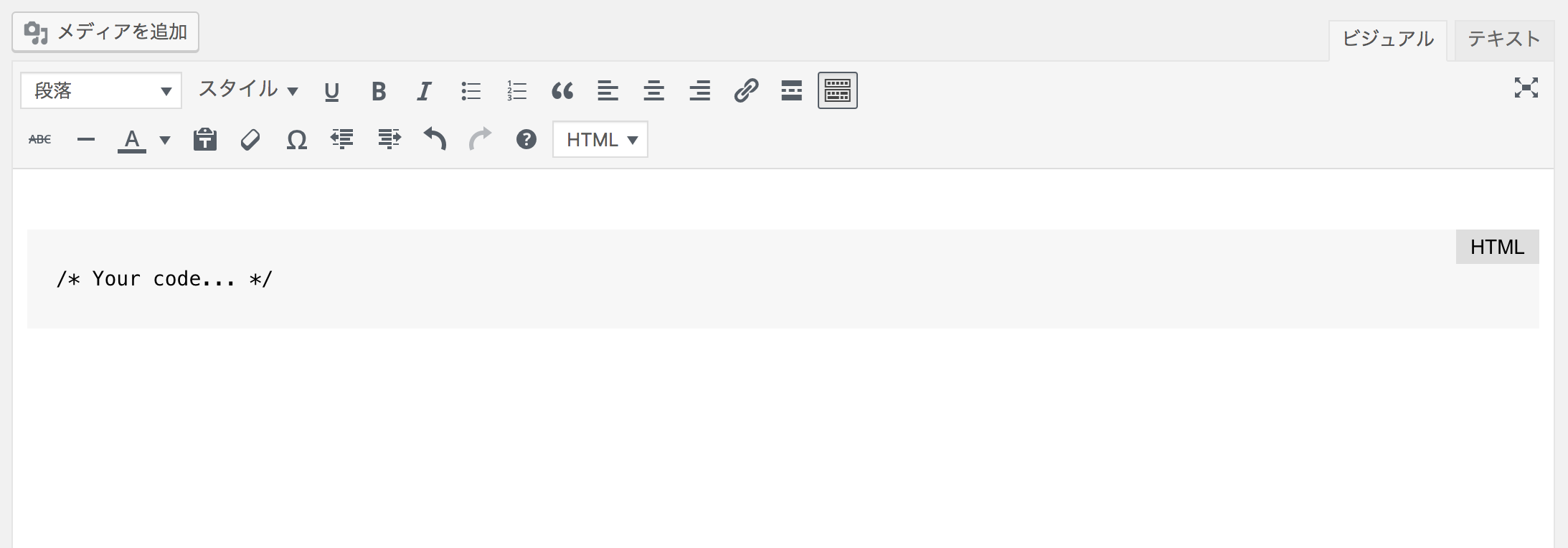
- When you select a language from the select box, a code block (pre tag) is inserted.
If it doesn’t work
This plugin works only with PHP version 5.6 or later, WordPress 5.6 or later.
Please check your PHP version or WordPress version.
About settings
The menu “[HCB] Settings” should be added to “Settings” in the left menu of the management screen.
Settings related to this plugin are set in this menu.
Details

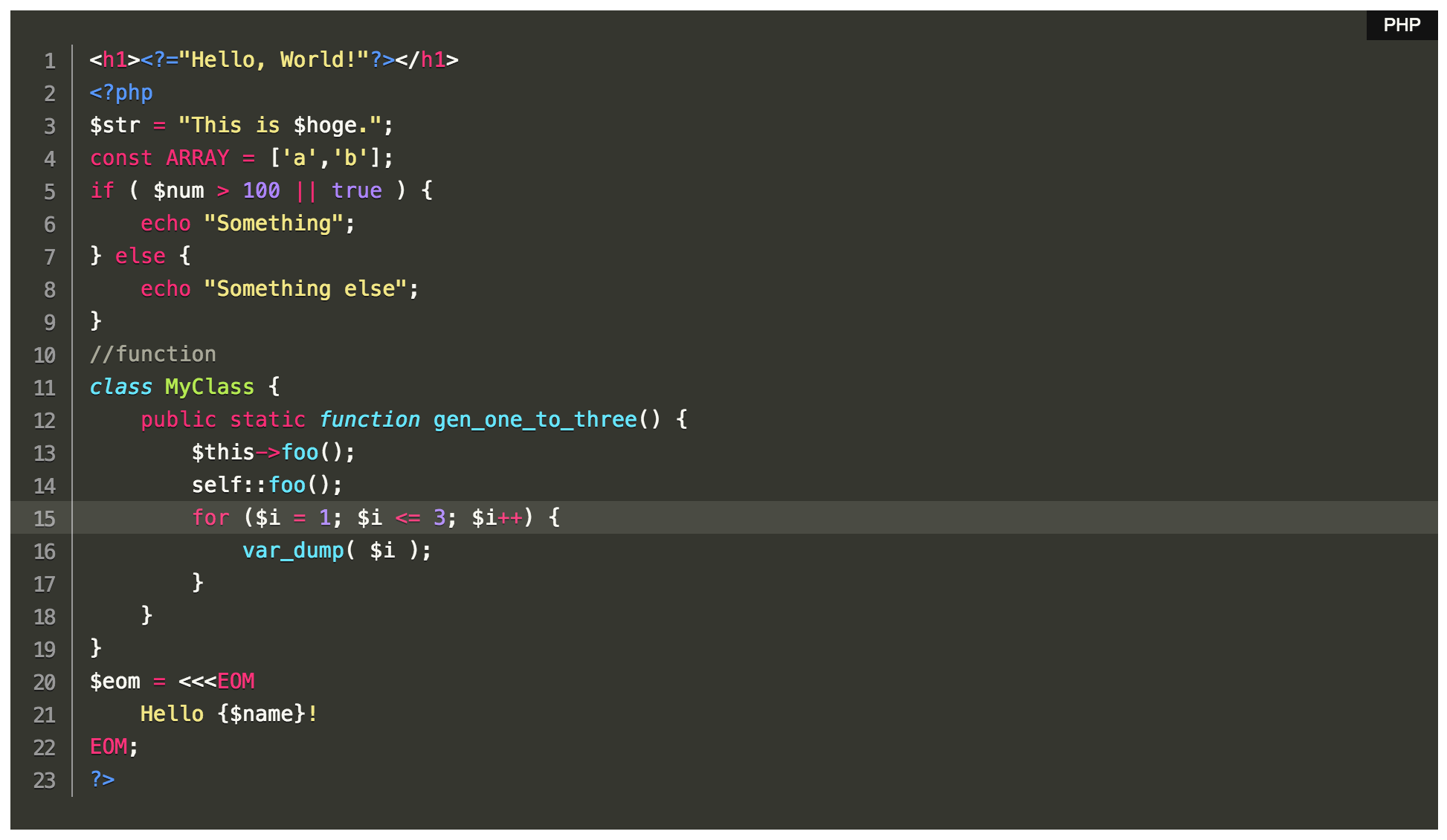
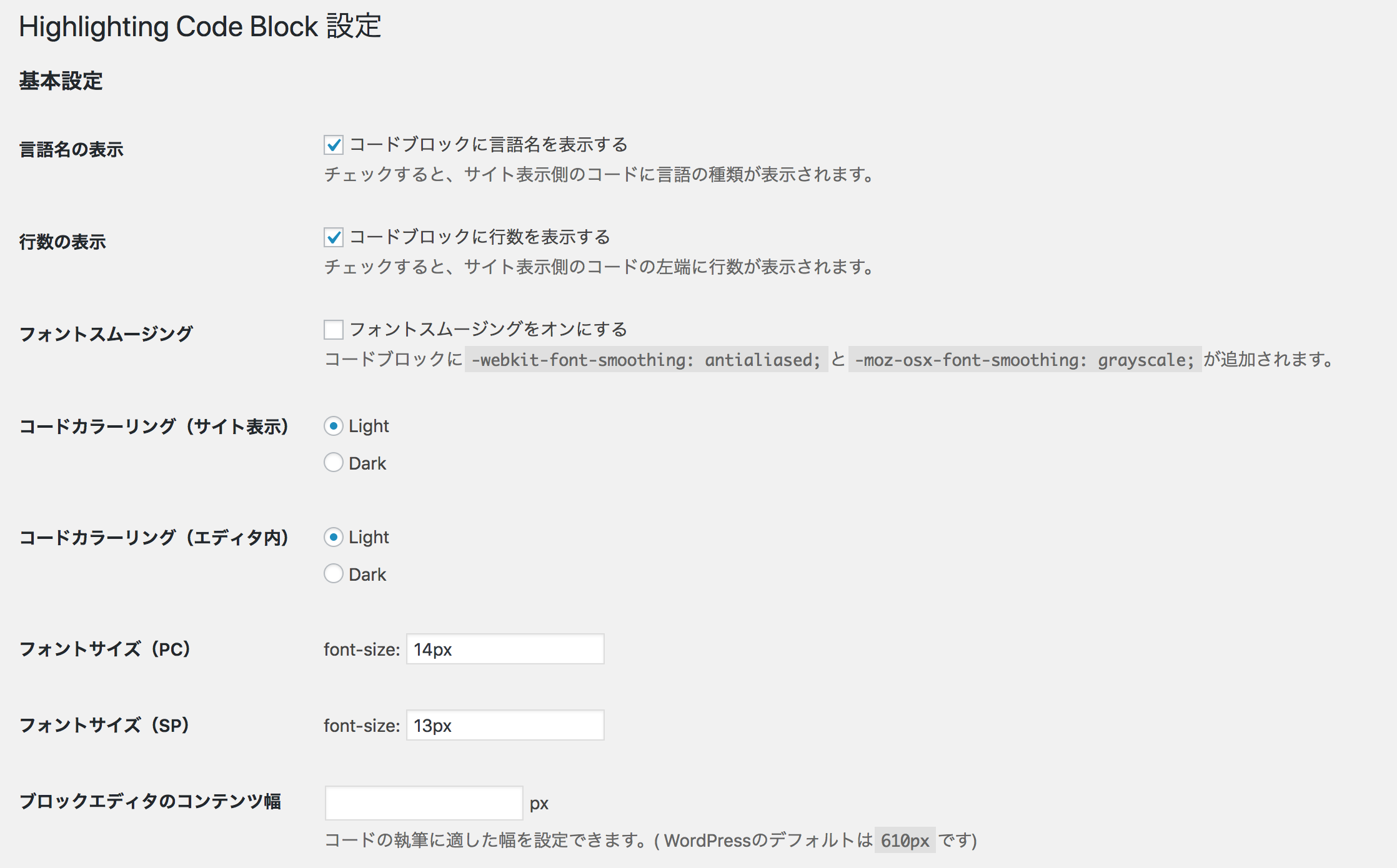
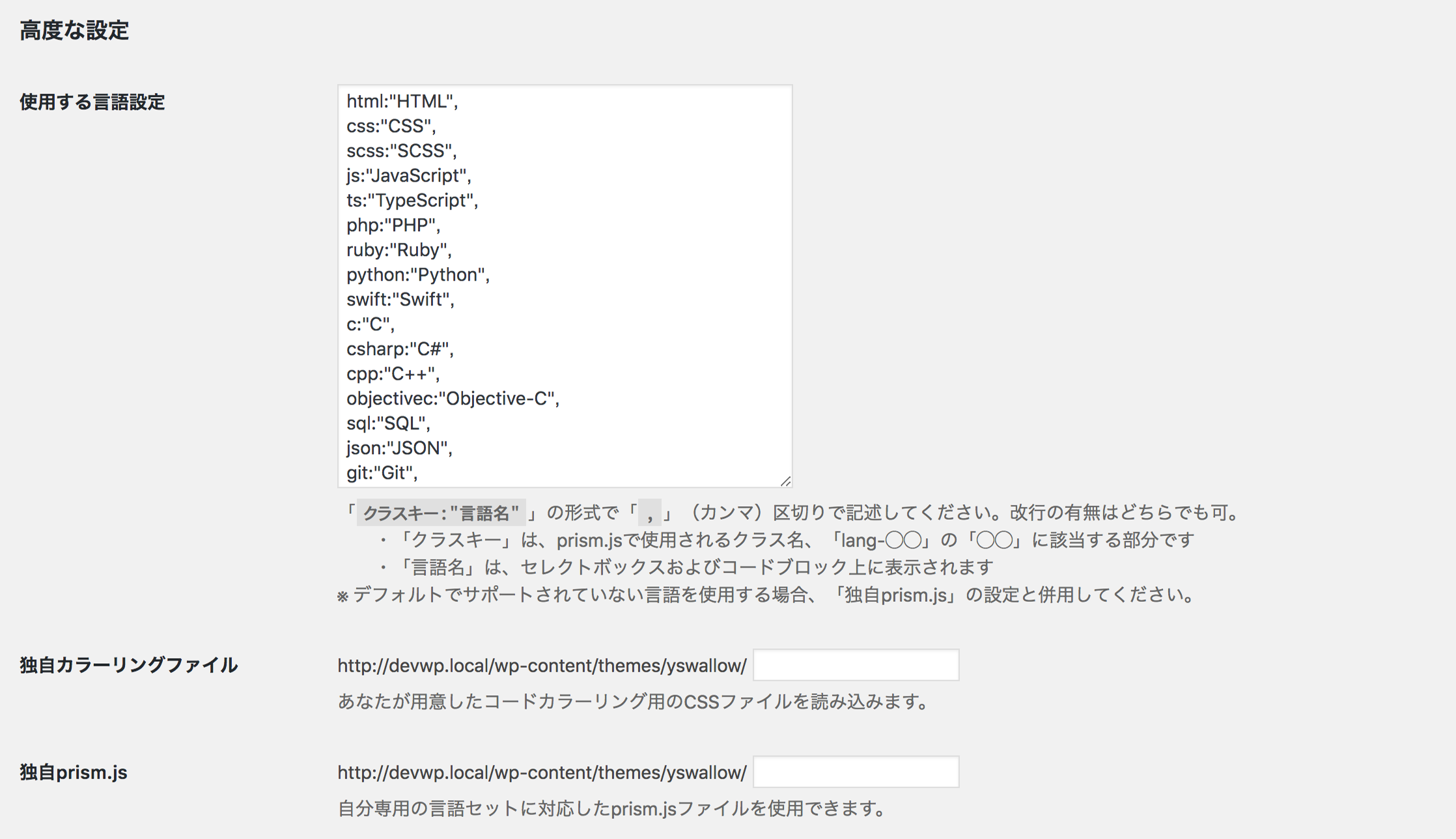
Related plugins
Plugins that also contain the tag block
Spectra Gutenberg Blocks – Website Builder for the Block Editor

Breadcrumb NavXT

WP Go Maps (formerly WP Google Maps)

Otter Blocks – Gutenberg Blocks, Page Builder for Gutenberg Editor & FSE

PDF Embedder

Layout Grid Block


About
Plugin for that tries to help you find the WordPress plugin you are looking for.
| Please enjoy an image of Crush (this awesome turtle) and have a lovely day! |  |
We do not own any plugin listed on this site and do not work for or work with WordPress.com or it's associated companies. We simply provide a searchable list of the available WordPress plugins.