



Hooray SourceSignal for Google Preferred Sources
Google Preferred Sources without the developer project
Google Preferred Sources lets readers tell Google which publishers they want to see more often in Search.
Getting that invitation onto a real WordPress publication should not mean custom JavaScript, theme edits, a developer engagement, or days of troubleshooting around caching, mobile browsers, page builders and advertising technology.
Hooray SourceSignal makes the implementation a normal WordPress plugin: install it, choose where the invitation appears, choose how it looks, preview it, and turn it on.
Built by a small publisher because we needed it ourselves
We are a small independent print and digital publisher. We do not have a large technology or engineering staff.
When Google introduced Preferred Sources, putting the scripts and buttons on real publisher sites the right way could become a developer project. Themes, caches, phones, page builders and ad technology all get in the way of what looks, on paper, like a simple snippet.
We built this because we needed the tool ourselves. We wanted a publisher to install a normal WordPress plugin, choose where the invitation appears, choose how it looks, preview it, and turn it on — without editing code.
We then used it on real publisher sites and real browsers, and hardened it around the problems we actually hit. It is designed for independent and smaller WordPress publishers — including ad-supported sites — who do not have an in-house development staff and do not want to hire one just to add Preferred Sources.
This is not a giant software company, and it is not an official Google product. It is a publisher tool for a problem we actually had.
What you get in Free
- Google Preferred Sources on your site, without coding. No snippets, no theme files, no CSS.
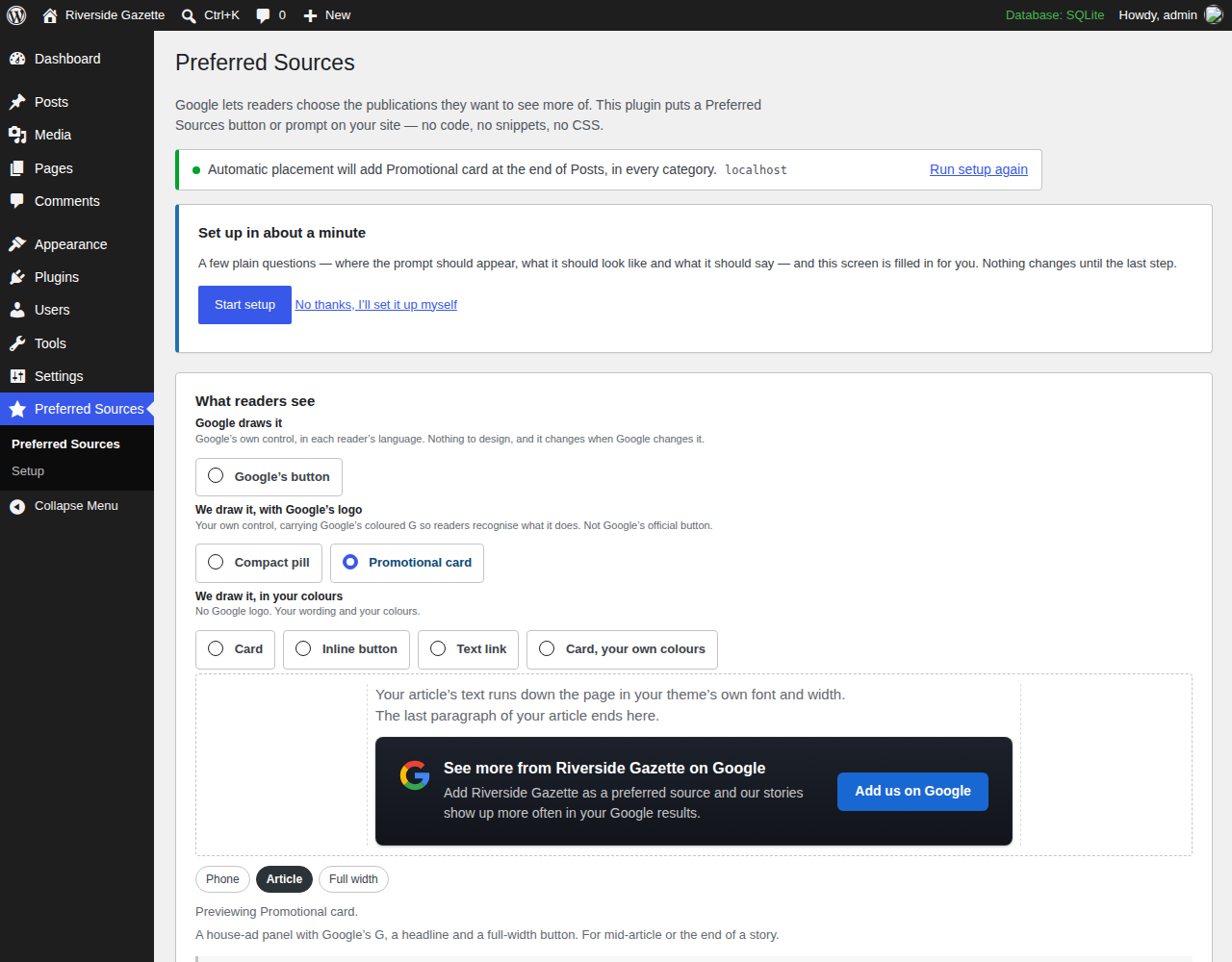
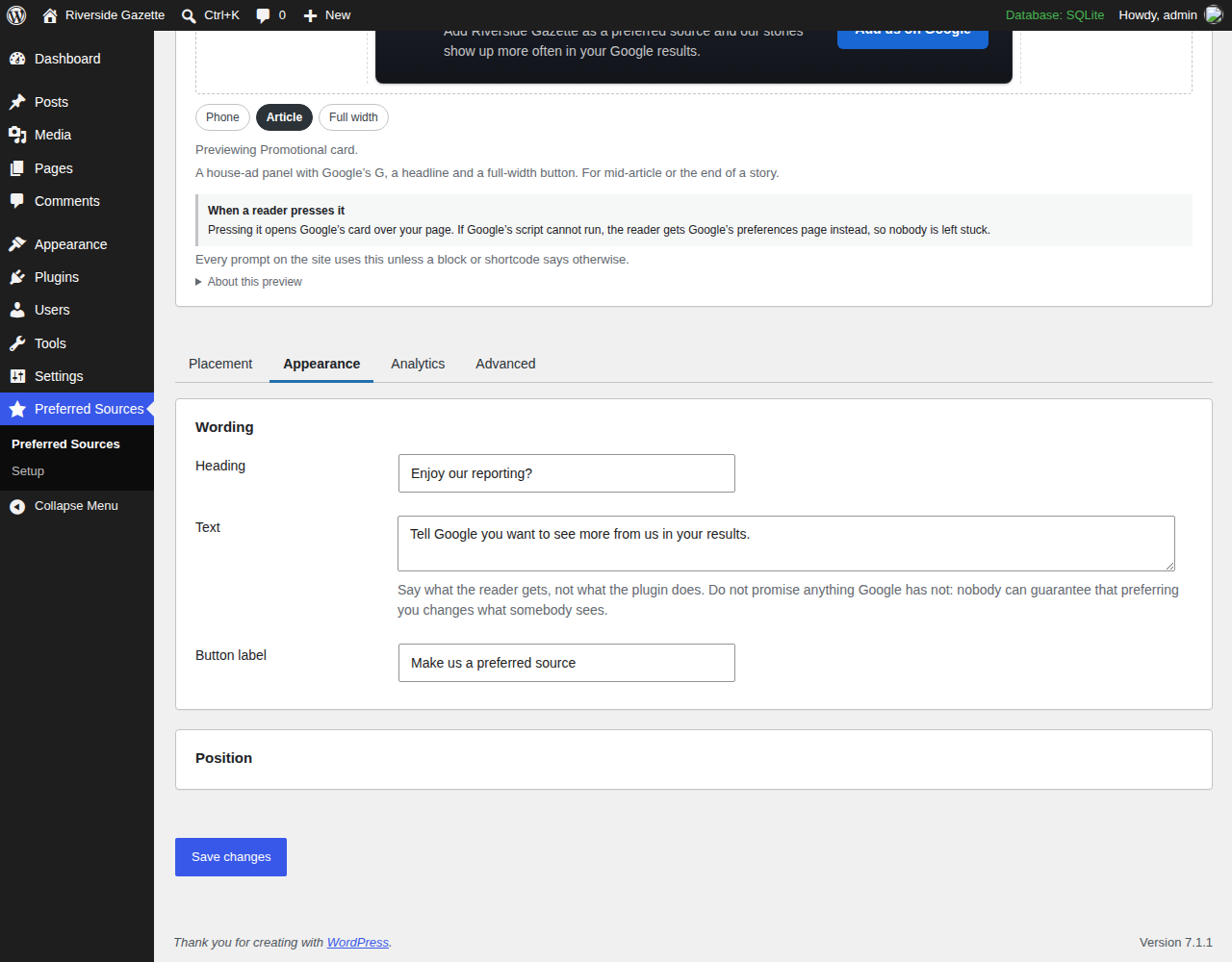
- A setup wizard. A few plain questions — where, on what, how it looks, what it says — with a live preview. Nothing changes for readers until you press Turn it on.
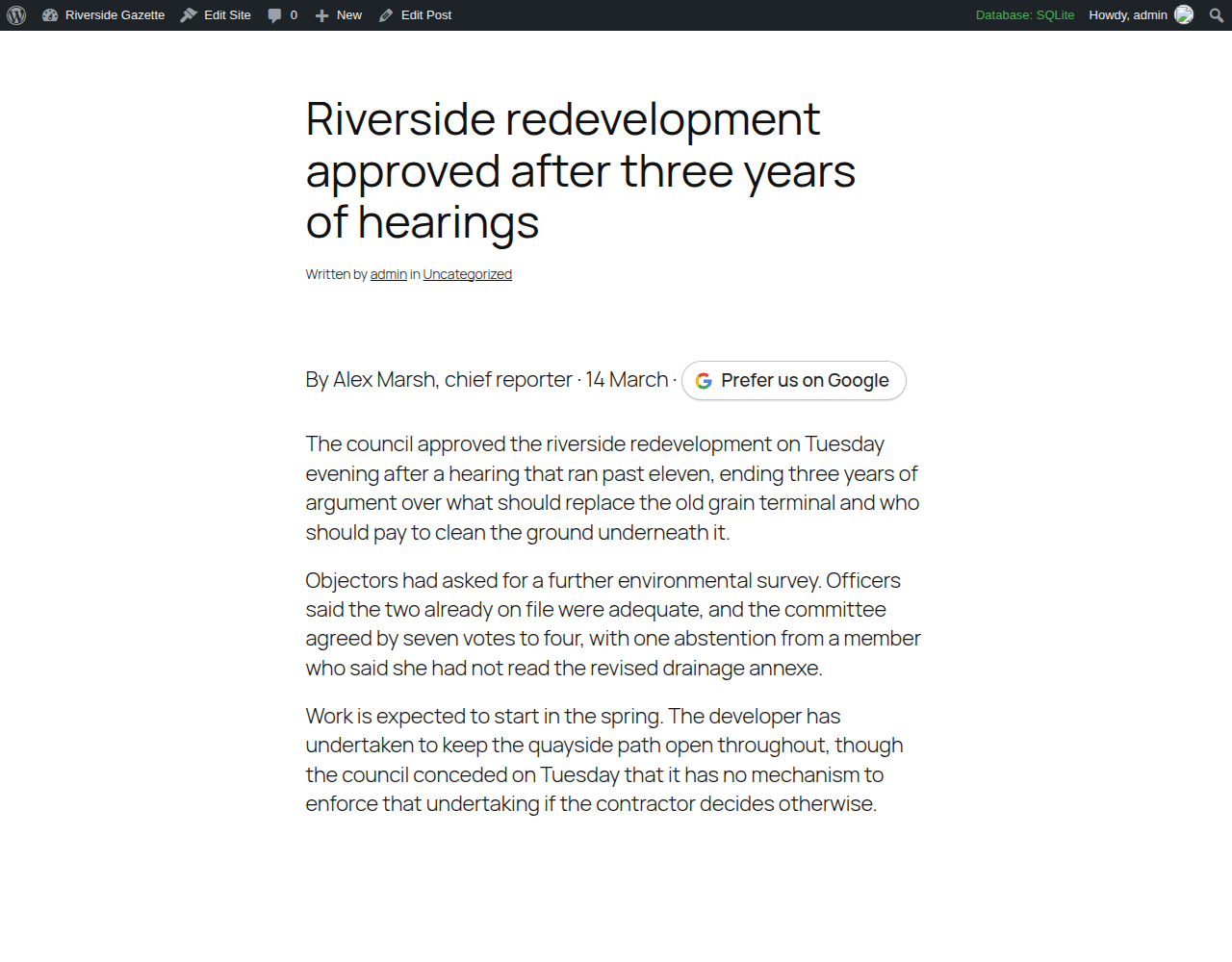
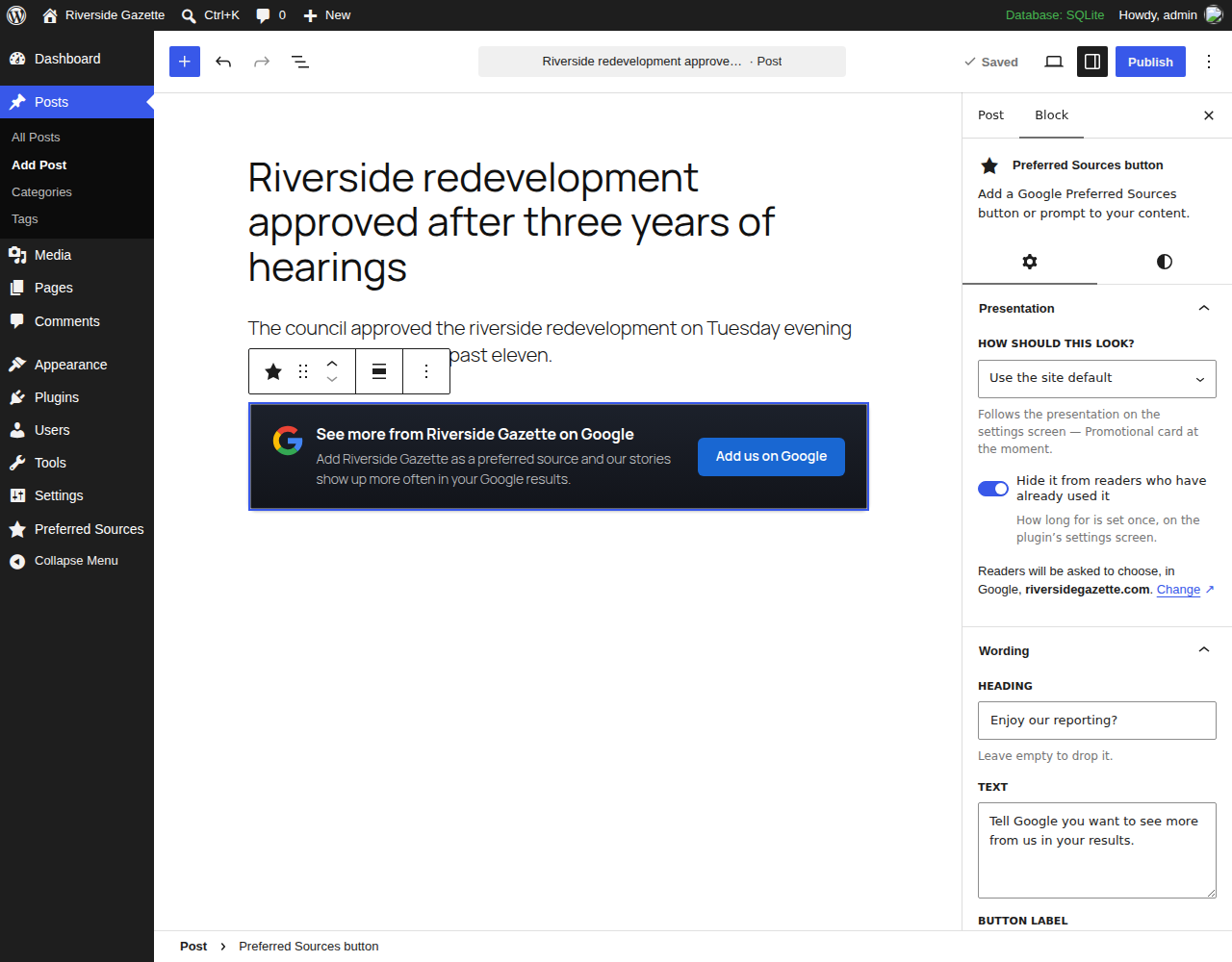
- Google’s official button, drawn by Google in each reader’s own language, or your own presentation: a card, an inline button, a quiet text link, or one you configure yourself.
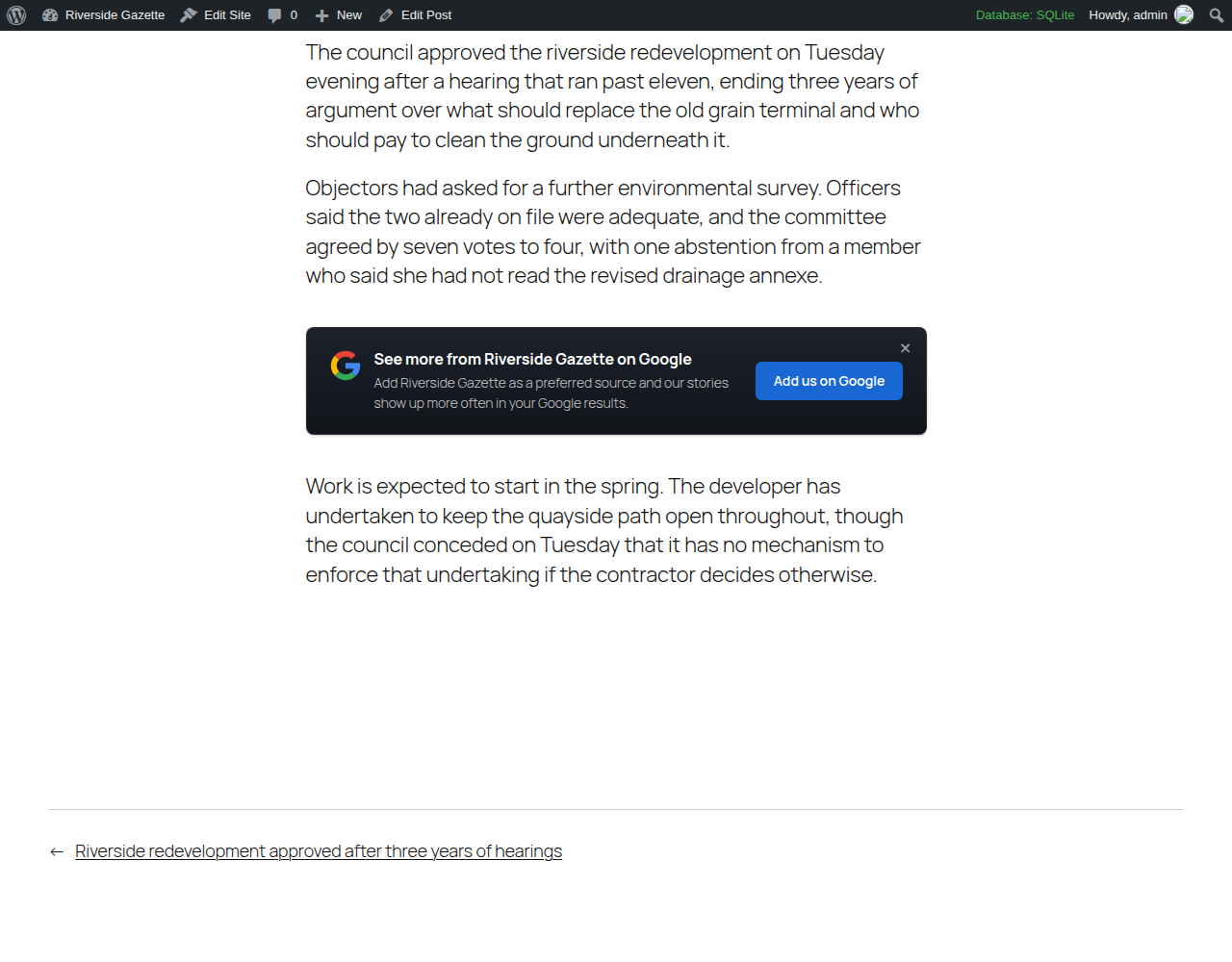
- Automatic placement before or after articles, on the post types you choose.
- Category targeting so you can limit automatic placement to particular categories, or keep it out of them.
- A “Preferred source invitation” block you can drop into any post or page.
- A shortcode,
[preferred_source], for the places a block cannot go. - Use a button you already have. Tick one box on a core Button block, or give a page-builder button the class
psfp-trigger. - Preview before you publish. The wizard and the settings screen render the real invitation, not a mock-up.
- “Don’t nag” behaviour. Separate windows for a reader who used the invitation and one who only closed it, decided in their browser so page caches still work.
- A graceful fallback if Google’s script cannot load, or JavaScript is off: a link to Google’s own Source Preferences page.
- Built to live with caching and CDNs. Every visitor gets the same HTML; whether a particular reader sees the invitation is decided in their browser.
What it does not do
The reader still makes the choice, inside Google.
Google does not tell publishers whether a reader finished choosing them. There is no completion signal, so this plugin never claims one, never reports “confirmed adds”, and never describes a hidden invitation as “already added”. What it can remember is that a browser pressed the invitation, or closed it.
Nobody — this plugin included — can promise that being a preferred source changes your traffic, your rankings or how often your work appears.
This plugin is not affiliated with, sponsored by, endorsed by or certified by Google, and it is not certified by any advertising network. “Google” is used only to identify the feature it works with. Google controls Preferred Sources and can change or withdraw it at any time.
SourceSignal Pro (coming)
Free is for getting Google Preferred Sources onto your WordPress site easily.
A Pro version is being built for publishers who want to promote Preferred Sources beyond the website — email, social and print — and measure the part of the funnel they can actually observe. It is not for sale yet.
What Pro is being built to add:
- Stable campaign links for newsletters, social posts and other promotions
- QR codes for print
- Publisher-controlled campaign URLs that you can keep using
- Campaign management
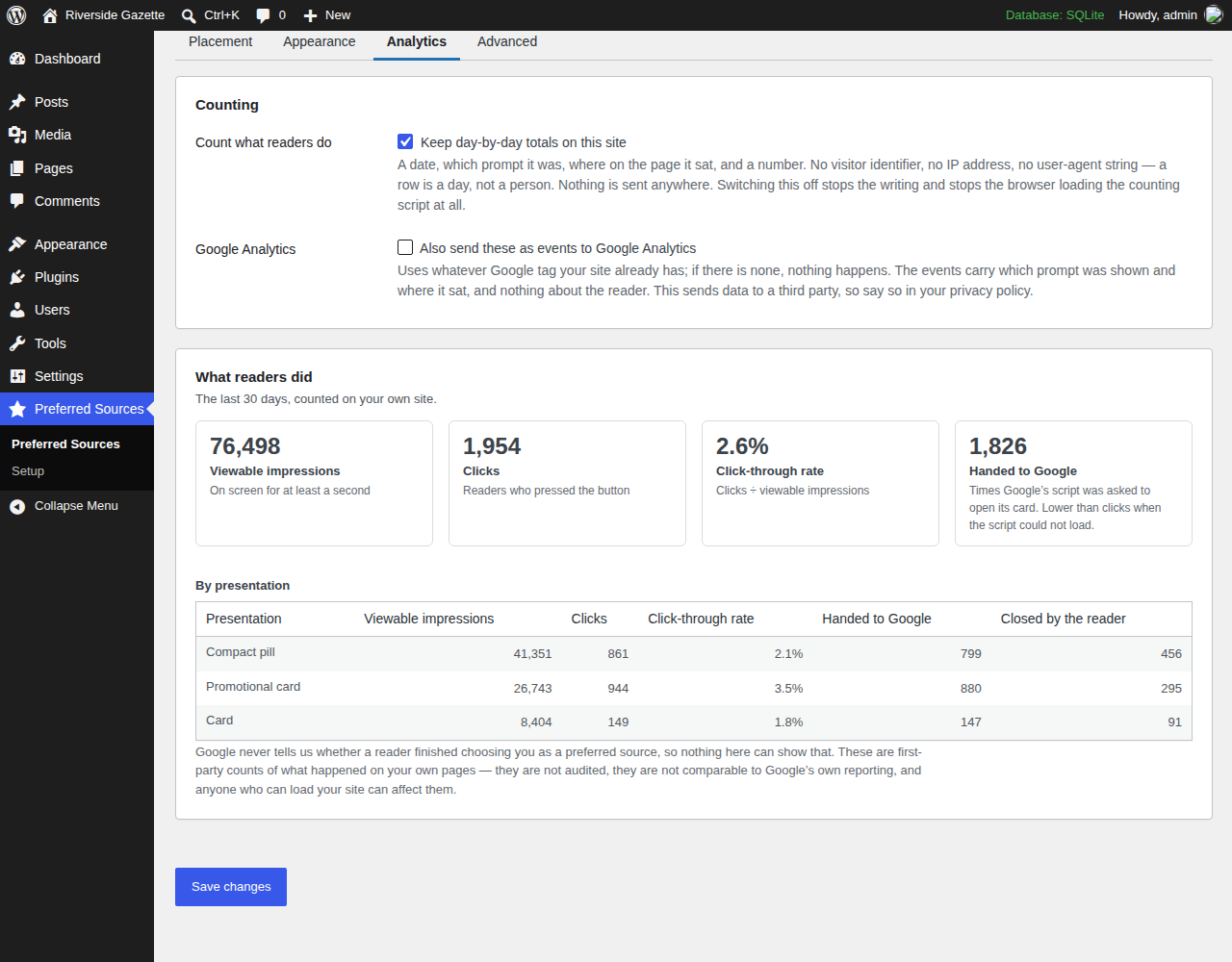
- Reporting on launcher visits, viewable impressions, clicks/invocations and CTR
- Optional GA4 events for publishers who already use Analytics
Clicks and invocations are not confirmed Preferred Source adds, conversions or followers. Google does not give the plugin a reliable signal that a reader finished the final selection.
External services
To open Google’s preferred-sources screen, this plugin loads Google’s publisher library from https://news.google.com/swg/js/v1/publisher.js.
When it loads: on pages that carry an invitation — or, if you switch on “Let buttons added outside the block editor open the card too”, on every page of your site. That setting is off unless you turn it on, and the settings screen tells you which state your site is in.
What Google receives: loading that file is a request to Google, so Google receives what any web request carries — the reader’s IP address, their browser, and the address of the page they are on. If you use Google’s own rendered button, Google also draws it inside a frame served from Google, and that frame receives the address of the article the reader is on.
The fallback: when Google’s library cannot load, or JavaScript is switched off, the invitation becomes a plain link to Google’s Source Preferences page, https://www.google.com/preferences/source?q=yourdomain.com. It is written into the page but only requested if a reader follows it.
Google’s handling of any of this is governed by Google’s own terms and privacy policy, not by this plugin:
- Terms: https://policies.google.com/terms
- Privacy: https://policies.google.com/privacy
Privacy
Nothing about readers is stored on your server. There is no reader table, no event log, no identifier, no analytics, and nothing is sent to the plugin’s author.
In the reader’s own browser, when they press or close an invitation, the plugin saves a date stamp — in local storage and in a first-party cookie of the same name:
psfp_used_at— the reader pressed the invitation.psfp_closed_at— the reader closed it.
Each holds a date and nothing else: no name, no account, no identifier. The cookie is set with path=/ and SameSite=Lax, and expires by itself after the window you chose. Nothing is written merely because a reader was shown the invitation, and nothing at all is written if both windows are set to “Keep showing it”. Your server never reads either copy, which is what keeps page caching working — though the cookies travel with ordinary page requests the way every cookie does.
It is per browser, not per person: the same reader on a phone and a laptop counts twice, and clearing site data resets it.
WordPress’s Settings Privacy screen carries a suggested paragraph for your own privacy policy, generated from your site’s own settings. It is a starting point, not legal advice.
The plugin’s settings live in two options, psfp_settings and psfp_setup, plus a 60-second marker after activation. Uninstalling removes all three, from every site on a network, and leaves your posts alone.
Details
Related plugins
Plugins that also contain the tag google-preferred-sources
SourceCue Button for Google Preferred Sources


About
Plugin for that tries to help you find the WordPress plugin you are looking for.
| Please enjoy an image of Crush (this awesome turtle) and have a lovely day! |  |
We do not own any plugin listed on this site and do not work for or work with WordPress.com or it's associated companies. We simply provide a searchable list of the available WordPress plugins.