

HoverEcho Ads
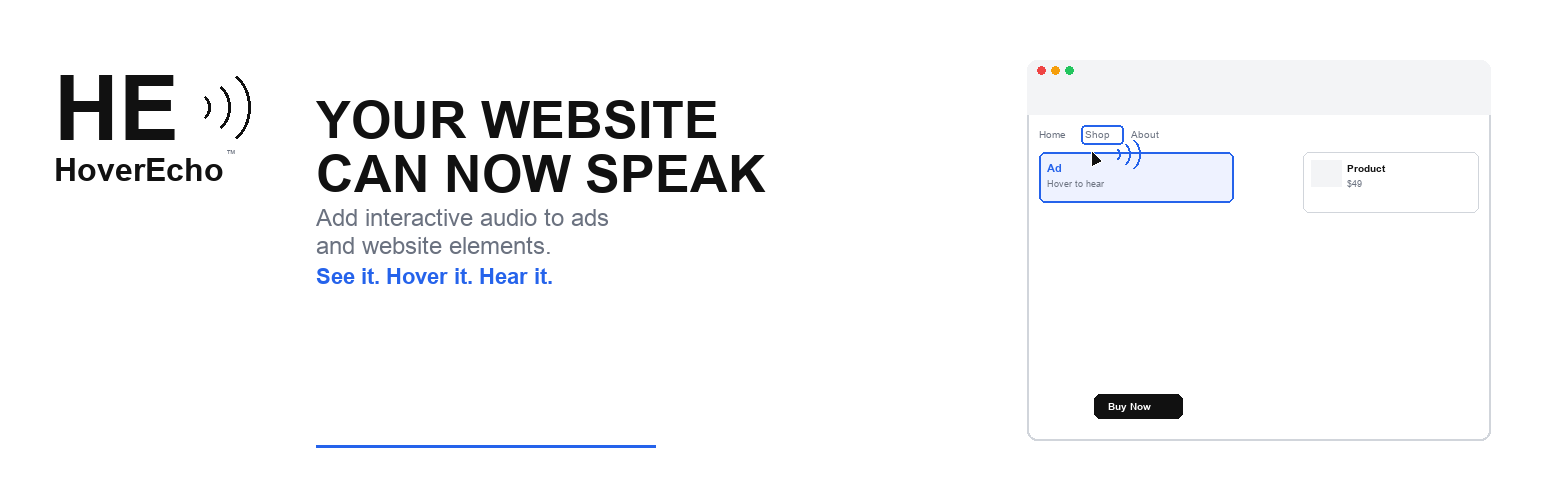
HoverEcho Ads is a free WordPress plugin that connects a WordPress site to the HoverEcho service at https://hoverecho.com.
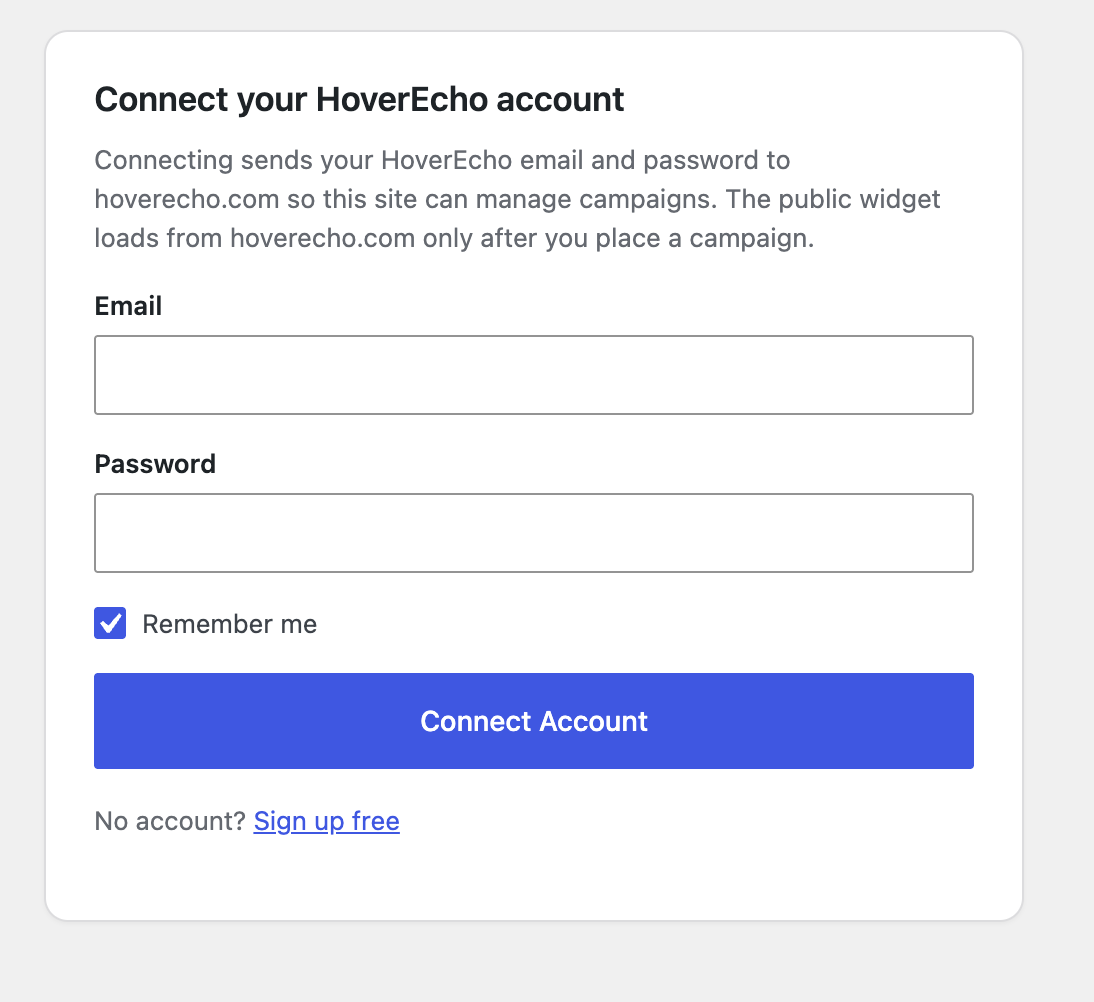
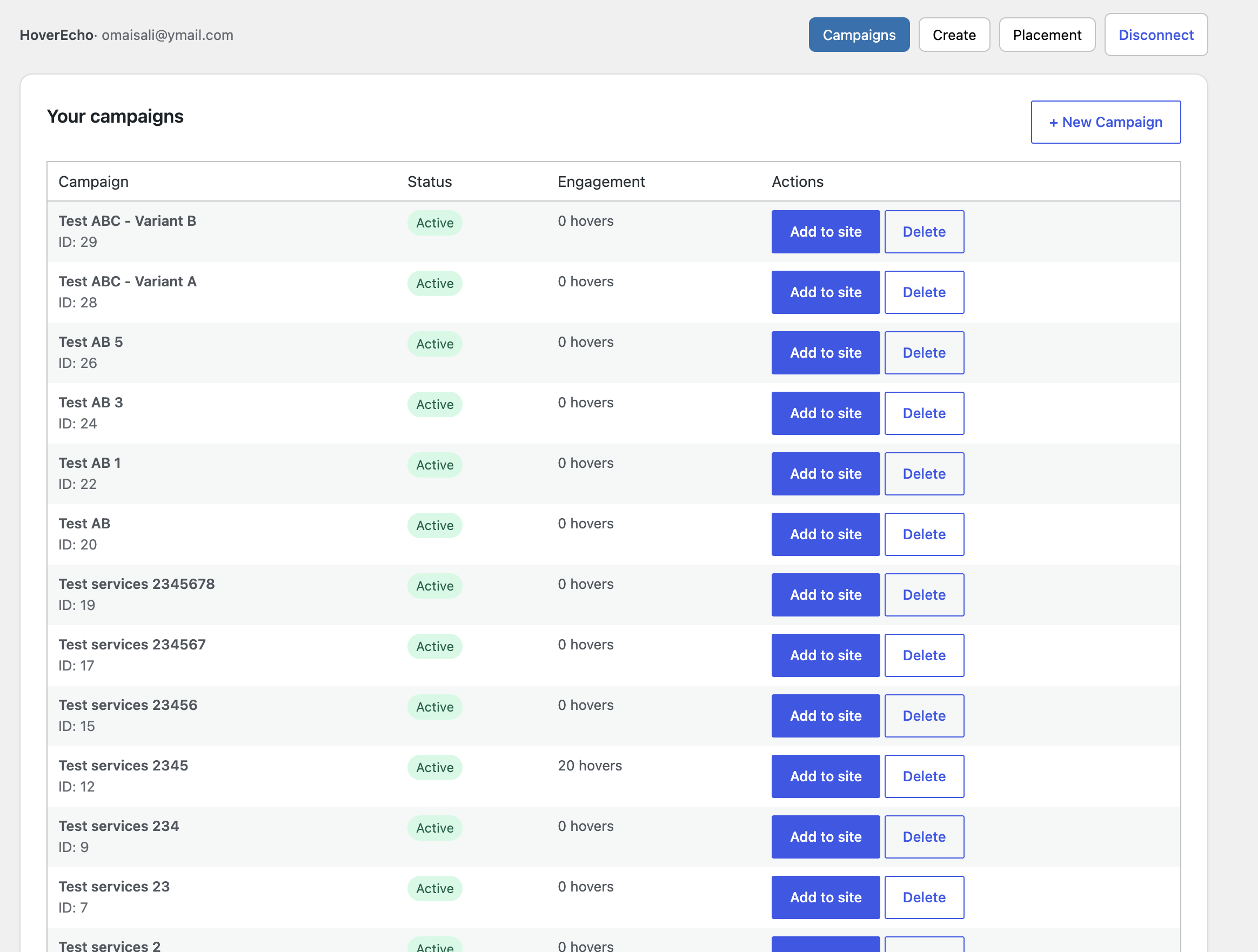
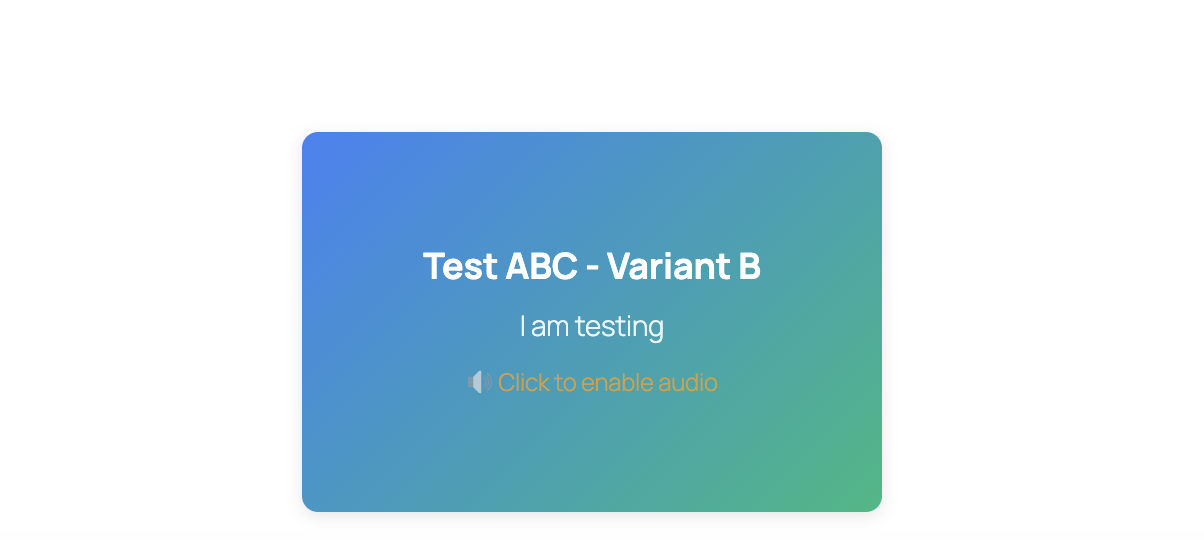
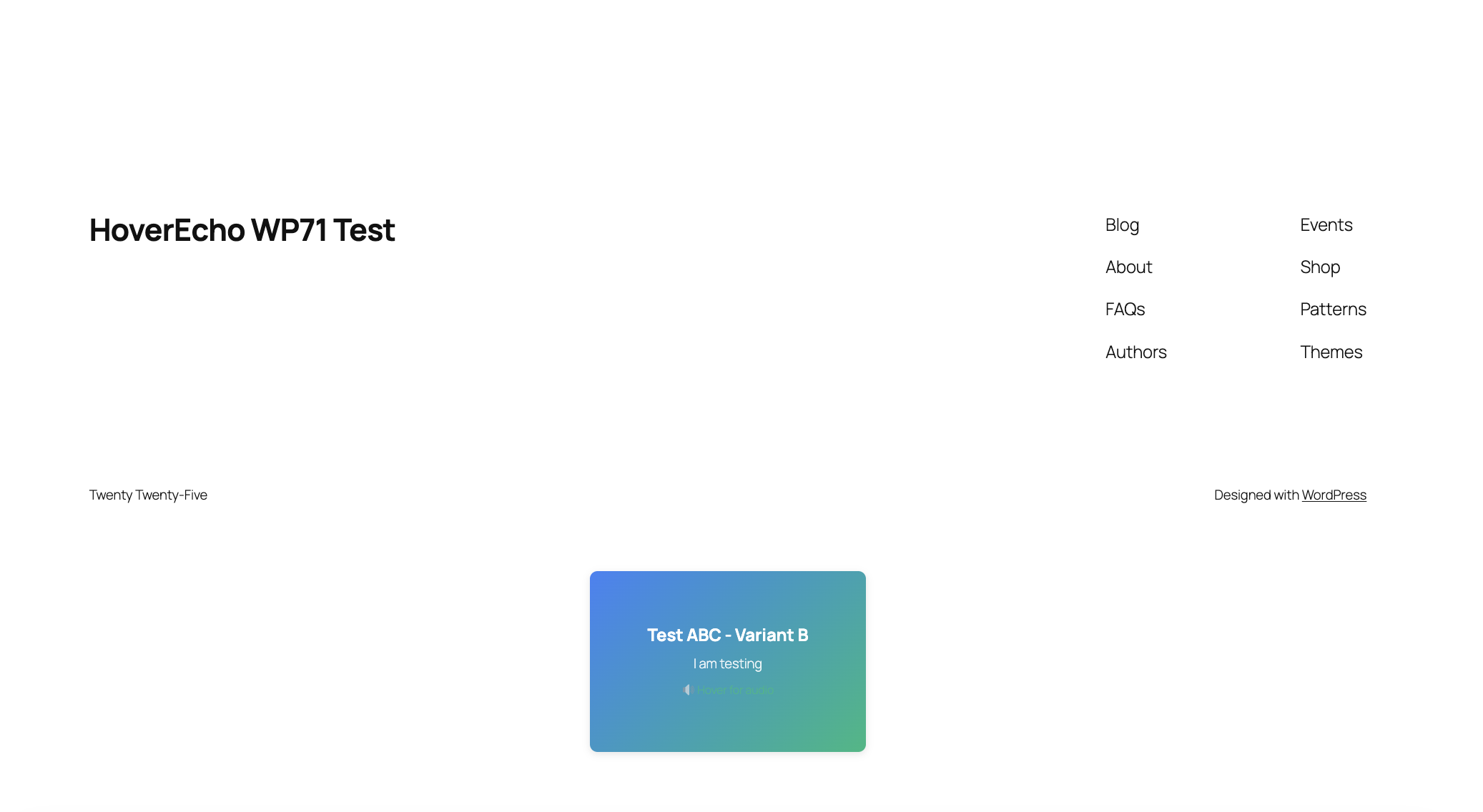
An administrator signs in from wp-admin with an existing HoverEcho account. After that, they can list campaigns, create a campaign, delete a campaign, and place a campaign on the site. Visitors see the campaign through a shortcode, a Gutenberg block, a widget, or an optional site-wide placement.
A HoverEcho account is required. Account signup is on the HoverEcho website: https://hoverecho.com/signup
This plugin does not sell or unlock extra local plugin code. Campaign audio and ads are created and delivered by the HoverEcho service. Any paid HoverEcho plans, trials, or billing happen on hoverecho.com, not inside this plugin.
What the plugin does (from the current code)
- Adds a HoverEcho menu in wp-admin (Dashboard and Settings)
- Connect / Disconnect a HoverEcho account
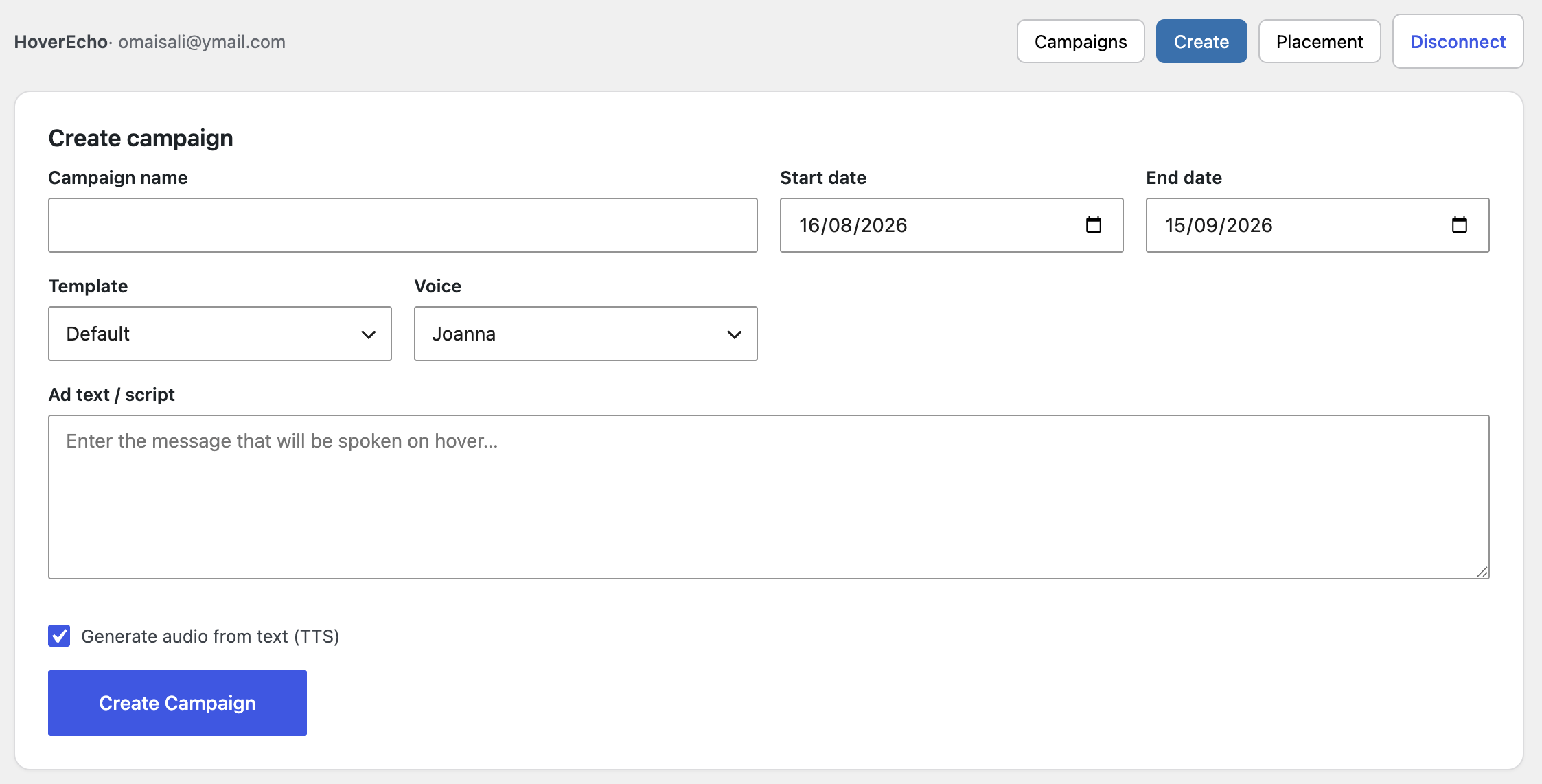
- List, create, and delete campaigns through the HoverEcho API
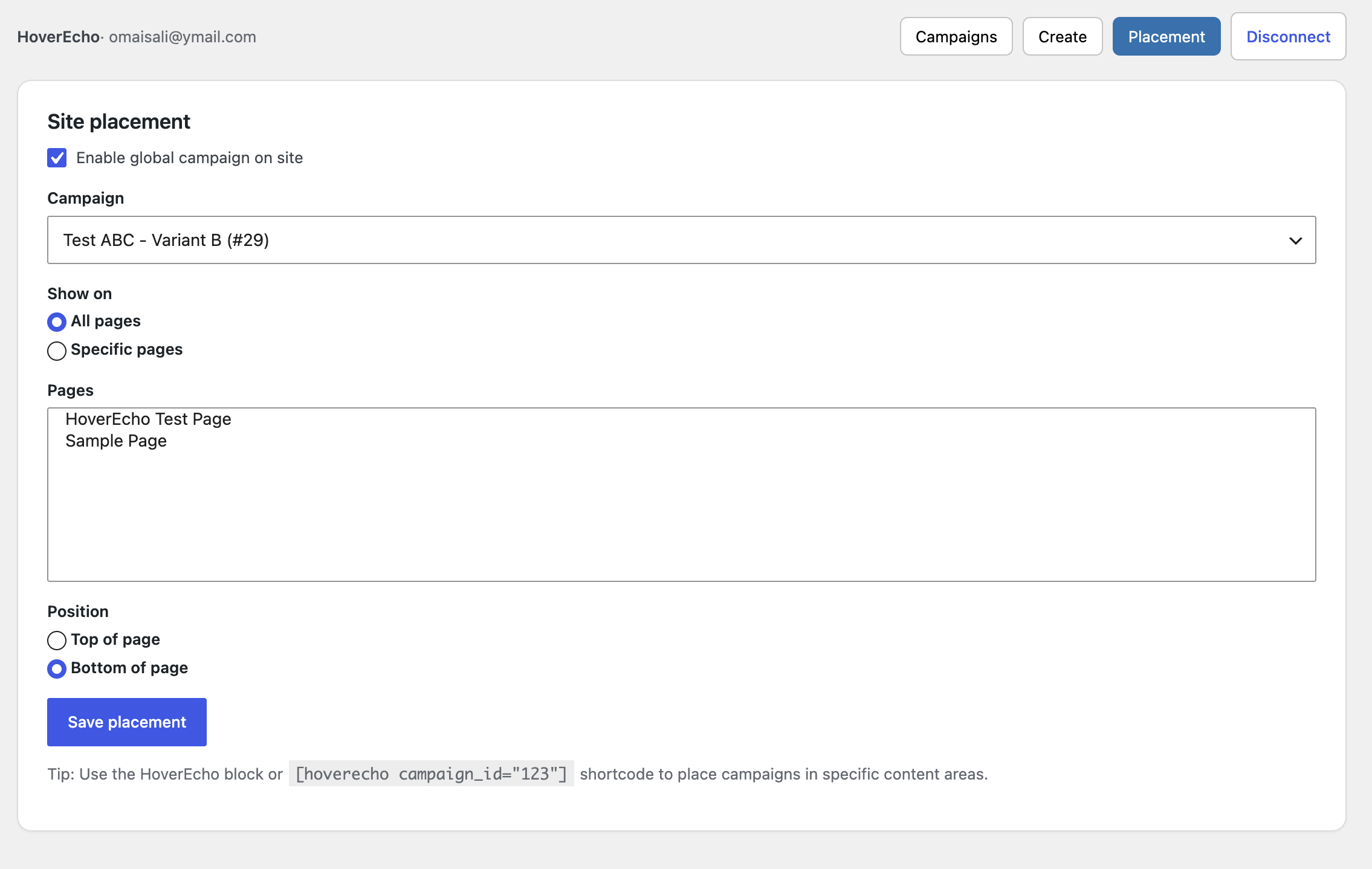
- Place one global campaign (top or bottom of the page, all pages or selected pages)
- Shortcode: [hoverecho campaign_id=”123″]
- Gutenberg block: hoverecho/ad
- Widget: HoverEcho Ad
- Stores the API token encrypted in WordPress; the token is not exposed to browser JavaScript in the admin app (admin calls WordPress REST; WordPress calls HoverEcho)
Features (technical)
- Account connection from wp-admin
- Campaign list, create, and delete
- One-click “Add to site” placement
- Gutenberg block, shortcode, and widget
- Encrypted token storage and WordPress REST proxy
Configuration
- HoverEcho Dashboard: connect, disconnect, campaigns, create campaign, site placement
- HoverEcho Settings: explanation of the HoverEcho connection (no custom host settings)
Disconnect removes the stored token and connected-account fields from this WordPress site.
Deleting the plugin (uninstall) removes:
- hoverecho_settings
- hoverecho_auth
- hoverecho_placements
- hoverecho_campaign_cache
Privacy
This plugin stores data in WordPress only after an administrator connects a HoverEcho account.
Stored in WordPress (hoverecho_auth):
- Encrypted HoverEcho API token
- HoverEcho user id
- First name (if provided by the login response)
- Last name (if provided)
- Subscription plan name (if provided)
- Connected-at timestamp
Also stored:
- hoverecho_settings (plugin settings)
- hoverecho_placements (which campaign is shown and where)
- hoverecho_campaign_cache (transient campaign list for the block/widget, 5 minutes)
What is sent to HoverEcho on Connect:
- Password
- rememberMe (boolean)
What may be sent later from wp-admin (while connected), depending on the action:
- Campaign fields such as name, dates, text message, language, voice, translation flags, receiving site URL (defaults to this WordPress site’s home URL), and related create/update fields
- Requests to list campaigns, templates, TTS voices, and translation languages
What may be sent from the public site after a campaign is placed:
- A request for public campaign data (campaign ID)
- Optional tracking POSTs that include the current page URL (
websiteUrl) for hover/click-style events implemented by the widget
The plugin registers WordPress privacy policy helper text, a personal data exporter, and a personal data eraser for the connected HoverEcho email. Disconnect or uninstall deletes the local token and connected-account option. That does not automatically delete the HoverEcho account on hoverecho.com.
HoverEcho service Privacy Policy: https://hoverecho.com/privacy
HoverEcho service Terms of Service: https://hoverecho.com/terms
External Services
This plugin communicates with the HoverEcho service operated at https://hoverecho.com
Base API: https://hoverecho.com/api
HTTP from WordPress uses the WordPress HTTP API (wp_remote_request).
1. Administrator Connect (required for Dashboard features)
POST https://hoverecho.com/api/auth/login
JSON body sent:
- password
- rememberMe
Response used by the plugin: token and user object. The token is encrypted and stored in WordPress. The password is not stored.
2. Administrator Dashboard (only while connected)
Authenticated with header: Authorization: Bearer {token}
- GET https://hoverecho.com/api/auth/profile
- GET https://hoverecho.com/api/campaigns
- GET https://hoverecho.com/api/campaigns/{id}
- POST https://hoverecho.com/api/campaigns/create-enhanced
- PUT https://hoverecho.com/api/campaigns/{id}
- DELETE https://hoverecho.com/api/campaigns/{id}
- GET https://hoverecho.com/api/templates
- GET https://hoverecho.com/api/campaigns/tts/voices
- GET https://hoverecho.com/api/campaigns/translate/languages
3. Public pages (only if a campaign is rendered)
Script loaded:
https://hoverecho.com/embed/hoverecho-widget.js
The widget then calls:
- GET https://hoverecho.com/api/campaigns/public/{campaignId}
- POST https://hoverecho.com/api/campaigns/{campaignId}/track-{eventType}
JSON body: { “websiteUrl”: “” }
Service links
- Service: https://hoverecho.com
- Privacy Policy: https://hoverecho.com/privacy
- Terms of Service: https://hoverecho.com/terms
- Sign up: https://hoverecho.com/signup
- Sign in: https://hoverecho.com/signin
- Plugin page: https://hoverecho.com/wordpress-plugin
- Pricing page (HoverEcho website, not this plugin): https://hoverecho.com/pricing
- Support email: Support@HoverEcho.com
Details
Related plugins
Plugins that also contain the tag ads
Google for WooCommerce

Facebook for WooCommerce

Head, Footer and Post Injections

Ad Inserter – Ad Manager & AdSense Ads

Ads.txt Manager

Advanced Ads – Ad Manager & AdSense


About
Plugin for that tries to help you find the WordPress plugin you are looking for.
| Please enjoy an image of Crush (this awesome turtle) and have a lovely day! |  |
We do not own any plugin listed on this site and do not work for or work with WordPress.com or it's associated companies. We simply provide a searchable list of the available WordPress plugins.