

This plugin is outdated and might not be supported anymore
Back

HTML Editor Syntax Highlighter
Details
View on WordPress
Back
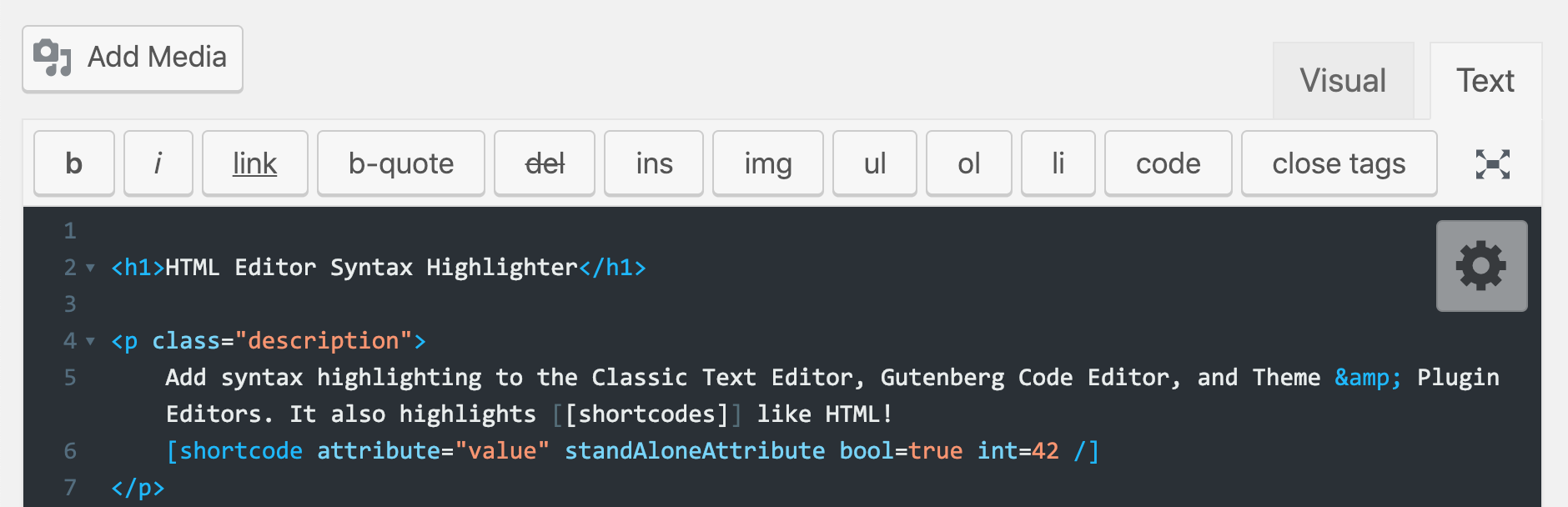
Add syntax highlighting in the Classic Post & Page HTML text editor, Gutenberg Code Editor, and Theme & Plugin editors using CodeMirror.js
Features
- Syntax highlighting in the Post/Page HTML editor
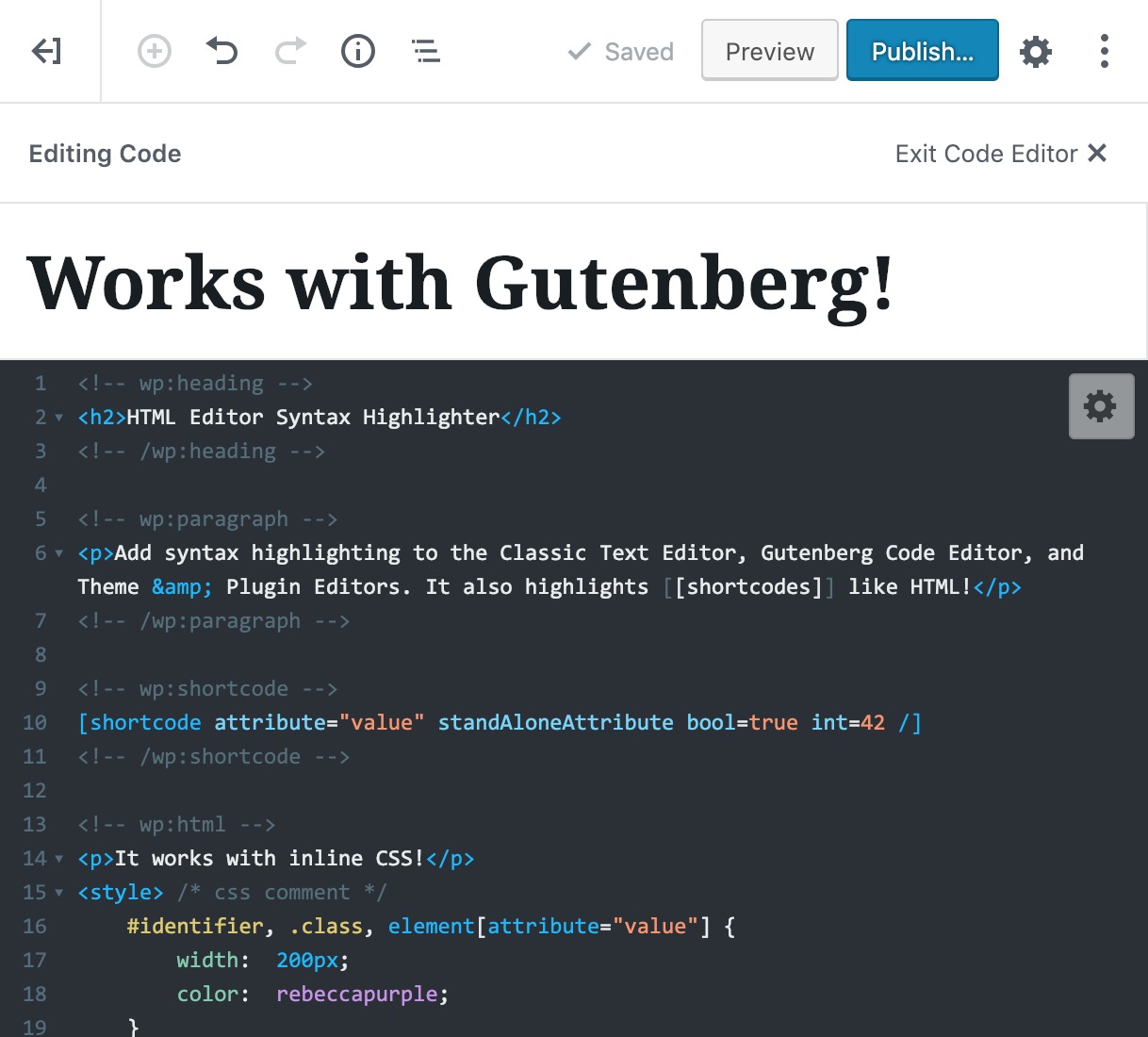
- NEW: Syntax highlighting in the Gutenberg Code Editor (not Visual Editor)
- Syntax highlighting in the Theme & Plugin editors
- Syntax highlighting for WordPress
[shortcodes/] - Save your posts and pages pressing
Ctrl+S(Cmd+Son Mac) - Restore cursor position after page is reloaded
- Huge selection of themes and other customization options
- Fullscreen mode: toggle with
F11/Eschotkeys
If you would like to contribute to this plugin, view the github repo.
If you’re a regular user of this plugin, please consider taking a short User Experience Survey to provide feedback that will help shape the new version 3.0.
Details
Plugin code:
html-editor-syntax-highlighter
Plugin version:
2.4.4
Author:
Outdated:
Yes
WP version:
4.0 or higher
PHP version:
or higher
Test up to WP version:
6.5.0
Total installations:
50,000
Last updated:
2024-03-16
Rating:
Times rated:
110
code-coloring
code-highlighter
codemirror
syntax-highlighter
text-editor




About
Plugin for that tries to help you find the WordPress plugin you are looking for.
| Please enjoy an image of Crush (this awesome turtle) and have a lovely day! |  |
We do not own any plugin listed on this site and do not work for or work with WordPress.com or it's associated companies. We simply provide a searchable list of the available WordPress plugins.