

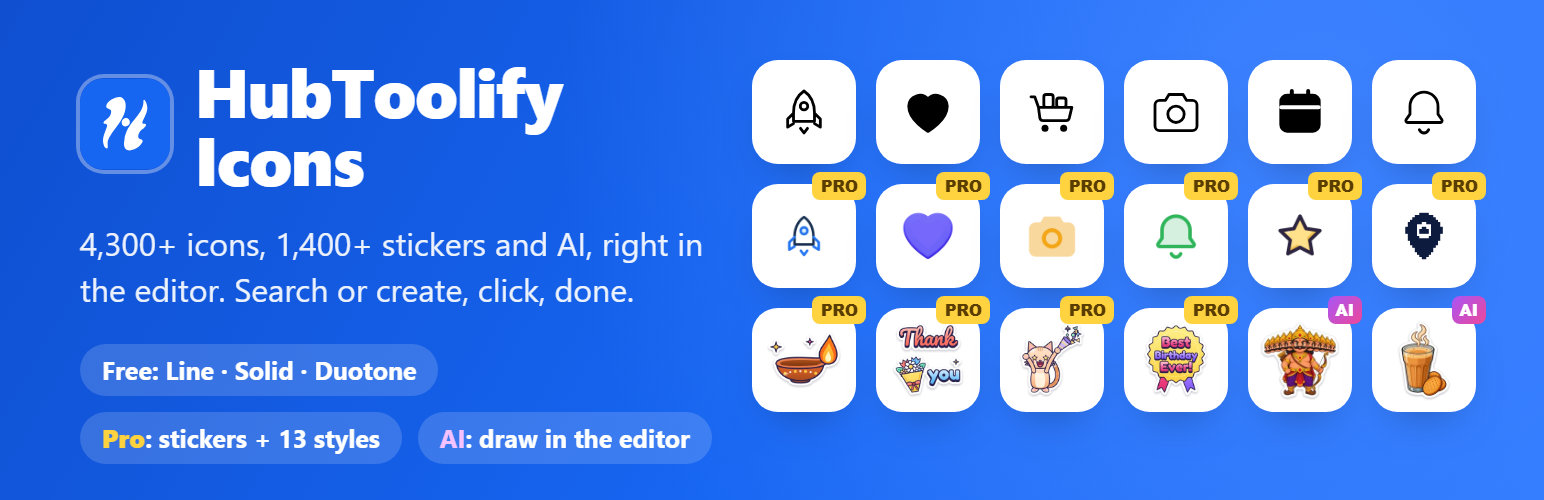

HubToolify Icons
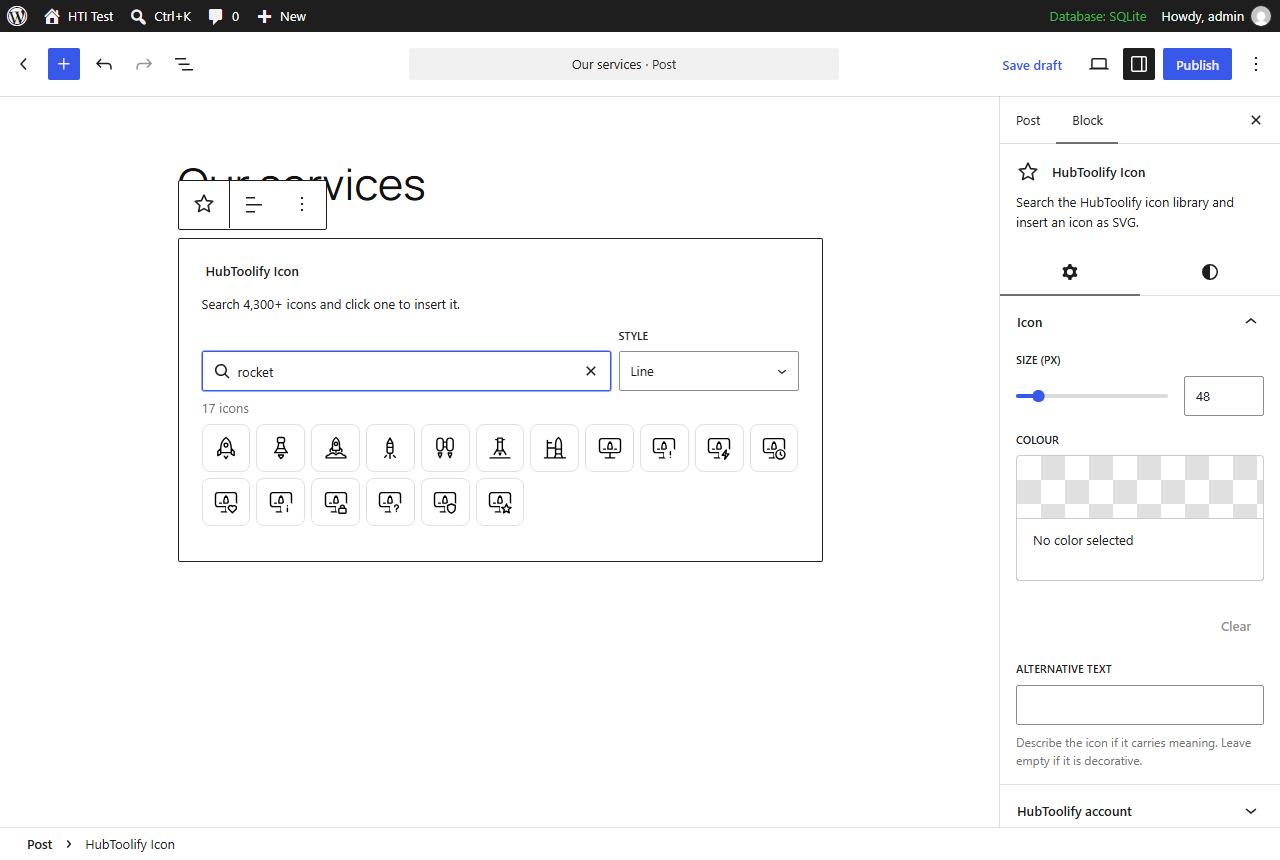
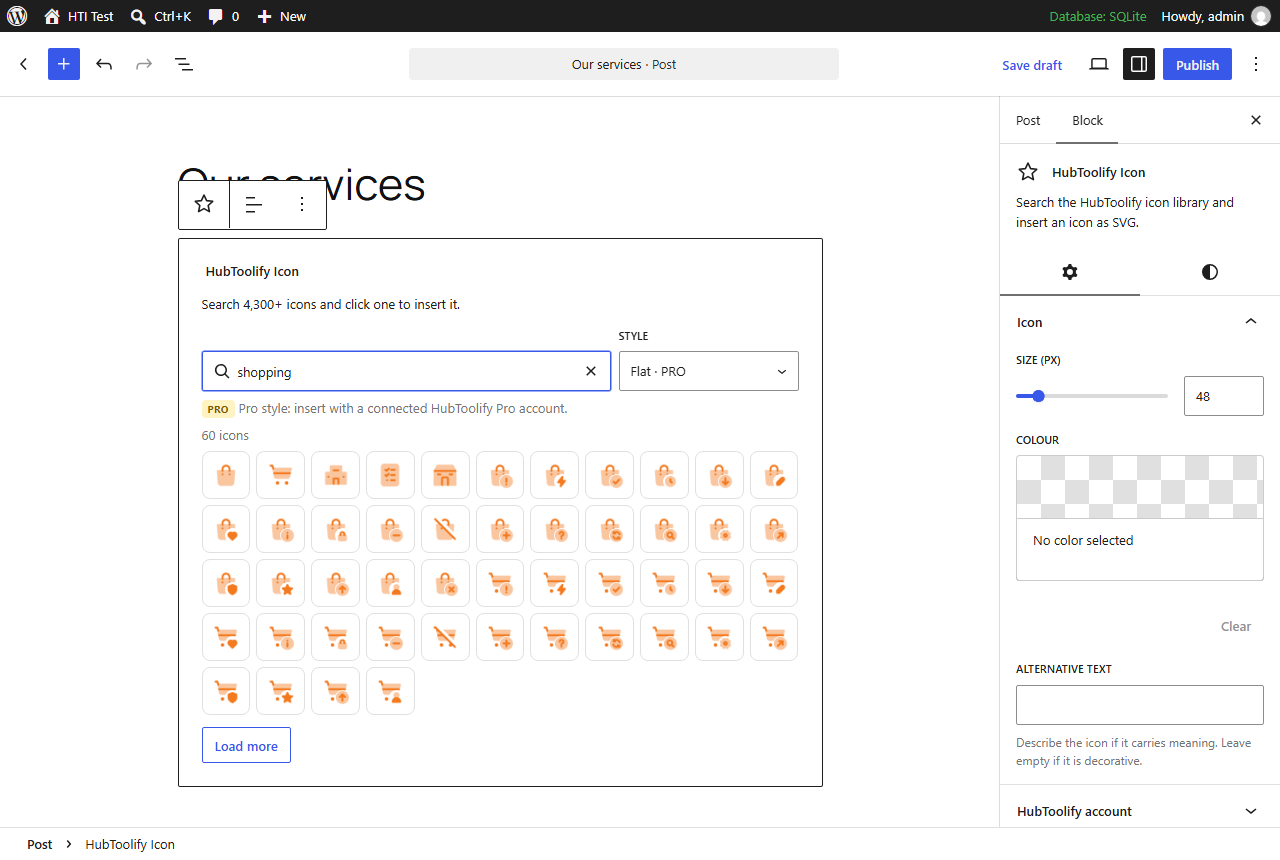
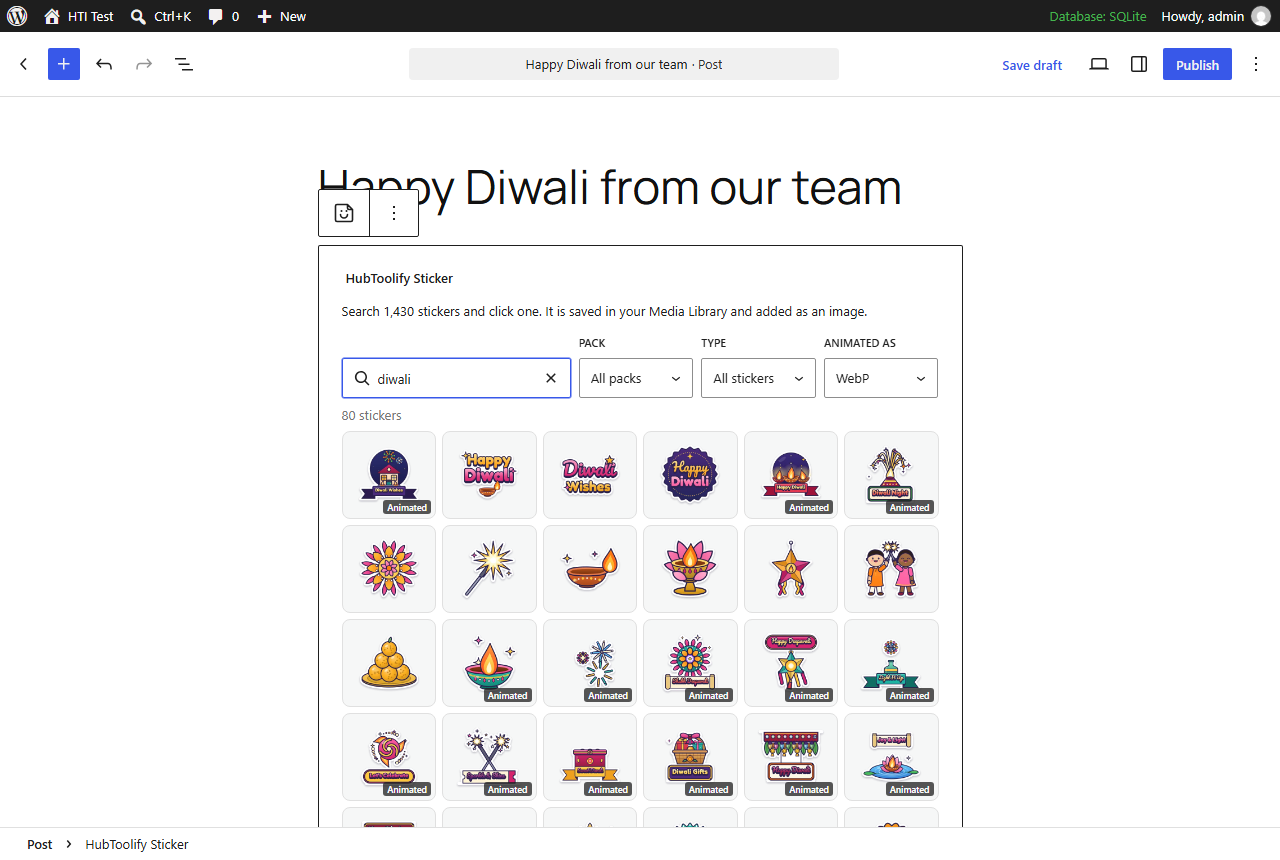
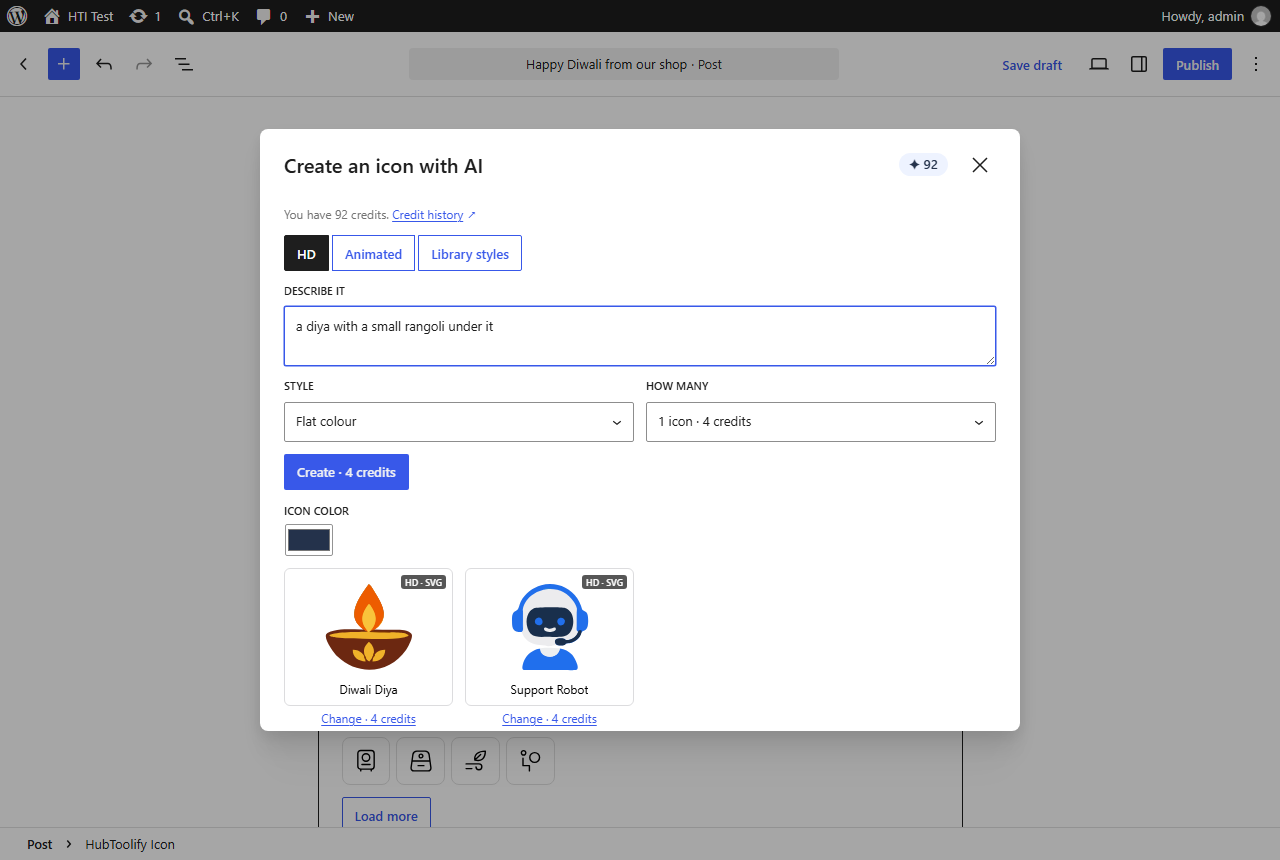
HubToolify Icons adds an Icon block to the editor. Search the HubToolify library by name or meaning (try “rocket”, “cart” or “secure”), pick a style, and click an icon to insert it. Set its size, colour, alignment and alternative text in the block settings.
- 3,700+ original icons drawn on one 24 px grid, across 44 categories.
- Free styles: Line, Solid and Duotone, for everyone, no account needed.
- Pro styles: Sharp Line, Sharp Solid, Sharp Duotone, Imprint, Pixel, Slab, Mellow, Draw, Duo, Flat, Jass, 3D and Lineal. Connect a HubToolify account with an active Pro plan to insert them.
- Fast pages: each icon is saved in your post as a small inline SVG. Your pages load no icon font, no script and nothing from HubToolify.
- Yours to keep: inserted icons stay in your posts if you disconnect, your plan ends or you remove the plugin.
- Accessible: add alternative text for icons that carry meaning; decorative icons are hidden from screen readers.
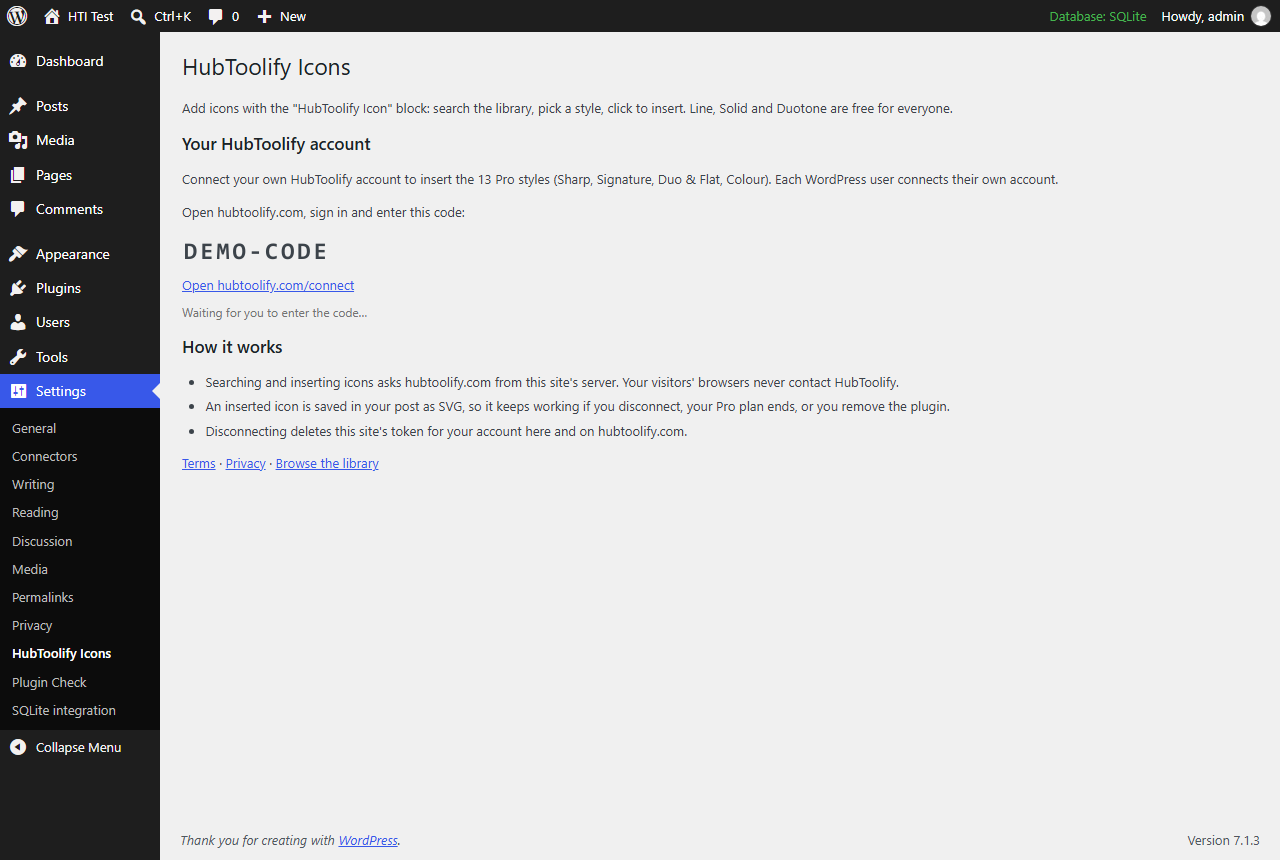
Each WordPress user connects their own HubToolify account, from the block or from Settings HubToolify Icons. Connecting shows a short code that you enter on hubtoolify.com; no password is ever typed into WordPress.
The [hti] shortcode from the earlier version keeps working for the free styles, e.g. [hti name="rocket" style="solid" size="32" color="#1766f2"].
External services
This plugin uses the HubToolify icon service at https://hubtoolify.com to search the icon library and to fetch the icons you insert. Without it the plugin cannot find or insert icons.
What is sent, and when:
- When you search in the block: your search words, the chosen style, category and page number. Sent from your site’s server.
- When you insert an icon (or the
[hti]shortcode shows an icon for the first time): the icon’s name and style. For a Pro style, the access token of the HubToolify account you connected is sent too, so HubToolify can check your Pro plan. - When you connect or disconnect your account: your site’s address (to name the connection on your HubToolify account page), and the temporary code and token used to connect.
- Every request also carries your site’s address in its User-Agent.
No visitor data is sent: requests are made only from the WordPress admin by logged-in users, or once per icon by the [hti] shortcode, never from your visitors’ browsers. Icon previews in the editor are loaded from hubtoolify.com.
The service is provided by HubToolify: Terms of Service, Privacy Policy.
Details




Related plugins
Plugins that also contain the tag block-editor
Classic Editor

Starter Templates – AI-Powered Templates for Elementor & Gutenberg

Advanced Editor Tools

Disable Gutenberg

Gutenberg Essential Blocks – Page Builder for Gutenberg Blocks & Patterns

Blocks Animation: CSS Animations for Gutenberg Blocks


About
Plugin for that tries to help you find the WordPress plugin you are looking for.
| Please enjoy an image of Crush (this awesome turtle) and have a lovely day! |  |
We do not own any plugin listed on this site and do not work for or work with WordPress.com or it's associated companies. We simply provide a searchable list of the available WordPress plugins.