



Image Display Control
An image file (e.g. JPEG, PNG) contains metadata, i.e. information about the image, e.g. which camera model was used, when the picture has been taken or various image regions. Image regions are useful for describing specific areas of the image (e.g. objects, people) or for indicating how the image should be cropped or rotated to best fit a given container.
This WordPress plugin reads such image regions in order to automatically crop images the best possible way, depending on which container they are being displayed in.
The Frameright app can be used to define such image regions and insert them in the metadata of a picture.
How does it work?
When rendering a post or a page, the plugin looks for images that have image region metadata and replaces them with a web component automatically zooming on the best suited image region, effectively doing better than a classical middle-crop.
Credits
This plugin is based on Frameright/php-image-metadata-parser, a fork of dchesterton/image, an image metadata parsing library. Many thanks to dchesterton!
Details
Related plugins
Plugins that also contain the tag crop
Advanced Custom Fields: Image Aspect Ratio Crop Field

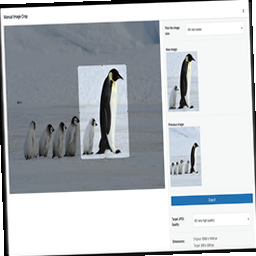
Manual Image Crop
WP SmartCrop

Thumbnail Crop Position

WPThumb

Thumbnail Editor


About
Plugin for that tries to help you find the WordPress plugin you are looking for.
| Please enjoy an image of Crush (this awesome turtle) and have a lovely day! |  |
We do not own any plugin listed on this site and do not work for or work with WordPress.com or it's associated companies. We simply provide a searchable list of the available WordPress plugins.