


Indent Paragraph with Tab
This plugin lets you increase or decrease paragraph indentation by pressing Tab or Shift+Tab in the Gutenberg editor.
From version 1.1.0, indentation inside the editor is represented by a simple <tab> × N badge — ensuring clean, theme-independent preview — while the actual indentation remains visible on the front end.
FAQ Check on the site.
https://it-libero.com/en/en-us/download/indent-paragraph-with-tab/
Settings
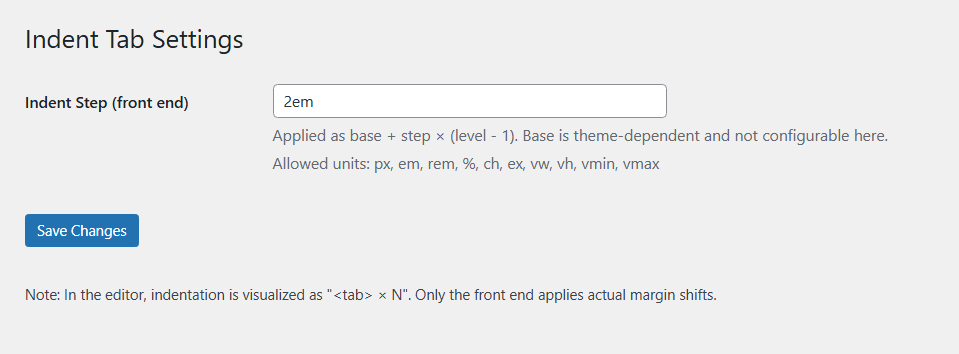
You can change the indentation value.
1. Admin Settings > Indent Tab
2. Indent Step input
Details
Related plugins
Plugins that also contain the tag editor
Elementor Website Builder – More Than Just a Page Builder

Classic Editor

Classic Widgets

Advanced Editor Tools

Spectra Gutenberg Blocks – Website Builder for the Block Editor

User Role Editor


About
Plugin for that tries to help you find the WordPress plugin you are looking for.
| Please enjoy an image of Crush (this awesome turtle) and have a lovely day! |  |
We do not own any plugin listed on this site and do not work for or work with WordPress.com or it's associated companies. We simply provide a searchable list of the available WordPress plugins.