


InstantSearch Products – SwiftSearch.pl
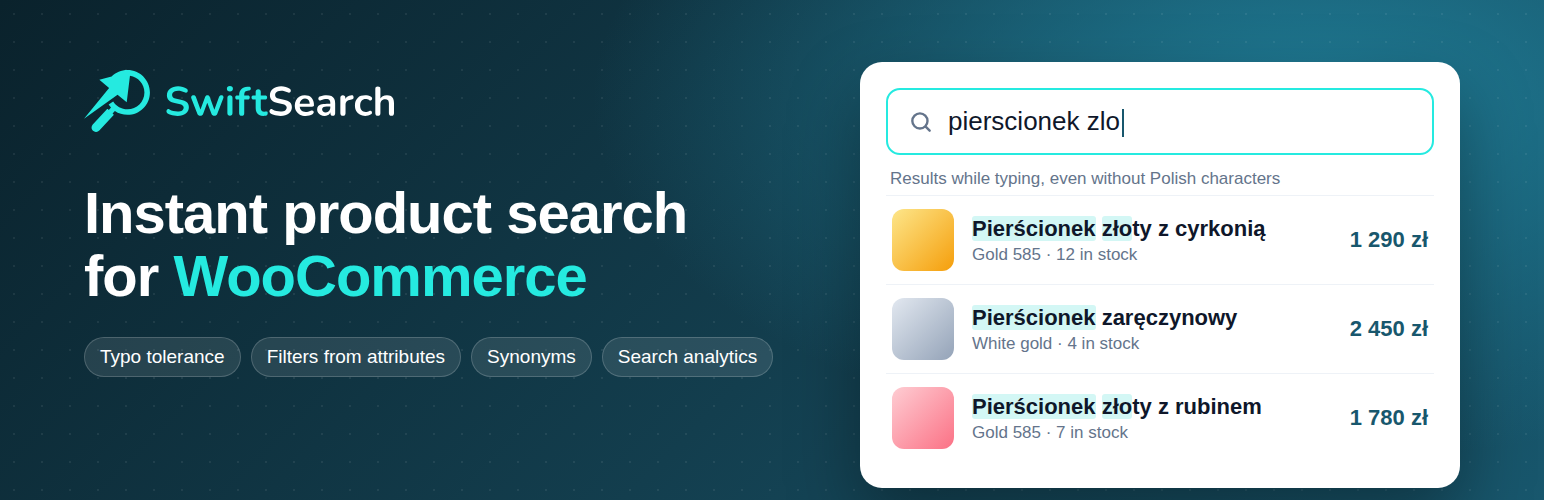
InstantSearch Products connects your WooCommerce store to SwiftSearch.pl, a hosted product search service. It keeps the search index up to date automatically and adds a fast search widget to your storefront: results appear while the customer types, typos and missing diacritics still find the right product, and customers can search by SKU and narrow results with filters built from product attributes. Search runs on SwiftSearch.pl servers, so it does not load your store’s database.
Features:
- Automatic sync when a product is created, updated, unpublished or deleted
- One-click bulk sync with a progress bar for the initial import or re-indexing
- Search widget in overlay (full screen) or dropdown mode, attached to your theme’s existing search field
- Optional filters panel and price range slider in the overlay
- Optional “Similar products” carousel on product pages
- Variable products (lowest price), sale prices, stock status, categories, brands and product attributes
- Widget options (mode, language, results count, accent color, sections to show) configured with regular settings fields
This plugin requires a SwiftSearch.pl account. See “External services” below for what data is sent and when.
External services
This plugin connects to SwiftSearch.pl, a hosted search service operated by SwiftSearch.pl, which stores your product catalog and returns search results. The plugin does not work without a SwiftSearch.pl account and API keys (https://swiftsearch.pl/dashboard).
1. SwiftSearch API – product sync (https://api.swiftsearch.pl, from your server)
- When: a product is created, updated, unpublished or deleted, and when you run “Sync All Products Now”.
- Data sent: product ID, name, SKU (or the custom field you selected), slug, URL, prices, currency, stock status and quantity, categories, brand, short description, image URL, product attributes, created/modified dates. On delete or unpublish only the product ID is sent. Requests are authenticated with your Secret Key and your store domain.
- No customer or order data is sent.
2. SwiftSearch search widget (https://cdn.swiftsearch.pl and https://api.swiftsearch.pl, from the visitor’s browser)
- When: on every storefront page, if “Search Widget” is enabled in the settings.
- The widget script and stylesheet are loaded from cdn.swiftsearch.pl. While a visitor uses the search, the typed search phrase, selected filters and your Public Key are sent to api.swiftsearch.pl to get results, popular searches, recommended products and the promotional banner.
- As with any web request, the service receives the visitor’s IP address and browser user agent. Recently searched phrases are stored only in the visitor’s browser (localStorage).
3. Similar products (https://api.swiftsearch.pl, from the visitor’s browser)
- When: on product pages, if “Similar Products” is enabled in the settings.
- Data sent: the ID of the viewed product and your Public Key.
SwiftSearch.pl Terms of Service: https://swiftsearch.pl/regulamin
SwiftSearch.pl Privacy Policy: https://swiftsearch.pl/polityka-prywatnosci
Details


Related plugins
Plugins that also contain the tag product-search
FiboSearch – Ajax Search for WooCommerce

Relevanssi – A Better Search

Ajax Search Lite – Live Search & Filter

Advanced Woo Search – Product Search for WooCommerce

Themify – WooCommerce Product Filter

Advance Product Search & Ajax Search for WooCommerce


About
Plugin for that tries to help you find the WordPress plugin you are looking for.
| Please enjoy an image of Crush (this awesome turtle) and have a lovely day! |  |
We do not own any plugin listed on this site and do not work for or work with WordPress.com or it's associated companies. We simply provide a searchable list of the available WordPress plugins.