



Integration for WooCommerce – Zoho CRM, Books, Invoice, Inventory, Desk, Campaigns, Bigin
Integrazo connects your WooCommerce store with all major Zoho products. Automatically sync orders, customers, and products to Zoho without any manual data entry.
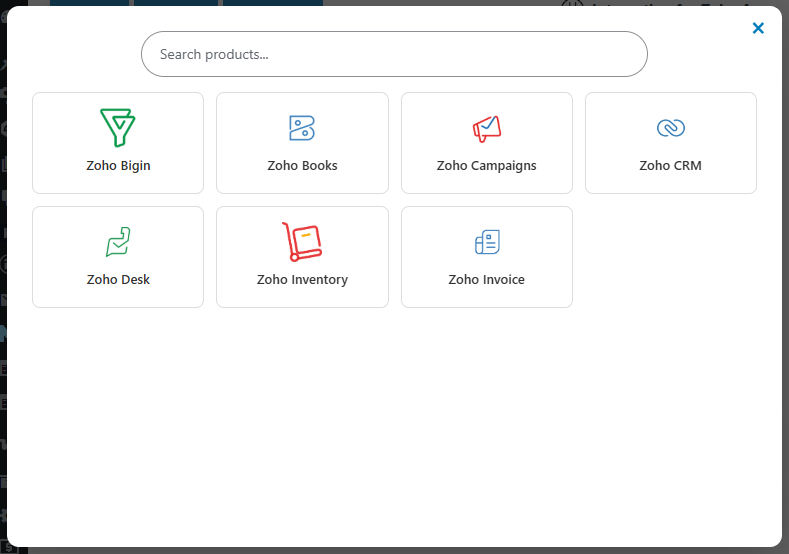
Whether you’re managing sales in Zoho CRM, sending invoices through Zoho Books or Zoho Invoice, tracking stock in Zoho Inventory, handling support in Zoho Desk, running email campaigns via Zoho Campaigns, or managing pipelines in Zoho Bigin — Integrazo keeps everything in sync in real time.
Why store owners choose Integrazo:
- ✅ One plugin for all 7 Zoho products
- ✅ Secure OAuth authentication — no passwords stored
- ✅ Flexible field mapping — you control how data is sent
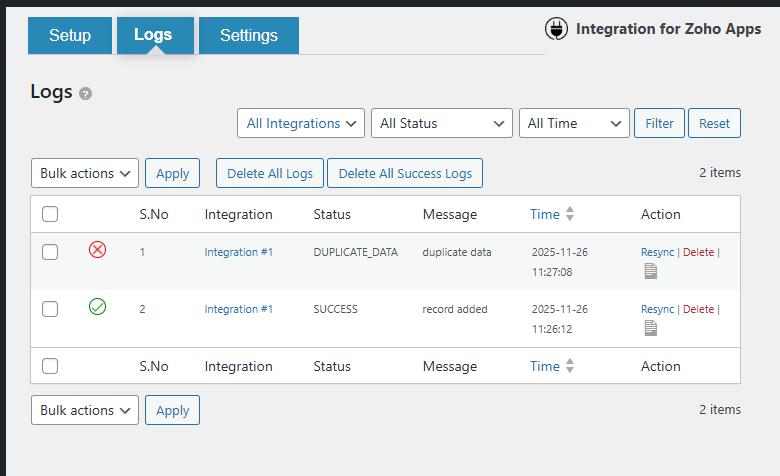
- ✅ Detailed sync logs with one-click retry for failed records
- ✅ Email alerts when a sync fails
- ✅ No sync limits on the free version
Getting started takes just 4 steps:
1. Select WooCommerce as your data source
2. Choose a Zoho product as the destination
3. Authenticate your Zoho account via OAuth
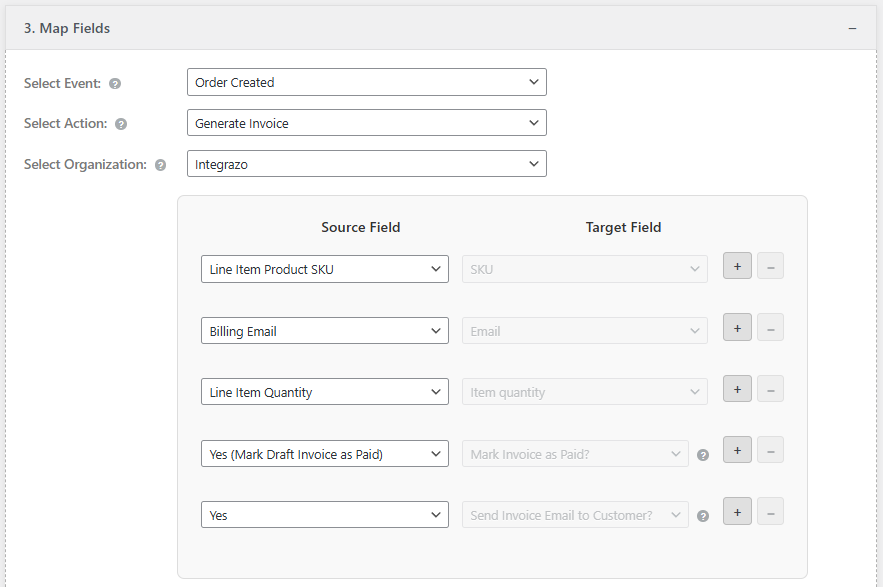
4. Map your WooCommerce fields to Zoho fields and save
Supported Zoho Products
Zoho CRM
Sync WooCommerce customers and orders to Zoho CRM. Create or update Leads, Contacts, Accounts, Deals, and Sales Orders automatically when an order is placed in your store.
Zoho Books
Send WooCommerce order data to Zoho Books. Create Contacts, Sales Orders, or Invoices with full line item details, taxes, shipping, and customer billing information.
Zoho Invoice
Automatically generate Zoho Invoice records from WooCommerce orders. Create Customers and Invoices with complete order data including products, quantities, and tax details.
Zoho Inventory
Keep your Zoho Inventory in sync with WooCommerce. Sync orders and products to Contacts, Items, and Sales Orders in Zoho Inventory based on your store activity.
Zoho Desk
Convert WooCommerce orders or customer events into Zoho Desk Tickets or Contacts. Automate your support workflow so your team is notified the moment a customer needs help.
Zoho Campaigns
Add WooCommerce customers to your Zoho Campaigns mailing lists automatically. Build targeted email audiences from buyers without any manual import.
Zoho Bigin
Push WooCommerce customers and orders into Zoho Bigin pipelines. Create Contacts, Companies, and Deals to manage your sales pipeline directly from store data.
Field Mapping
Map any WooCommerce data field to the corresponding Zoho field:
- Order details (ID, status, date, total, taxes, shipping)
- Customer details (name, email, phone, billing address, shipping address)
- Product line items (name, SKU, quantity, price)
- Custom values and system fields
Sync Logs
Every sync is recorded so you always know what happened:
- View SUCCESS and RECORD_FAILED statuses
- See the full API request and response for each record
- Filter logs by integration, status, or date range
- Retry failed records with one click
Free vs Pro
Free Version — No limits, no time restrictions:
– Unlimited integrations
– Add-only record creation
– Custom values and system fields
– Retry failed records
– Email notifications for failed syncs
Pro Version — Advanced features:
– Add and update existing records (no duplicates)
– Advanced filter conditions (sync only specific orders/customers)
– File attachments to Zoho records
– Tags and notes support
– Custom and premium Zoho fields
– Multiple Zoho account support
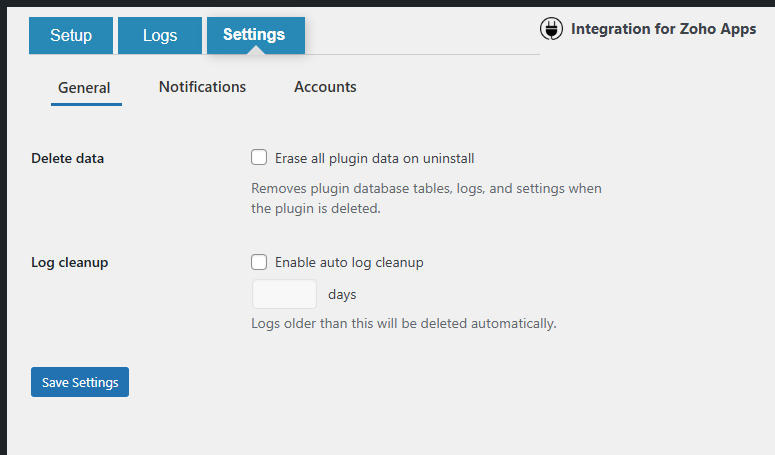
– Extended log retention and management
Upgrade to Pro at integrazo.com
Third-Party Services
This plugin connects to the following external services to function:
- Zoho API (zoho.com, zohoapis.com, accounts.zoho.com) — Used to authenticate your Zoho account via OAuth 2.0 and send WooCommerce data to your selected Zoho product. Zoho Privacy Policy | Zoho Terms of Service
Data is only transmitted to Zoho when a WooCommerce event (order, customer, product) triggers a configured integration. No data is sent to Integrazo servers.
Support
- Documentation: https://integrazo.com/products/woocommerce-zoho-integration
- Support: https://integrazo.com/pages/contact
- Feature Requests: https://integrazo.com/pages/request-feature
- Email: support@integrazo.com
Details
Related plugins
Plugins that also contain the tag woocommerce
Google for WooCommerce

WooCommerce PayPal Payments
WooCommerce Stripe Payment Gateway

WooCommerce Tax (formerly WooCommerce Shipping & Tax)

WooCommerce Legacy REST API

Pinterest for WooCommerce


About
Plugin for that tries to help you find the WordPress plugin you are looking for.
| Please enjoy an image of Crush (this awesome turtle) and have a lovely day! |  |
We do not own any plugin listed on this site and do not work for or work with WordPress.com or it's associated companies. We simply provide a searchable list of the available WordPress plugins.