



Jamie’s Header Effects
Jamie’s Header Effects makes your block theme’s header feel alive. Turn it on, pick an effect, and your header follows the visitor down the page — gracefully.
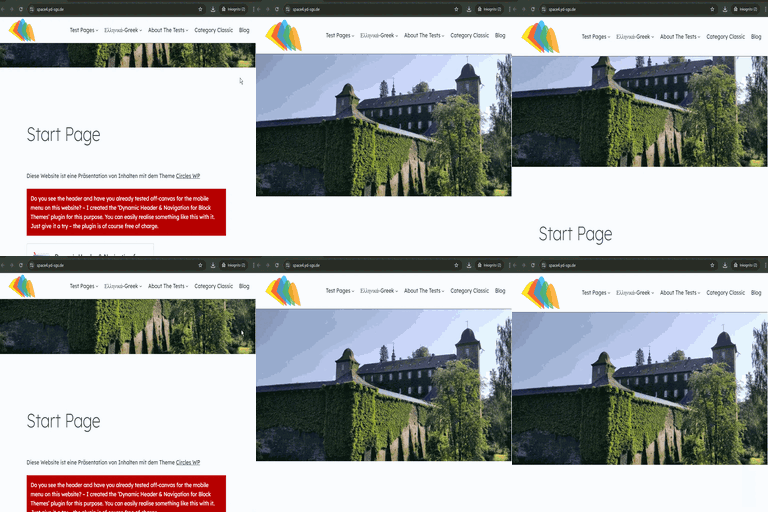
Chameleon — the headline feature. As you scroll, the header samples the colour of the section underneath it and recolours itself to match, automatically switching its text between light and dark for contrast. Scroll from a navy hero into a cream section into a forest-green footer and the header changes with you. No configuration per section; it just works.
Frosted blur — a translucent, blurred header that lets the page show through, like frosted glass. Set the colour, opacity and blur amount.
Solid colour — a classic sticky header with your chosen colour and opacity, and a soft shadow when stuck.
Hide on scroll down, reveal on scroll up — the header slips away while you read and comes back the moment you scroll up. Tune the sensitivity and delay.
Transparent overlay header — float the header over your first section for the full-bleed hero look, with no layout jump.
Everything else you’d expect is here too: an automatic admin-bar offset, z-index control, a “push content down” option, a mobile breakpoint to disable the effect on small screens, and the ability to switch it off for particular post types or templates. Transitions respect prefers-reduced-motion.
It’s theme-agnostic (it finds your header automatically, with an override selector for unusual themes), accessible, and ships no jQuery.
Settings: Appearance Header Effects.
Details


Related plugins
Plugins that also contain the tag block-theme
Create Block Theme

Options for Block Themes

Dynamic Header & Navigation for Block Themes
LolaCore for FSE

Blockwright Workbench

Groundworx Testimonial


About
Plugin for that tries to help you find the WordPress plugin you are looking for.
| Please enjoy an image of Crush (this awesome turtle) and have a lovely day! |  |
We do not own any plugin listed on this site and do not work for or work with WordPress.com or it's associated companies. We simply provide a searchable list of the available WordPress plugins.