


Jamie's Visual HTML Editor
Jamie’s Visual HTML Editor enhances the core Custom HTML block so you can paste in any HTML and let editors change the copy and images without touching the markup.
- Edit content — render the HTML live and click any heading, paragraph, list item, link, or button to edit its text in place. Click any
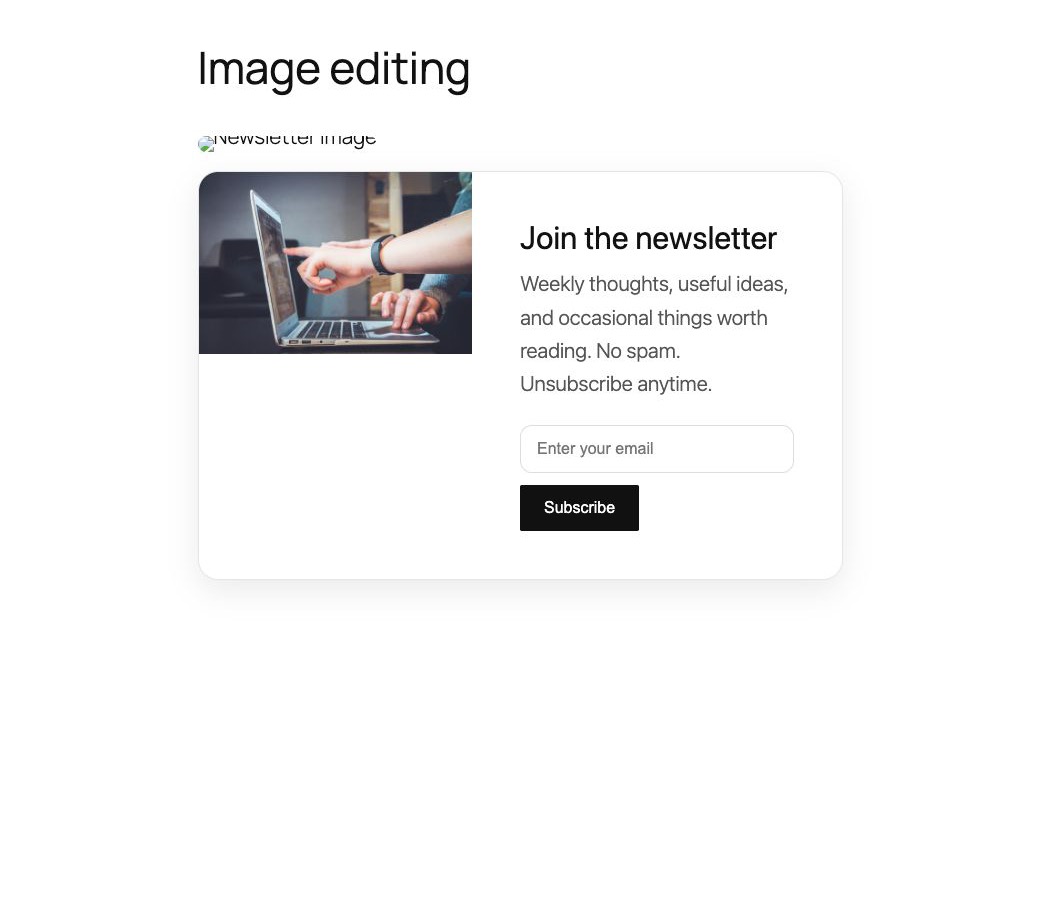
<img>to replace it from the Media Library, change its URL, or edit its alt text. Adddata-vc-bgand an inlinebackground-imageon hero sections to make backgrounds editable too. - Edit code — the normal raw-HTML view for pasting or writing markup.
- Wide and Full width — adds Wide and Full alignment to the Custom HTML block so full-bleed sections can break out of the theme’s content width.
Content is stored as a native Custom HTML block, so revisions and saving work exactly as they do in core. The plugin only changes how the block is edited and aligned.
This plugin is open source. See the Development section below for the full human-readable source code and build instructions.
Development
This plugin is open source (GPL-2.0-or-later). The complete, human-readable source code — including the un-minified JavaScript in src/ and the build configuration — is publicly available at:
https://github.com/jamiemarsland/jamies-visual-html-editor
The compiled files in build/ are generated with @wordpress/scripts:
npm install
npm run build
No third-party libraries are bundled; the plugin relies only on the WordPress-provided editor packages (@wordpress/*).
Details

Related plugins
Plugins that also contain the tag block-editor
Classic Editor

Starter Templates – AI-Powered Templates for Elementor & Gutenberg

Advanced Editor Tools

Disable Gutenberg

Gutenberg Essential Blocks – Page Builder for Gutenberg Blocks & Patterns

Blocks Animation: CSS Animations for Gutenberg Blocks


About
Plugin for that tries to help you find the WordPress plugin you are looking for.
| Please enjoy an image of Crush (this awesome turtle) and have a lovely day! |  |
We do not own any plugin listed on this site and do not work for or work with WordPress.com or it's associated companies. We simply provide a searchable list of the available WordPress plugins.