

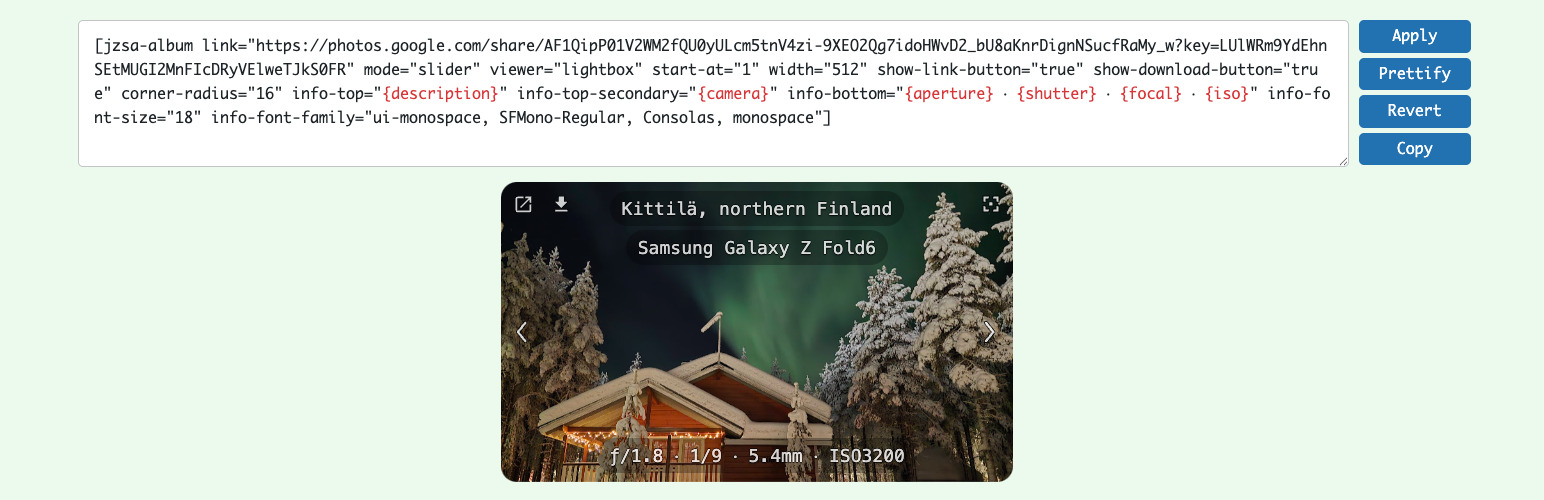

Shared Albums for Google Photos (by JanZeman)
Shared Albums for Google Photos (by JanZeman) allows you to easily display publicly shared Google Photos albums in your WordPress posts and pages using a simple shortcode. The plugin uses the modern Swiper library to provide a beautiful, touch-enabled gallery experience.
Note: This plugin is not affiliated with or endorsed by Google LLC. Google Photos™ is a trademark of Google LLC.
IMPORTANT: Short links (photos.app.goo.gl) might stop working in the future. While both full and short link formats work today, we strongly recommend using the full link format https://photos.google.com/share/ to ensure your galleries continue working. The plugin will display a warning banner when short links are detected.
Features
- Gallery Mode (Default) – Display photos as a thumbnail gallery with uniform/justified layouts
- Gallery Paging Or Scrolling – Use
gallery-rowswith optionalgallery-scrollto choose page controls or a single scrollable gallery - Modern Gallery Viewer – Powered by Swiper 11, a modern mobile-friendly slider
- Responsive Design – Works perfectly on desktop, tablet, and mobile devices
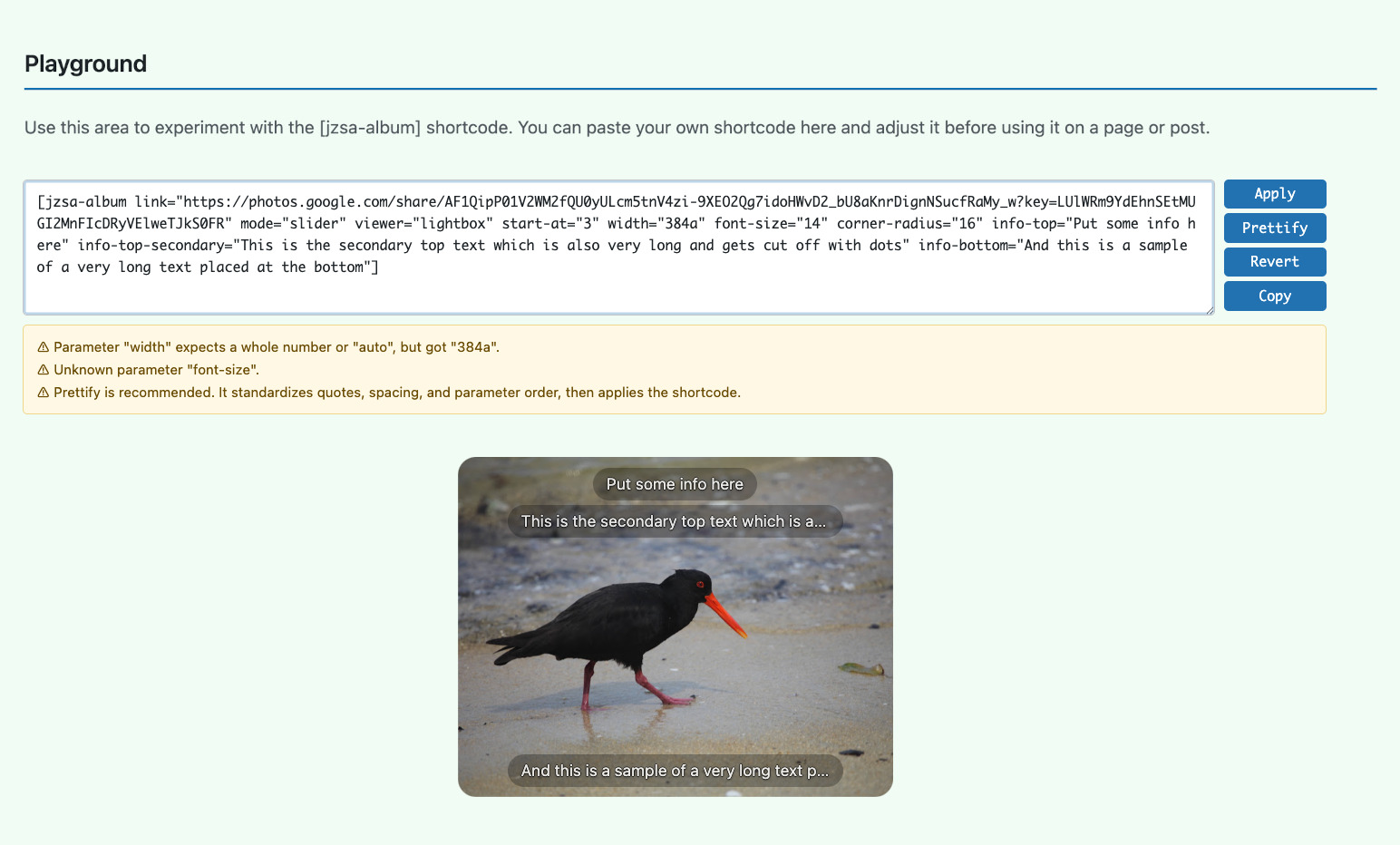
- Shortcode Playground – Admin-only sandbox on the Settings page for experimenting with
[jzsa-album]shortcodes and previews - Touch Gestures – Swipe navigation on touch devices
- Play/Pause Control – Fullscreen play/pause button with spacebar keyboard shortcut
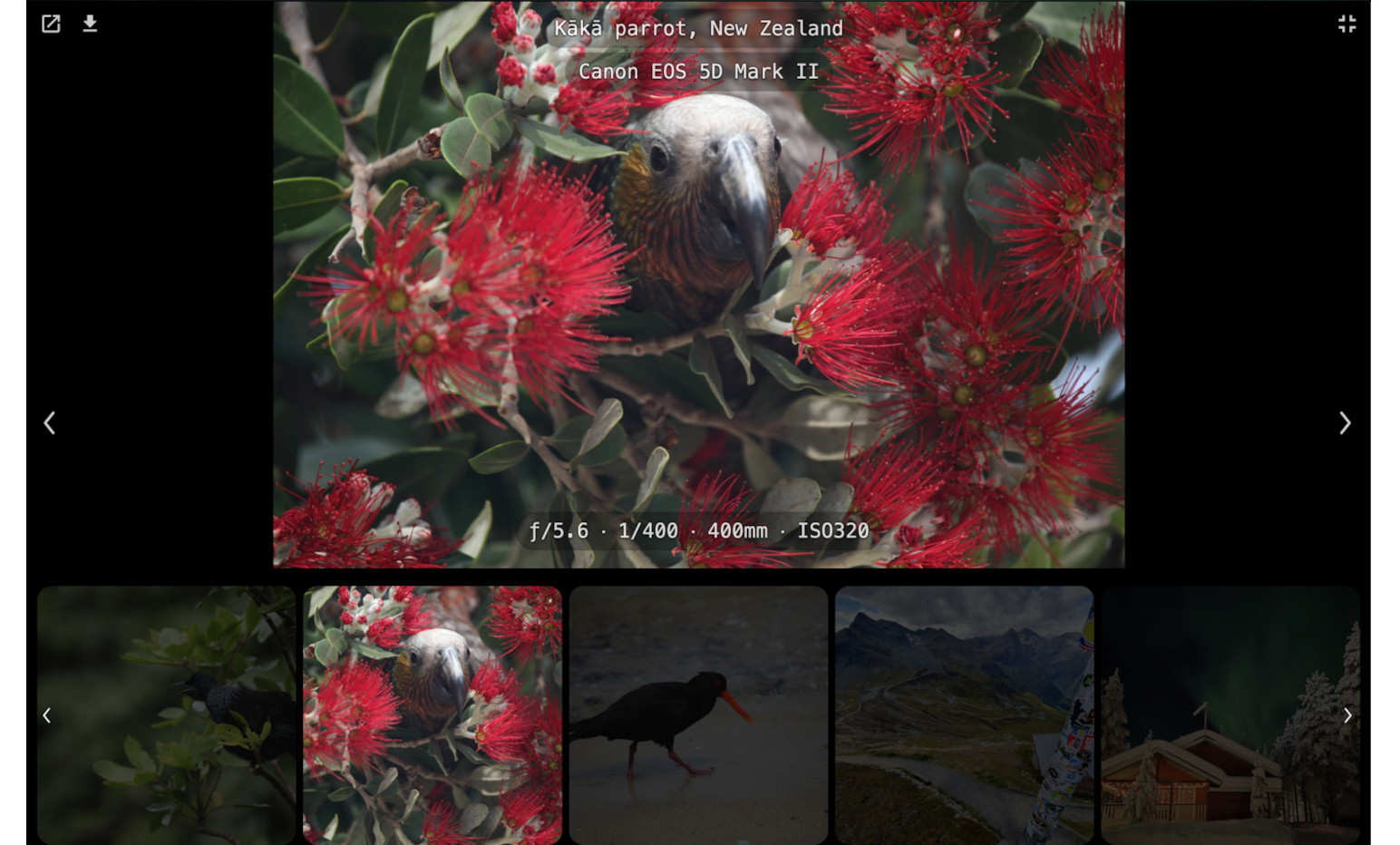
- Fullscreen Navigation – In fullscreen, single-click/tap navigates previous/next photos
- Fullscreen Toggle Modes –
full-screen-togglesupportsbutton-only(default),single-click,double-click, anddisabled - Fullscreen Image Fit –
full-screen-image-fitsupportsfit(default),contain, andcover - Dual-Mode Slideshow – Separate slideshow settings for normal and fullscreen modes
- Zoom Support – Pinch-to-zoom on touch devices
- Keyboard Navigation – Use arrow keys to navigate, spacebar to play/pause in fullscreen
- Progressive Loading – Loads preview images first, then full-resolution for optimal performance
- Smart Preloading – Automatically preloads adjacent slides for smooth navigation
- Lazy Loading – Images load as needed for optimal performance
- Error Recovery – Graceful fallback with placeholder when images fail to load
- Download Button – Optional download button to save photos to your device
- Customizable – Control dimensions, slideshow, delays, and more
- Cached for Performance – Gallery HTML is cached for 24 hours
- Large Album Support – Handles up to 300 photos per album (Google Photos limitation; very old iOS/WebKit devices may be limited to 25 photos for stability)
How It Works
The plugin fetches your public Google Photos album and creates a responsive gallery. Simply paste the share link from Google Photos into the shortcode.
Security & Error Handling
- SSRF protection – validates Google Photos URLs
- Proper output escaping for XSS prevention
- WordPress coding standards compliant
- Swiper library bundled locally
- User-friendly error messages for invalid or short links
- Automatic detection and warning for deprecated goo.gl links
Usage
Basic Usage
RECOMMENDED: Use the full photos.google.com/share/ URL format for future compatibility.
[jzsa-album link="https://photos.google.com/share/AF1QipOg3EA51ATc_YWHyfcffDCzNZFsVTU_uBqSEKFix7LY80DIgH3lMkLwt4QDTHd8EQ?key=RGwySFNhbmhqMFBDbnZNUUtwY0stNy1XV1JRbE9R"]
Note: Short links (photos.app.goo.gl) are still supported but will show a deprecation warning.
Advanced Usage
[jzsa-album
    link="https://photos.google.com/share/AF1QipOg3EA51ATc_YWHyfcffDCzNZFsVTU_uBqSEKFix7LY80DIgH3lMkLwt4QDTHd8EQ?key=RGwySFNhbmhqMFBDbnZNUUtwY0stNy1XV1JRbE9R"
    background-color="#000000"
    image-fit="contain"
    width="500"
    height="375"
    slideshow="false"
    slideshow-delay="5"
    slideshow-inactivity-timeout="60"
    start-at="1"
    full-screen-slideshow="false"
    full-screen-slideshow-delay="5"
    full-screen-image-fit="fit"
    full-screen-toggle="button-only"
    show-title="true"
    show-counter="true"
    show-link-button="true"
    show-download-button="true"
]
Tip: full-screen-image-fit defaults to fit, which preserves the full photo (no crop) while scaling it to fill at least one fullscreen axis.
Shortcode Parameters
The only required parameter is link — the Google Photos share URL.
All other parameters are optional and control appearance, slideshow, fullscreen behavior, display options, gallery mode, and gallery layout.
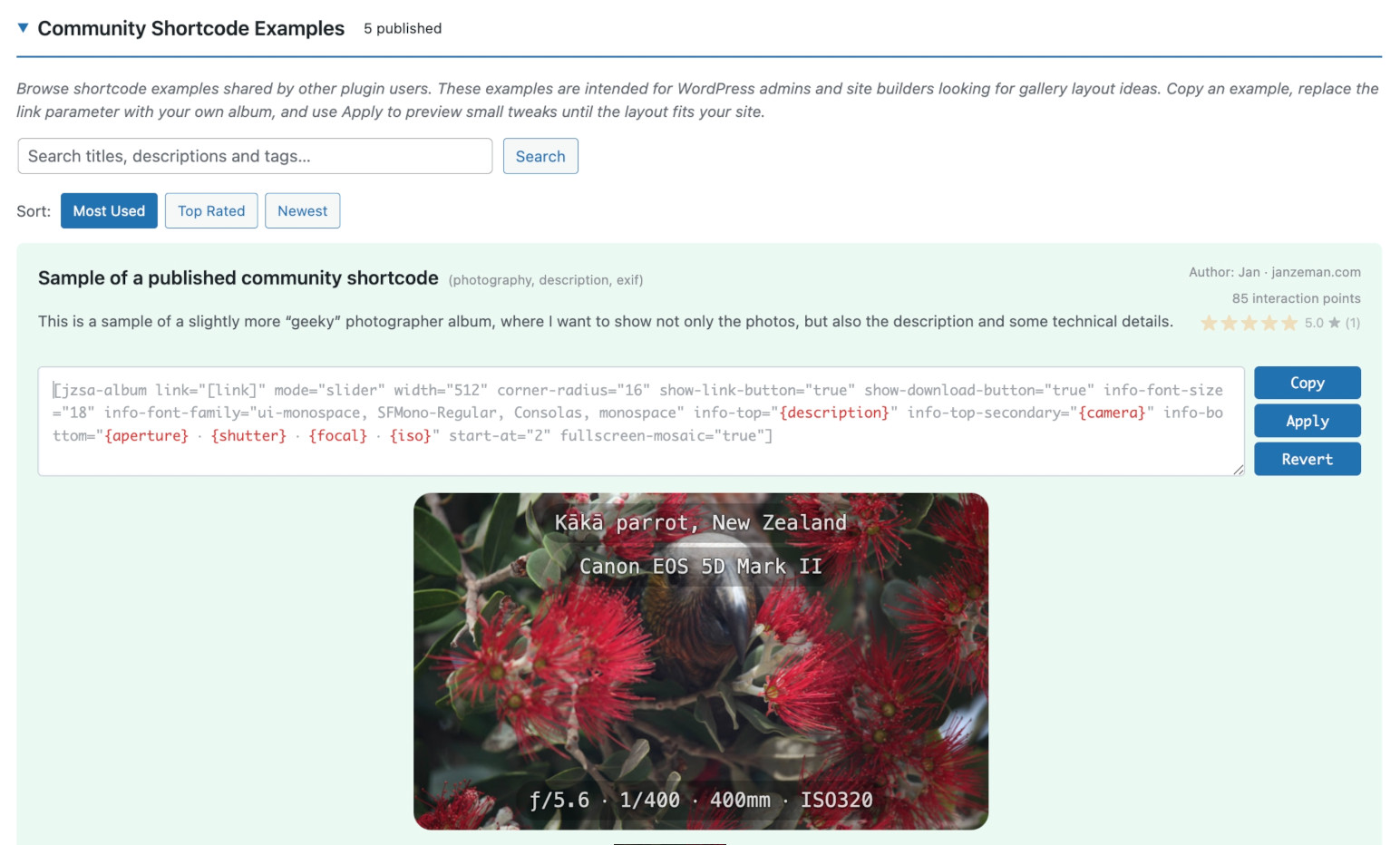
For the complete list of all parameters with descriptions and defaults, visit the plugin’s Settings page in your WordPress admin (Settings Shared Albums for Google Photos). The Settings page also includes a Playground for experimenting with shortcodes and live Samples you can copy.
Getting Your Album Share Link
- Open Google Photos and select an album
- Click the share button (or three-dot menu > Share)
- Click “Create link” or “Get link”
- Copy the FULL share link (format:
https://photos.google.com/share/AF1QipN...)
IMPORTANT: Google Photos may show a short link like https://photos.app.goo.gl/abc123. These short links might stop working in the future.
Current Behavior:
– Short links still work but display a warning banner
– We strongly recommend using full links to avoid future issues
How to get the full link:
– On web: Right-click the album share link and choose “Copy link address” to get the full link
– Or visit the short link in your browser and copy the full link from the address bar
Example:
Full link (recommended): https://photos.google.com/share/AF1QipNxLo... ✅
Short link (works with warning): https://photos.app.goo.gl/abc123 ⚠️
Use the shortcode with full link:
[jzsa-album link=”https://photos.google.com/share/AF1QipNxLo…”]
Or with short link (not recommended):
[jzsa-album link=”https://photos.app.goo.gl/abc123″]
Important: The album must be public (shared via link) for the plugin to access it.
Credits
Privacy Policy
This plugin does not collect or store any user data.
Use of external Google services
- The plugin fetches public Google Photos album pages from
https://photos.google.comand image files from*.googleusercontent.comin order to render the galleries. - Only publicly shared album links are supported; the plugin has no access to private albums or any content that is not already available via a public share link.
- The plugin does not collect, store, or transmit user credentials or personal data. It only caches album HTML and image URLs in WordPress transients for performance, and this cache is stored locally in your WordPress database.
Support
- Bug reports: Open an issue on GitHub
- Feature requests: Post on the support forum
- Leave a rating: Review on WordPress.org
- Buy Me a Coffee: buymeacoffee.com/janzeman
Details




Related plugins
Plugins that also contain the tag album
Mixed Media Gallery Blocks

rtMedia for WordPress, BuddyPress and bbPress

Audio Album

Easy Photo Album

InPost Gallery

RPS Image Gallery


About
Plugin for that tries to help you find the WordPress plugin you are looking for.
| Please enjoy an image of Crush (this awesome turtle) and have a lovely day! |  |
We do not own any plugin listed on this site and do not work for or work with WordPress.com or it's associated companies. We simply provide a searchable list of the available WordPress plugins.