



Keeal for WooCommerce
Keeal for WooCommerce adds Keeal Payment so customers pay on Keeal’s secure page, then return to your site while paid orders move to Processing automatically.
Why store owners like it
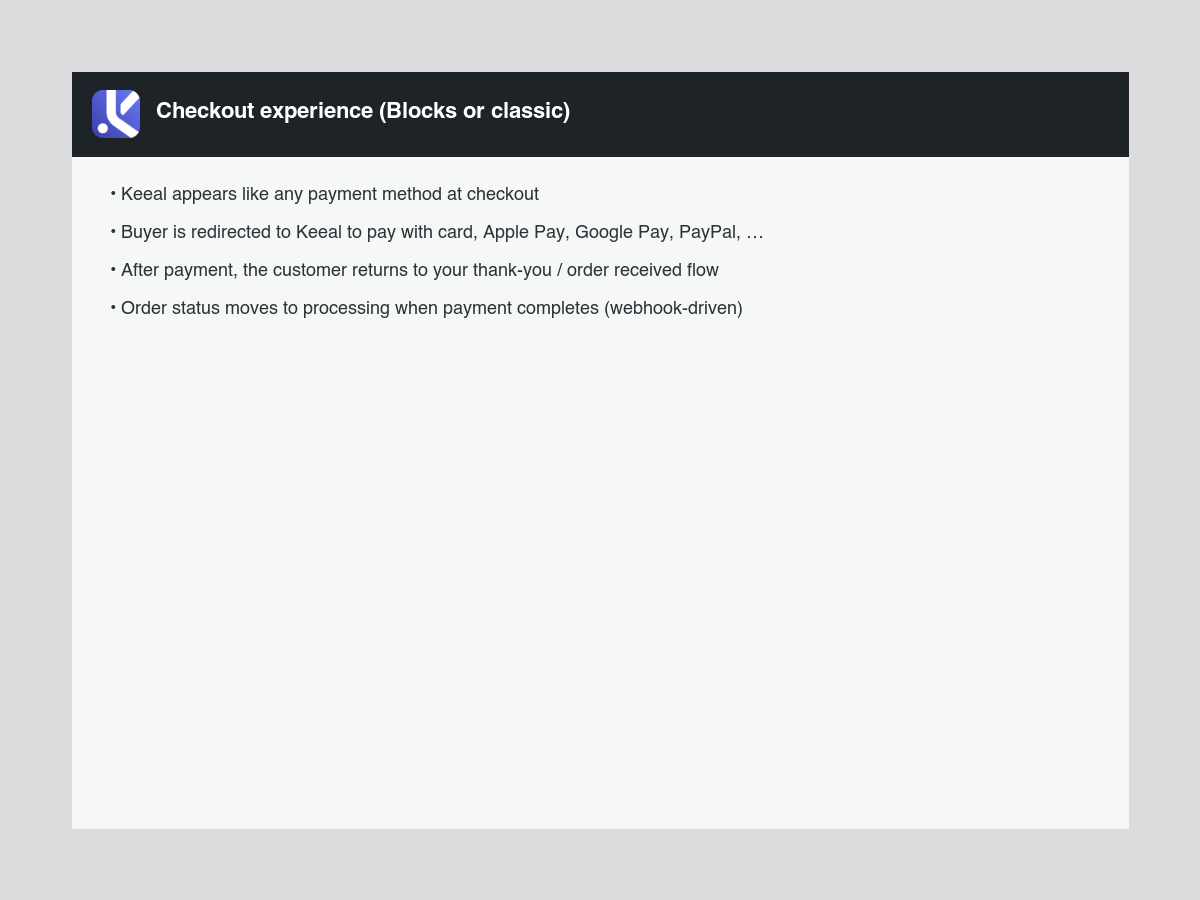
- Broad payment options — cards, Apple Pay, Google Pay, PayPal, and more (depends on your Keeal account and region).
- Less sensitive data on your site — customers enter payment details on Keeal; you are not storing card numbers in WordPress.
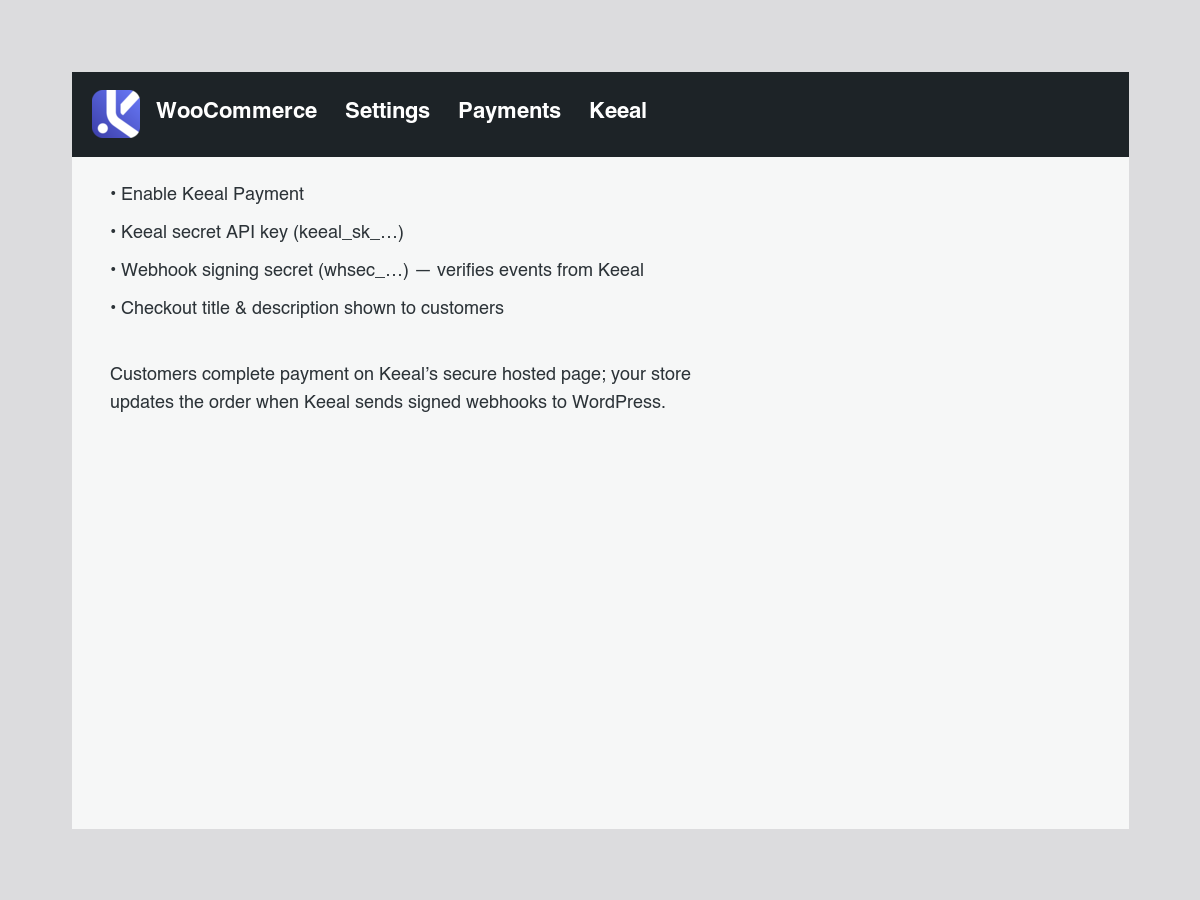
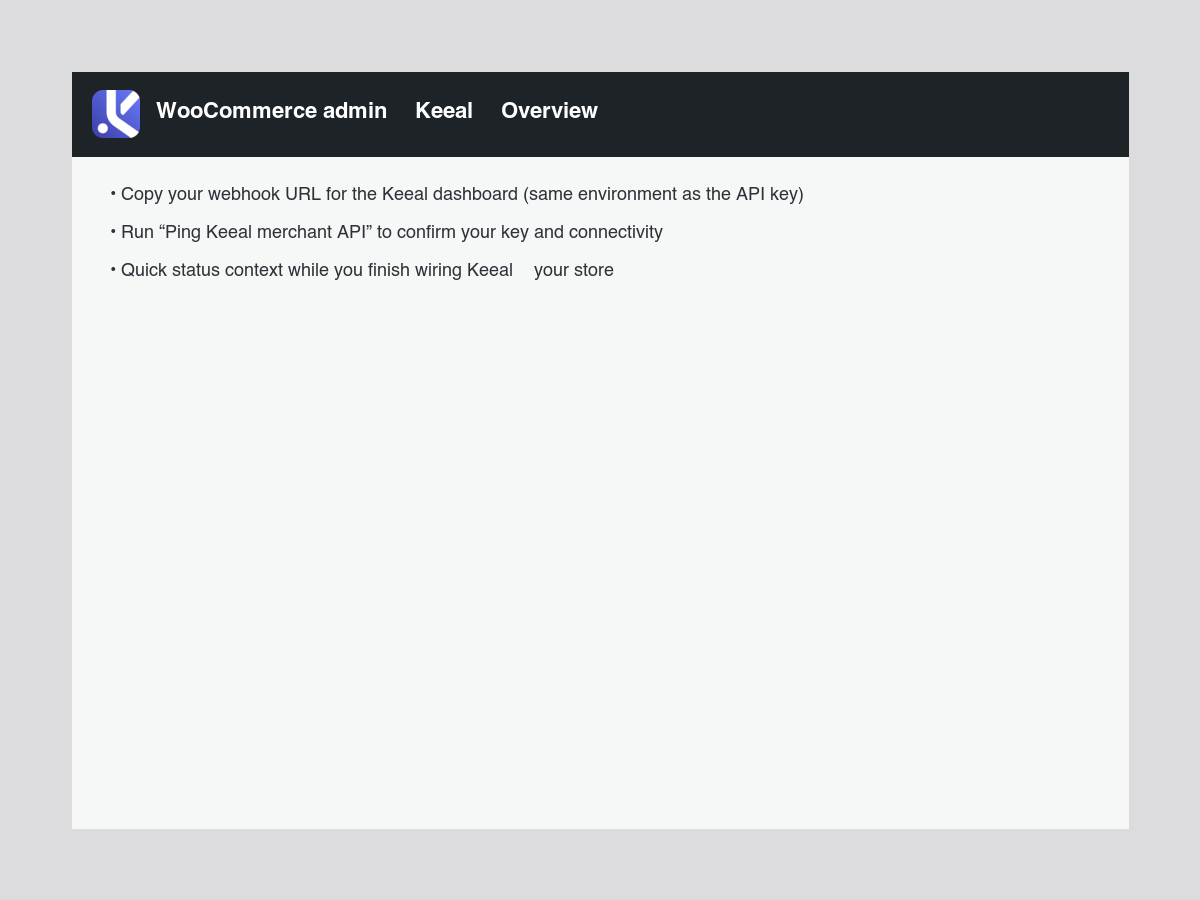
- Straightforward setup — turn on the gateway, add your Keeal credentials, paste the webhook URL into Keeal, and you are ready to test checkout.
How it works
- At checkout, your store asks Keeal to start a payment for the order.
- The customer completes payment on Keeal.
- Keeal tells your store when payment is done; the order updates without you manually marking it paid.
External services
This plugin relies on Keeal (hosted checkout and merchant services) so customers can pay on Keeal and your store can see payment results.
What it is used for
- Starting a payment for a WooCommerce order and sending the shopper to Keeal to finish checkout.
- Optional connection check from WooCommerce Keeal so you can confirm your store can reach Keeal with your saved API key.
What may be sent to Keeal
When a customer checks out, your server sends HTTPS requests to Keeal with what is needed to collect payment—for example order reference, amounts, what is being purchased, currency, billing email, and URLs to return after pay or cancel. Your API key is included so Keeal knows the request is from your store. If you run the optional connection check, a small test request is sent the same way (no full order payload for that test).
What comes back to your site
Keeal sends webhooks (notifications) to your WordPress site so order status can update when a payment completes or fails. Card details are handled on Keeal’s side; this plugin does not collect or store card data in WordPress.
Legal links (Keeal)
Details
Related plugins
Plugins that also contain the tag checkout
Brazilian Market on WooCommerce
reCAPTCHA for WooCommerce

Fluid Checkout for WooCommerce – Lite

Amazon Pay for WooCommerce

PayTR Sanal POS WooCommerce – iFrame API

Kustom Checkout for WooCommerce


About
Plugin for that tries to help you find the WordPress plugin you are looking for.
| Please enjoy an image of Crush (this awesome turtle) and have a lovely day! |  |
We do not own any plugin listed on this site and do not work for or work with WordPress.com or it's associated companies. We simply provide a searchable list of the available WordPress plugins.