

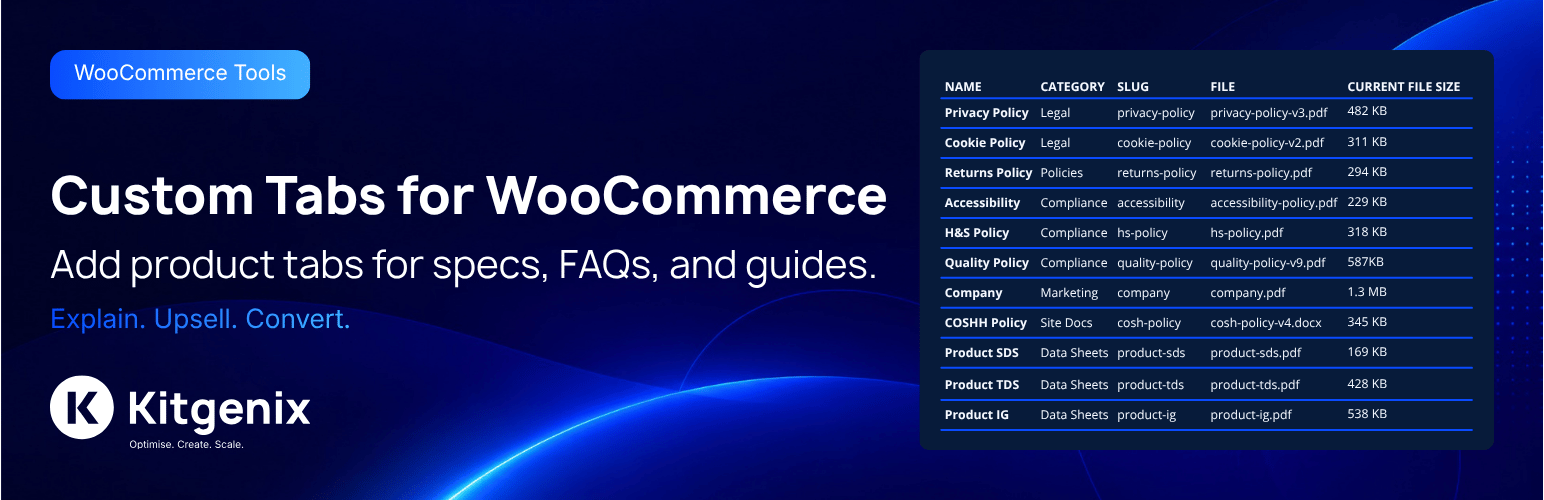

Kitgenix Custom Tabs for WooCommerce
Kitgenix Custom Tabs for WooCommerce lets you add product-specific custom tabs from the WooCommerce product editor.
Designed to be lightweight and modular:
– Add tabs per product (title, optional nickname, optional slug, optional priority/position, rich content)
– Add global tabs that apply to every product (optional)
– Optional shortcode processing for tab content
– Safety limits to keep the product editor fast (max tabs per product)
– Optional setting to hide the tab heading inside the tab content panel
Quick Start
- Install and activate the plugin (WooCommerce required).
- Go to Kitgenix Custom Tabs to configure settings.
- Edit a product: Products Edit Product data Custom Tabs.
- Add one or more tabs, then Update the product.
Optional: add store-wide tabs under Kitgenix Custom Tabs Global Tabs.
Developers
Text domain:
– kitgenix-custom-tabs-for-woocommerce
Settings option:
– kitgenix_custom_tabs_for_woocommerce_settings
Settings group (Settings API):
– kitgenix_custom_tabs_for_woocommerce_settings_group
Settings keys (stored inside the option array):
– enabled (bool/int)
– max_tabs (int)
– allow_shortcodes (bool/int)
– priority_base (int)
– priority_step (int)
– hide_tab_heading (bool/int)
– global_tabs (array of tab rows)
Sanitization behavior:
– The sanitize callback merges submitted values into the existing option, so saving one settings tab/form does not wipe values from other tabs.
Post meta:
– kitgenix_custom_tabs_for_woocommerce_tabs (array)
Transients:
– kitgenix_custom_tabs_for_woocommerce_do_activation_redirect (short-lived activation redirect flag)
– kitgenix_hub_wporg_active_installs_v1 (Kitgenix hub cache; active install counts)
– kitgenix_hub_wporg_ratings_v1 (Kitgenix hub cache; ratings percentage)
Nonces (exact identifiers):
– Product save nonce field: kitgenix_custom_tabs_for_woocommerce_tabs_nonce
– Product save nonce action: kitgenix_custom_tabs_for_woocommerce_tabs_save
– Settings form nonce field: kitgenix_custom_tabs_for_woocommerce_settings_nonce
– Settings form nonce action: kitgenix_custom_tabs_for_woocommerce_settings_save
Hooks used:
– plugins_loaded (action): bootstrap plugin when WooCommerce is available
– init (action): load translations
– admin_init (action): register settings; perform activation redirect once
– admin_menu (action): ensure shared Kitgenix hub menu; register plugin submenu page
– admin_head (action): inject shared Kitgenix hub admin menu icon CSS
– admin_enqueue_scripts (action): enqueue hub/admin/product editor assets
– plugin_action_links_{plugin_basename} (filter): add “Settings” link on Plugins screen
– before_woocommerce_init (action): declare WooCommerce HPOS compatibility
– woocommerce_product_tabs (filter): inject frontend tabs
– woocommerce_product_data_tabs (filter): add Product data tab
– woocommerce_product_data_panels (action): render Product data panel
– woocommerce_process_product_meta (action): save product tab meta
External Services
This plugin can connect to the WordPress.org Plugins API when you view the shared Kitgenix admin hub page.
It uses WordPress core’s plugins_api() to fetch plugin information (such as active install counts and ratings) for Kitgenix plugins, and caches results in transients.
No customer/order/product data is sent.
Security & Privacy
- Admin actions are protected with capability checks.
- Product tab saving is protected with a plugin nonce.
- Settings are saved via WordPress’ Settings API (options.php), which is nonce-protected by WordPress core.
- Tab content is output with WordPress formatting and safe HTML handling.
Uninstall
On uninstall, the plugin removes:
– The settings option
– All saved product tab meta entries
Note: the uninstall handler does not explicitly delete short-lived transients or hub cache transients.
Support Development
If this plugin saves you time, you can support development here:
https://donate.stripe.com/9B65kDgG3fTQ2Kzcmwf7i00
Credits
Built with ❤︎ by @kitgenix – https://kitgenix.com
Details


Related plugins
Plugins that also contain the tag custom-tabs
AffiliateWP – Affiliate Area Tabs
WPC Product Tabs for WooCommerce
Custom Tabs & Fields for Woocommerce
Product Tabs for WooCommerce
Product Tabs Manager – Custom WooCommerce Product Tabs, Extra Tabs, Tab Editor & Tab Customizer
Custom Tabs for BuddyPress


About
Plugin for that tries to help you find the WordPress plugin you are looking for.
| Please enjoy an image of Crush (this awesome turtle) and have a lovely day! |  |
We do not own any plugin listed on this site and do not work for or work with WordPress.com or it's associated companies. We simply provide a searchable list of the available WordPress plugins.