


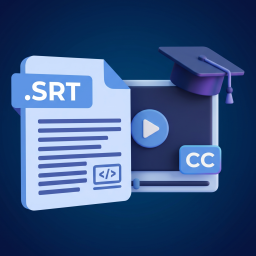
Kreva SRT Subtitles for Tutor LMS
Tutor LMS masks its YouTube videos with Plyr, which hides the player’s native subtitle (CC) button. This plugin adds its own button that turns subtitles on/off from an .srt file YOU attach per lesson — it doesn’t depend on the video having captions on YouTube, manual or automatic.
Why custom subtitles instead of YouTube’s captions:
- Full quality control: you review the
.srtyourself, instead of relying on YouTube’s automatic speech recognition (which mangles negations and proper names). - Works the same with third-party videos: the video owner doesn’t need to have uploaded captions — only playback-time sync is needed, which YouTube’s API exposes for any embed.
- Doesn’t touch the player: it hooks into the extension point Tutor deliberately exposes (
window.TutorLessonPlayer/tutorLessonPlayerReadyevent), it doesn’t replace or interfere with Plyr.
How to use it:
- Activate the plugin.
- Go to Tutor LMS SRT Subtitles.
- Pick the
.srtfile for each lesson from the Media Library. - The subtitles button appears automatically on that lesson — only on lessons that have an
.srtuploaded.
Both administrators and Tutor instructors can manage subtitles.
This plugin requires the Tutor LMS plugin to be installed and active.
Details


Related plugins
Plugins that also contain the tag accessibility
Ally – Web Accessibility & Usability
Auto Image Attributes From Filename With Bulk Updater (Add Alt Text, Image Title For Image SEO)

Accessibility by UserWay

WP Dark Mode – Improve Accessibility with AI Powered Dark Theme

AccessibleWP – Accessibility Toolbar
Alt Text AI – Automatically generate image alt text for SEO and accessibility


About
Plugin for that tries to help you find the WordPress plugin you are looking for.
| Please enjoy an image of Crush (this awesome turtle) and have a lovely day! |  |
We do not own any plugin listed on this site and do not work for or work with WordPress.com or it's associated companies. We simply provide a searchable list of the available WordPress plugins.