



LeanPixel – Image Optimizer
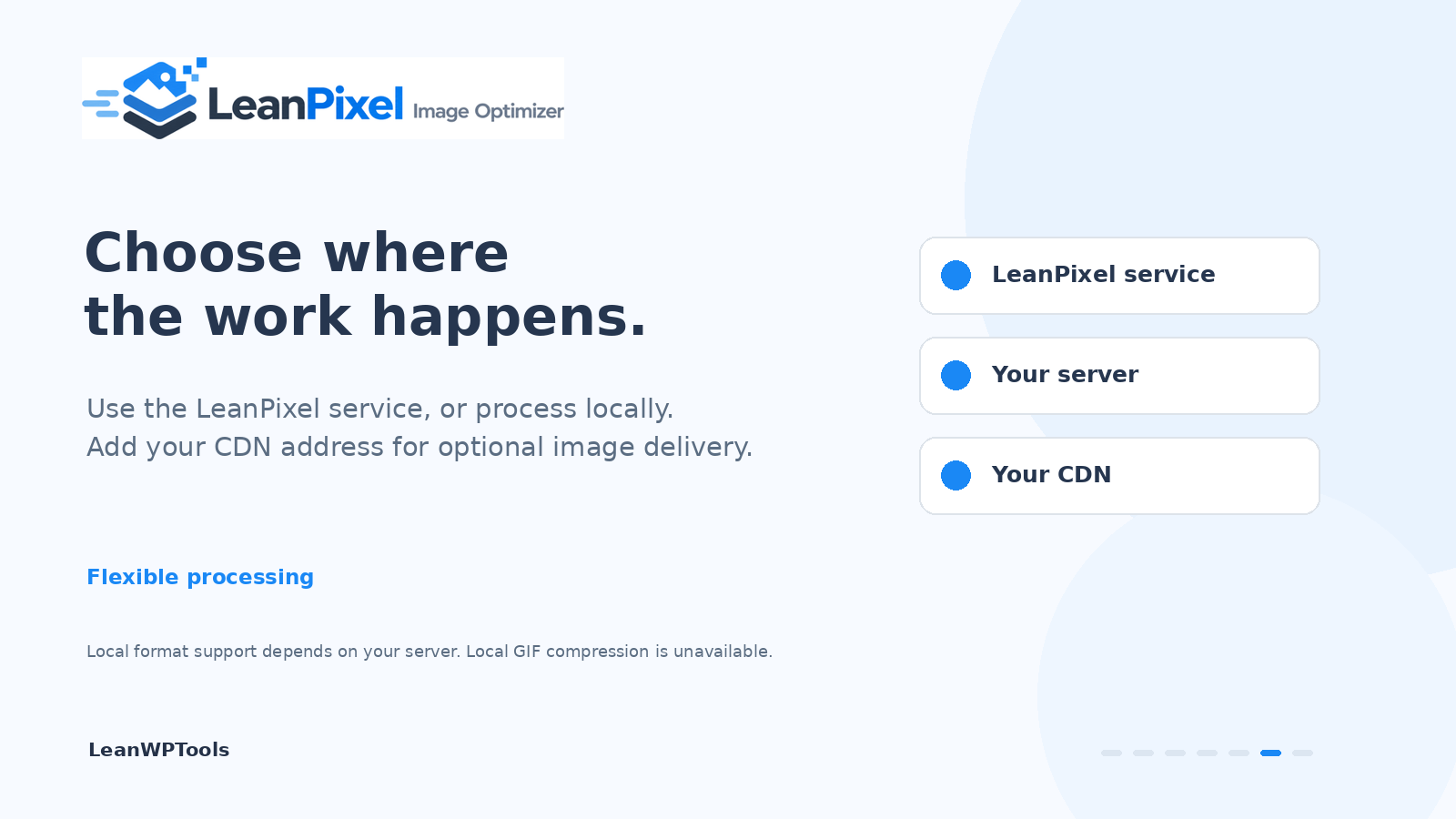
LeanPixel makes the images on your site smaller so pages load faster. It is part of LeanWPTools: lightweight WordPress tools without the bloat. By default the compression runs on our servers, not on yours, so it works on any hosting plan and does not slow your site down while it runs. If you would rather not send your images anywhere, one switch makes LeanPixel do the work on your own server instead.
LeanPixel is free to use. The free plan covers 1,000 images a month on one website through our service, and processing on your own server has no limit. Paid plans at https://my.leanwptools.com/ add more images a month, more sites per key, and AVIF versions. Every setting in the plugin is the same on every plan.
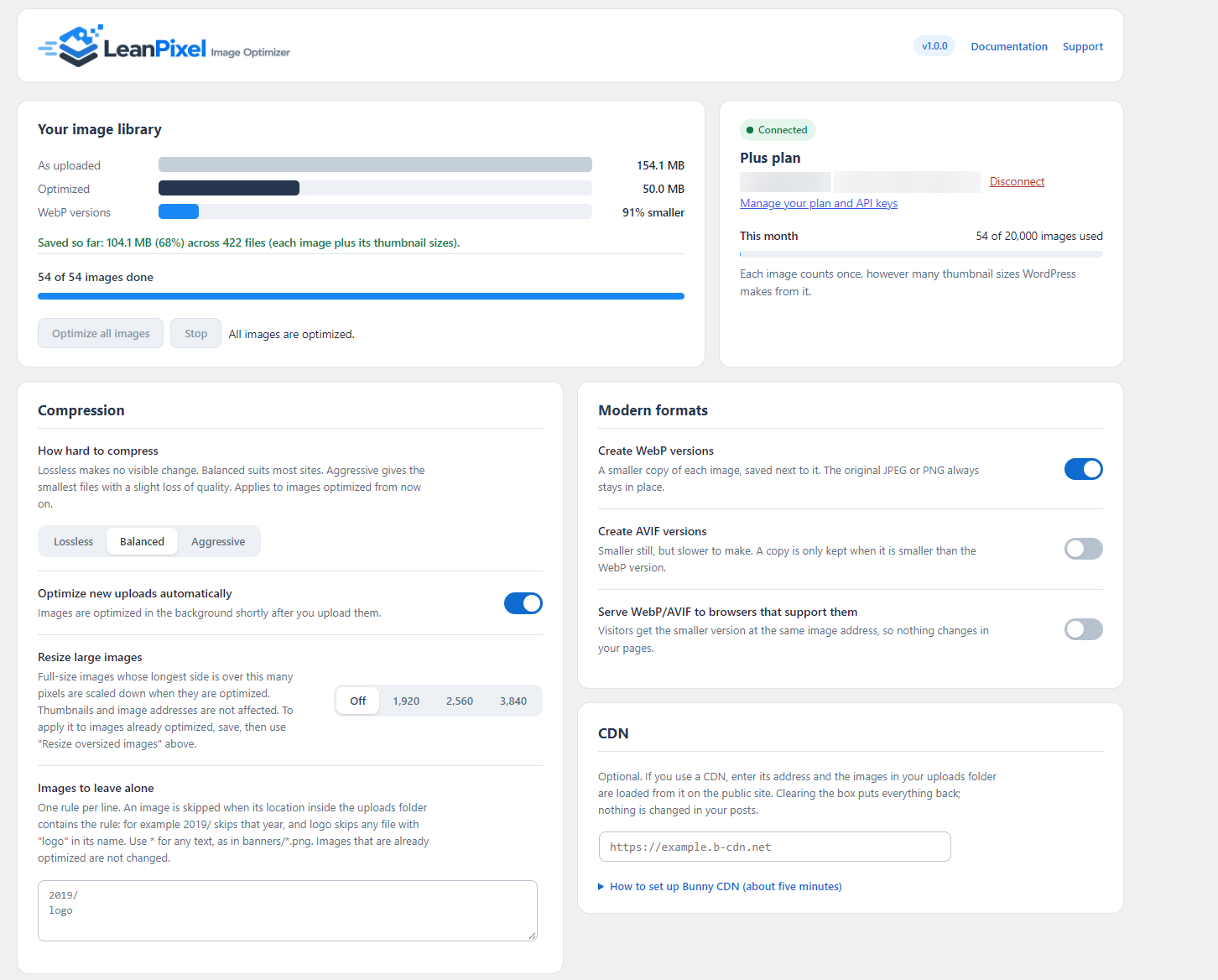
- Optimizes new uploads automatically, including every thumbnail size
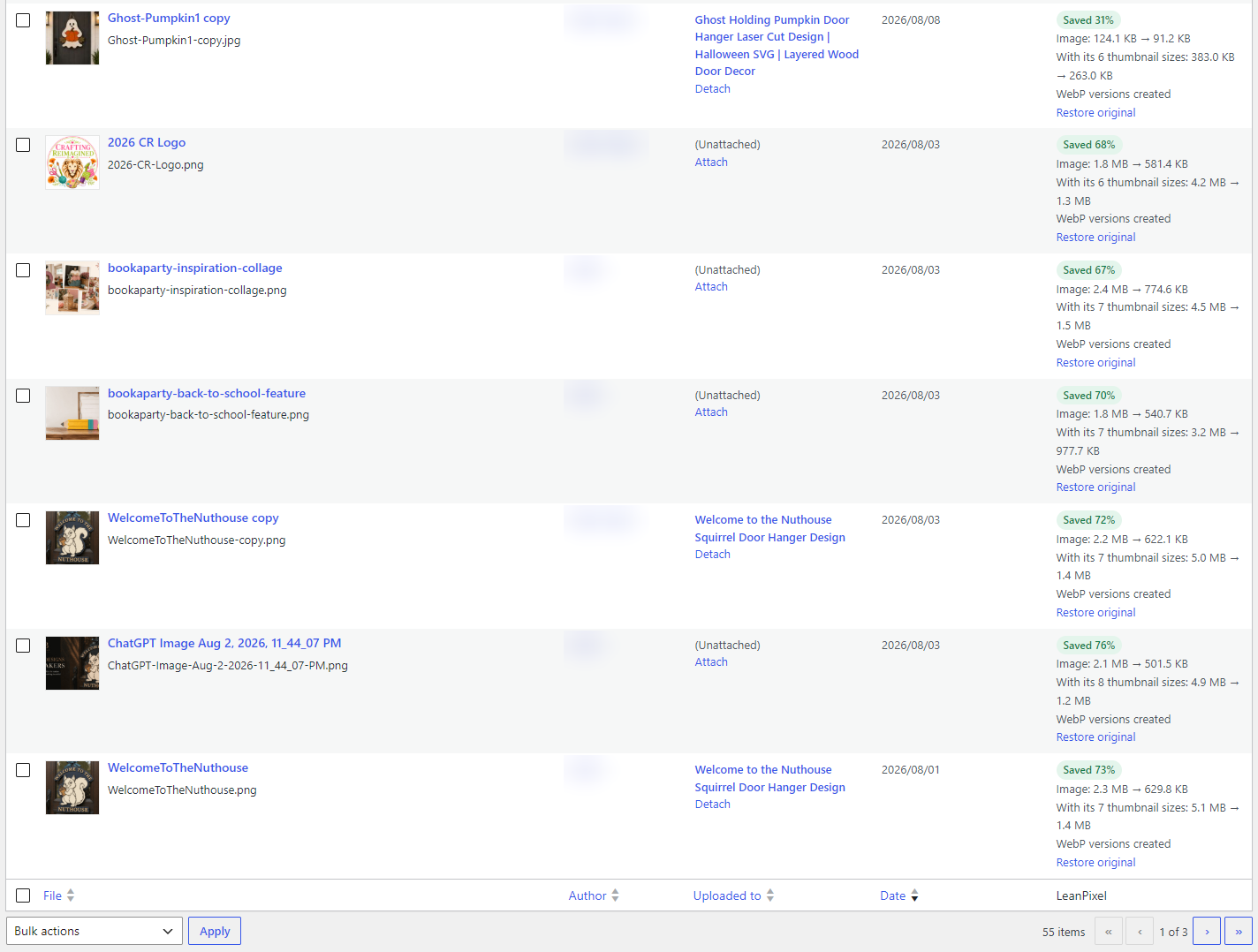
- Bulk optimizer for the images already in your media library, running in the background
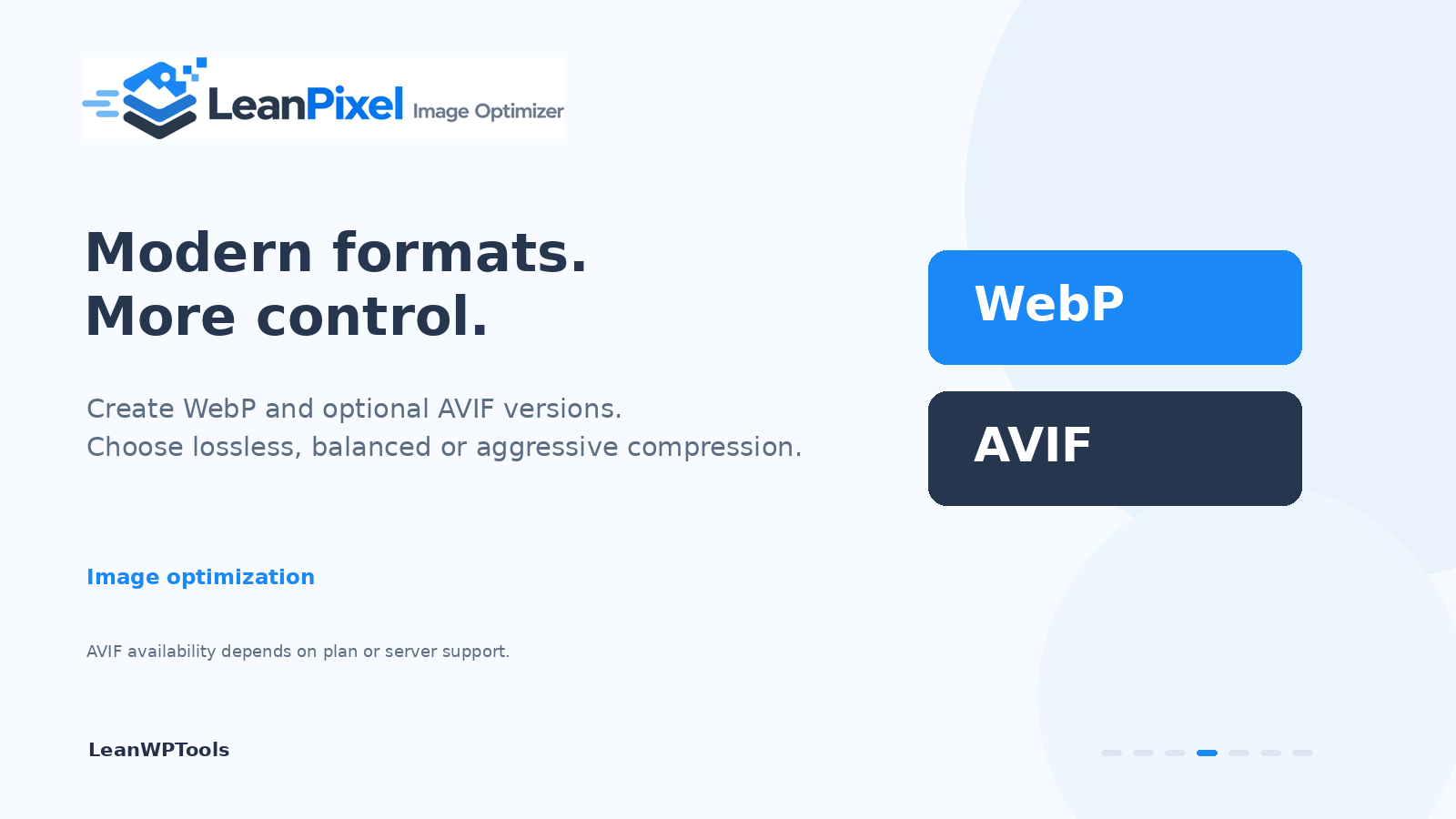
- Three compression levels: lossless, balanced and aggressive
- Creates WebP versions, and AVIF versions on paid plans or on your own server, and can serve them to browsers that support them
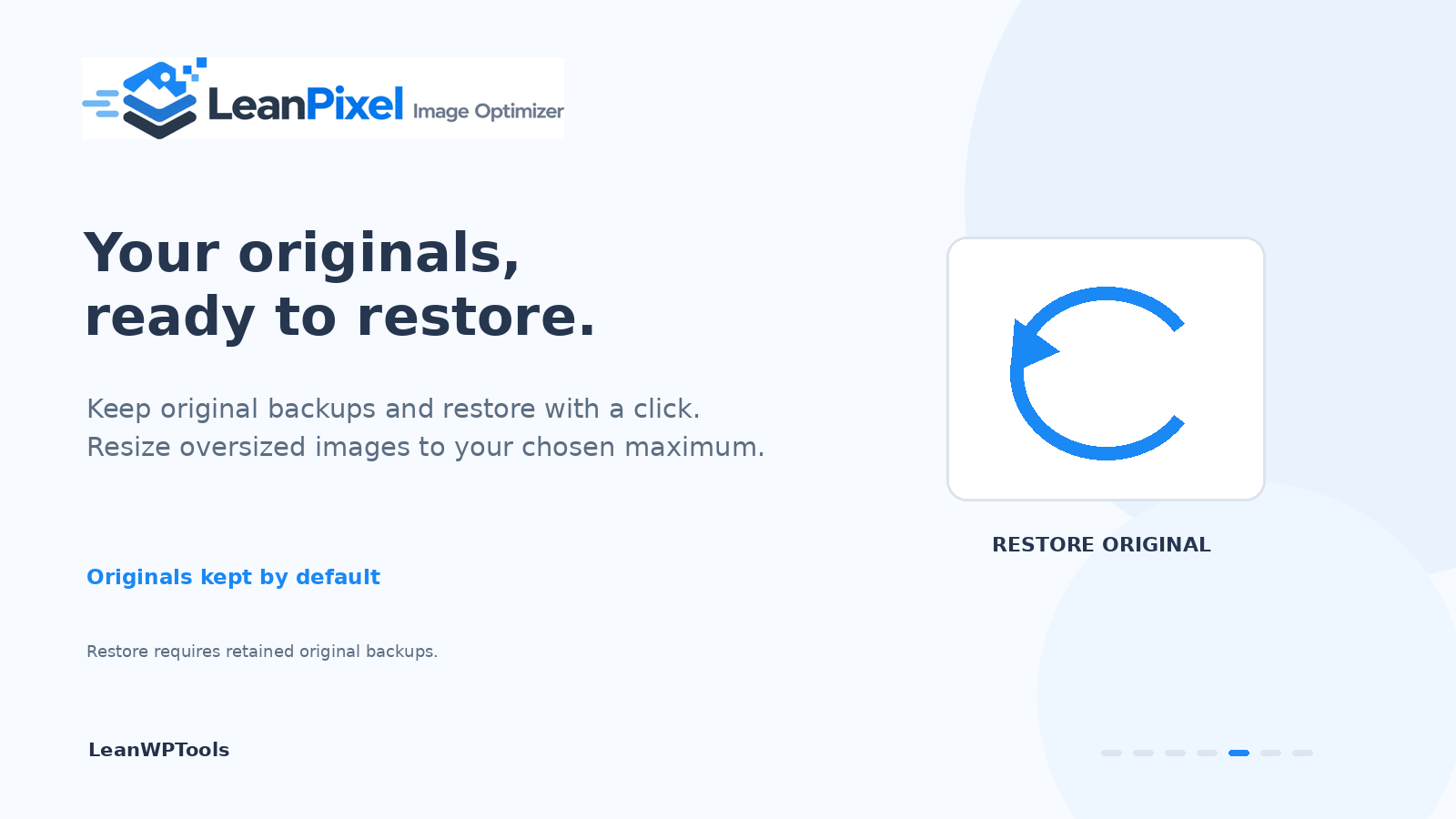
- Resizes oversized images to a maximum size you choose
- Optimize or restore several selected images at once from the media library
- Keeps your originals and restores them with one click
- Exclude rules for folders or files you want left alone
- Optional: process images on your own server, with no account and nothing sent anywhere
- Optional: load your images from a CDN by entering its address, with set-up steps for Bunny CDN
- Works with JPEG, PNG and GIF
External services
By default this plugin uses the LeanPixel image optimization service to compress your images. Using the service is optional: with “Process images on this server” switched on, the plugin does the work on your own server and does not contact the service at all.
Nothing is sent until you connect the plugin on the Media LeanPixel screen. When the service is in use:
- When you connect: the email address you enter, your site address and a one-time random secret (used only for the site check below) are sent to create your API key. A 6-digit code is then emailed to that address by LeanWPTools; the key starts working once the code is entered on the LeanPixel screen.
- When you confirm your email address: the code you enter, or a request for a new code, is sent with your API key.
- When an image is optimized (on upload, in a bulk run, or when you click Optimize): the image file, your API key, your site address, your chosen compression settings and a random-looking id for the image (so its thumbnails are counted as one image) are sent. The service returns the optimized file and the WebP/AVIF versions. Uploaded images are deleted from the service as soon as each request finishes.
- When you open the LeanPixel screen: your API key is sent to read your plan and monthly usage.
- With every request: your site address and the plugin’s version are included (in the request headers), so usage is counted for the right site.
- Site check (free plan): to confirm a free key is used on the site it belongs to, the service visits your site once at
/?leanpixel_verify=…when you request a free key, and when a free key is first used on a site. The plugin answers with a one-way code made from the key; the key itself is never sent. Free keys therefore need a site the service can reach over the internet; paid keys are not checked.
The service is LeanWPTools, provided by Complete Digital Solutions, LLC, at api.leanwptools.com.
Terms of service: https://leanwptools.com/terms
Privacy policy: https://leanwptools.com/privacy-policy
The screen links to your account at https://my.leanwptools.com/, where you can see your API keys and manage a paid plan. The plugin itself sends nothing to that address.
CDN (optional). If you enter a CDN address in the settings, the plugin points the image addresses on your public pages at that CDN, so your visitors’ browsers load images from it. When you save a new address, the plugin requests one of your images through it once, to check that it works. Which CDN you use is your choice and is governed by that provider’s terms. The plugin does not create a CDN account or send anything to a CDN provider on your behalf.
The set-up steps on the settings screen use Bunny CDN as the example and contain an affiliate link to bunny.net, labelled as such: we (Complete Digital Solutions, LLC) may earn a commission if you sign up through it. You do not need Bunny, or any CDN, to use the plugin.
Bunny terms: https://bunny.net/tos/
Bunny privacy policy: https://bunny.net/privacy/
Details

Related plugins
Plugins that also contain the tag avif
Modern Image Formats

Perfect Images: Regenerate Thumbnails, Image Sizes, WebP & AVIF

CompressX — AVIF & WebP Converter, Media Replacement
Plus WebP or AVIF

AVIF Uploader

Modern Images WP

About
Plugin for that tries to help you find the WordPress plugin you are looking for.
| Please enjoy an image of Crush (this awesome turtle) and have a lovely day! |  |
We do not own any plugin listed on this site and do not work for or work with WordPress.com or it's associated companies. We simply provide a searchable list of the available WordPress plugins.