


This plugin is outdated and might not be supported anymore
Back

Lesson Bookmark for Tutor LMS
Details
View on WordPress
Back
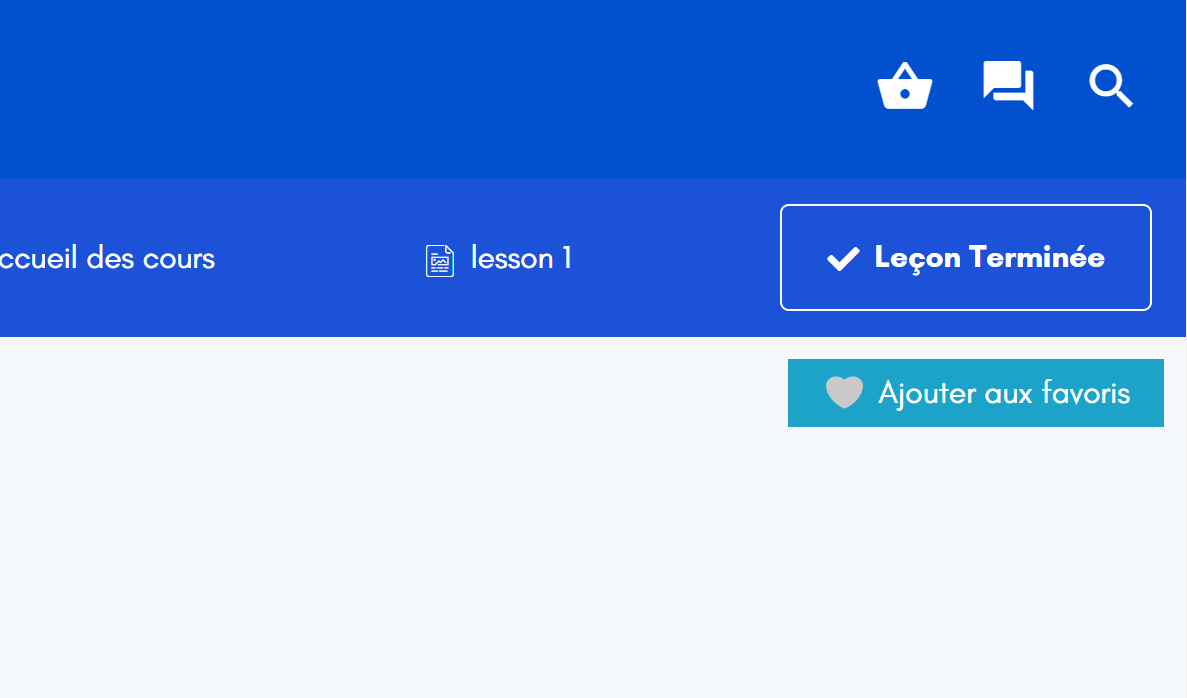
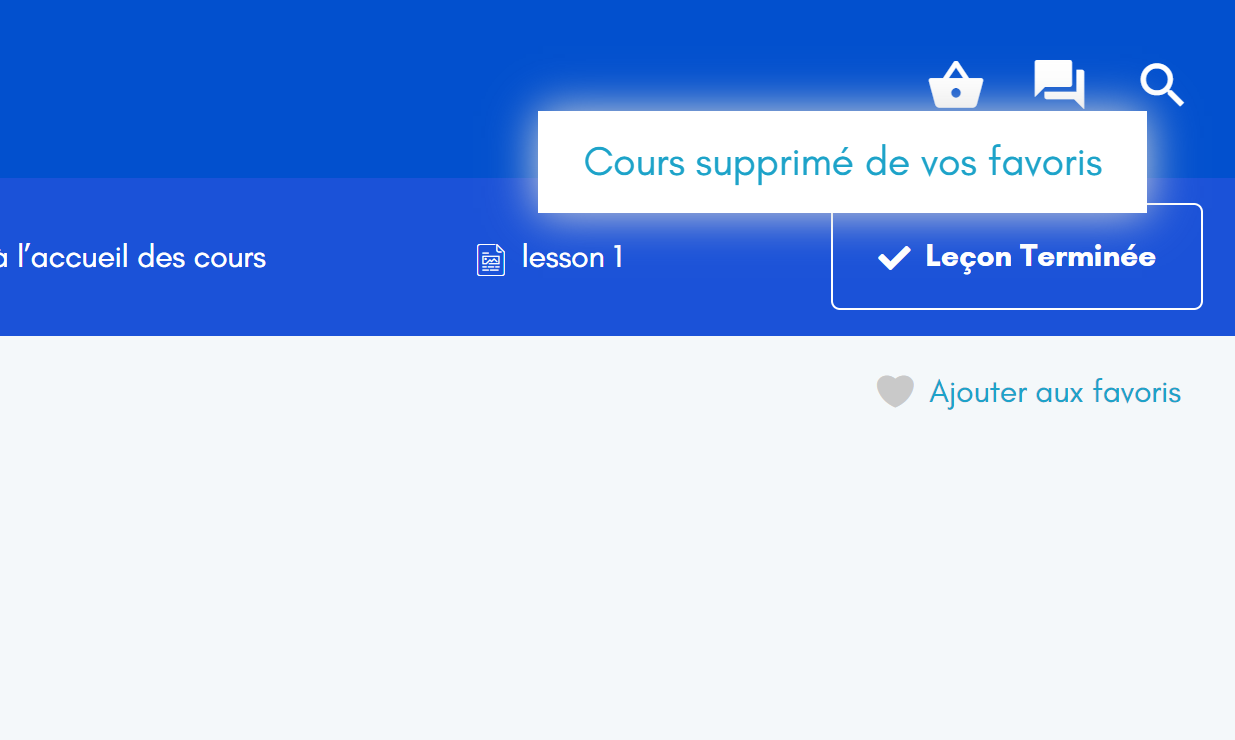
Lesson Bookmark for Tutor LMS is an addon for Tutor LMS plugin that allows you to add a lesson to favorites. Concretely, an add / remove to favorites button is displayed on each lesson page. You will then have a shortcode you can add to the location of your choice.
Shortcode: [tllb_display_favorites]
Place the shortcode anywhere to display the list of lessons that you have put in your favorites.
What’s new in V2
- You can now style your markdowns by editting the layout, the text size and color, the button size and color
- Overview the changes you make before saving them
A brief Use Case Example
- Go to a lesson and click on “Bookmark”
- Copy and paste the shortcode
[tllb_display_favorites]wherever you want - You can remove the favorites by going to a lesson and clicking on “Remove bookmark”
Details
Plugin code:
lesson-bookmark-tutor-lms
Plugin version:
2.0.3
Author:
Outdated:
Yes
WP version:
6.0 or higher
PHP version:
8.0 or higher
Test up to WP version:
6.6.2
Total installations:
400
Last updated:
2024-09-02
Rating:
Times rated:
14
tutor-addon
tutor-bookmark
tutor-lms-addon
tutor-lms-bookmark
tutor-lms-lesson-bookmark



About
Plugin for that tries to help you find the WordPress plugin you are looking for.
| Please enjoy an image of Crush (this awesome turtle) and have a lovely day! |  |
We do not own any plugin listed on this site and do not work for or work with WordPress.com or it's associated companies. We simply provide a searchable list of the available WordPress plugins.