


Lightweight Accordion
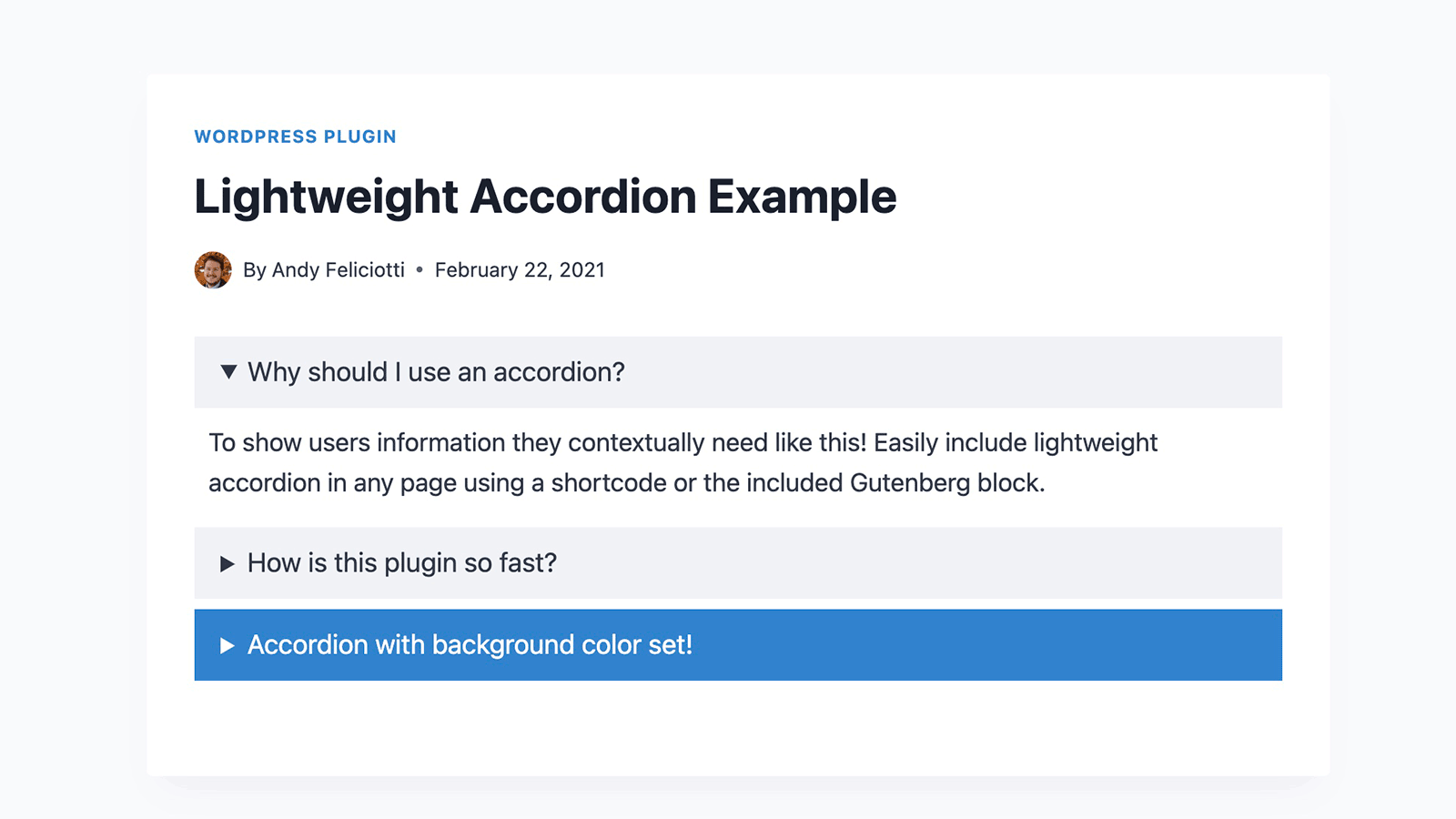
Lightweight Accordion plugin for WordPress allows you to add collapse elements to posts using a Gutenberg block or a shortcode (via classic editor). By using the details HTML tag and a few lines of CSS this allows for a javascript-free accordion for minimum page load.
Extremely Lightweight (<1kb): Without using Javascript the plugin uses the native details HTML tag and a few lines of code for almost no impact on front-end.
Customizable: Options include customizing the HTML tag used for the accordion title, open by default, borders, colors, and accordion grouping (auto-close others when one opens).
Shortcode Usage examples
Here are a few examples of using the accordion plugin with shortcodes.
[lightweight-accordion title="My Accordion"]My Content[/lightweight-accordion]
Additionally you can display the accordion open on load with the accordion_open option.
[lightweight-accordion title="My Accordion" accordion_open=true]My Content[/lightweight-accordion]
You can also change the html tag wrapping the title of the accordion using the title_tag option.
[lightweight-accordion title="My Accordion" title_tag="h3"]My Content[/lightweight-accordion]
If you want to include FAQ schema you can add the schema option and set it to faq.
[lightweight-accordion title="What is your return policy?" schema="faq"]You have 1 week to return your items[/lightweight-accordion]
If you’d like put a border around the content of the accordion you can use the “bordered” attribute.
[lightweight-accordion title="Bordered Content" bordered=true]My Content[/lightweight-accordion]
If you want accordions to auto-close when another opens (exclusive accordion), use the “group” attribute with the same value on each accordion.
[lightweight-accordion title="Question 1" group="faq"]Answer 1[/lightweight-accordion]
[lightweight-accordion title="Question 2" group="faq"]Answer 2[/lightweight-accordion]
[lightweight-accordion title="Question 3" group="faq"]Answer 3[/lightweight-accordion]
Shortcode Options
Here is the full listing of shortcode options. Additionally all of these options are accessible when using the Gutenberg block.
- title (Required Default: null) The title of your accordion will be displayed at the top for users to click. A good example would be to include a user’s question so they could click it for more details.
- content (Required Default: null) Content that will go into your accordion element.
- title_tag (Default: “span”) This sets the html tag that wraps the title in the accordion summary. Useful if you want to make it a heading tag for SEO purposes.
- accordion_open (Default: false) Set this to true if you want your accordion to be open by default.
- bordered (Default: false) Set this to true if you want a border around the accordion content.
- title_text_color (Default: false) Set this to a hex value or CSS color to change the color of the accordion title text.
- title_background_color (Default: false) Set this to a hex value or CSS color to change the color of the accordion title text.
- schema (Default: false) Set this to faq if you’d like FAQ schema to be included.
- class (Default: false) Used to add a custom class to the parent container of the accordion.
- anchor (Default: null) Adds the value as an ID to the accordion div as an anchor.
- autop (Default: true) By default the shortcode will wrap text in a ‘p’ tag. Set this to false if you’d like this disabled for the specific accordion.
- group (Default: false) Set this to a group name to make accordions with the same group auto-close when another opens. Uses the native HTML details name attribute for zero JavaScript overhead.
Additional Details
If you’d like to remove the “lightweight-accordion.css” from being enqueued on your site use the filter below. It’s recommend you style the accordion yourself if you use this filter.
add_filter('lightweight_accordion_include_frontend_stylesheet', '__return_false' );
If you’d like to remove the “lightweight-accordion/editor-styles.css” from being enqueued in the admin area of your site you can use the filter below.
add_filter('lightweight_accordion_include_admin_stylesheet', '__return_false' );
If you’d like to remove processing of shortcodes in accordion content you can use this filter.
add_filter('lightweight_accordion_process_shortcodes', '__return_false' );
If you’d like to use inline Microdata for FAQ schema you can use this filter. (Not recommended)
add_filter('lightweight_accordion_output_microdata', '__return_true' );
If you’d like to force “lightweight-accordion.css” to load on all of your site you can use this filter. By default the plugin will detect if the block or shortcode is used and enqueue the CSS.
add_filter('lightweight_accordion_always_include_frontend_stylesheet', '__return_true' );
Details

Related plugins
Plugins that also contain the tag accordion
Easy Accordion – Responsive Accordion FAQ Builder and Product FAQ
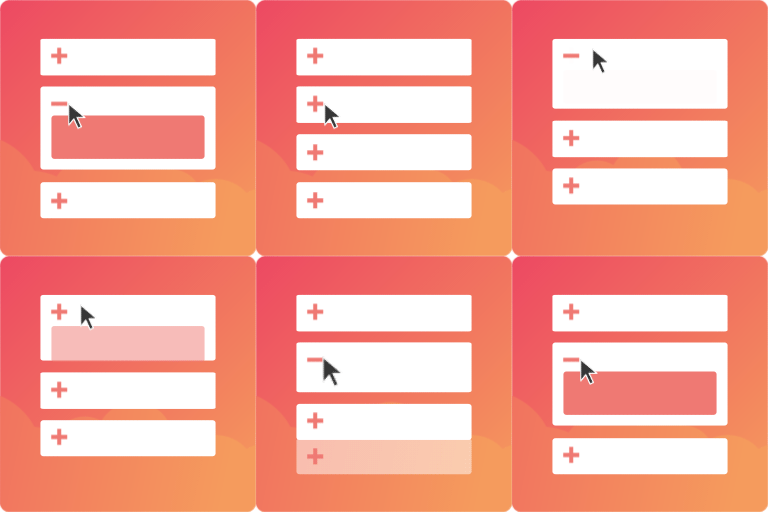
Accordion FAQ – Compatible With All Page Builder (Elementor, Gutenberg)
Tabby Responsive Tabs

Bellows Accordion Menu

Accordion Blocks

Helpie FAQ — Accordion, Docs & Knowledge Base


About
Plugin for that tries to help you find the WordPress plugin you are looking for.
| Please enjoy an image of Crush (this awesome turtle) and have a lovely day! |  |
We do not own any plugin listed on this site and do not work for or work with WordPress.com or it's associated companies. We simply provide a searchable list of the available WordPress plugins.