


LogMyTrip
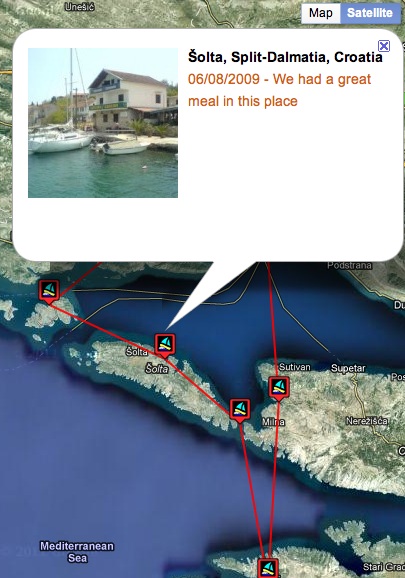
Your posts are plotted on a Google map as points on a route in date order. Just create a page for your map, then add the shortcode [logmytripmap] anywhere in the page to see your map appear. Clicking on a point icon can show a picture taken at that location if one is attached to a post. A small Google map is displayed on the “Edit Post” screen to allow users to geotag their posts.
Hovering over the address when viewing individual posts reveals a map of the post location. See www.LogMyTrip.co.uk for more info.
Details

About
Plugin for that tries to help you find the WordPress plugin you are looking for.
| Please enjoy an image of Crush (this awesome turtle) and have a lovely day! |  |
We do not own any plugin listed on this site and do not work for or work with WordPress.com or it's associated companies. We simply provide a searchable list of the available WordPress plugins.