


Logtastic – PHP and JavaScript Error Logger
A comprehensive logging plugin for WordPress with big ambitions. Our initial release focuses on error logging in WordPress. Planned future features include email logging, http request logging, user activity logging, alerts and notifications, and more…
👉 PHP Error Log
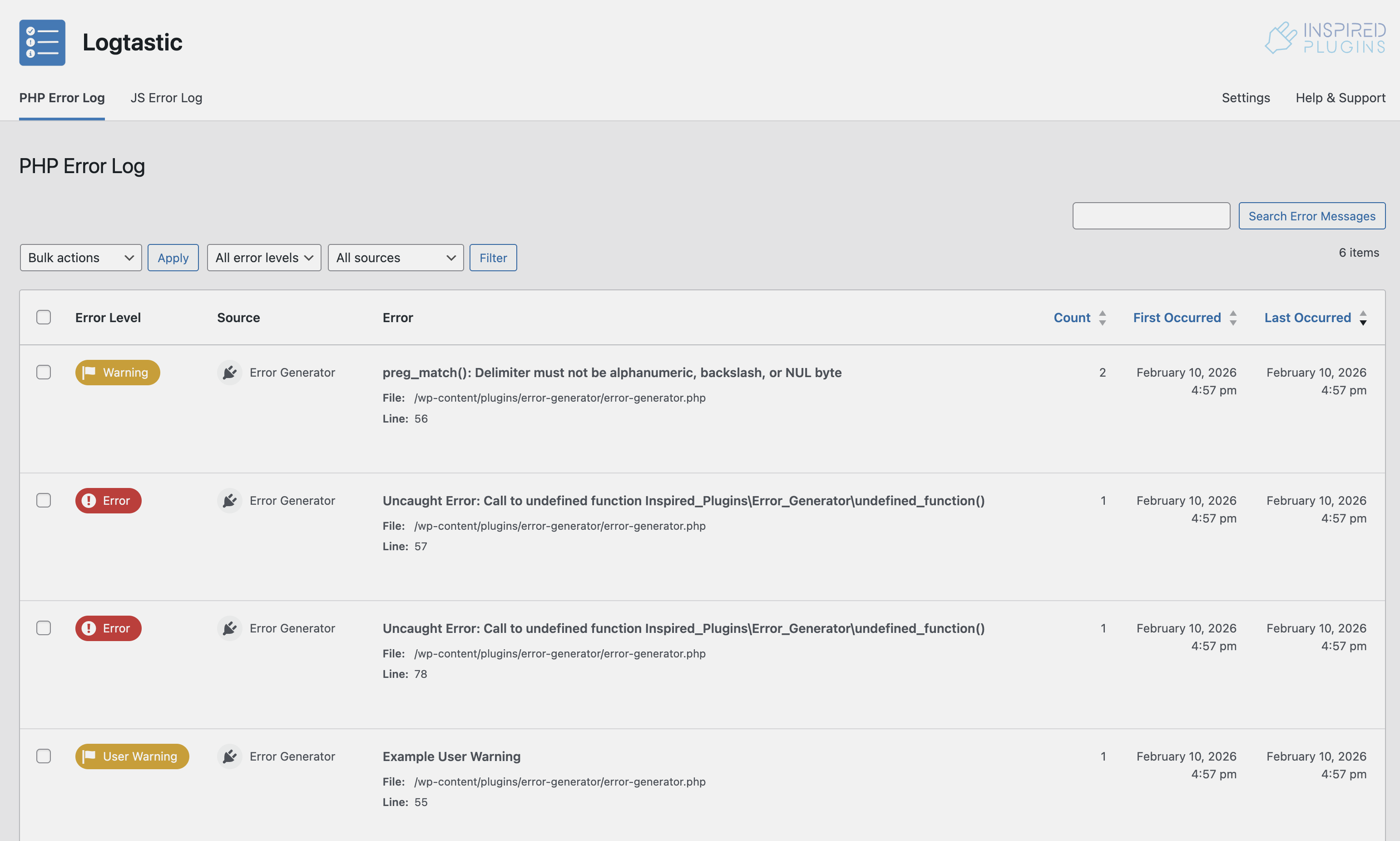
Log PHP errors on your WordPress site, with configurable options for error levels, scope and log retention. View errors in an easy to digest, searchable and filterable report. Optionally capture full error stack traces and arguments, and display with the plugins stack trace visualiser. Log editing functions allow you to delete and ignore specific errors.
Features
- Log all PHP errors on your site, including WordPress core, plugin and theme errors
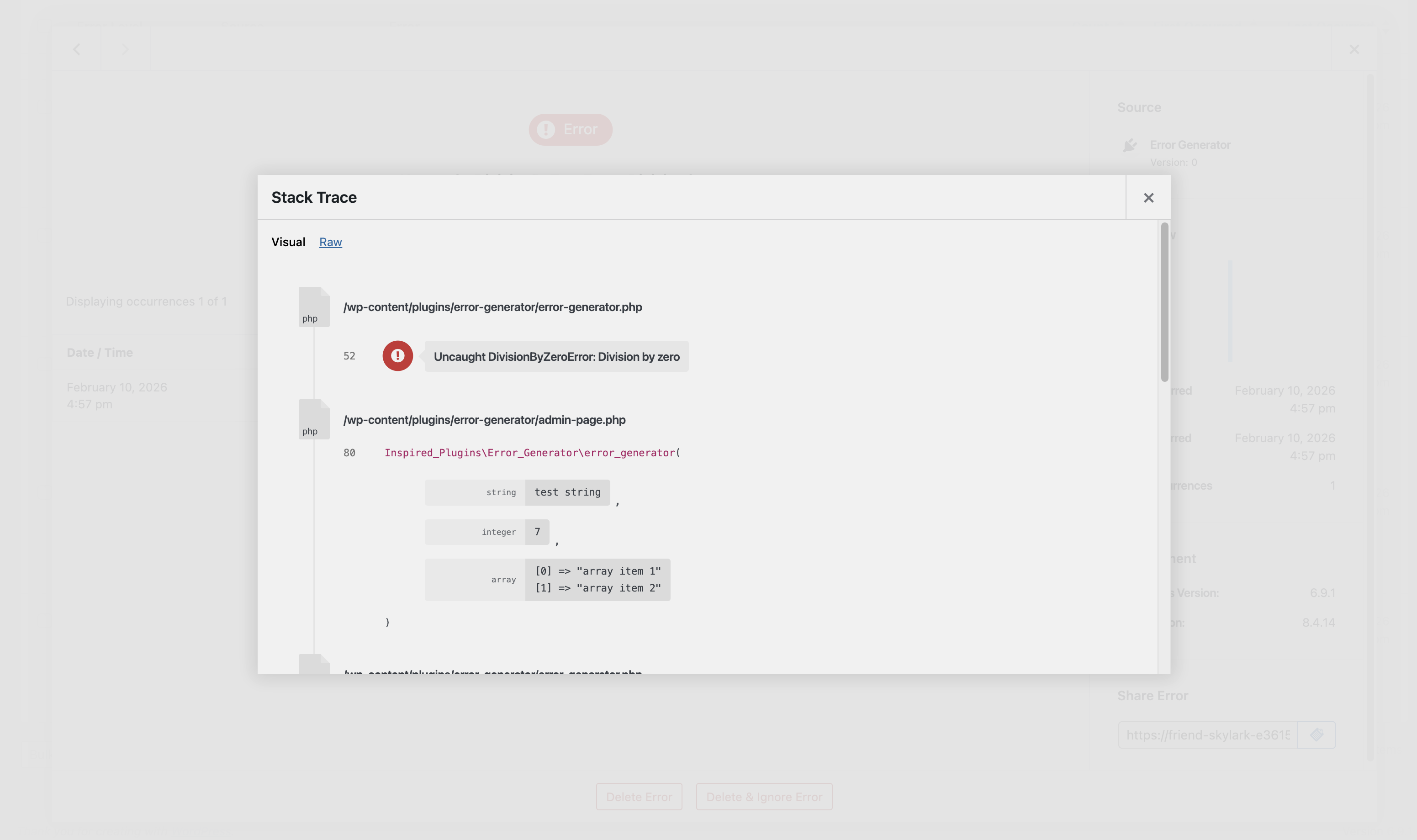
- Capture stack traces with full arguments, and display with our unique stack trace visualiser
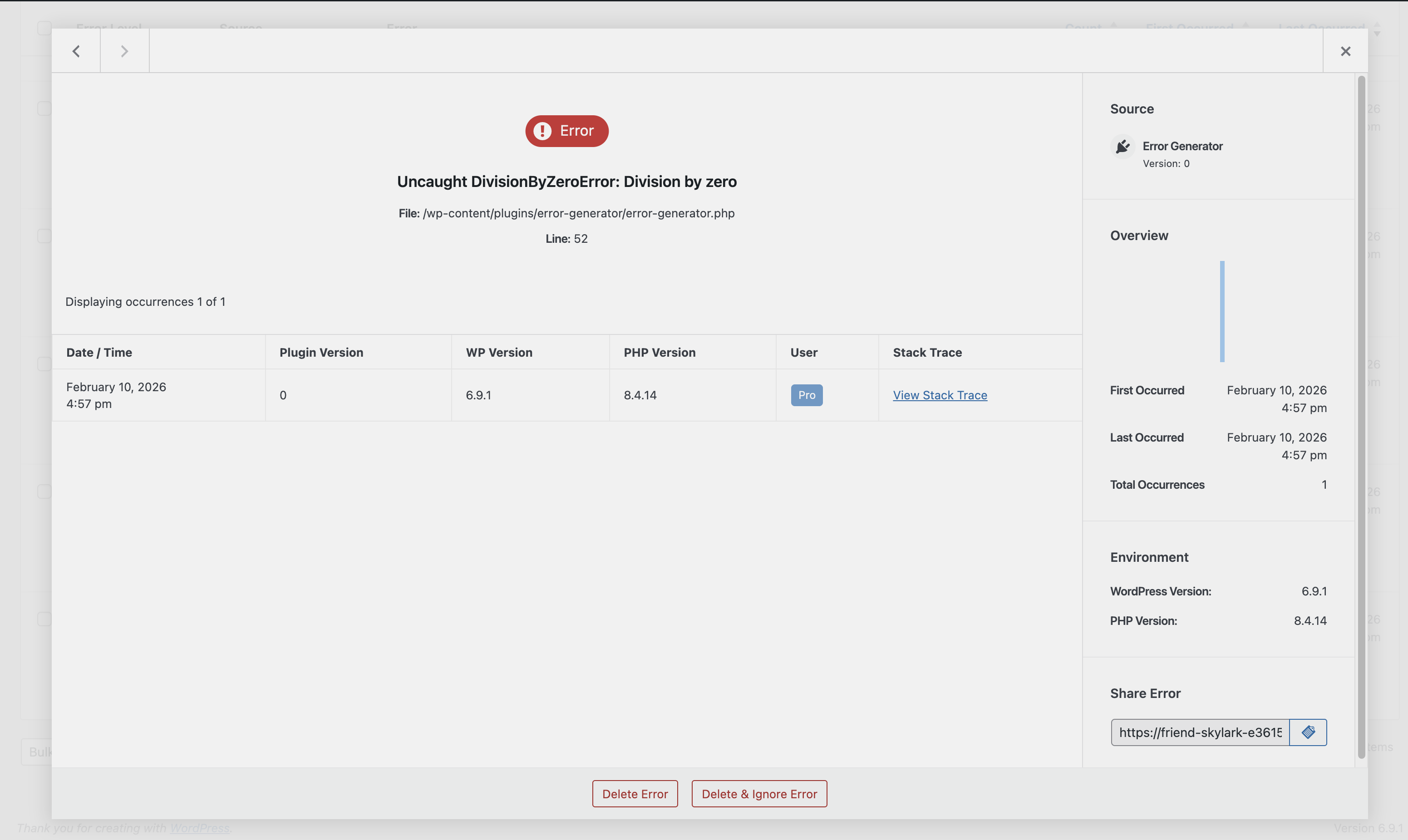
- Delete and ignore specific errors
- Configurable log retention settings
Configurable Options
- Error levels
- Scope (include/exclude WP core, specific plugins and themes)
- Capture stack traces
- Capture stack trace arguments
- Log retention time
Documentation
For more indepth guidance on how to configure and use the PHP error log, please take a look at our detailed plugin documentation:
👉 JavaScript Error Log
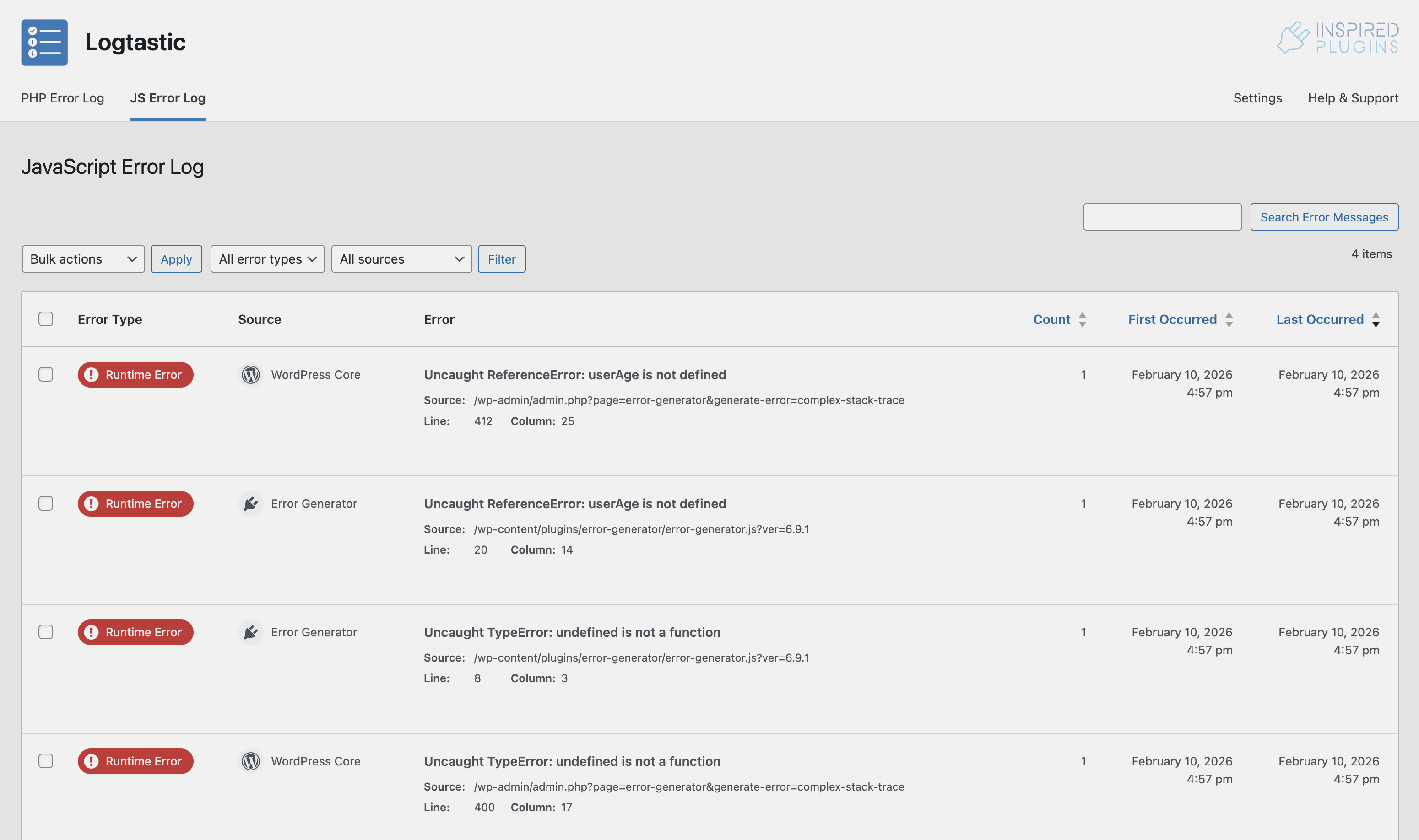
Log JavaScript errors on your WordPress site, with configurable options for error types, scope and log retention. View errors in an easy to digest, searchable and filterable report. Optionally capture full error stack traces and additional session information. Log editing functions allow you to delete and ignore specific errors.
Features
- Log JavaScript runtime errors and uncaught promise rejections on your site, including WordPress core, plugin and theme errors
- Capture stack traces
- Capture session information
- Delete and ignore specific errors
- Configurable log retention settings
Configurable Options
- Error types
- Scope (include/exclude WP core, specific plugins and themes)
- Capture stack traces
- Capture session information
- Log retention time
Documentation
For more indepth guidance on how to configure and use the JavaScript error log, please take a look at our detailed plugin documentation:
👉 Security & Visibility
Configurable options to define which roles can view and edit logs.
Documentation
For more indepth guidance on how to configure and the plugins access and visibility settings, please take a look at our detailed plugin documentation:
🔜 Coming Soon
More exciting features are on the way…
- HTTP Request Log: Log HTTP requests, including page not found and redirect errors.
- Email Log: Log HTTP requests, including page not found and redirect errors.
- Email Log: Log sent emails with option to resend and forward.
- Alerts & Notifications: Customizable email alerts for key events.
Take a look at our roadmap for more details of our planned future features.
Have an idea?
Have an idea for a new feature or enhancement? Tell us, and if we like it we’ll add it to the roadmap.
🛟 Help & Support
For further help and support with the Logtastic plugin, please take a look at our detailed plugin documentation, or contact us via the support forum.
⭐ Leave Your Feedback
Your feedback is really important to us. If you have the time, please leave a review for the Logtastic plugin.
Details

About
Plugin for that tries to help you find the WordPress plugin you are looking for.
| Please enjoy an image of Crush (this awesome turtle) and have a lovely day! |  |
We do not own any plugin listed on this site and do not work for or work with WordPress.com or it's associated companies. We simply provide a searchable list of the available WordPress plugins.