


LumiCode Syntax Highlighter
LumiCode is a premium-quality syntax highlighter built for developers and technical bloggers who want beautiful, readable code on their WordPress site – without fighting the editor.
Key Features
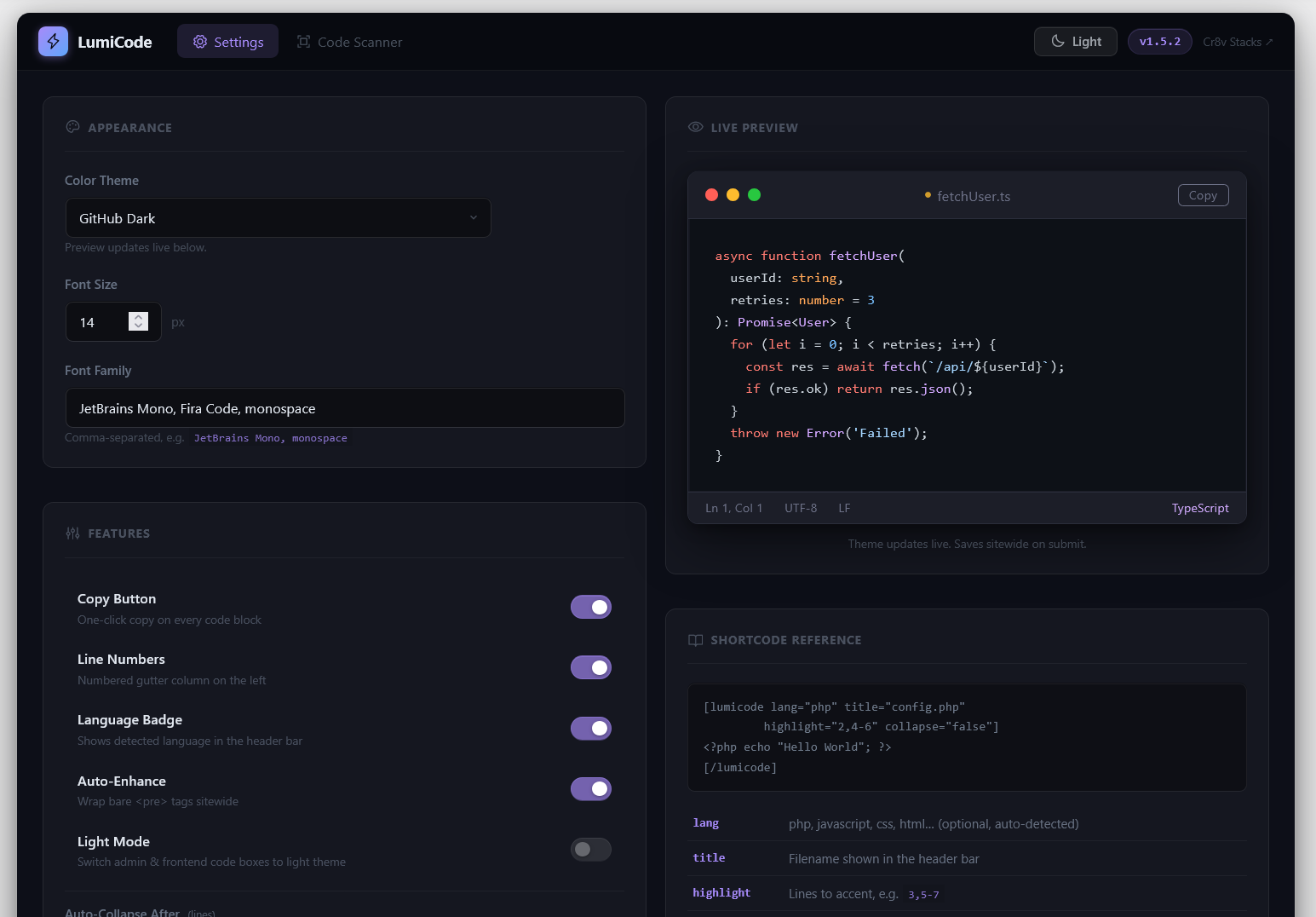
- 40+ languages auto-detected – PHP, JavaScript, TypeScript, Python, Go, Rust, SQL, YAML, Bash, and more
- 13 bundled themes – Atom One, Dracula, GitHub, Monokai, Night Owl, Nord, Solarized, VS 2015, Xcode, and more, powered by highlight.js 11.11.1
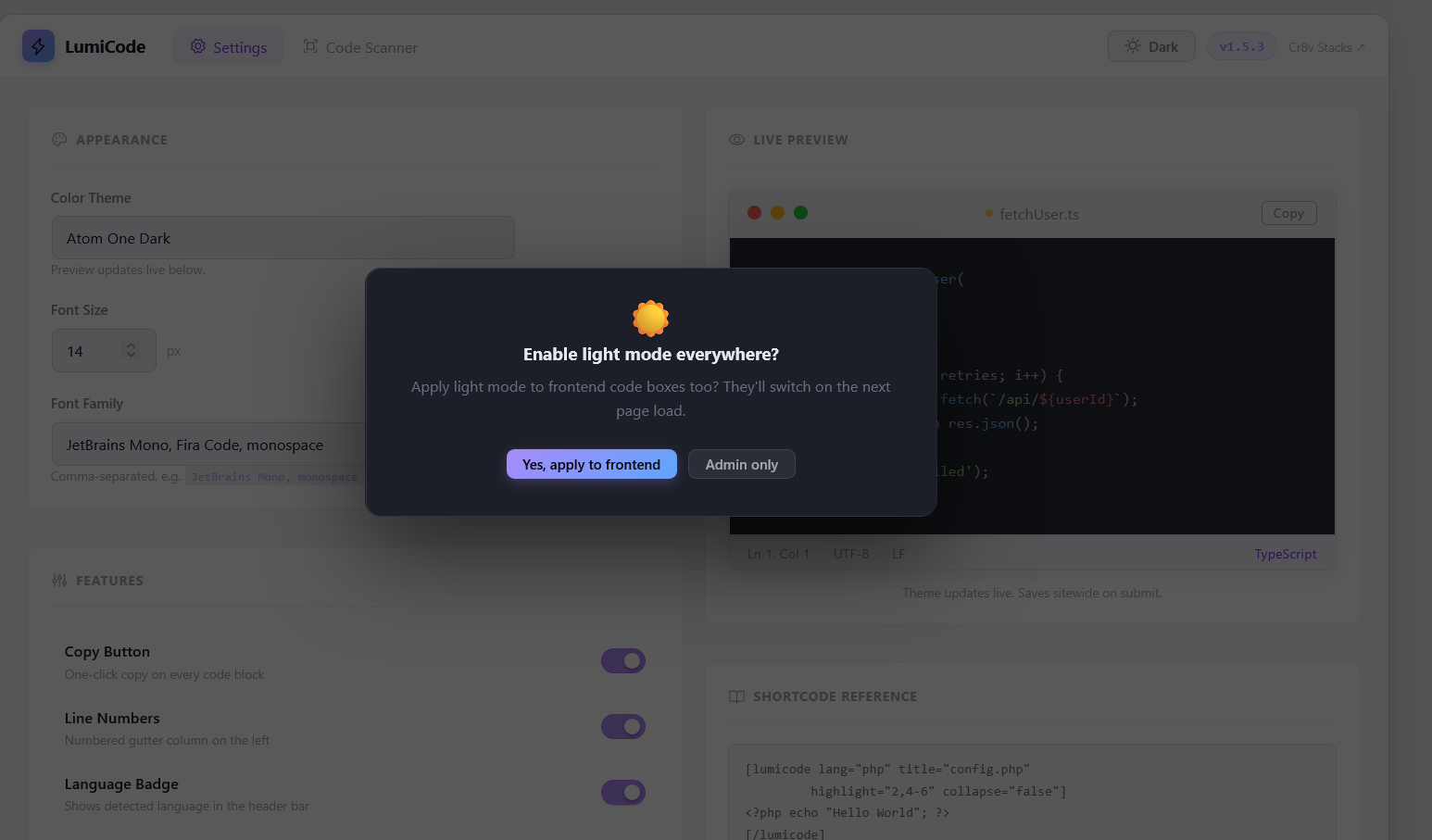
- Dark & Light mode – toggle from the admin topbar. Applies to both admin UI and frontend code boxes
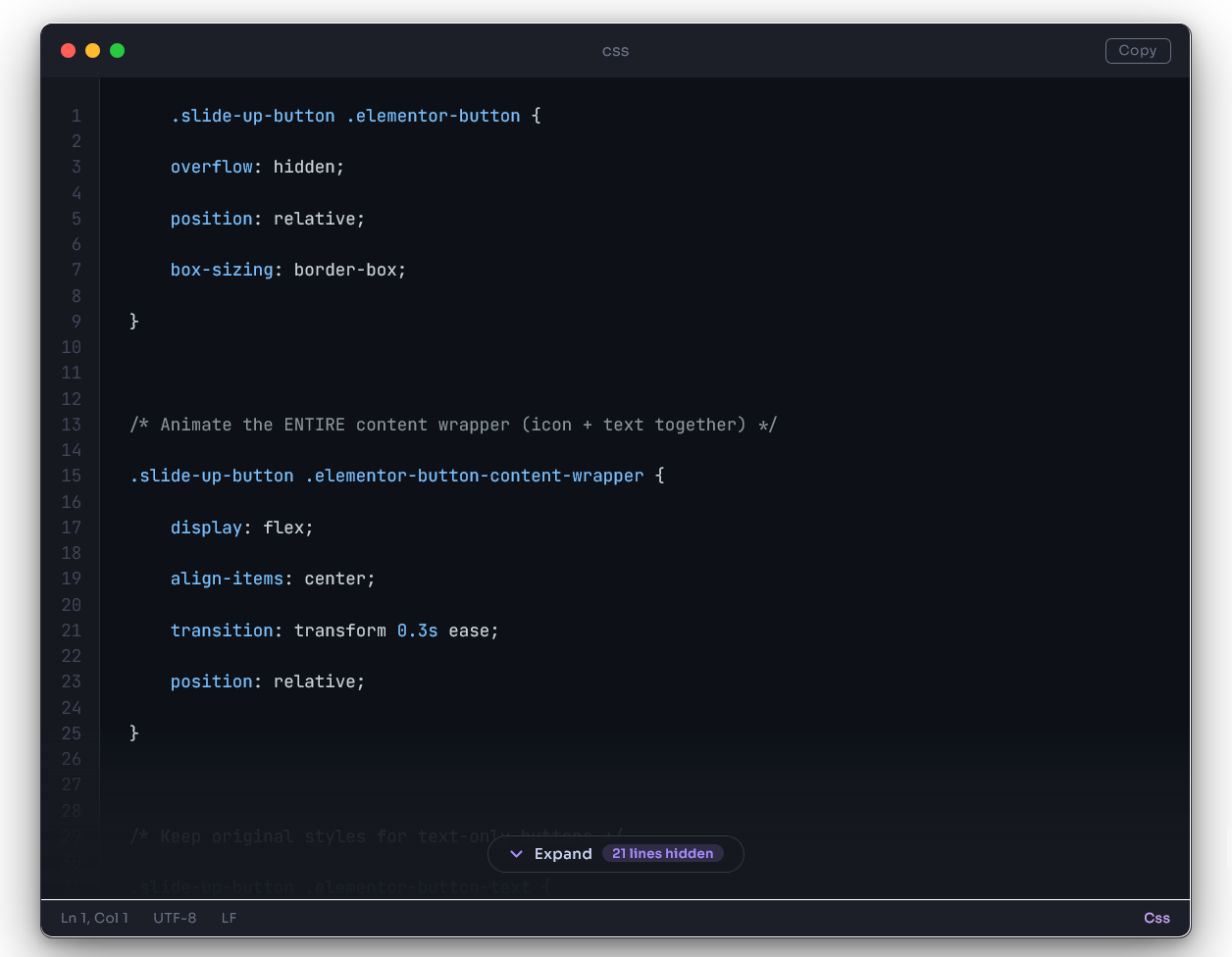
- Copy to Clipboard – one-click copy button on every code block
- Line numbers – perfectly aligned, synced to font size and line height
- Collapse / Expand – long code blocks auto-collapse after a configurable number of lines
- Filename / language badge – shows in the titlebar of every code box
- TinyMCE integration – Insert Code Block button in the Classic Editor toolbar, with language detection and all options
- Gutenberg block – native block editor support
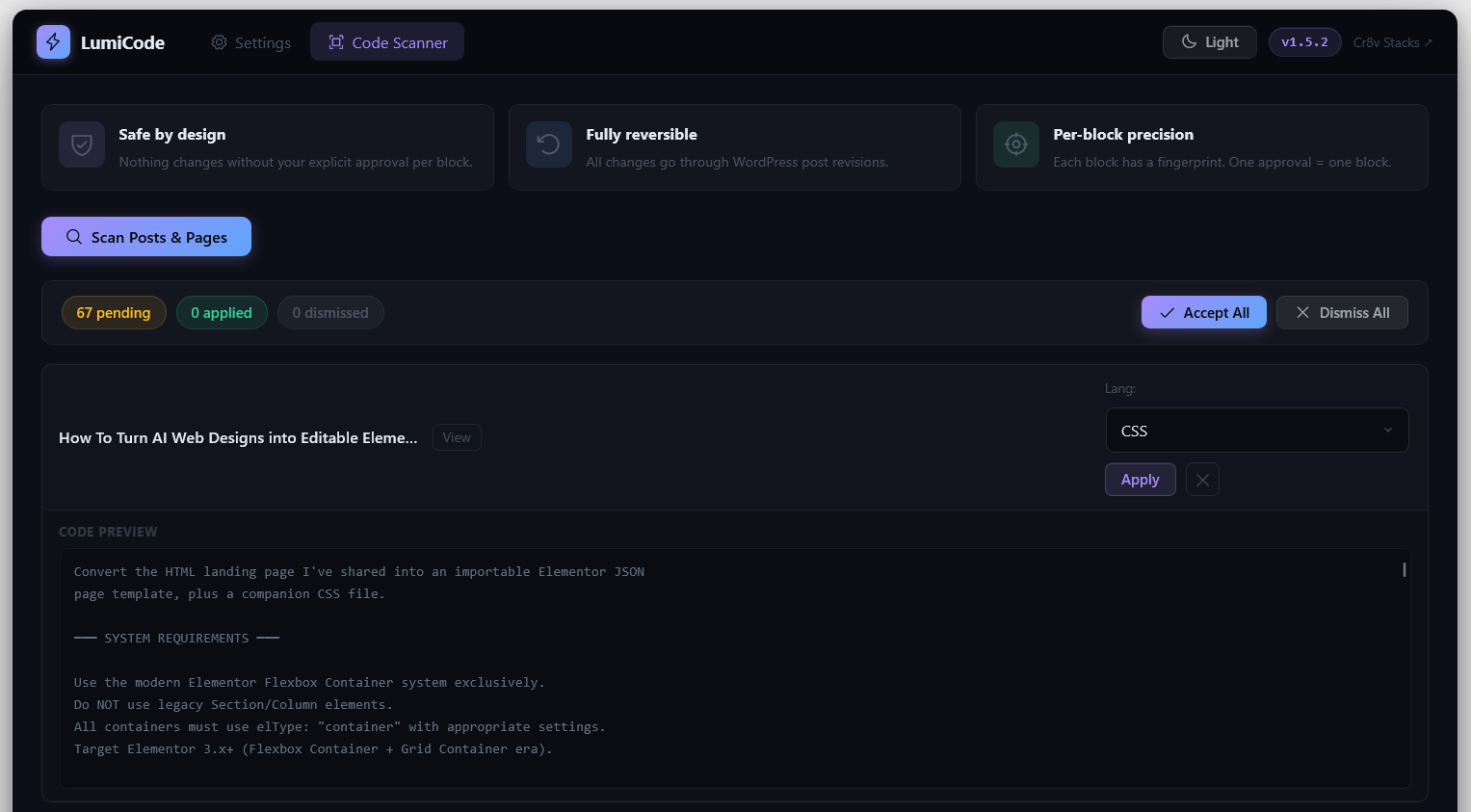
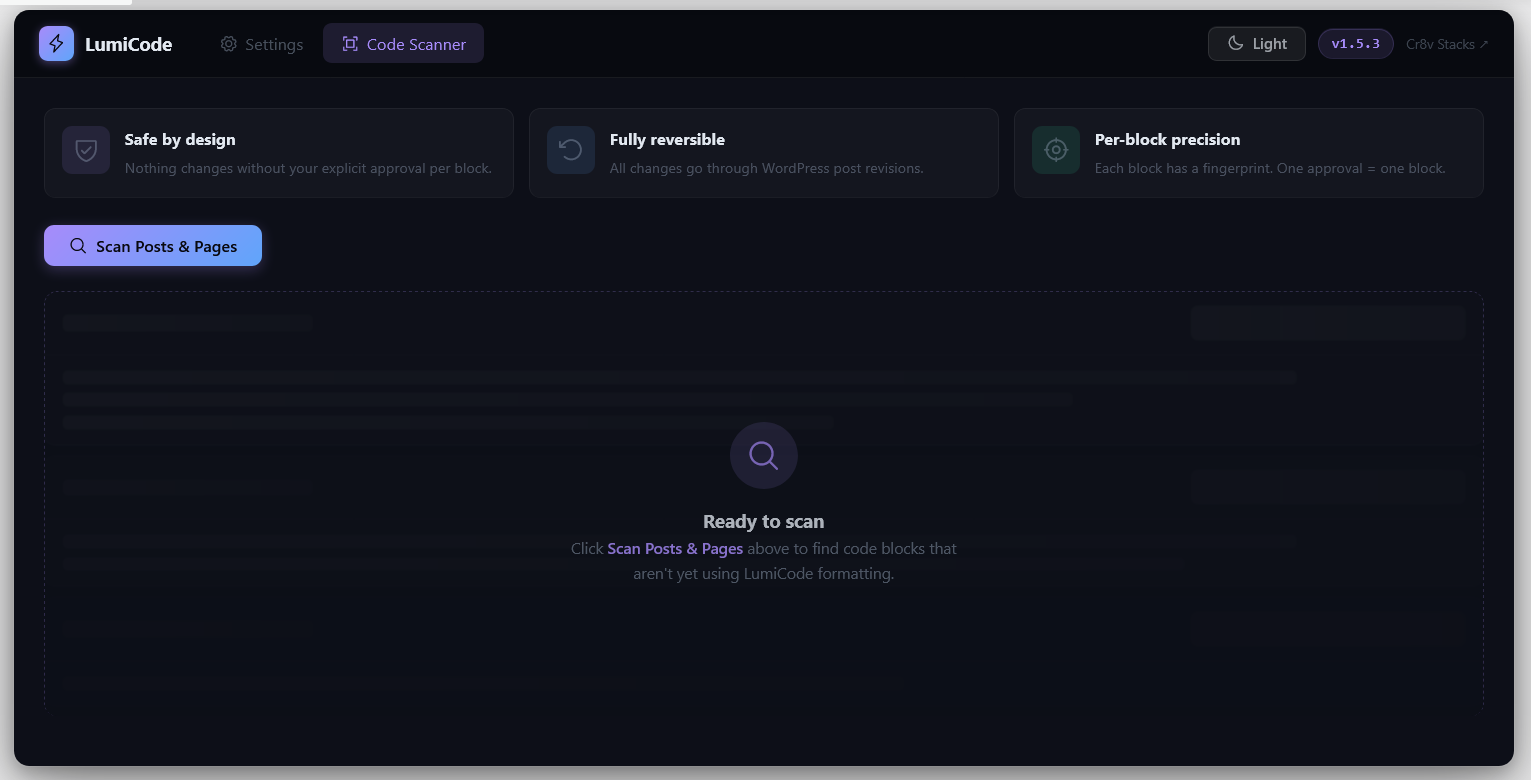
- Code Scanner – scans your entire site for bare
<pre>blocks and lets you apply LumiCode with one click, or dismiss - Auto-detect – wraps any existing
<pre>blocks automatically on the frontend without touching your content
How It Works
LumiCode renders code blocks server-side (shortcodes + TinyMCE insertion) and enhances them on the frontend with a lightweight JS renderer. The renderer wraps <pre class="lumicode-pre"> elements in a beautiful VS Code-style chrome (titlebar, statusbar, line numbers, copy button) and runs highlight.js for syntax coloring.
No page builders required. Works with any theme.
Shortcode Usage
[lumicode lang="javascript"]
const greeting = "Hello, world!";
console.log(greeting);
[/lumicode]
All shortcode attributes:
* lang – language identifier (e.g. php, python, typescript)
* title – filename shown in titlebar (e.g. config.js)
* highlight – lines to accent (e.g. 1,3-5)
* collapse – force collapse (true/false)
* collapse-after – collapse after N lines (overrides global setting)
Performance
- highlight.js is loaded locally (v11.11.1) for speed and privacy
- Our CSS and JS are tiny (<15 KB combined, unminified)
- No jQuery dependency on the frontend
Details
Related plugins
Plugins that also contain the tag code-block
Code Block Copy Button

DBlocks CodePro
Plum Code Box

codefence.io

Easy Syntax Highlighter

Oriole One Instant Copy


About
Plugin for that tries to help you find the WordPress plugin you are looking for.
| Please enjoy an image of Crush (this awesome turtle) and have a lovely day! |  |
We do not own any plugin listed on this site and do not work for or work with WordPress.com or it's associated companies. We simply provide a searchable list of the available WordPress plugins.