


MailBridgeAPI Email Delivery
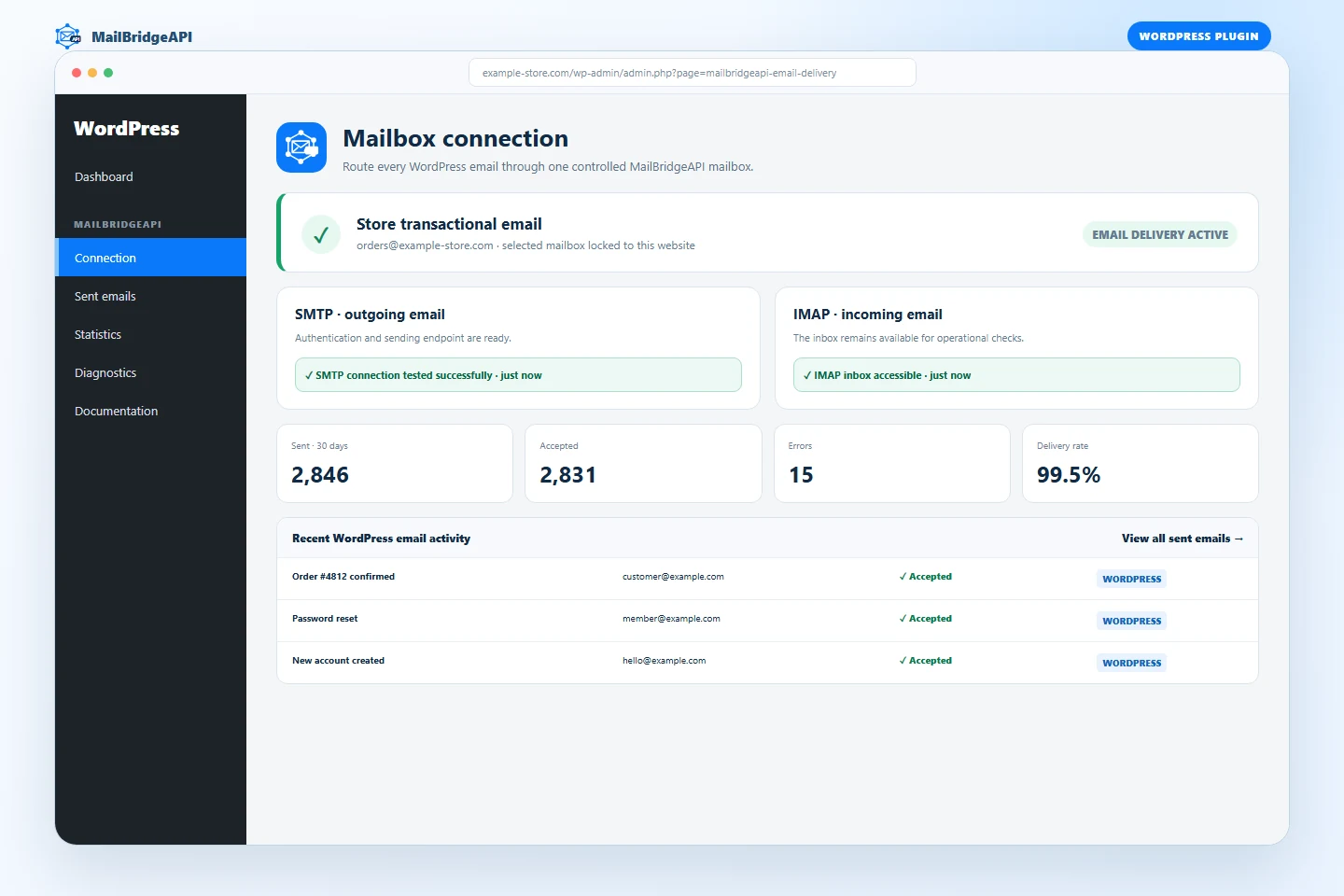
MailBridgeAPI Email Delivery connects WordPress to a mailbox that is centrally managed in MailBridgeAPI. It does not ask for or store the mailbox SMTP password in WordPress. After an administrator authenticates the MailBridgeAPI account and locks one mailbox to the site, outgoing messages are delivered through the MailBridgeAPI HTTPS API.
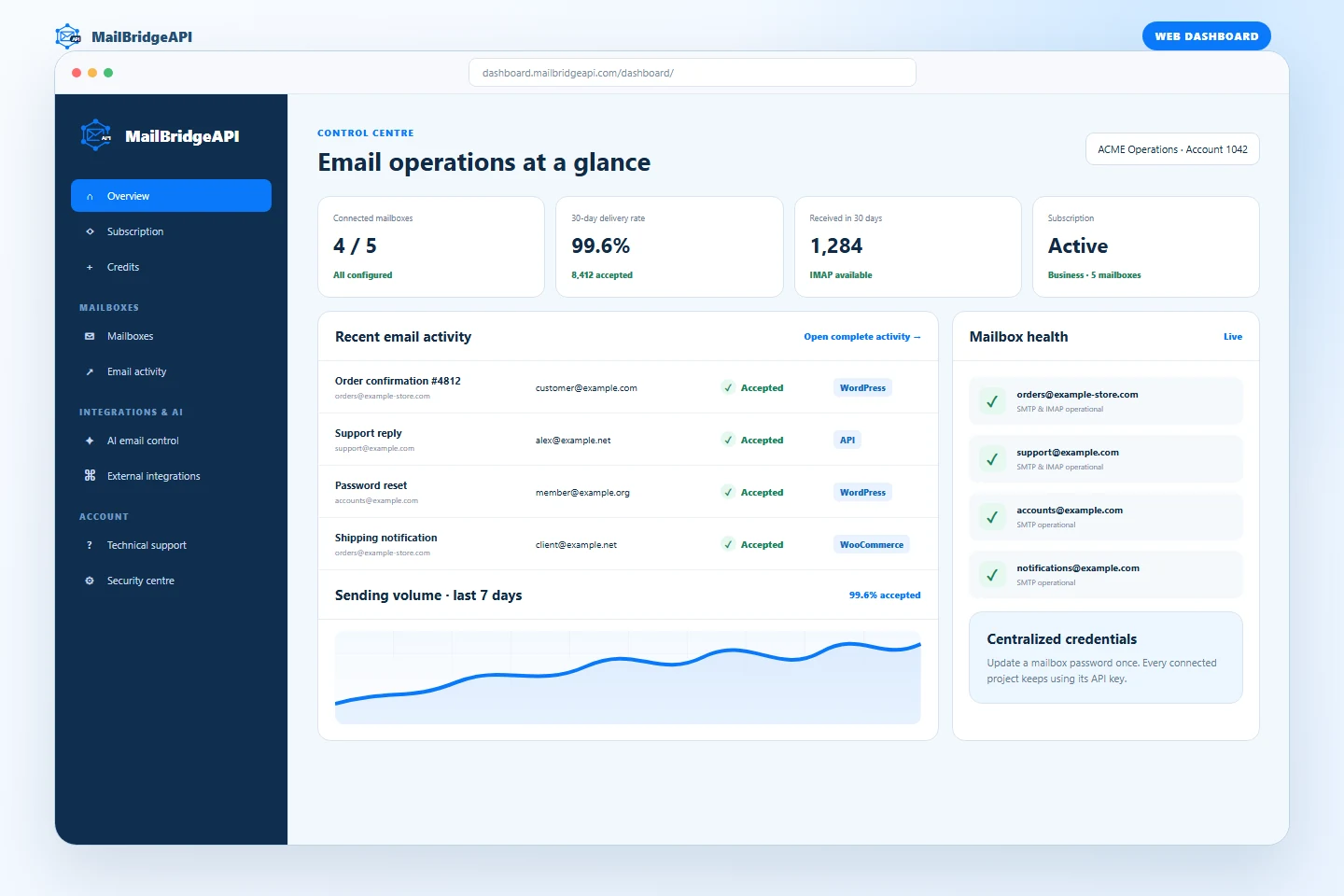
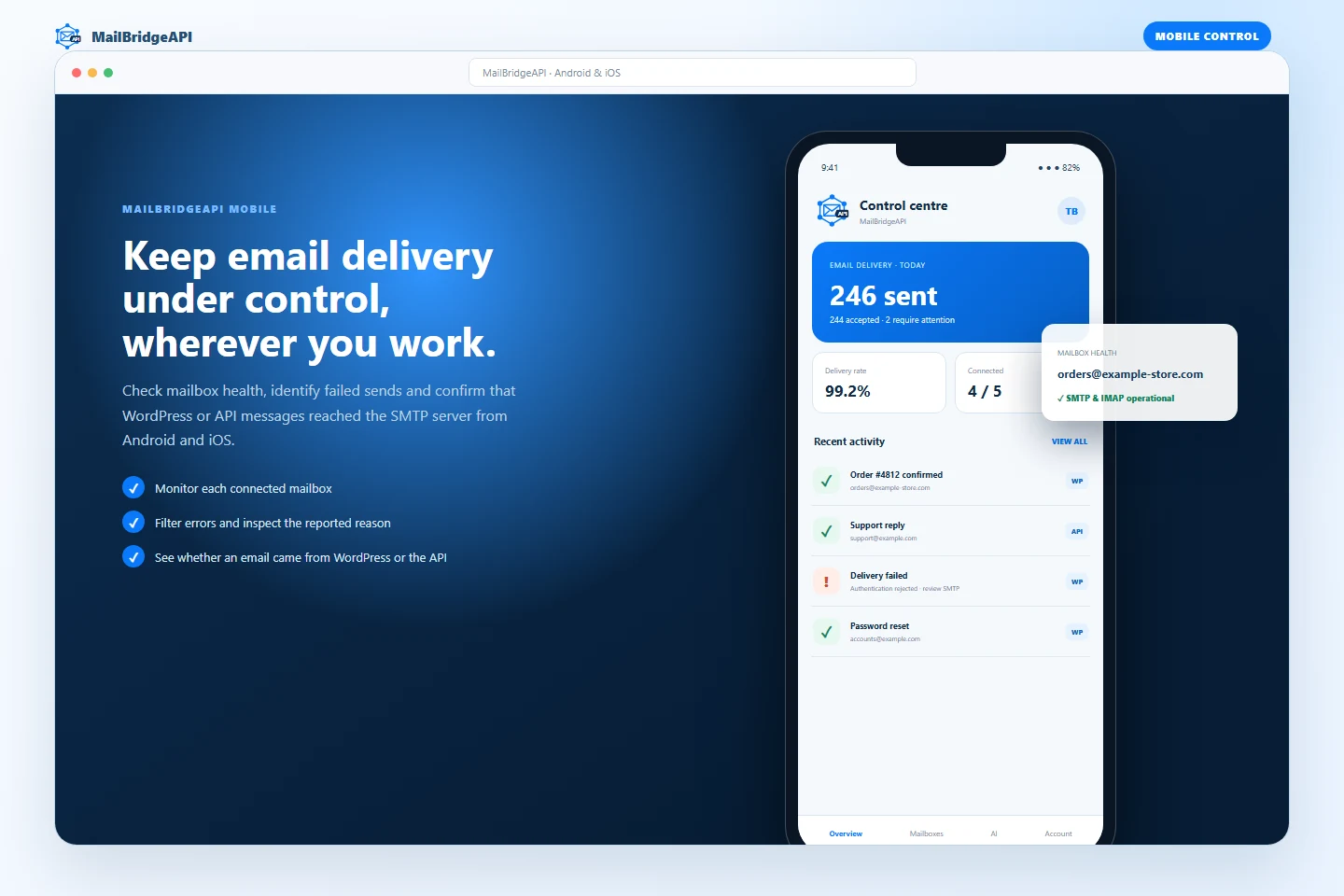
This is useful when an agency or business manages the same mailbox across several websites or applications. SMTP and IMAP settings stay in one dashboard: changing a mailbox password or server setting does not require editing every connected WordPress installation. Delivery activity can also be reviewed from the MailBridgeAPI dashboard and mobile app.
The connection flow is designed for agencies and multi-client accounts:
- Sign in using the email address and password used for the MailBridgeAPI dashboard.
- Review the mailboxes available to that account and test SMTP or IMAP when configured.
- Select the mailbox reserved for this WordPress site.
- After selection, the plugin hides every other account mailbox. Changing the mailbox requires a complete disconnect and a new sign-in.
- Review delivery results in MailBridgeAPI > Sent emails and aggregate results in MailBridgeAPI > Statistics.
- Send a real end-to-end test email and inspect its MailBridgeAPI message identifier.
- Review connection, runtime, API availability and plugin-conflict checks under MailBridgeAPI > Diagnostics.
- Choose and remember the plugin interface language independently from the WordPress administration language. English is used whenever a translation is unavailable.
The dashboard password is used only for the HTTPS authentication request and is never stored. The account token and selected API keys are encrypted with AES-256-GCM using a key derived from the WordPress authentication salt.
Email compatibility
The plugin intercepts wp_mail(), so it works with WordPress core, WooCommerce and plugins that use the standard WordPress mail function. It supports plain-text and HTML messages, Reply-To, CC, BCC and up to two attachments. If MailBridgeAPI is disconnected, WordPress returns to its original mail transport.
How this differs from a local SMTP plugin
The plugin does not store SMTP host names, usernames or mailbox passwords on the WordPress server. It stores encrypted MailBridgeAPI access credentials for only the selected mailbox and sends mail through the MailBridgeAPI API. Mailbox configuration remains centralized, other mailboxes on the same agency account are hidden after selection, and delivery can be monitored outside WordPress from the dashboard and mobile app.
Local logging
The local WordPress database stores recipient address, subject, delivery result, provider response, remote message identifier and UTC date. Message bodies and attachments are not stored in the local log. Retention can be set to 30, 90, 180 or 365 days. The plugin integrates its local records with WordPress personal data export and erasure tools.
External services
This plugin requires a MailBridgeAPI account and communicates with services operated by MailBridgeAPI:
https://dashboard.mailbridgeapi.com/api/mobile/v1/auth/login/authenticates the administrator. It receives the dashboard email address and password, this site’s host name, plugin version, WordPress locale and notification preference.https://dashboard.mailbridgeapi.com/api/mobile/v1/mailboxes/returns mailboxes belonging to the authenticated account.https://dashboard.mailbridgeapi.com/api/mobile/v1/mailboxes/{id}/test/runs an SMTP or IMAP connection test for the selected mailbox identifier.https://dashboard.mailbridgeapi.com/api/mobile/v1/auth/logout/revokes the local dashboard session when the site disconnects.https://api.mailbridgeapi.com/sendemail/delivers WordPress email. It receives the selected account and mailbox API keys, recipient addresses, sender name/address, subject, body, supported headers and attachments.
Service availability, remote processing and remote retention are governed by the MailBridgeAPI privacy policy and terms and conditions.
Details
Related plugins
Plugins that also contain the tag email
MC4WP: Mailchimp for WordPress

Post SMTP – Complete Email Deliverability and SMTP Solution with Email Logs, Alerts, Backup SMTP & Mobile App

WP Mail Logging

Creative Mail – Easier WordPress & WooCommerce Email Marketing

Mailchimp for WooCommerce

SureMail – SMTP and Email Logs Plugin with Amazon SES, Postmark, and Other Providers


About
Plugin for that tries to help you find the WordPress plugin you are looking for.
| Please enjoy an image of Crush (this awesome turtle) and have a lovely day! |  |
We do not own any plugin listed on this site and do not work for or work with WordPress.com or it's associated companies. We simply provide a searchable list of the available WordPress plugins.