


Back

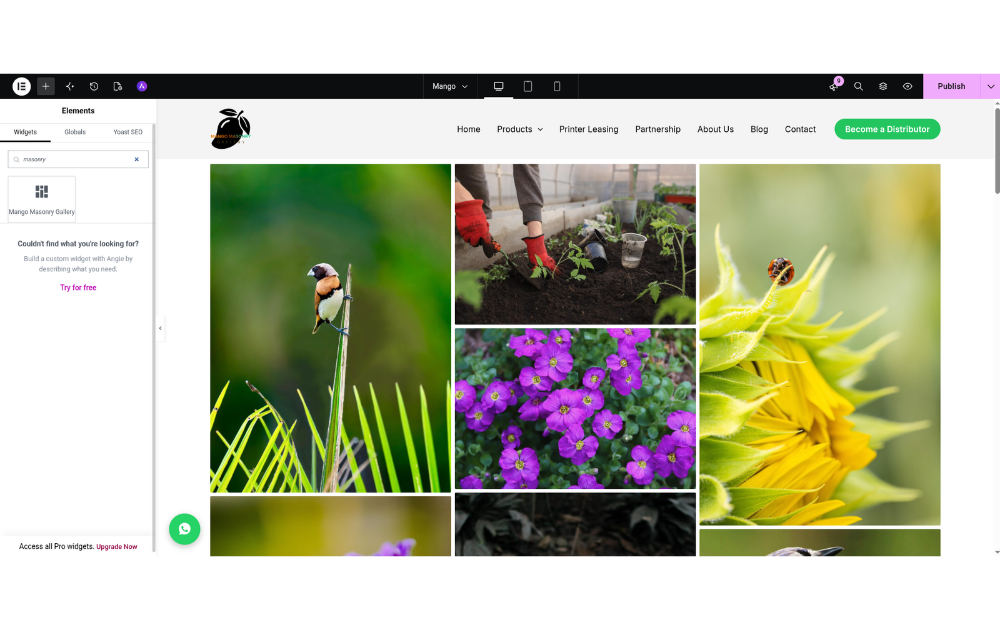
Mango Masonry Gallery for Elementor
Details
View on WordPress
Back
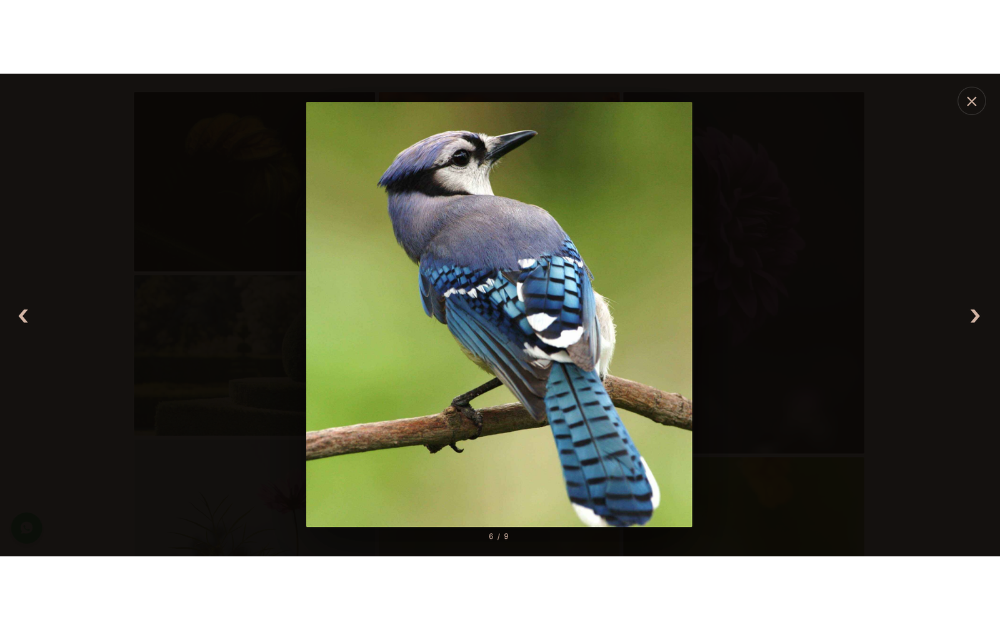
Mango Masonry Gallery adds a clean, responsive masonry gallery to your site. Images keep their natural aspect ratio and flow into columns, and clicking an image opens it in a full-screen lightbox.
Features:
- Elementor widget with a live masonry preview in the editor
- Responsive columns (1–6) for desktop, tablet and mobile
- Adjustable gap, corner radius and image size
- Full-screen lightbox with previous/next buttons, keyboard navigation (, , Esc) and an image counter
- Custom hover overlay, lightbox accent and lightbox background colors
- Accessible: keyboard-focusable images, ARIA labels, focus is returned after closing the lightbox
- No jQuery and no external libraries; CSS and JS load only on pages that show a gallery
- Works without Elementor through the
[mango_masonry_gallery]shortcode
Shortcode
[mango_masonry_gallery ids="12,34,56" columns="3"]
Available attributes:
ids– comma-separated attachment IDs (required)columns– desktop columns, 1–6 (default 3)columns_tablet– tablet columns (default: 2, or fewer ifcolumnsis lower)columns_mobile– mobile columns (default 1)gap– space between images, e.g.20px(default7px)radius– image corner radius, e.g.4px(default2px)size– registered image size used in the grid (defaultlarge)overlay– hover overlay color (defaultrgba(20,20,20,0.45))accent– lightbox controls color (default#d4b5a5)lightbox_bg– lightbox background color (defaultrgba(10,7,5,0.96))
Details
Plugin code:
mango-masonry-gallery
Plugin version:
1.0.0
Author:
Outdated:
No
WP version:
5.8 or higher
PHP version:
7.4 or higher
Test up to WP version:
7.1.3
Total installations:
0
Last updated:
2026-10-24
Rating:
Times rated:
0
elementor
gallery
images
lightbox
masonry

Related plugins
Plugins that also contain the tag elementor
Elementor Website Builder – More Than Just a Page Builder

Starter Templates – AI-Powered Templates for Elementor & Gutenberg

Ultimate Addons for Elementor

Essential Addons for Elementor – Popular Elementor Templates & Widgets

Premium Addons for Elementor – Powerful Elementor Templates & Widgets

Royal Addons for Elementor – Addons and Templates Kit for Elementor


About
Plugin for that tries to help you find the WordPress plugin you are looking for.
| Please enjoy an image of Crush (this awesome turtle) and have a lovely day! |  |
We do not own any plugin listed on this site and do not work for or work with WordPress.com or it's associated companies. We simply provide a searchable list of the available WordPress plugins.