



Marketify
Create pop-ups for your goals using drag & drop builder and widgets. Increase visitor engagement and boost conversions.
Marketing Activities
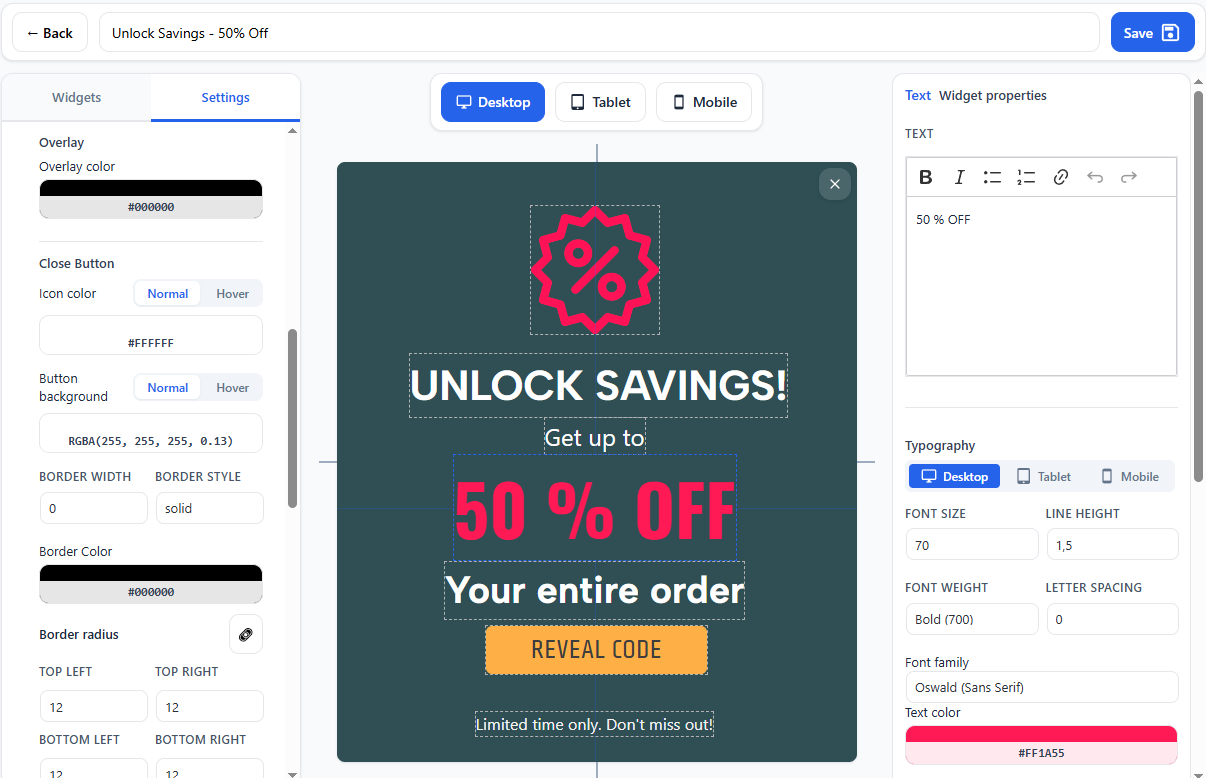
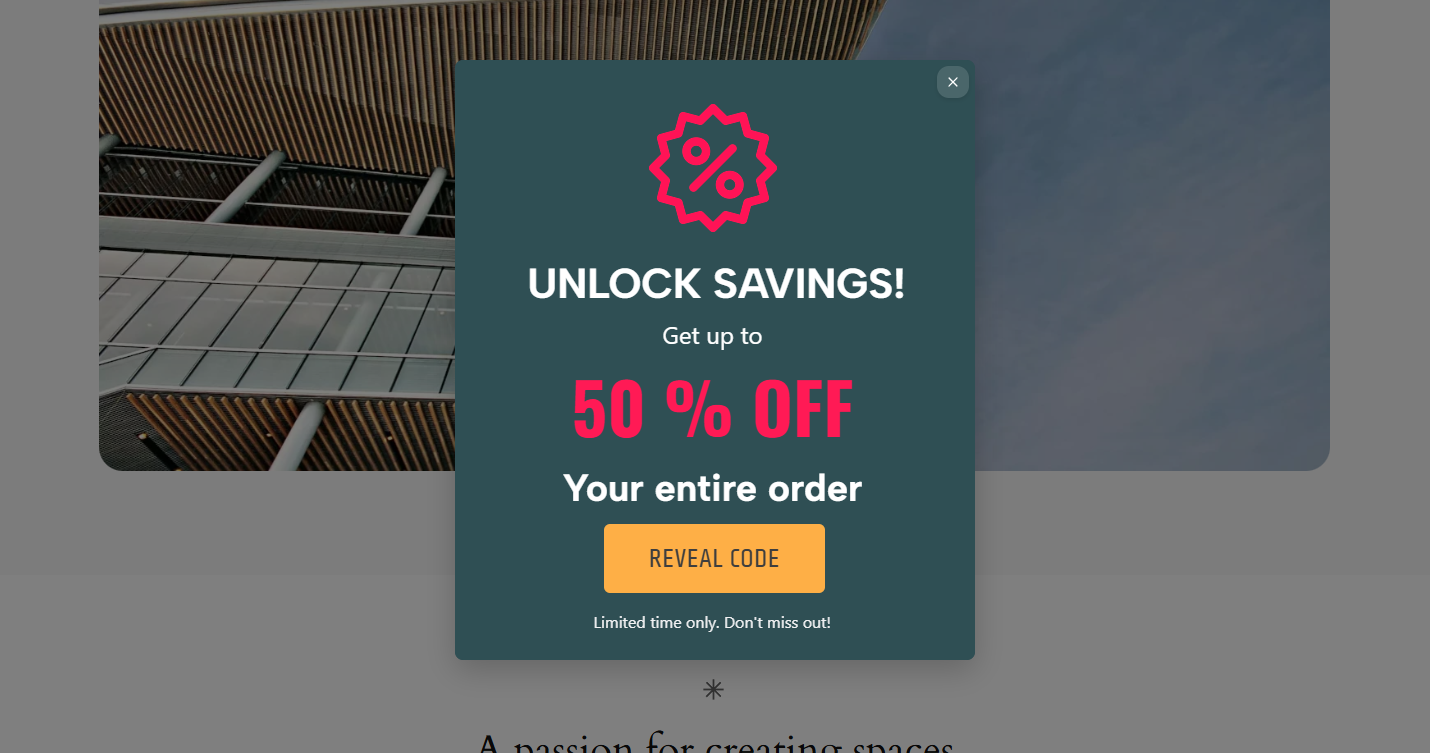
Marketify Pop-up & Ribbon builder will help you promote your products or inform users about events. Inside the plugin there is an easy drag&drop Builder with the necessary widgets and settings for more detailed configuration of each element.
Why you will love it
- Easy setup
- Intuitive interface
- No coding skills required
- Detailed visual customization
Key Features
- Pop-up Builder – Create pop-ups to promote promotions, subscription forms, or notifications
- Ribbon Builder – Promote your offers in the most visible place
How it works
- Install the Marketify plugin and activate it.
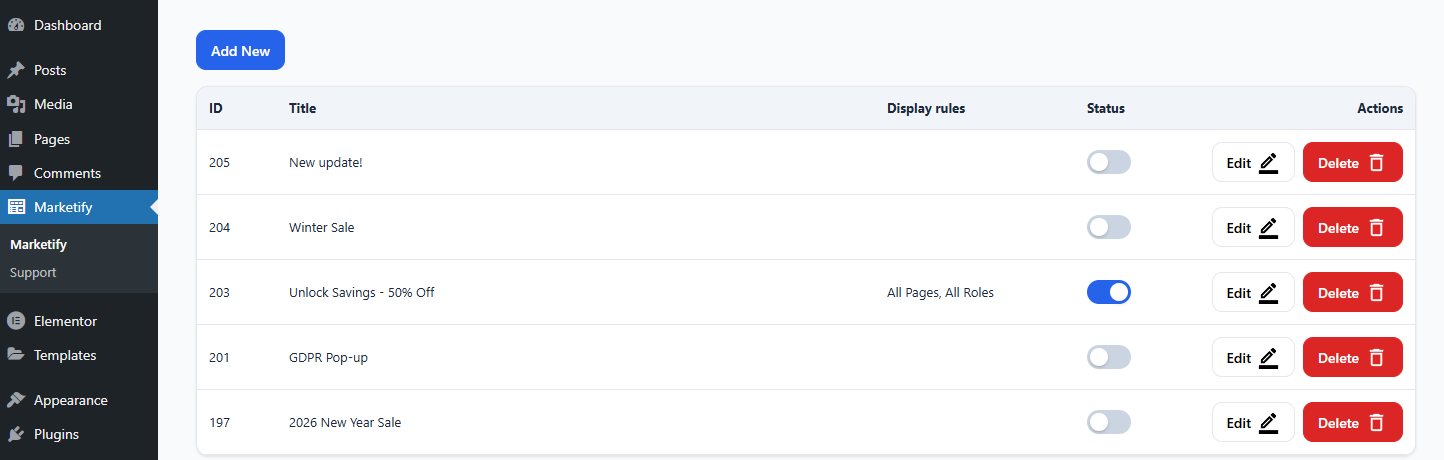
- Go to the plugin section and select what you want to create.
- Move the desired widgets to the canvas, configure them, save, and publish the created activity view.
The plugin allows you to display pop-ups and ribbons in different scenarios, for example:
* By role
* By page
* Only to site visitors
* When scrolling the page
* After a period of time, after logging in to the site
* Depending on the type of device
Details
Related plugins
Plugins that also contain the tag marketing
Hostinger Reach – AI-Powered Email Marketing for WordPress

Popup Maker – Boost Sales, Conversions, Optins, Subscribers with the Ultimate WP Popups Builder

Pinterest for WooCommerce

Creative Mail – Easier WordPress & WooCommerce Email Marketing

HubSpot All-In-One Marketing – Forms, Popups, Live Chat

Klaviyo


About
Plugin for that tries to help you find the WordPress plugin you are looking for.
| Please enjoy an image of Crush (this awesome turtle) and have a lovely day! |  |
We do not own any plugin listed on this site and do not work for or work with WordPress.com or it's associated companies. We simply provide a searchable list of the available WordPress plugins.