

This plugin is outdated and might not be supported anymore
Back

MaxBooking Booking Widget
Details
View on WordPress
Back
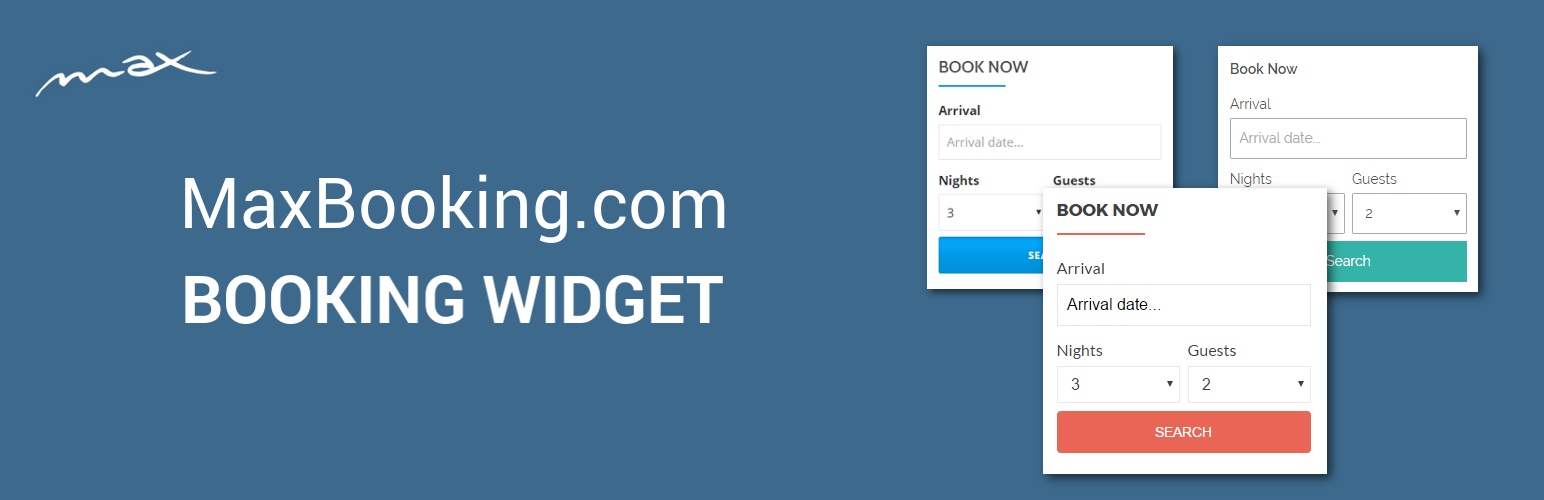
This plugin allows you to set up a widget for booking with MaxBooking.com and place it on your website.
Features
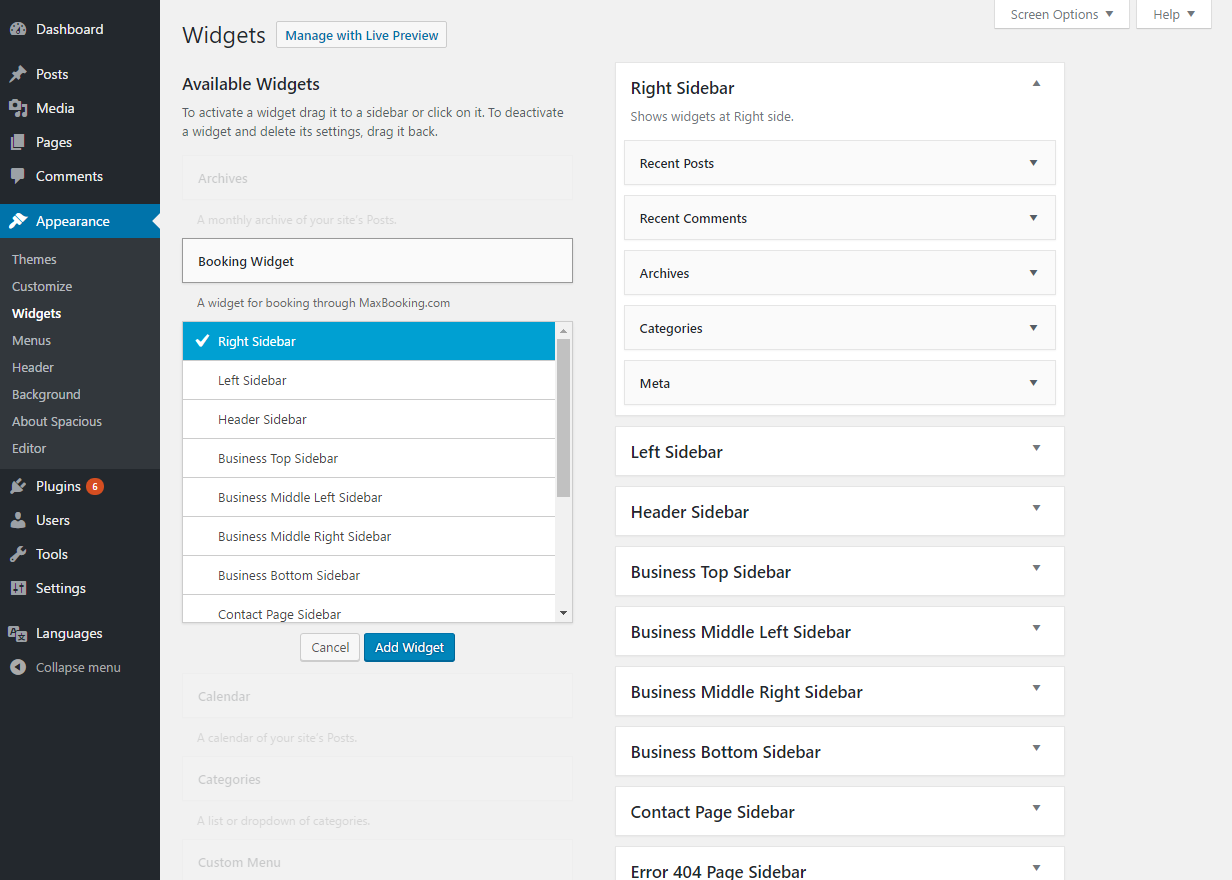
- Easy to use – Installation and setup is very easy and can be done in your WordPress administration.
- Flexible – You can select vertical or horizontal layout, default arrival date, number of nights, number of guests, etc.
- Customizable – You can easily use your own additional styles to customize the widget further.
- Shortcode support – The plugin provides a shortcode that allows you to insert the widget in the content of a page, post or any other place that uses content editor.
- Multiple widgets – You can add multiple independent widgets to your website with different settings (even for different properties).
If you don’t have a MaxBooking.com account for your hostel or hotel yet, you can sign-up for free here:
More information
For more information visit:
Details
Plugin code:
maxbooking-booking-widget
Plugin version:
1.1.3
Author:
Outdated:
Yes
WP version:
4.4 or higher
PHP version:
or higher
Test up to WP version:
4.8.25
Total installations:
10
Last updated:
2017-11-28
Rating:
Times rated:
0
booking
maxbooking
maxbooking-com
reservation
widget



Related plugins
Plugins that also contain the tag booking
LatePoint – Calendar Booking Plugin for Appointments and Events

Booking for Appointments and Events Calendar – Amelia

Online Scheduling and Appointment Booking System – Bookly

Appointment Booking Calendar — Simply Schedule Appointments Booking Plugin

Fluent Booking – The Ultimate Appointments Scheduling, Events Booking, Events Calendar Solution

SimplyBook.me – Booking and reservations calendar


About
Plugin for that tries to help you find the WordPress plugin you are looking for.
| Please enjoy an image of Crush (this awesome turtle) and have a lovely day! |  |
We do not own any plugin listed on this site and do not work for or work with WordPress.com or it's associated companies. We simply provide a searchable list of the available WordPress plugins.