

MenuVerse – Mobile Menu, Mega Menu & Bottom Navigation Builder
MenuVerse is a modular WordPress navigation plugin for sites that need a proper mobile menu, a bottom navigation bar, and room to grow into mega menus — without rebuilding menus in a second admin screen.
It reads the menus you already maintain under Appearance Menus and the block Navigation menus WordPress stores as posts. Nothing is copied. You keep editing menus where you always did; MenuVerse only controls how they appear on the frontend.
Switch a module off and it registers no hooks, enqueues no assets, and outputs nothing. A page with no MenuVerse menu on it downloads no MenuVerse bytes.
Available now
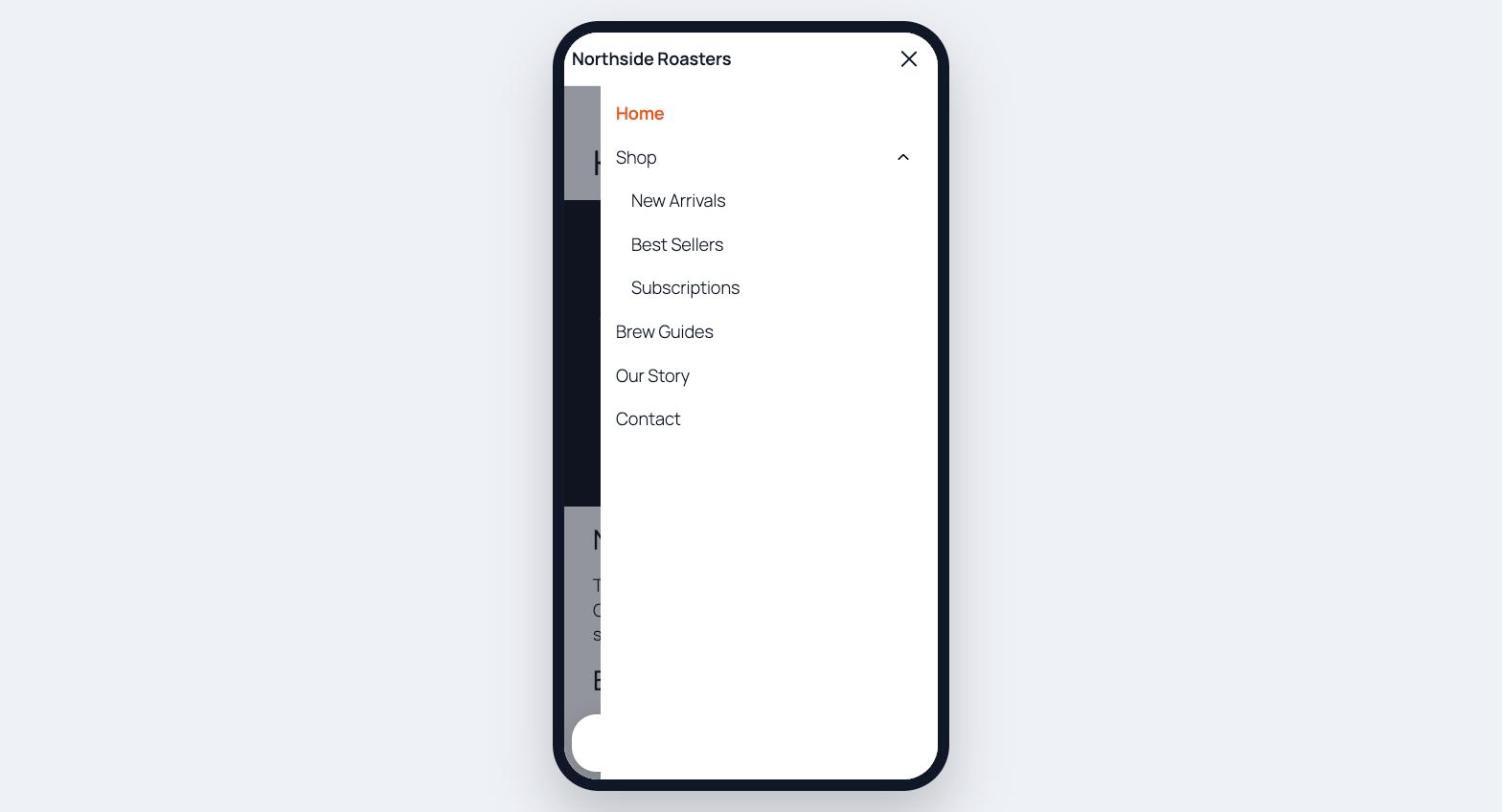
Mobile Menu — a responsive hamburger menu and off-canvas panel for phones and small tablets.
- Slides in from the left, right, or full screen; overlays the page or pushes it aside.
- Animated trigger icons (bars, dots) with squeeze, spin, or arrow transitions.
- Optional top bar with your logo, site title, or custom text; sticky and hide-on-scroll options.
- Accordion submenus that open at the branch the visitor is already on.
- Built-in search field and a row of social profile links.
- Swipe-to-close, body scroll lock, focus trap, and focus return for keyboard and screen-reader users.
- Configurable breakpoint, page visibility rules, and an option to hide your theme’s own menu on small screens.
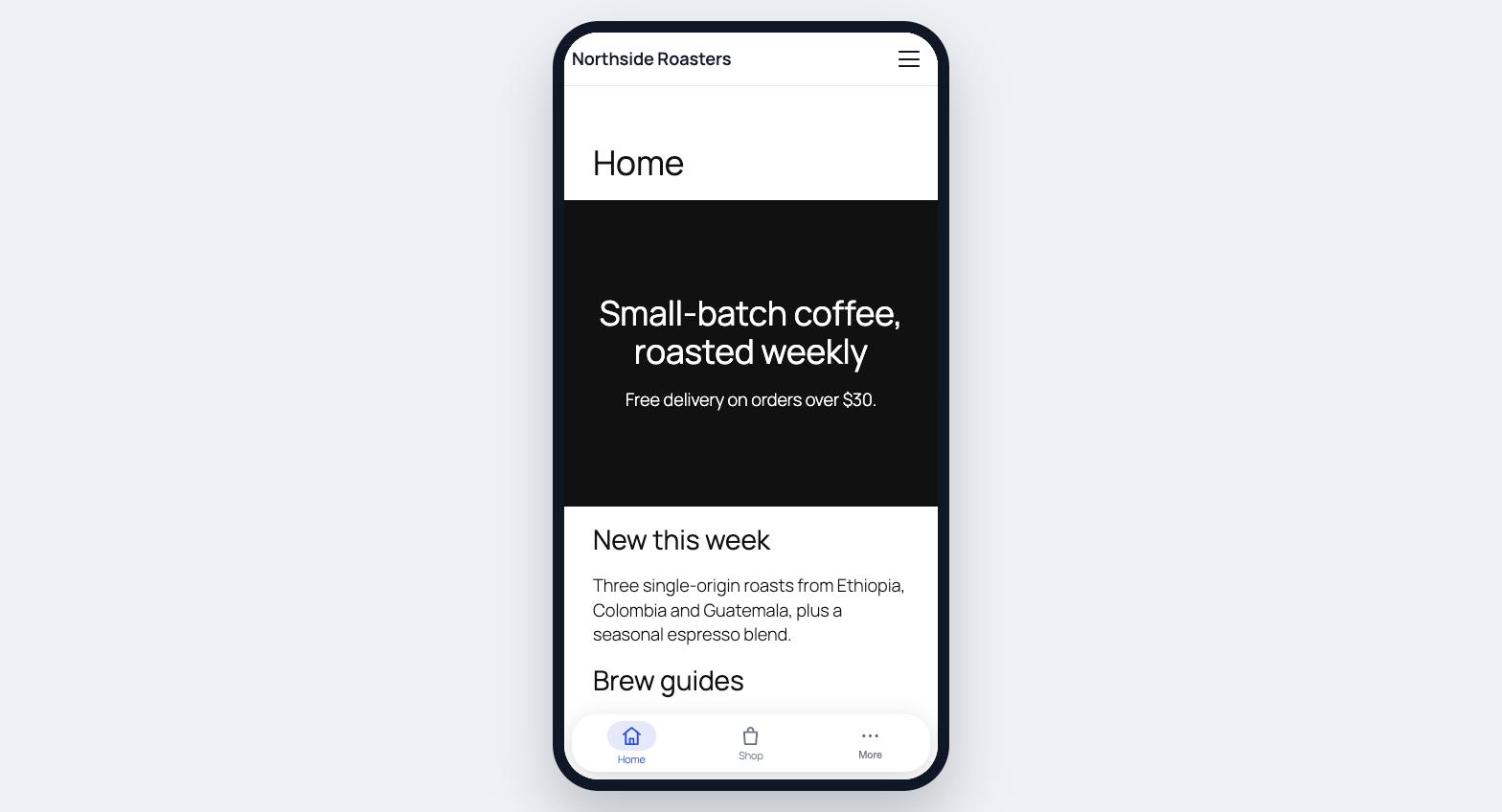
Bottom Menu — an app-style bottom navigation bar pinned to the viewport on mobile.
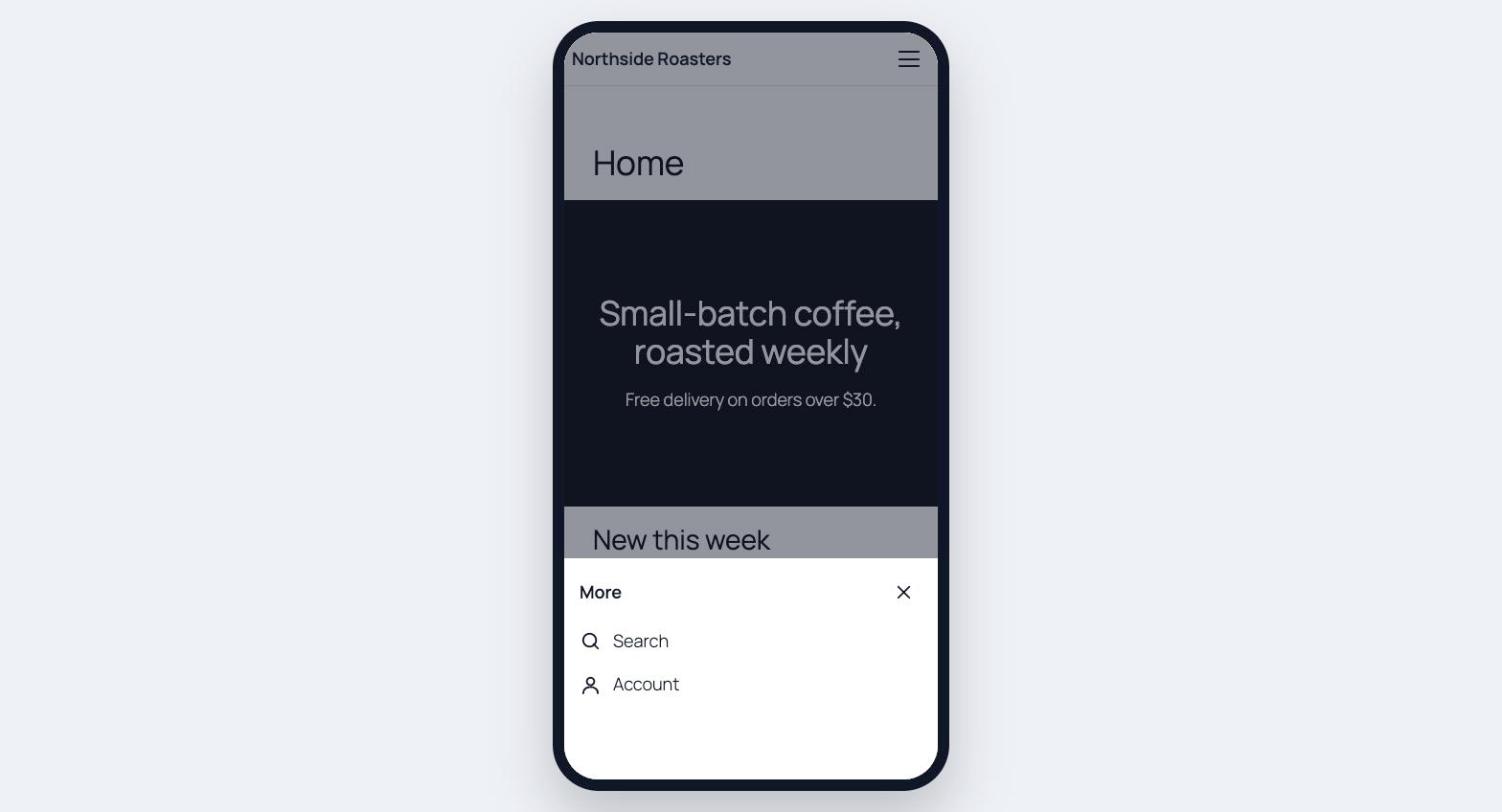
- Up to five visible buttons with a More drawer for overflow items.
- Built-in icon library — no icon font, no CDN, no external requests.
- Buttons can link to a URL, open a page, launch search, start a WhatsApp chat, dial a phone number, or open a Popup Maker popup.
- Five ways to mark the current page: colour, pill, top line, underline, or a raised button.
- Optional per-button labels above or below the icon, custom badges, and safe-area padding for notched phones.
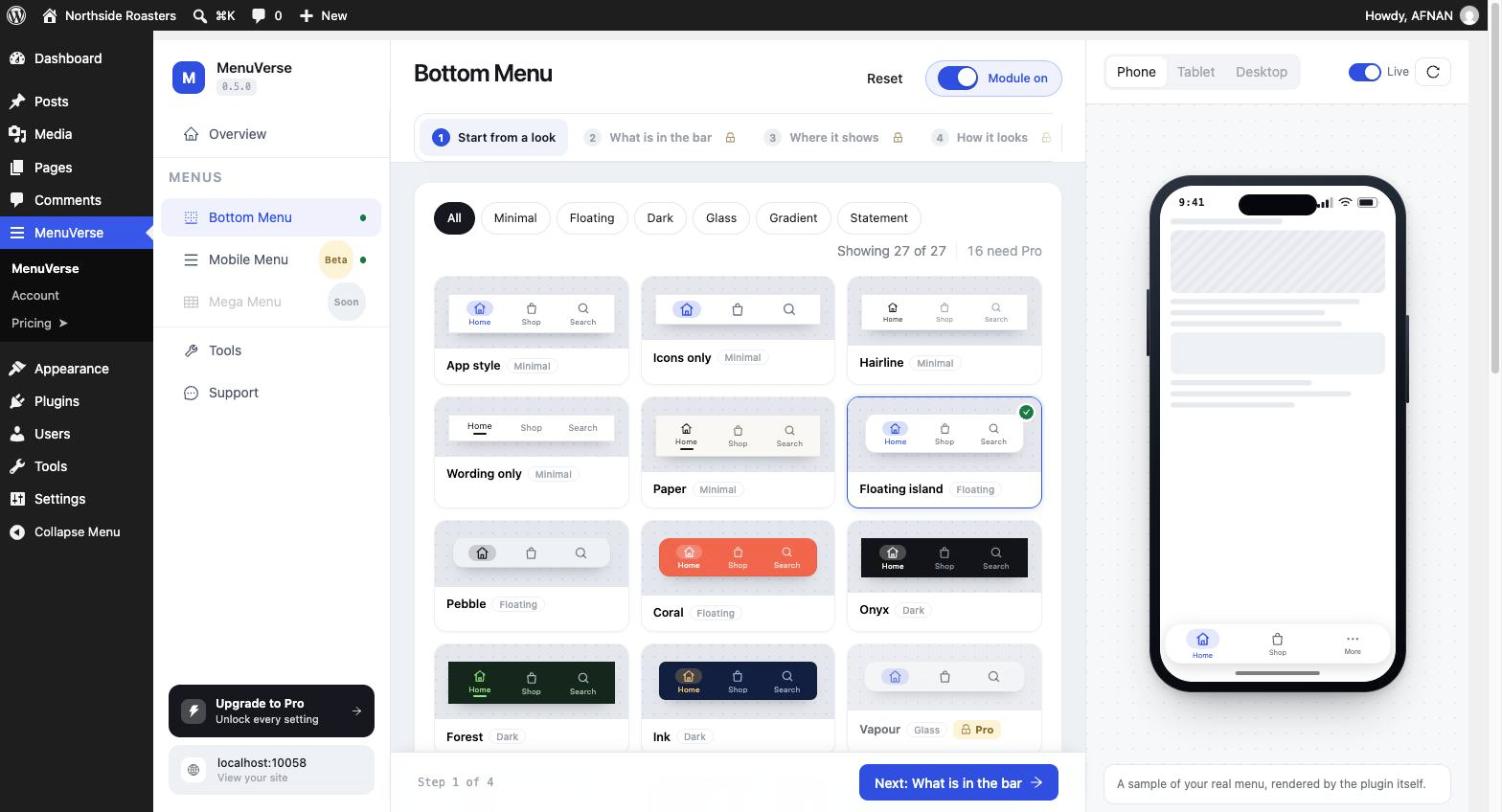
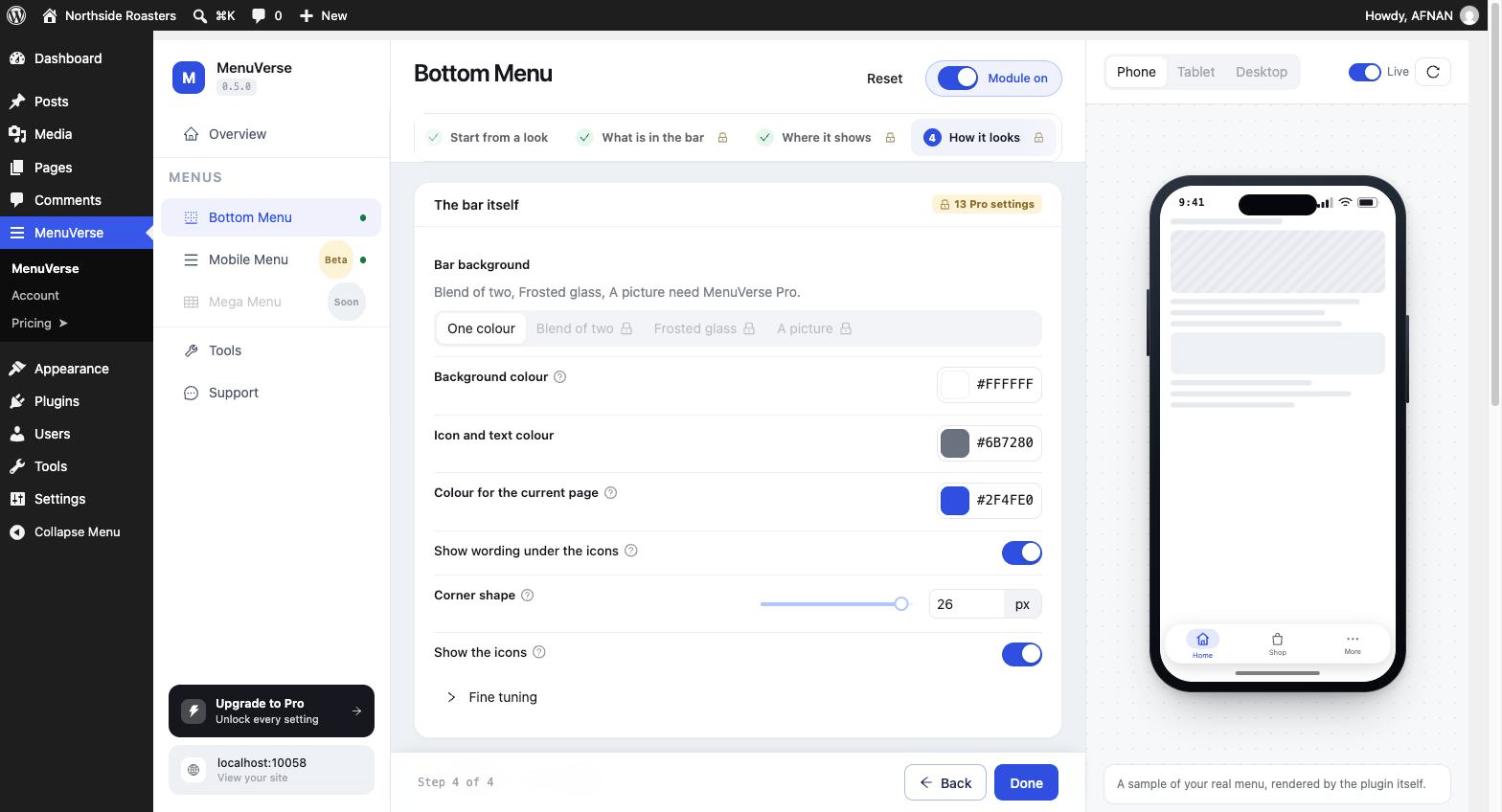
- Ready-made looks to start from, then fine-tune colours, spacing, and behaviour in a step-by-step dashboard.
- Page rules (show everywhere, only on chosen pages, or everywhere except), and hide from administrators while you work.
Coming soon
Mega Menu — horizontal navigation whose items open full-width panels you build with blocks, folding to an accordion on small screens. Already visible in the dashboard as a preview of what is next.
Works with the menus and tools you already use
- Classic menus (
nav_menu) and block Navigation menus (wp_navigation) — both normalised to the same tree shape. - Per-item extras in the menu editor: icon, badge, mega-panel link, and hide-on-mobile or hide-on-desktop flags.
- WooCommerce — live cart count badge on a bottom-bar button (Store API).
- YITH WooCommerce Wishlist — live wishlist count badge.
- Easy Digital Downloads — scope a search button to downloads only.
- Popup Maker — open a popup from a bottom-bar button.
Four ways to place any menu
Every module supports the same four entry points, all rendering through one pipeline so they never drift apart:
- Block — drop a MenuVerse block in the Site Editor, a page, or a template.
- Shortcode —
[menuverse_mobile_menu]or[menuverse_bottom_menu]. - PHP template tag —
menuverse_the_mobile_menu()ormenuverse_render( 'bottom_menu' ). - Automatic insertion — optional; off by default so nothing is silently injected into your theme.
Dashboard built for non-developers
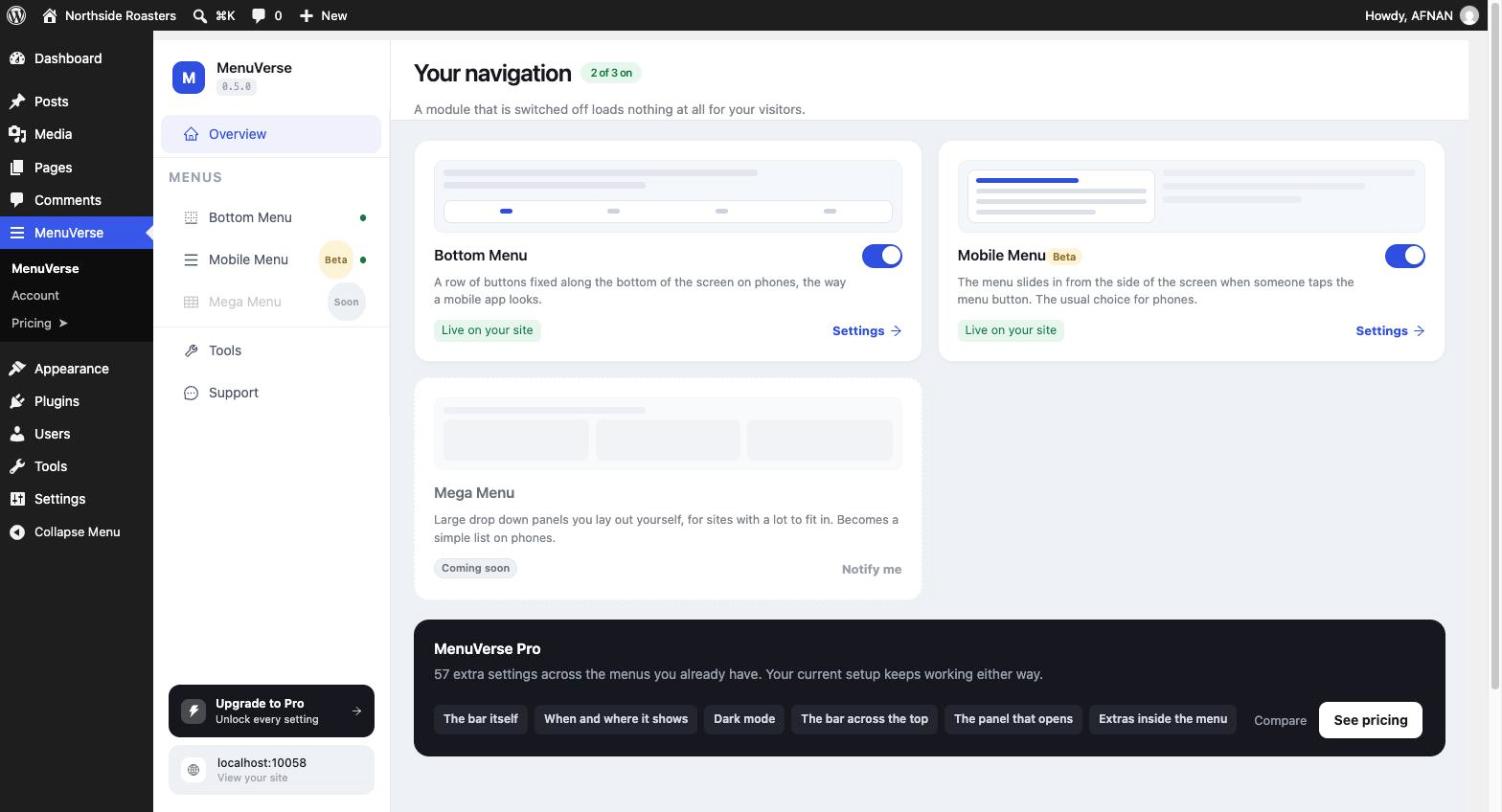
- One admin screen with a live phone preview beside every setting step.
- Guided onboarding on first run: pick a module, choose a menu, place it, save.
- Import and export settings as JSON under MenuVerse Tools (settings only — menus and media stay on the site).
- Optional Delete data on uninstall, off by default.
Fast, accessible, and self-contained
- Conditional loading. Assets enqueue only when markup is actually rendered.
- Tiny. Each frontend module is under 5 KB gzipped (JavaScript and CSS combined); most are under 2.5 KB.
- Vanilla JavaScript on the frontend — no jQuery, no React, no framework.
- Accessible. Correct ARIA roles, keyboard navigation, focus management, and
prefers-reduced-motionon every animation. - RTL-ready. Styled with CSS logical properties; one stylesheet works in both directions.
- Self-hosted. Icons are SVG geometry shipped with the plugin. No CDN calls anywhere.
Extensible
Module registration, settings schemas, the render pipeline, REST routes under menuverse/v1, and dashboard SlotFill points are documented in docs/extension-points.md for companion plugins and a Pro tier.
Details
Related plugins
Plugins that also contain the tag bottom-navigation
Amit Dholiya Mobile Header
Imakash Mobile Bottom Menu
Hunter Dock – Mobile Bottom Navigation
DS Mobile Menu – Customizable Bottom Navigation Bar
DiceBar — Mobile Bottom Bar, Click to Call & Chat

About
Plugin for that tries to help you find the WordPress plugin you are looking for.
| Please enjoy an image of Crush (this awesome turtle) and have a lovely day! |  |
We do not own any plugin listed on this site and do not work for or work with WordPress.com or it's associated companies. We simply provide a searchable list of the available WordPress plugins.