



Meow Mailer
For years, almost every WordPress site I ran ended up with a different plugin just to send email. I never really chose them. I installed whatever looked fine at the time, because honestly there is no clear winner. Most of them advertise features I don’t need, or hide the basics behind a paywall. At one point I simply wanted to see the emails my site had sent, or failed to send, and even that asked me to upgrade. That felt wrong.
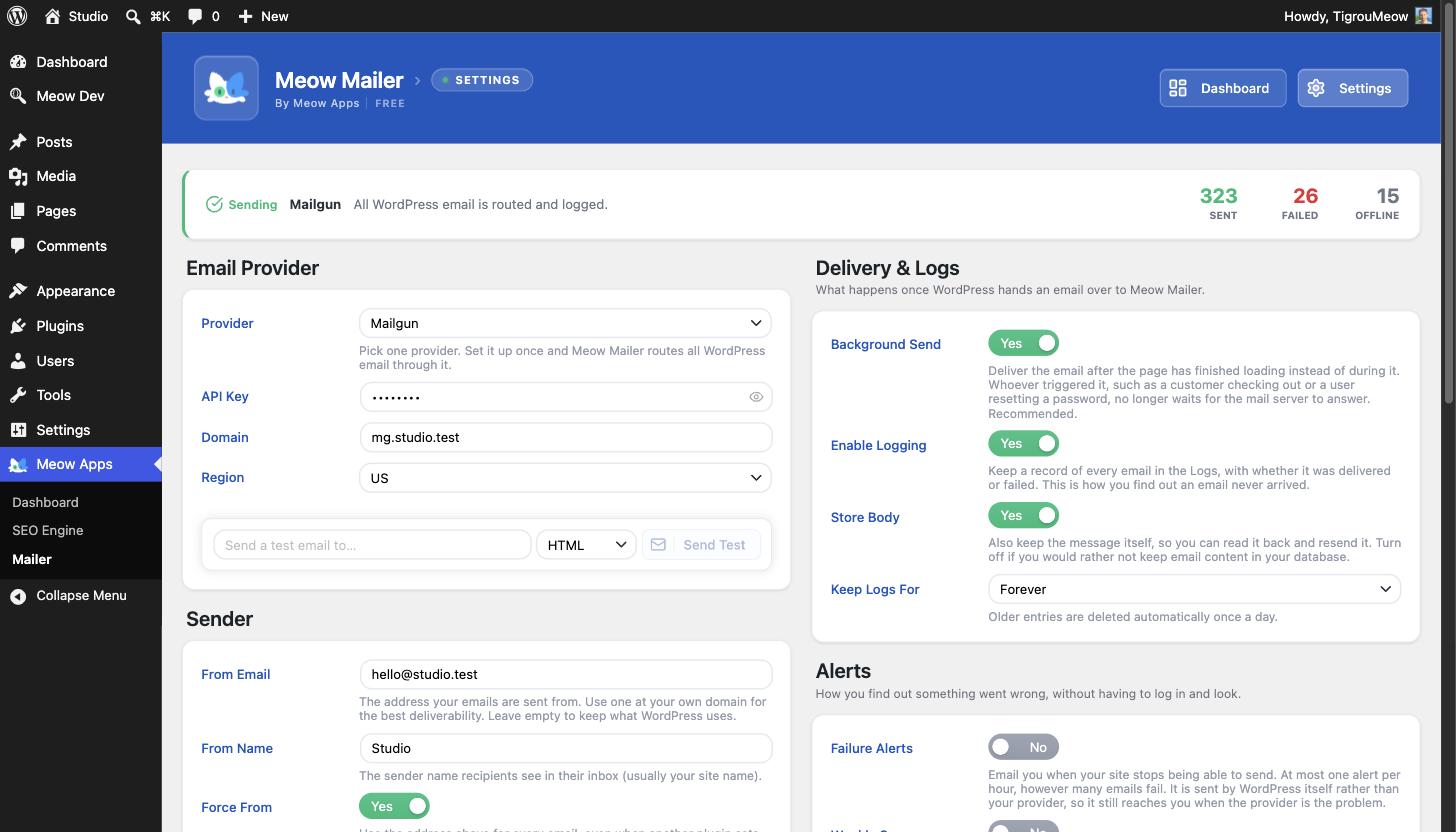
So I decided to build the simplest and most honest email plugin I could for WordPress. You pick one provider, set it up once, and every email your site sends goes through it. Everything is logged, so you always know what happened. No upsell maze, no ads, nothing basic locked away.
That is Meow Mailer, and all of this is free:
- One provider, set up once. Pick the one you use and forget about it. No confusing multi provider routing.
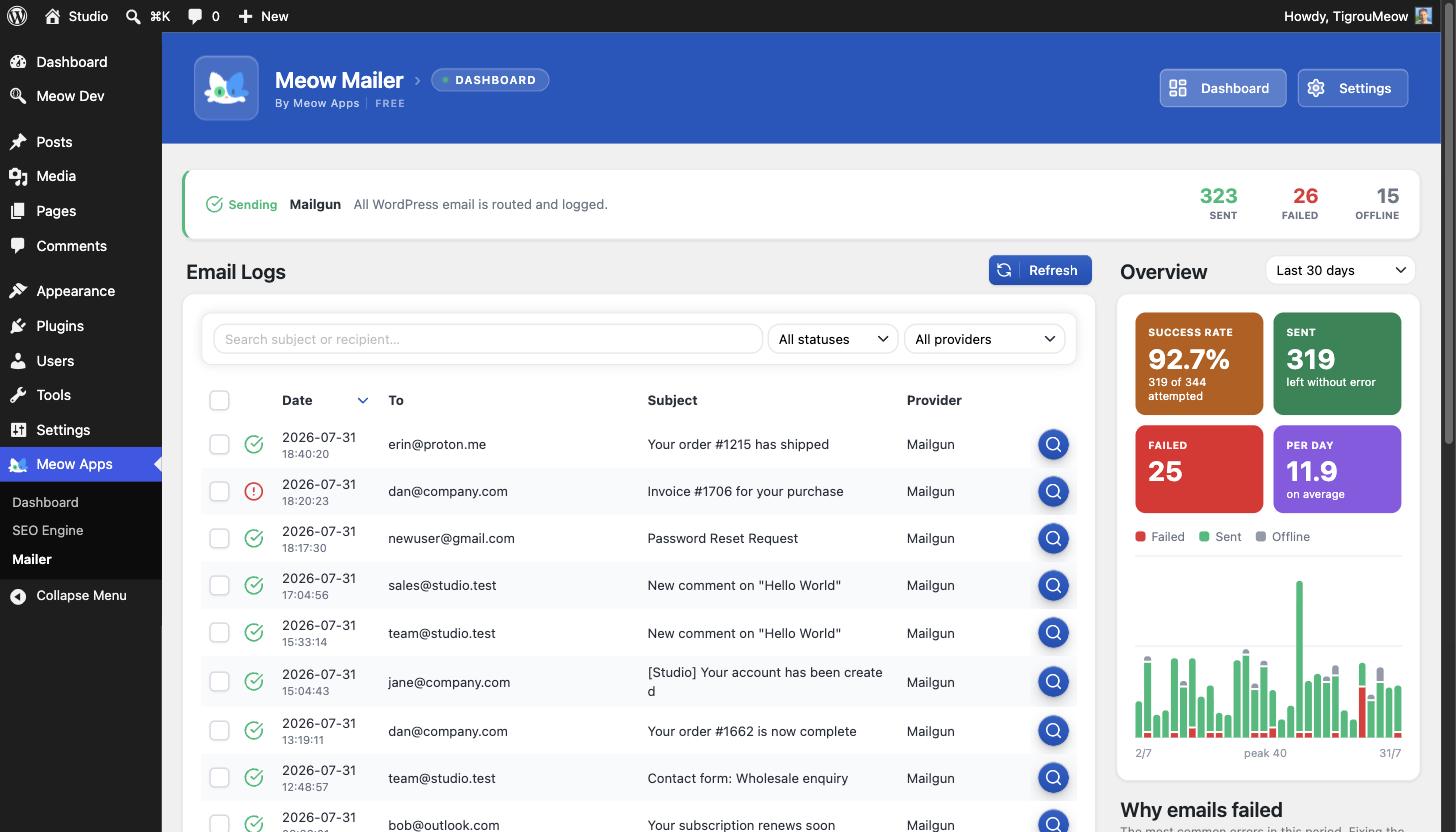
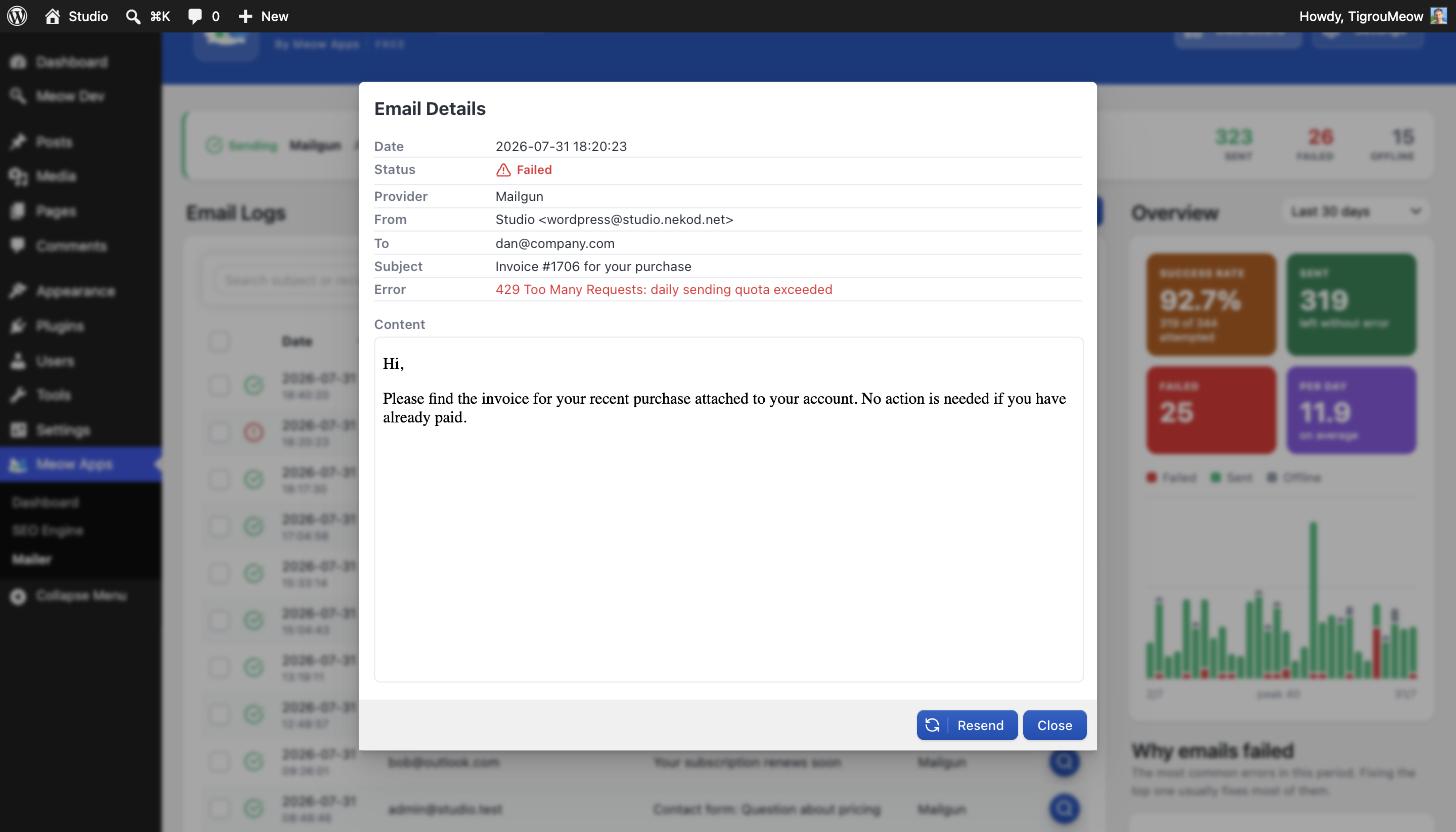
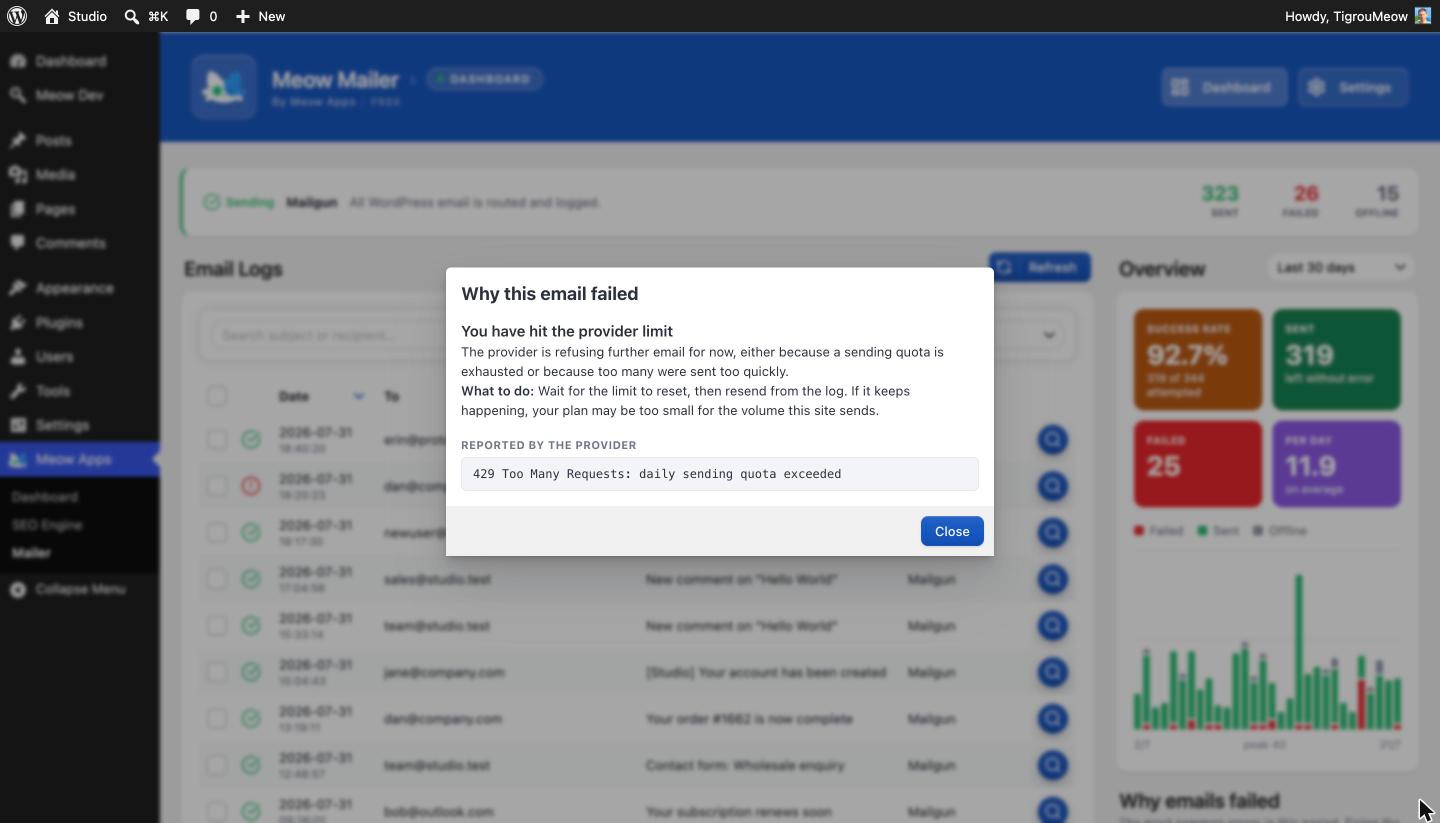
- A real email log, free. Every email in a clean table with recipient, subject, provider and status (sent, failed, offline, pending). Click any row to read the full message, see the error, and resend it. Many plugins charge for this. Here it is free.
- Stays out of the way. Until you pick a provider, Meow Mailer doesn’t touch your email, so activating it never breaks what already works.
- Never miss a failure. A dashboard warning appears when emails fail, so silent problems don’t go unnoticed.
- Background sending. Email goes out after the page has loaded, so your visitors never wait on the mail server.
- Offline mode. Capture every email in the log without sending. Perfect for staging and development.
- Filters and export. Filter by status and provider, search by subject or recipient, and export to CSV.
- Test and resend. Check your setup with an HTML or plain text test, and resend any logged message in one click.
- Auto prune. Keep logs forever, or delete anything older than 7, 30 or 90 days.
- Light and private. No bloat, no tracking. Your credentials can live in
wp-config.phpinstead of the database.
Supported providers
Generic SMTP, Mailgun, Brevo, SendGrid, Amazon SES, Postmark, SMTP2GO, Mailjet, Resend, MailerSend, Gmail / Google Workspace (OAuth 2.0), and Microsoft 365 / Outlook (OAuth 2.0).
About Meow Apps
Meow Mailer is part of the Meow Apps family of plugins, focused on doing one thing well with a clean, modern interface.
External services
Meow Mailer contacts an external service only after you choose and configure an email provider. Until then (the default “None”) and in “Offline” mode, it sends nothing anywhere.
When you pick a provider, your outgoing email (recipients, subject, body, headers and attachments) and the credentials you entered are sent to that provider so it can be delivered, and only when your site actually sends an email. For Gmail and Microsoft 365, Meow Mailer also contacts their OAuth servers when you connect and refresh your account. Nothing else is ever sent.
You choose a single provider. Generic SMTP talks only to the server you configure. For the others, please review their terms and privacy policy:
- Mailgun: terms, privacy
- Brevo: terms, privacy
- SendGrid: terms, privacy
- Amazon SES: terms, privacy
- Postmark: terms, privacy
- SMTP2GO: terms, privacy
- Mailjet: terms, privacy
- Resend: terms, privacy
- MailerSend: terms and privacy
- Gmail: terms, privacy
- Microsoft 365: terms, privacy
Development
Meow Mailer is open source. The full source, including the React code used to build the admin interface, lives on GitHub.
Details
Related plugins
Plugins that also contain the tag deliverability
WP Mail Logging

Deliverability – pass DKIM, SPF, DMARC & more

Email Essentials

Oderland SMTP & Postal Mailer

Mesh SMTP

SpamRate — Email Deliverability Testing


About
Plugin for that tries to help you find the WordPress plugin you are looking for.
| Please enjoy an image of Crush (this awesome turtle) and have a lovely day! |  |
We do not own any plugin listed on this site and do not work for or work with WordPress.com or it's associated companies. We simply provide a searchable list of the available WordPress plugins.