

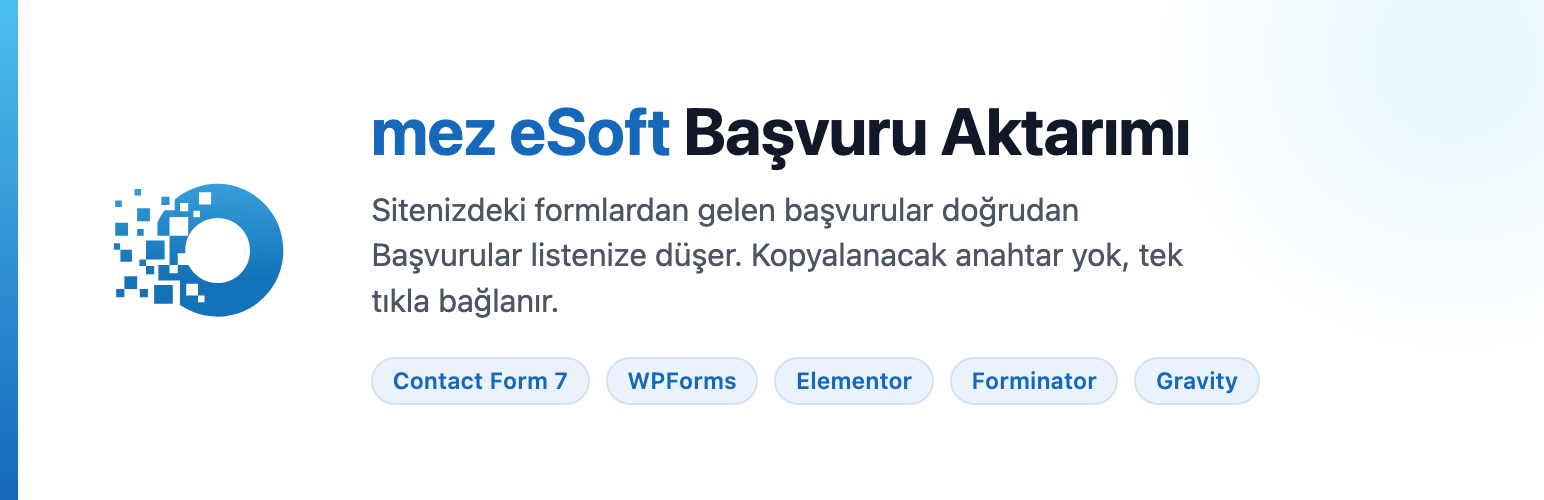

mez eSoft Lead Submission
This plugin connects the contact and quote forms on your WordPress site to your mez eSoft account. When someone fills in a form, the submission appears immediately in the Leads list in mez eSoft, where your team can assign it, call the person back and turn it into a deal.
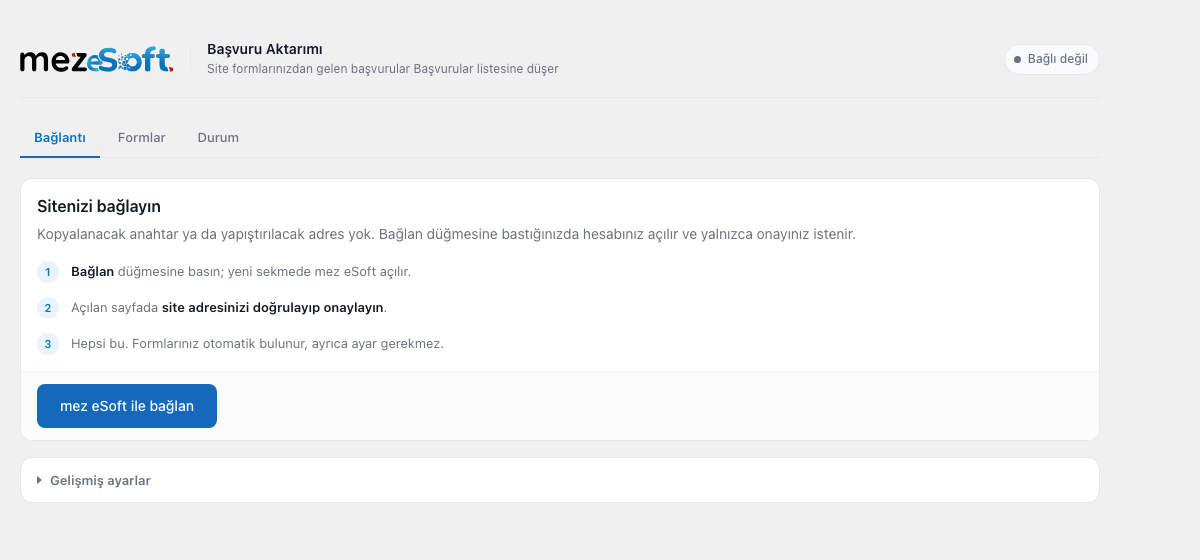
Setup is one click. You press “Connect with mez eSoft”, open the approval page and approve it, and you are done. There is no key to copy, no address to paste and no webhook to configure.
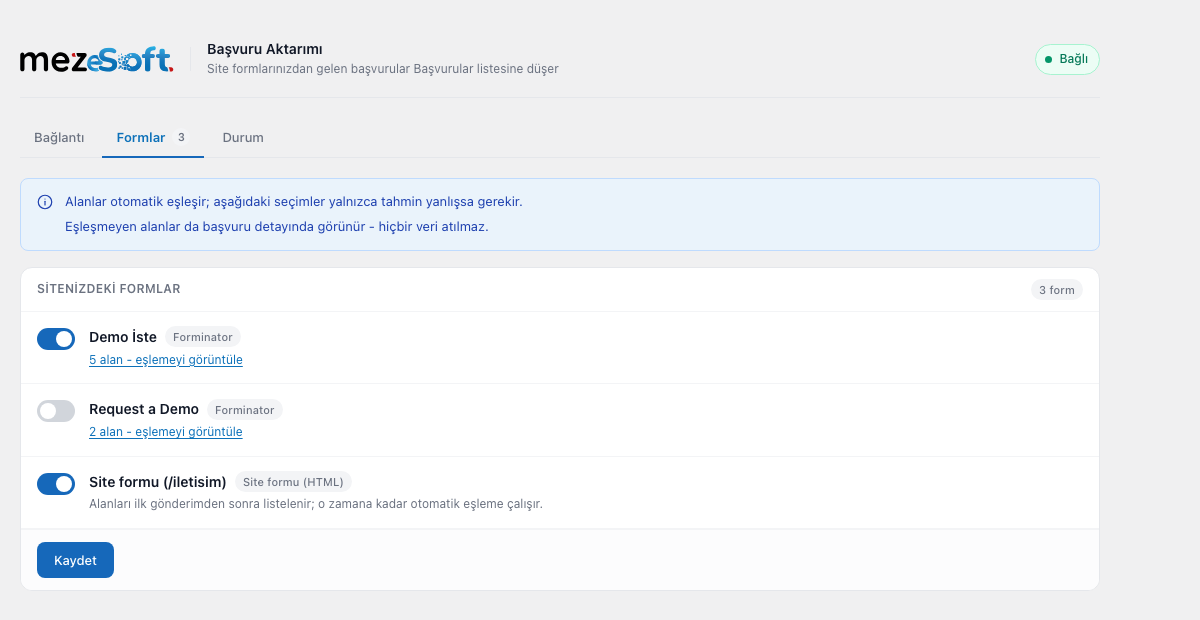
Your forms are detected automatically. The plugin works out which field is the phone number and which is the e-mail address. If a guess is wrong you can correct it on the Forms tab. Fields that do not match anything are kept as well and shown on the lead record, so no data is discarded.
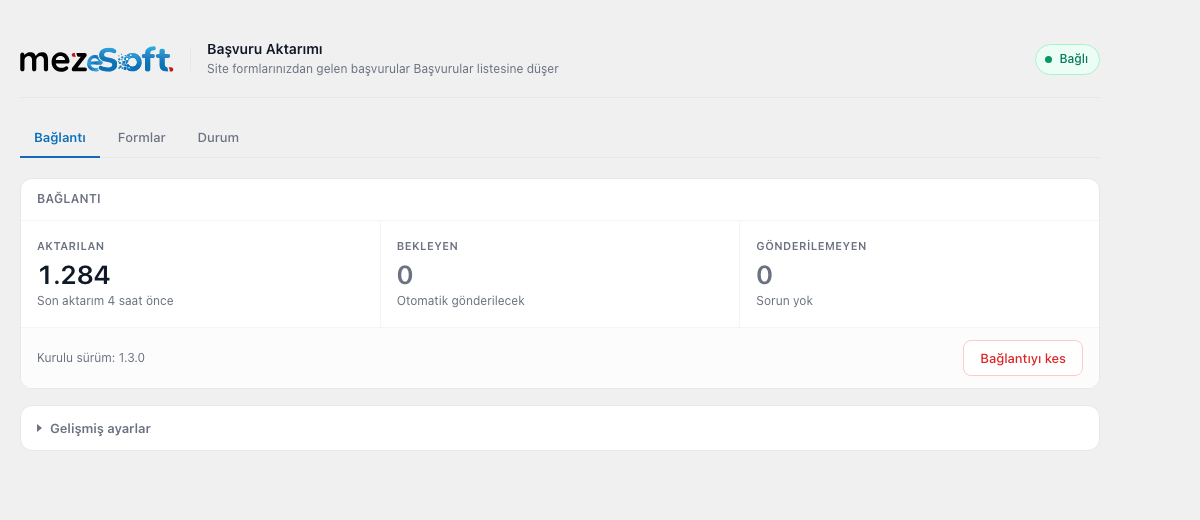
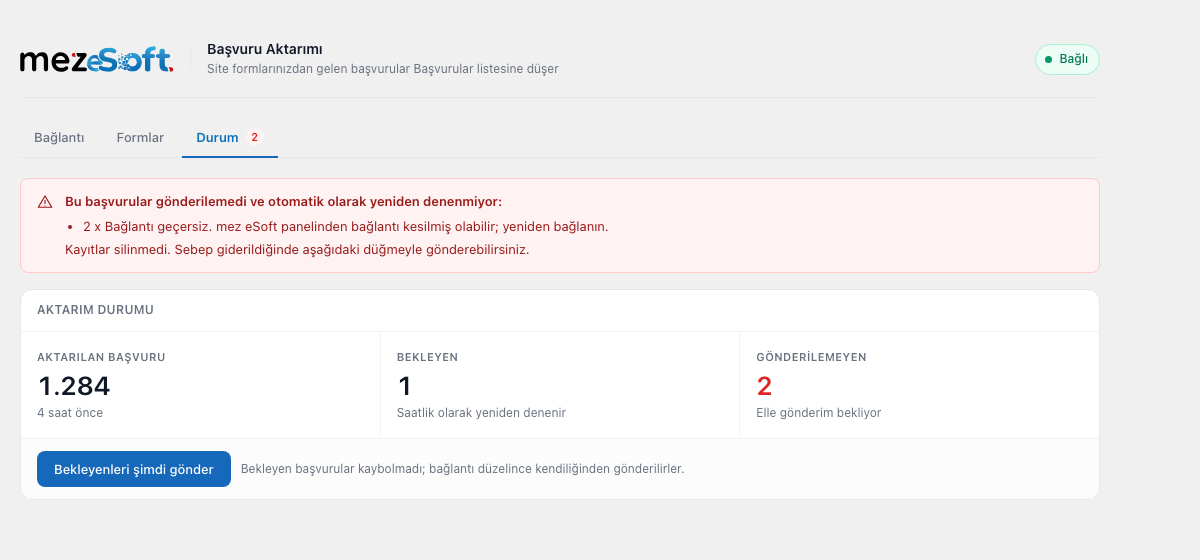
Submissions are not lost. If the connection breaks temporarily, submissions that could not be sent wait on your site and are transferred automatically once the connection is restored.
Supported form plugins
- Contact Form 7
- WPForms
- Elementor Forms (Pro)
- Forminator
- Gravity Forms
- Fluent Forms
- Ninja Forms
- Plain HTML forms written into the theme (optional)
Interface language
The plugin’s admin screens are in Turkish, because mez eSoft is used by clinics in Turkey. Translations are welcome through translate.wordpress.org.
Privacy and third party service
This plugin sends form submissions to your mez eSoft account. All communication goes to mez eSoft servers at https://app.mezesoft.com and nothing is sent anywhere else.
What is sent, and when:
- When you connect the site (once, and only after you press the button): your site address and your site title, so that you can recognise the site on the approval screen.
- When a visitor submits a form (only for forms you leave enabled): the values entered into the form fields (name, phone, e-mail, message and any other fields on your form), the form’s name, and the address of the page the form was submitted from.
- Once a day, automatically, while the site is connected: a short “still here” signal that carries no visitor data. It reports only your site address and the plugin version, so that mez eSoft can show whether the connection is still alive and whether the plugin needs updating. This stops when you disconnect the site or deactivate the plugin.
Your site address and the plugin version are also included in the request headers of the calls above.
Privacy policy: https://mezesoft.com/gizlilik-sozlesmesi/
Terms of use: https://mezesoft.com/kullanim-kosullari/
The service is operated by MEZ Bilisim A.S. The plugin requires a mez eSoft account to work. Visitor data is transferred only after you have connected the site, and only for the forms you leave enabled. No request is made to any external host before you connect the site.
Details
Related plugins
Plugins that also contain the tag contact-form
Contact Form 7

WPForms – Easy Form Builder for WordPress – Contact Forms, Payment Forms, Surveys, & More

Akismet Anti-spam: Spam Protection

Fluent Forms – Customizable Contact Forms, Survey, Quiz, & Conversational Form Builder

Forminator Forms – Contact Form, Payment Form & Custom Form Builder

Ninja Forms – The Contact Form Builder That Grows With You


About
Plugin for that tries to help you find the WordPress plugin you are looking for.
| Please enjoy an image of Crush (this awesome turtle) and have a lovely day! |  |
We do not own any plugin listed on this site and do not work for or work with WordPress.com or it's associated companies. We simply provide a searchable list of the available WordPress plugins.