

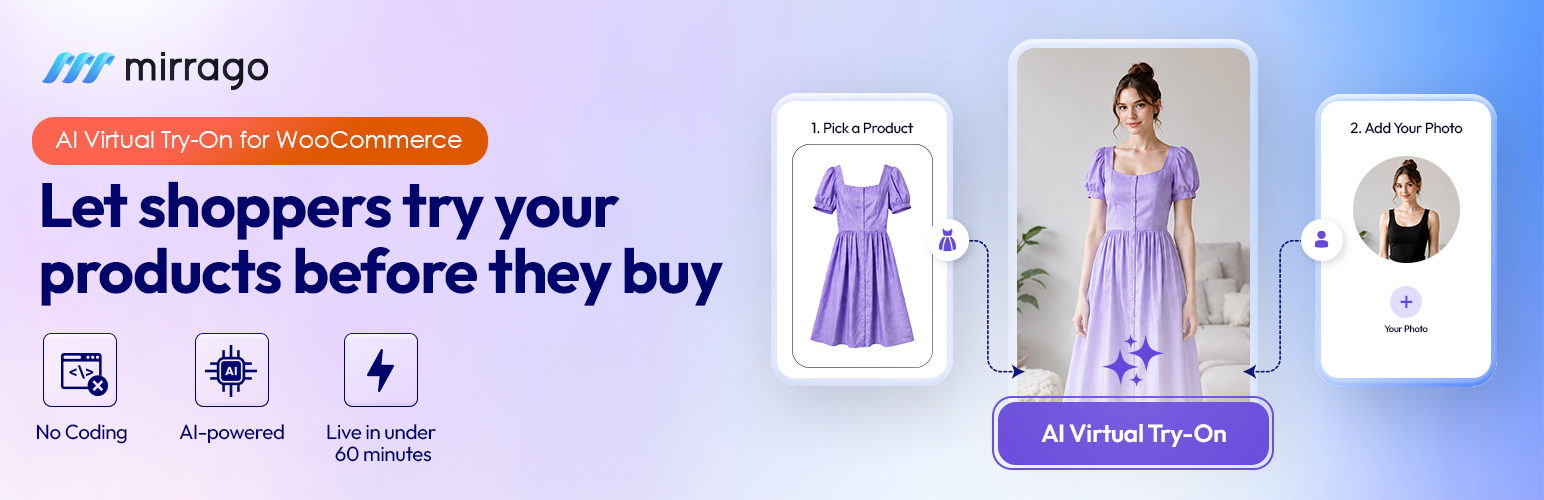

Mirrago Virtual Tryon
Mirrago Virtual Tryon adds an AI-powered “Virtual Try-On” button to your WooCommerce product pages. Customers upload a photo of themselves, and the Mirrago service generates an image showing how the product would look on them — helping shoppers buy with confidence and reducing returns.
Features
- One-click Virtual Try-On button on WooCommerce product pages
- Customizable button design (colors, icon, size, placement)
- Per-product enable/disable toggle
- Optional email capture before try-on, with an explicit marketing-consent checkbox (unchecked by default)
- Try-on analytics dashboard (totals, completion rate, top products)
- CSV export of captured emails
- Optional “Powered by Mirrago” attribution — disabled by default, shown only if the site administrator explicitly enables it
Requirements
This plugin requires WooCommerce and a Mirrago account with API credentials (Client ID and Client Secret), available from your Mirrago dashboard at https://app.mirrago.com/.
External services
This plugin connects to the Mirrago API (https://api.mirrago.com), a third-party AI image-generation service operated by Mirrago, to generate virtual try-on images. This connection is required for the plugin’s core functionality.
What data is sent and when:
- When a customer starts a try-on, the photo they upload and the product (garment) image are sent to the Mirrago API to generate the try-on result. The uploaded photo is deleted from your server immediately after it is sent.
- Your Mirrago Client ID and Client Secret are sent to the Mirrago API to authenticate your store (OAuth token request).
- While a try-on is processing, the plugin polls the Mirrago API with the job ID to check its status.
- Your site’s REST API callback URL is sent with each generation request so Mirrago can notify your site when the job completes.
Service provider:
This service is provided by Mirrago:
- Terms of service: https://mirrago.com/terms
- Privacy policy: https://mirrago.com/privacy-policy
Data stored locally
If the “Require Email Before Try-On” option is enabled, the plugin stores the email address the customer enters, together with their marketing-consent choice (an explicit, unchecked-by-default checkbox), in your site’s own database. This data never leaves your site and can be exported or reviewed by the site administrator under Mirrago Captured Emails. The plugin also logs try-on events (product, SKU, job status) for the analytics dashboard. No IP addresses or browser user agents are recorded.
Details


Related plugins
Plugins that also contain the tag ai
SEOPress – On-site SEO & Analytics

AI Engine – The Chatbot, AI Framework & MCP for WordPress

GetGenie – AI Content Writer with Keyword Research & SEO Tracking Tools

SEO Plugin by Squirrly SEO

Website LLMs.txt

Smartsupp – live chat, AI shopping assistant and chatbots


About
Plugin for that tries to help you find the WordPress plugin you are looking for.
| Please enjoy an image of Crush (this awesome turtle) and have a lovely day! |  |
We do not own any plugin listed on this site and do not work for or work with WordPress.com or it's associated companies. We simply provide a searchable list of the available WordPress plugins.