

MJC Designs AI Design Assistant for Bricks Builder
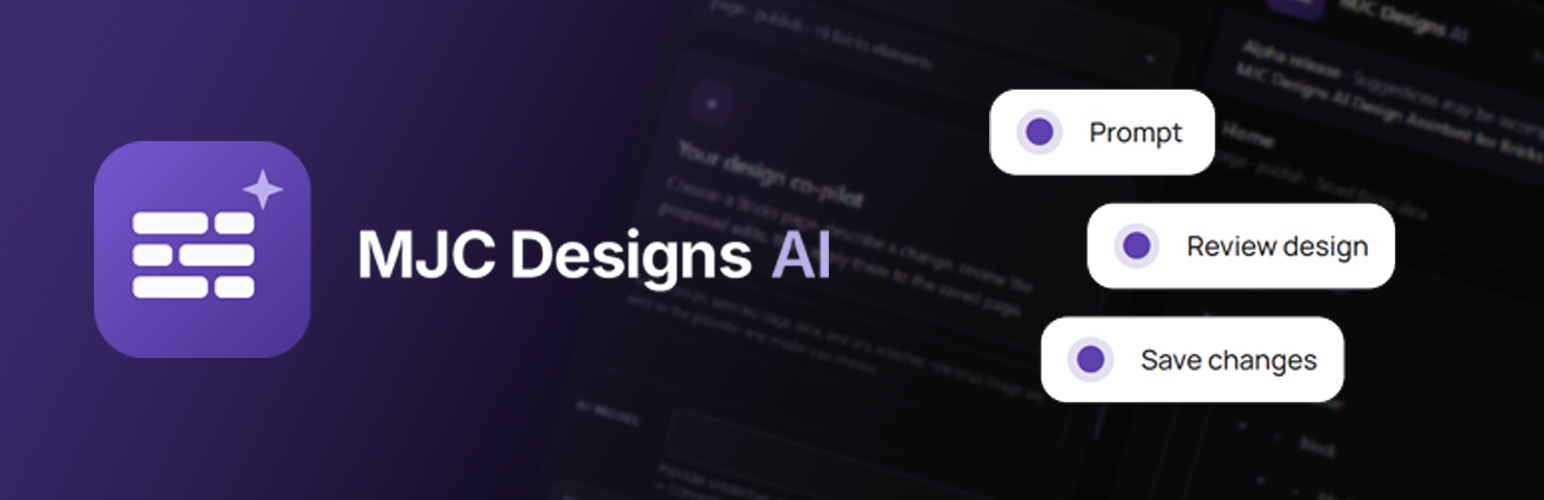
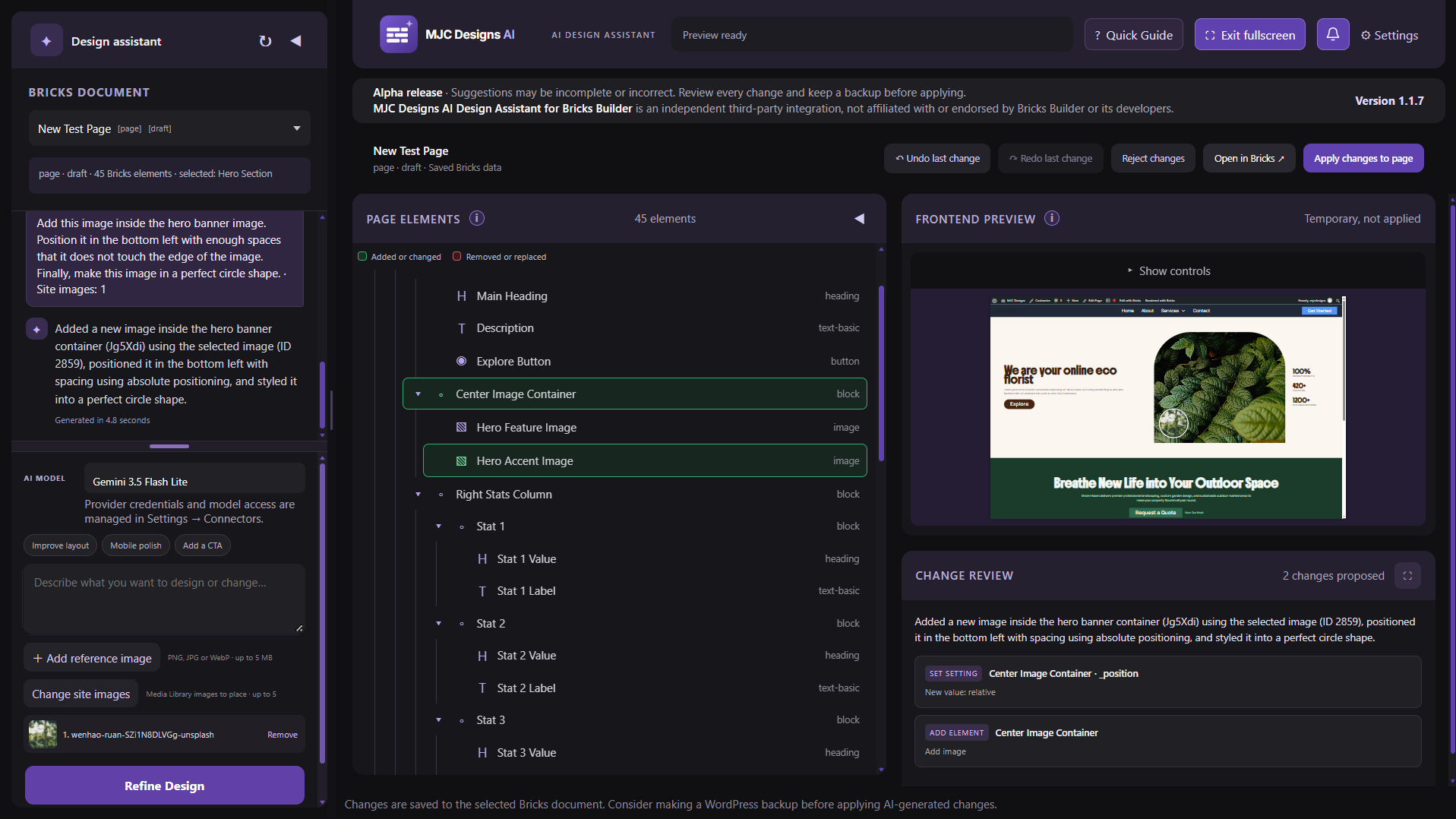
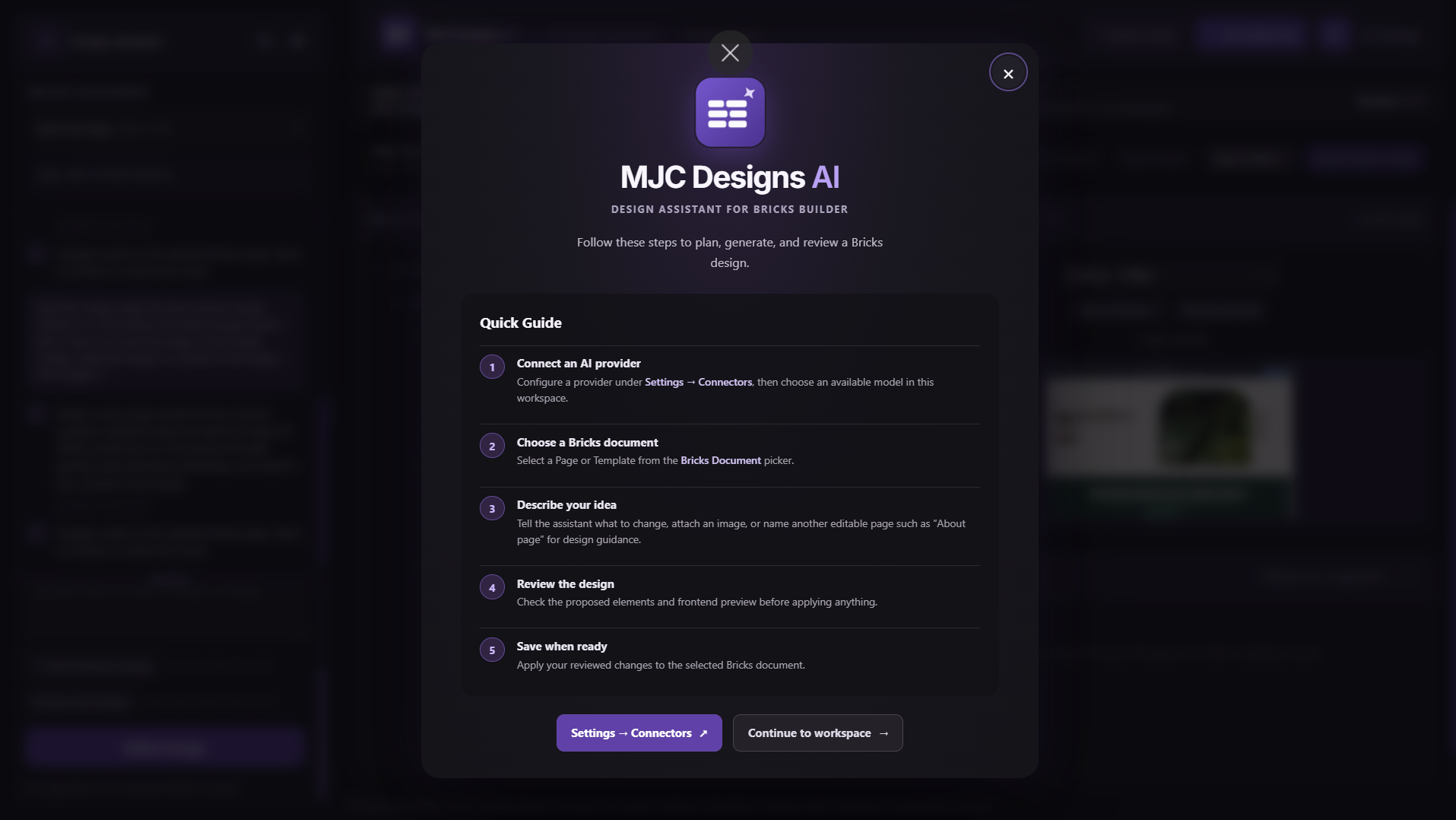
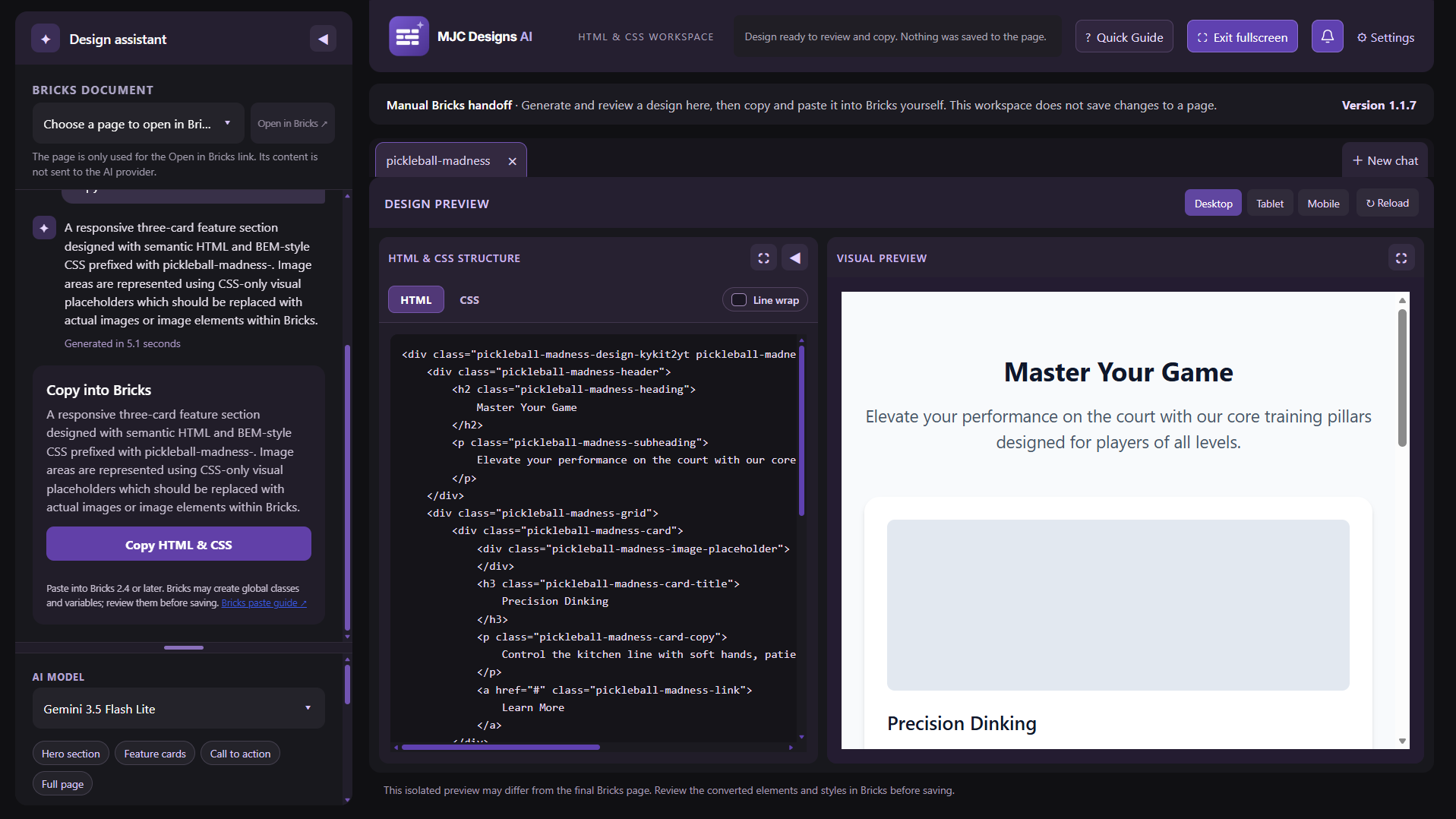
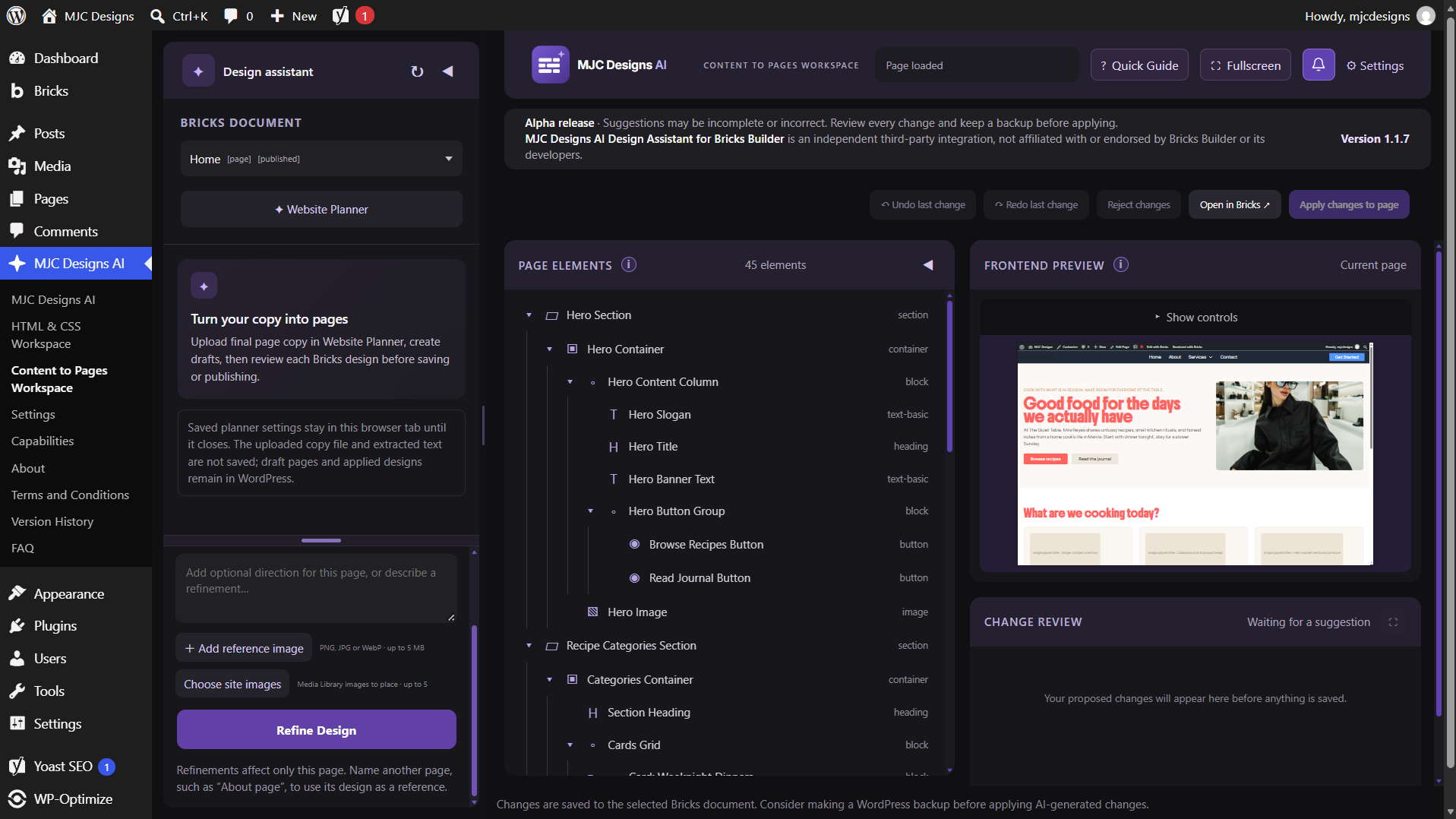
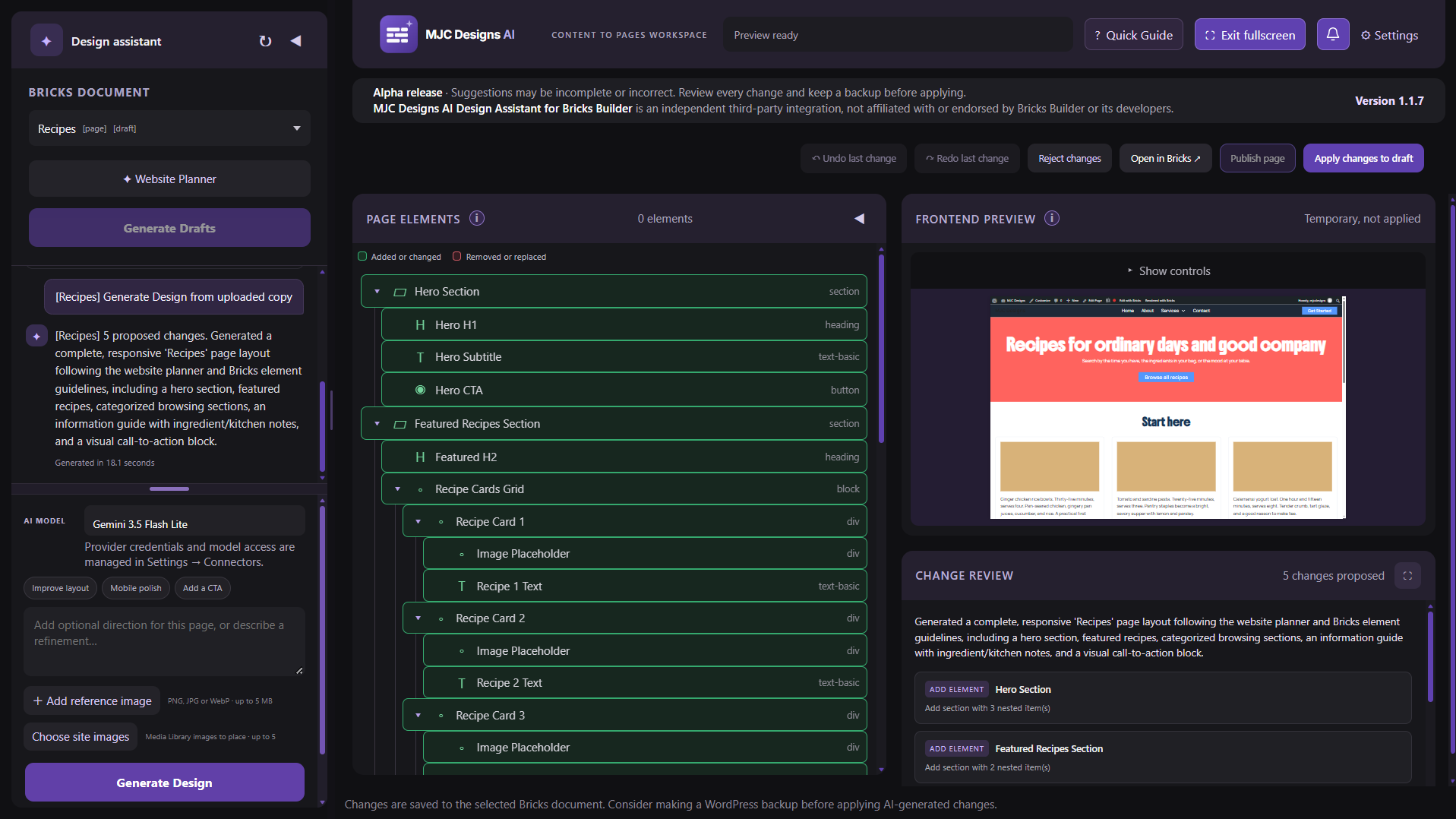
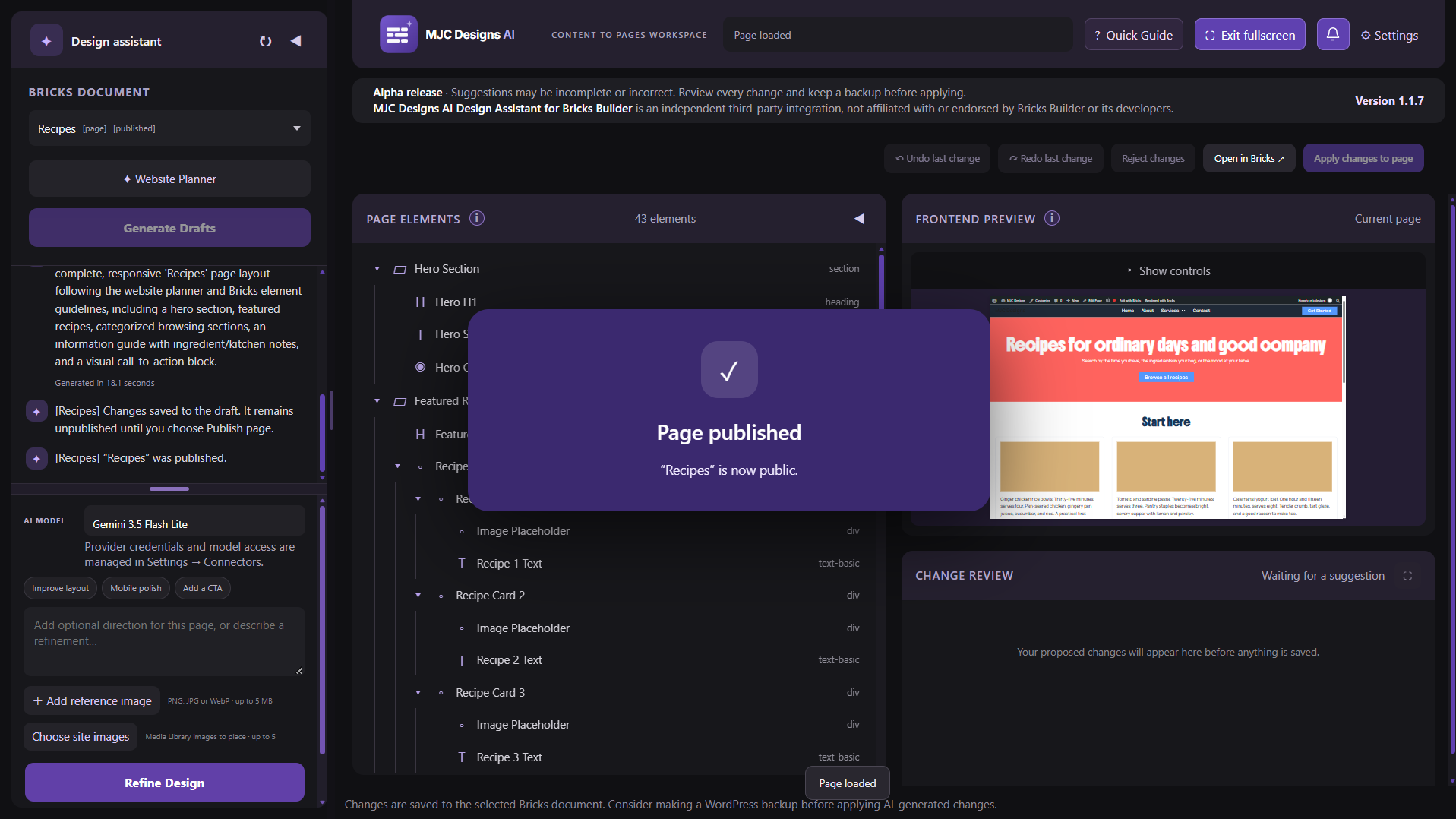
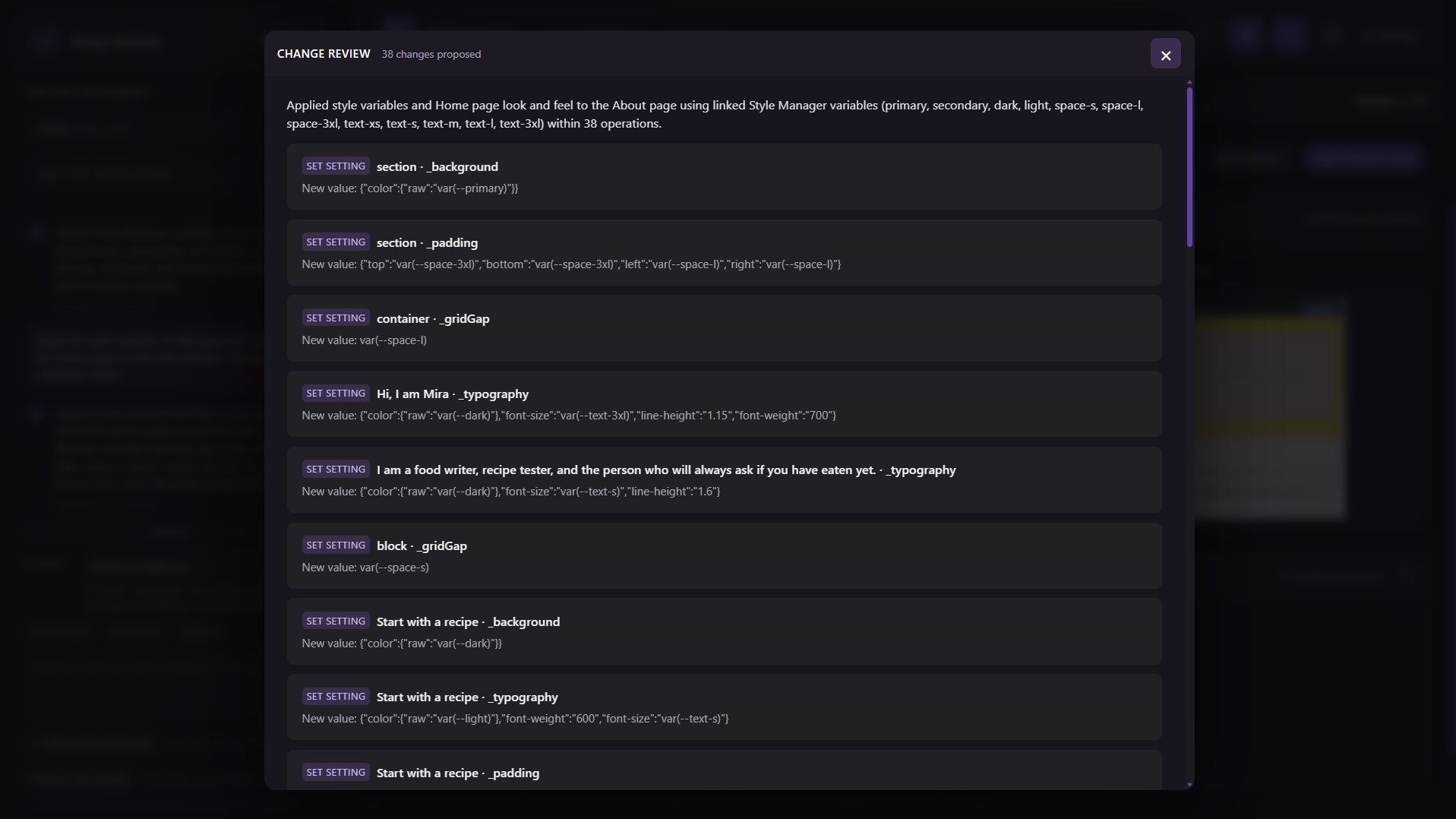
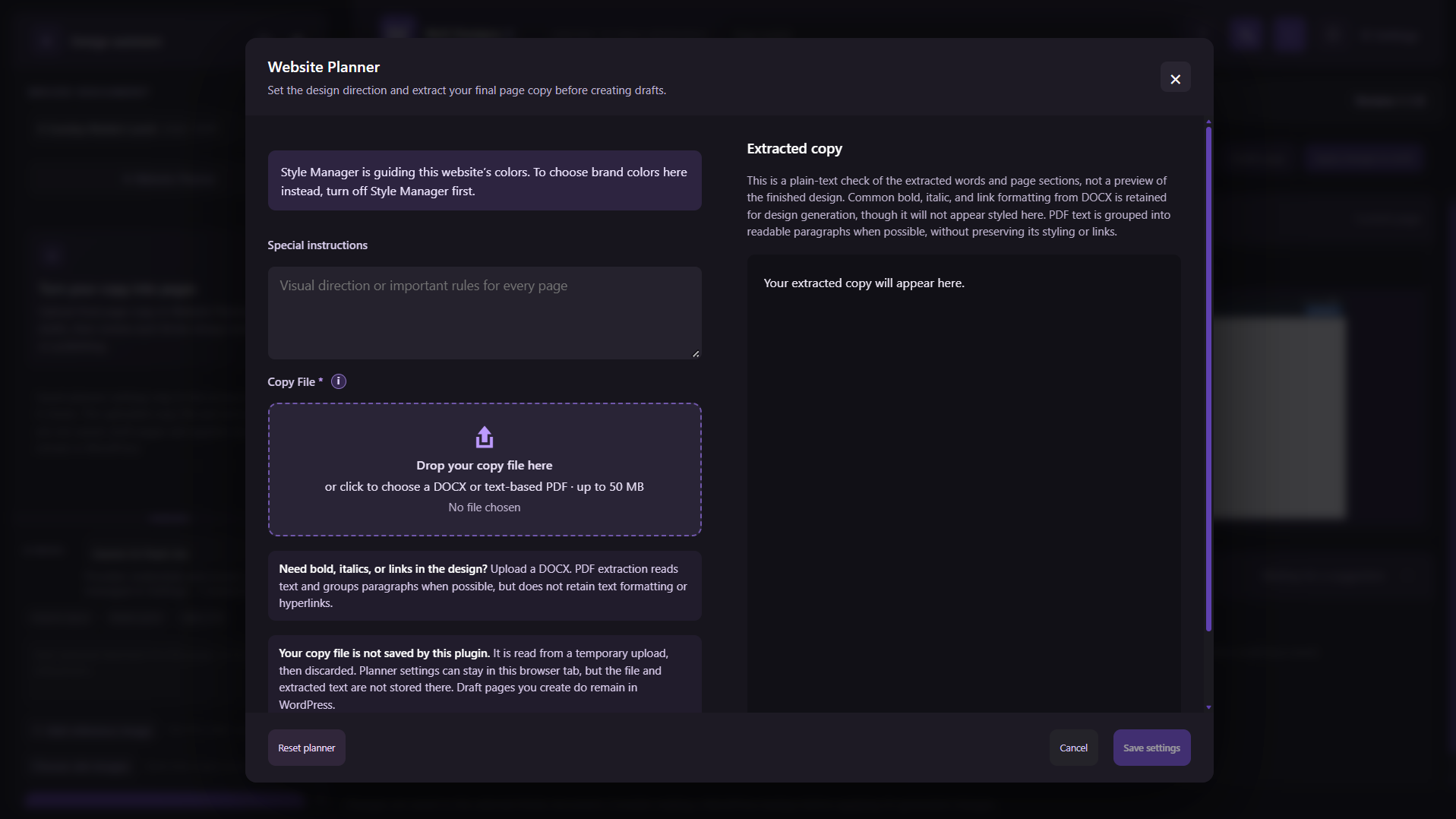
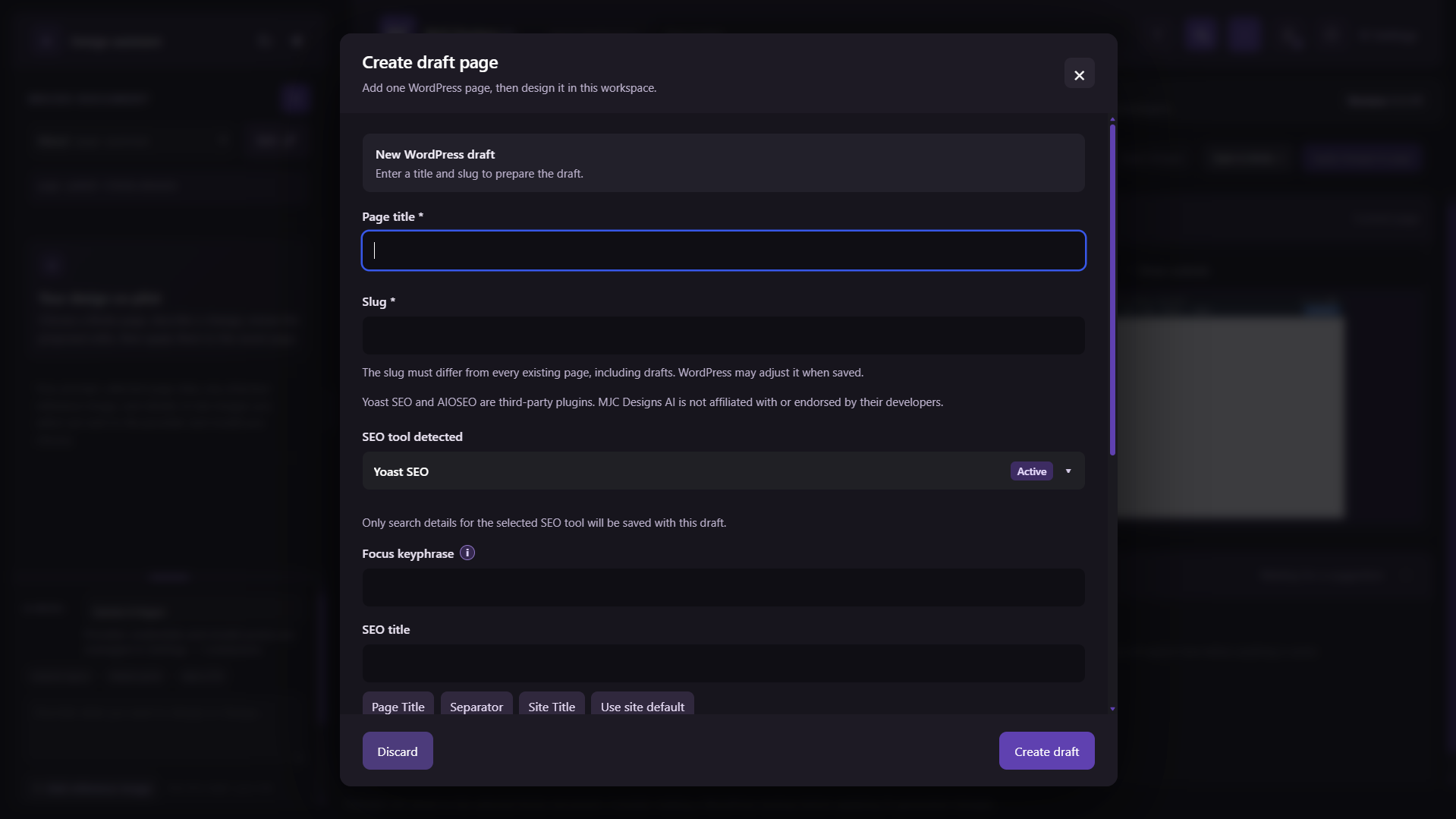
MJC Designs AI Design Assistant for Bricks Builder helps you create, refine, and remove page elements through a review-first workflow. It uses the WordPress AI Client to let users choose from compatible provider models connected by the site administrator. Review proposals in a temporary frontend preview and apply only the changes you approve. This is an independent third-party integration and is not affiliated with or endorsed by Bricks Builder or its developers. This alpha release is intended for evaluation. Features may be incomplete; review every proposal and keep a backup before applying changes.
Requirements
- WordPress 7.0 or later with the WordPress AI Client.
- A compatible AI provider integration installed and configured under Settings > Connectors.
- Bricks 2.4 or later, with
get-page-elements,set-page-elements, andget-element-schemaabilities enabled under Bricks > AI > Abilities. - PHP 7.4 or later.
Features
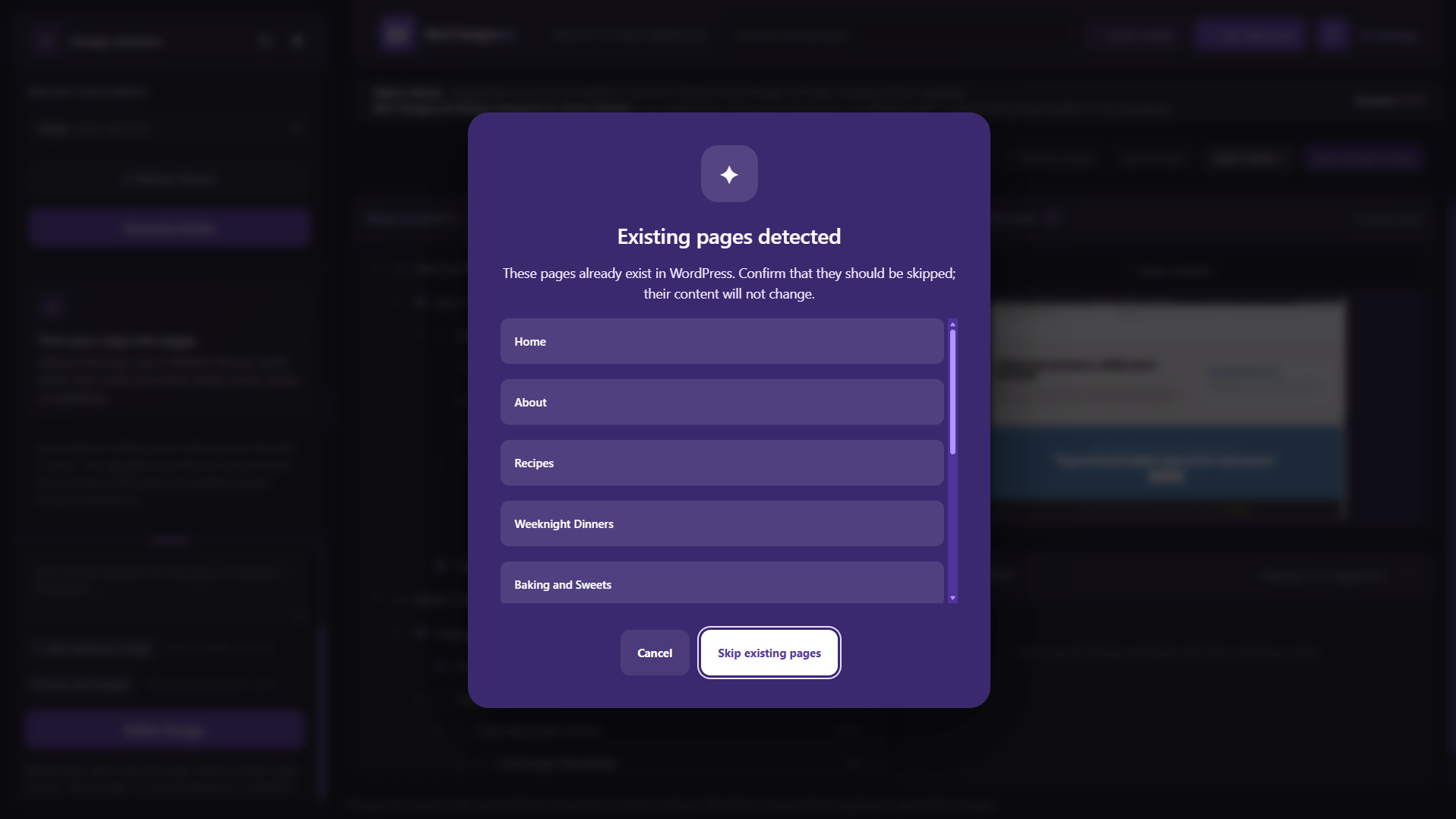
- List editable WordPress pages and Bricks templates, including pages without existing Bricks elements. Blog posts are not available for editing.
- Select among compatible AI provider models configured through WordPress Connectors; the user’s model preference is saved to their account.
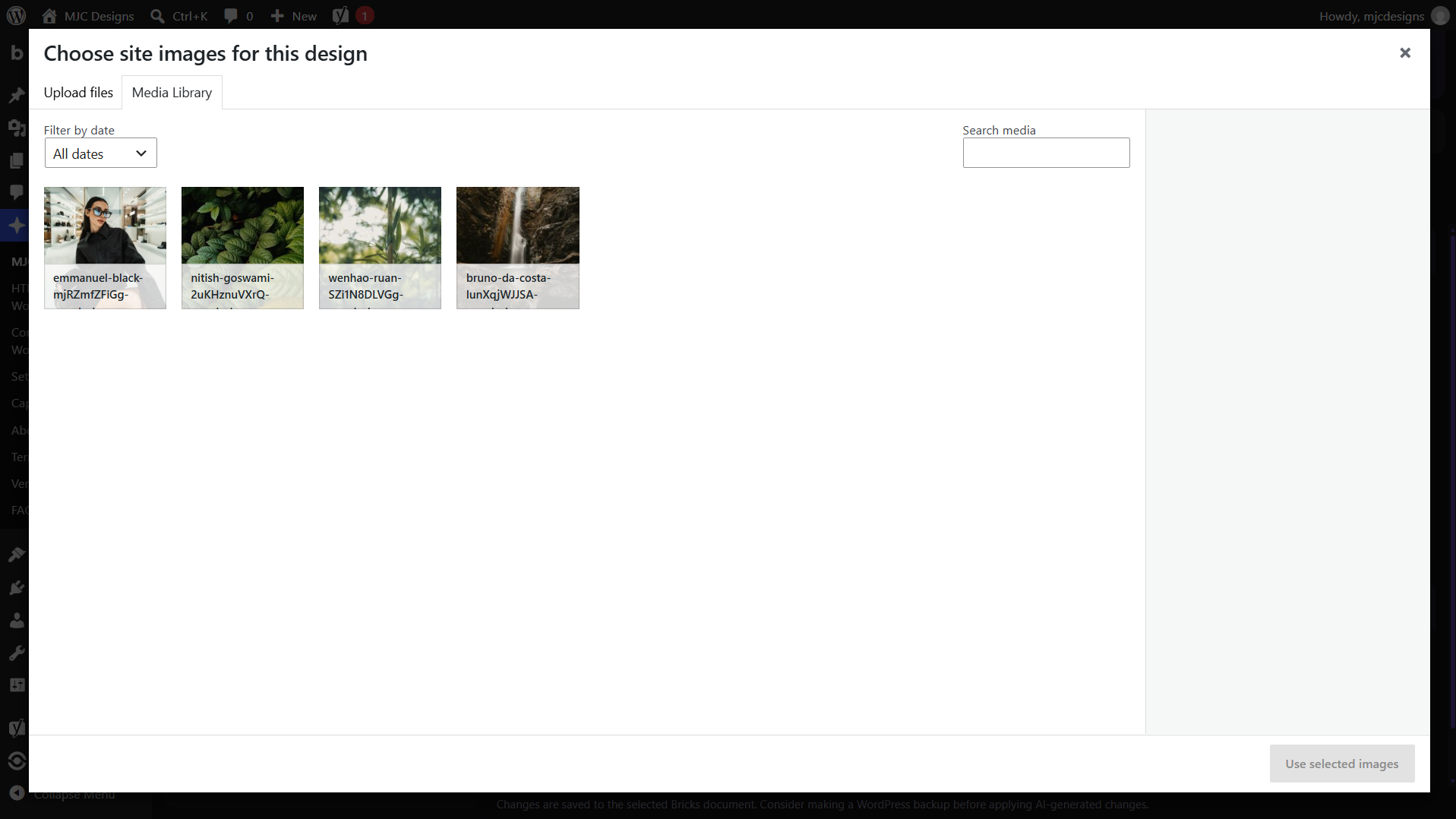
- Use compatible vision models with optional JPG, PNG, or WebP reference images up to 5 MB.
- Read the selected page’s element tree and propose focused edits. Validate setting names and choices against the live Bricks control schema before preview or apply.
- Change only registered native Bricks controls. AI proposals cannot write code controls or Custom CSS.
- Add registered Bricks elements, including supported nested elements; move and remove elements while preserving IDs and child data.
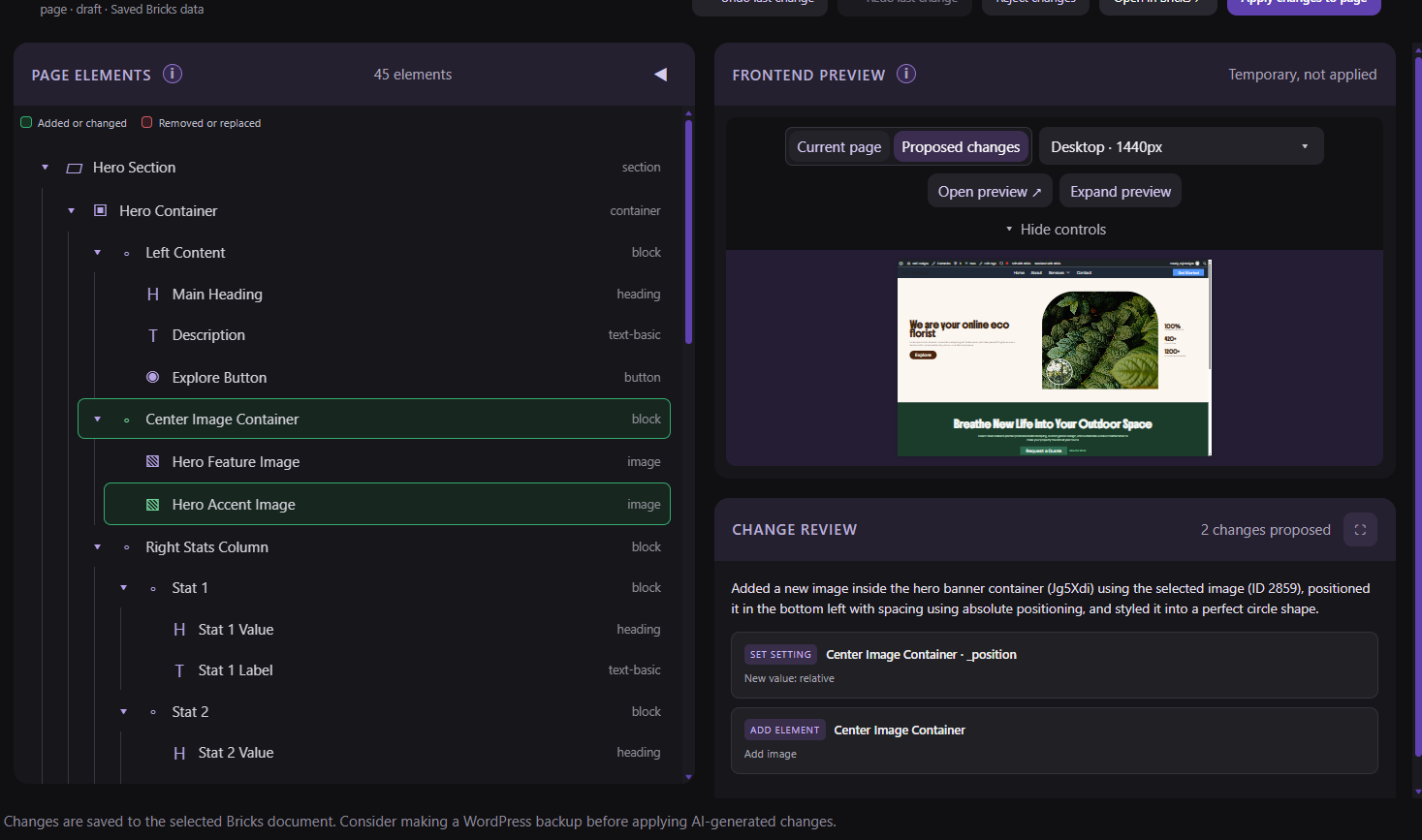
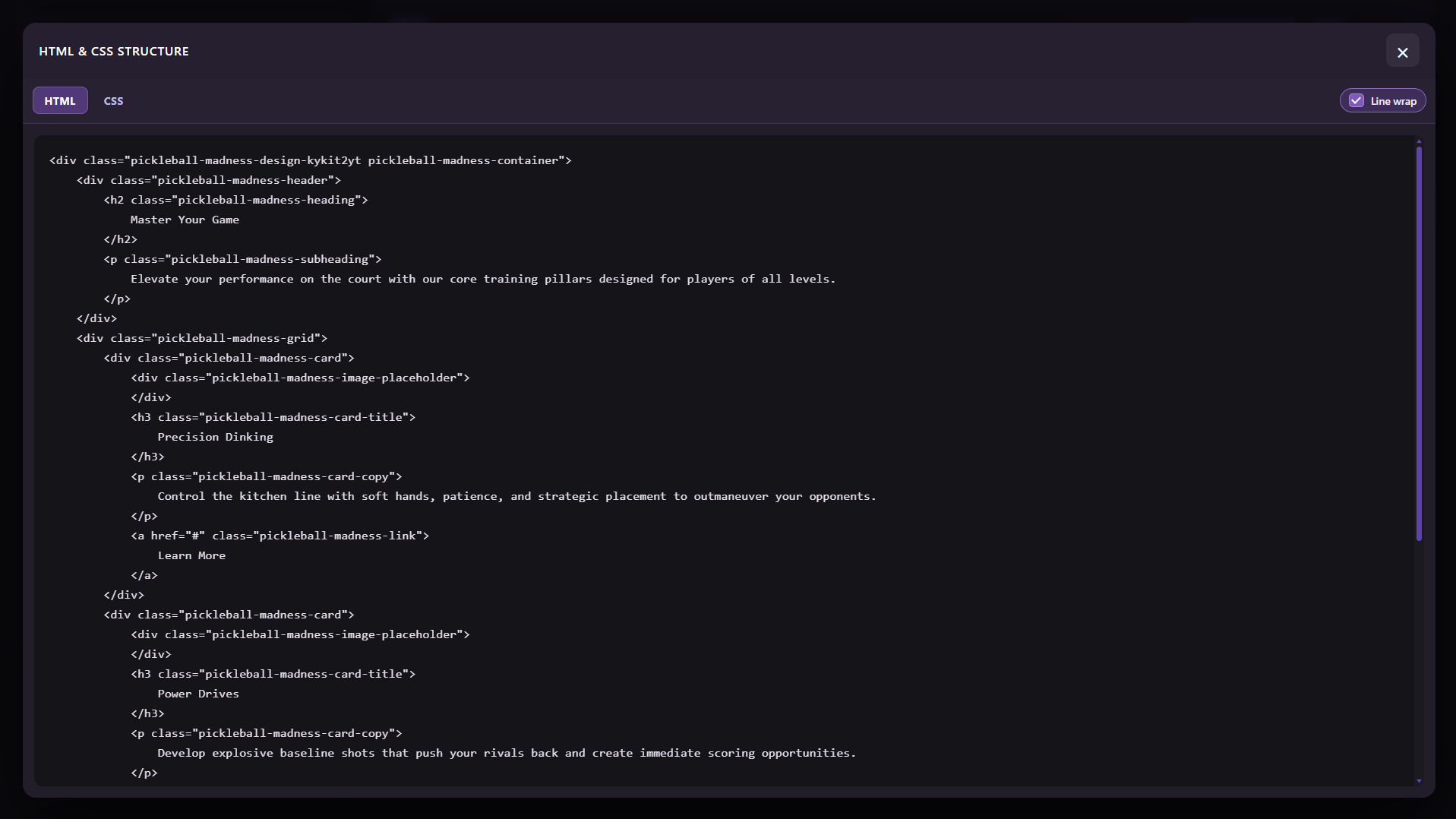
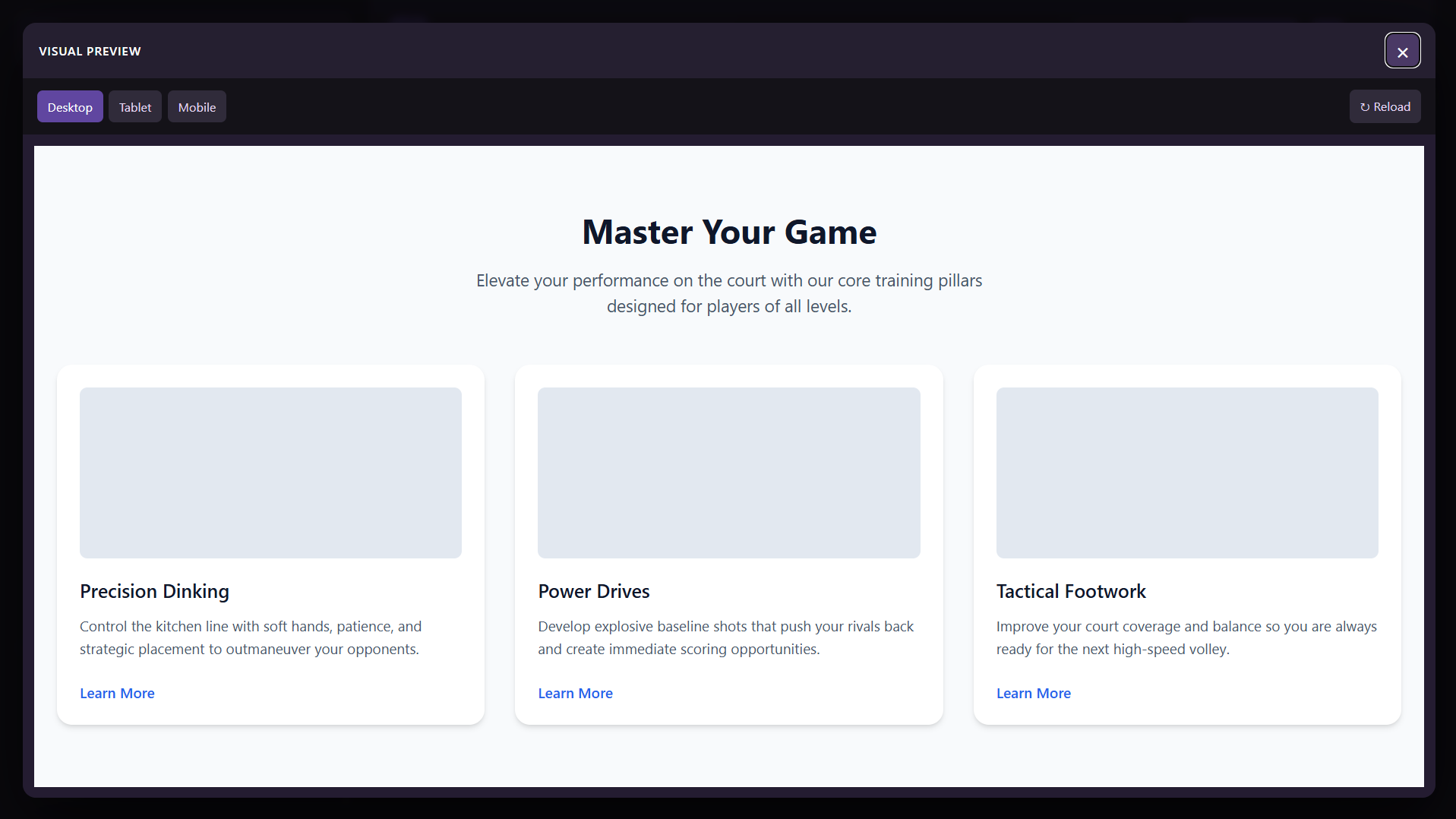
- Review proposals in a temporary frontend preview before applying. Switch preview widths using the site’s configured Bricks breakpoints, including custom labels and widths. Expand the interactive preview in a focus modal or keep using Open preview to open it in a new tab.
- Open the selected page in Bricks Builder and undo the most recent assistant change.
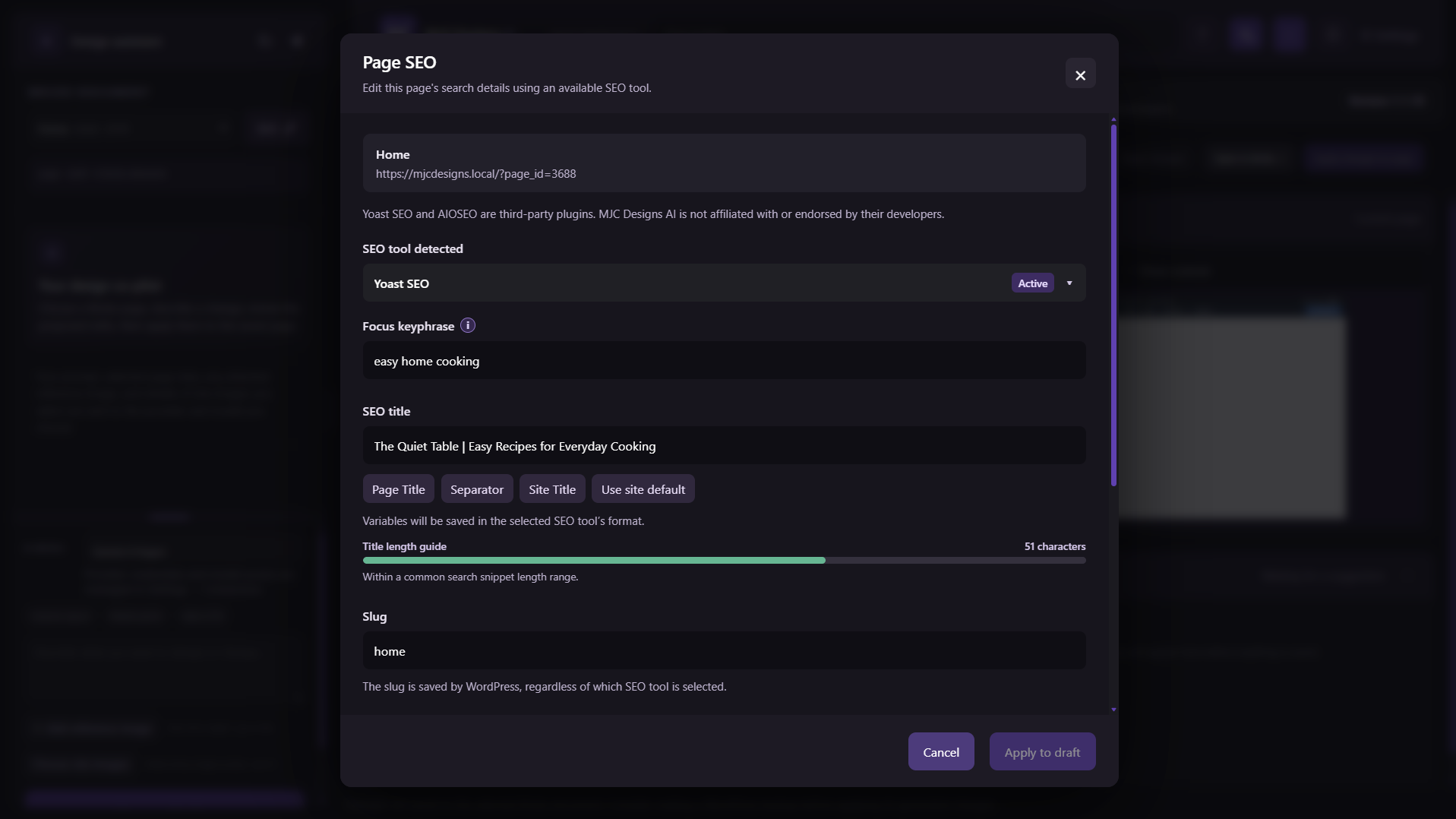
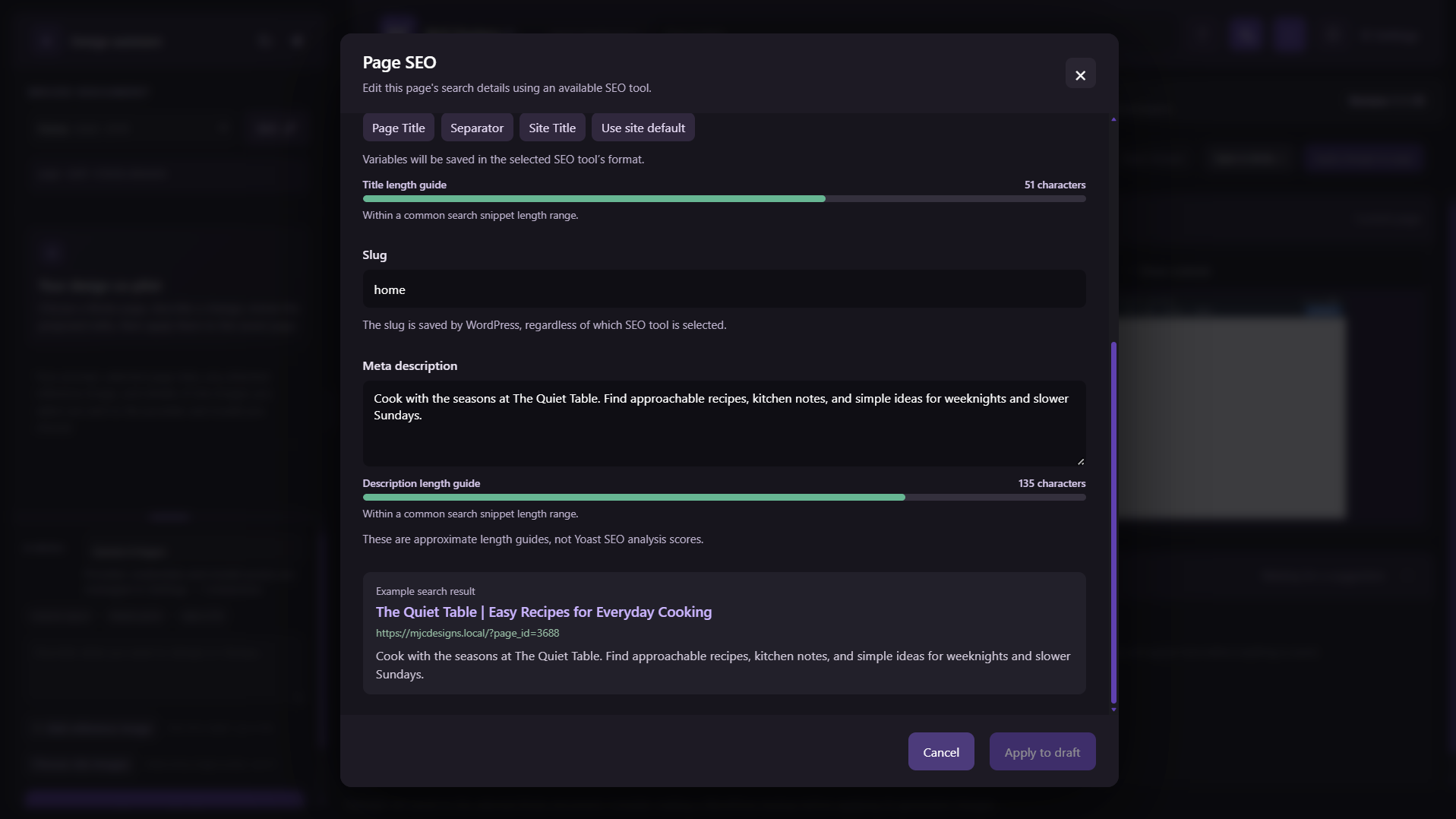
- Provide About, Settings, Capabilities, FAQ, Version History, terms, and privacy guidance in WordPress admin.
Provider access, model availability, prices, free tiers, quotas, and data handling depend on the selected service and model. The site administrator should review each provider’s current terms before enabling it. Bricks validates final element data and user permissions. A narrow fallback for some responsive-only settings may not create a native Bricks revision; use the assistant’s Undo action to reverse it.
Source Code
The plugin includes its browser-side source files directly in the distribution. assets/app.js contains the assistant interface JavaScript, assets/admin.css contains its styles, and assets/admin-notices.js contains the admin notice behavior. These are human-readable source files loaded directly by the plugin; they are not minified or generated, and no build tools or separate compilation steps are required.
Privacy
When generating a suggestion, the plugin sends the prompt, selected Bricks document content, and optional reference image to the AI provider and model selected for that request through the WordPress AI Client. WordPress routes the request to the service endpoint provided by the site administrator’s selected Connector; the connector and provider determine any account requirements. Reference images are not added to the WordPress Media Library by this plugin. Provider terms govern how submitted data is processed; site owners should review applicable provider privacy information, terms, usage policies, costs, and free-tier limits.
The plugin does not store prompts or reference images as chat history and does not send telemetry to the plugin author. The site administrator configures provider access under Settings > Connectors. Temporary preview drafts are deleted when the user leaves the workspace, after one hour as a fallback, or when replaced. Database backups and server logs remain subject to the site’s own policies. Review the suggested privacy text in Settings > Privacy before publishing it.
Details







Related plugins
Plugins that also contain the tag ai
SEOPress – On-site SEO & Analytics

AI Engine – The Chatbot, AI Framework & MCP for WordPress

GetGenie – AI Content Writer with Keyword Research & SEO Tracking Tools
SEO Plugin by Squirrly SEO

Website LLMs.txt

Smartsupp – live chat, AI shopping assistant and chatbots


About
Plugin for that tries to help you find the WordPress plugin you are looking for.
| Please enjoy an image of Crush (this awesome turtle) and have a lovely day! |  |
We do not own any plugin listed on this site and do not work for or work with WordPress.com or it's associated companies. We simply provide a searchable list of the available WordPress plugins.