

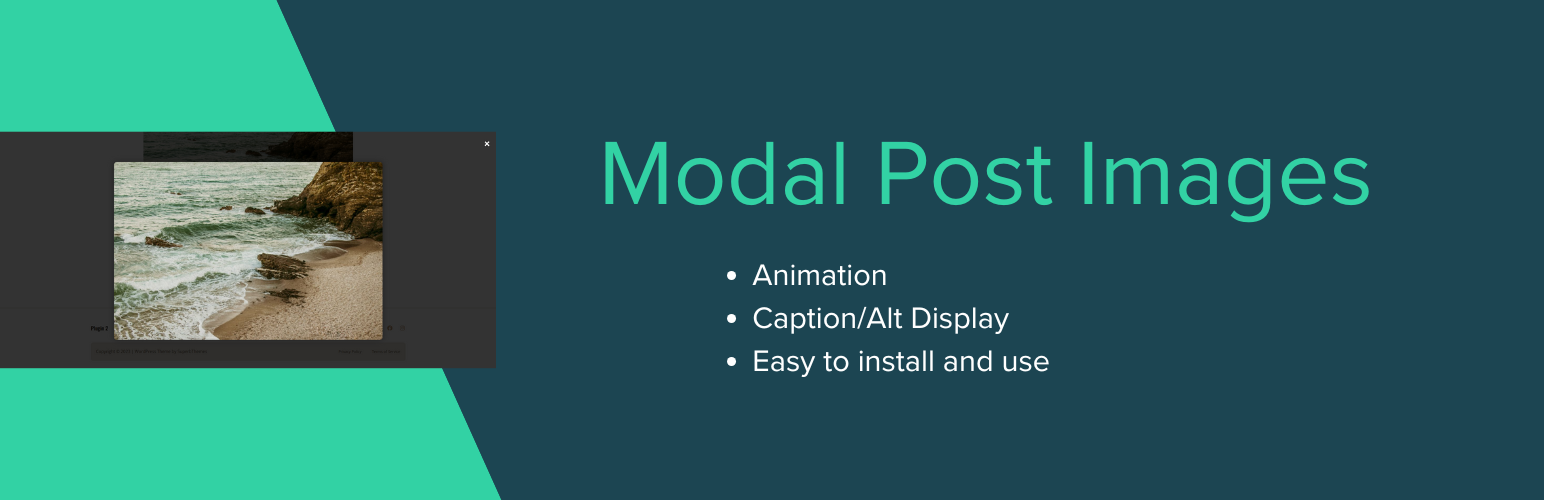

Modal Post Images
Modal Post Images instantly adds modern, mobile-friendly image popups (modals) to all images inside your WordPress post content.
When visitors click a post image, it smoothly enlarges in a centered modal view, showing the image and its ALT text (if available).
Perfect for blogs, magazines, and photography sites that want to enhance user experience with elegant, distraction-free image previews.
Features
– ✨ Automatically adds modal popup functionality to all post images
– 🖼️ Displays image alt text or caption inside the popup
– ⚙️ Includes admin settings to choose animation effects (Fade, Zoom, Slide, Flip, Blur)
– 📱 Fully responsive and mobile-friendly
– ⚡ Lightweight, no dependencies — just install and it works
– 🔒 Built with WordPress security and performance best practices
Usage
1. Install and activate the plugin from your WordPress dashboard.
2. Open any post — click an image and watch it open beautifully in a modal popup!
3. Customize animations or toggle captions under Settings Modal Image Settings.
Pro Tip:
For best results, insert post images in Full Size to ensure sharpness in the modal view.
Details


About
Plugin for that tries to help you find the WordPress plugin you are looking for.
| Please enjoy an image of Crush (this awesome turtle) and have a lovely day! |  |
We do not own any plugin listed on this site and do not work for or work with WordPress.com or it's associated companies. We simply provide a searchable list of the available WordPress plugins.