



MRN Forms
MRN Forms lets you build and style WordPress forms without a page builder. It includes a visual editor, an entry inbox, configurable email notifications, and Persian/English interfaces with automatic RTL/LTR layouts.
Product website | MRNWP | Source and issue tracker
Features
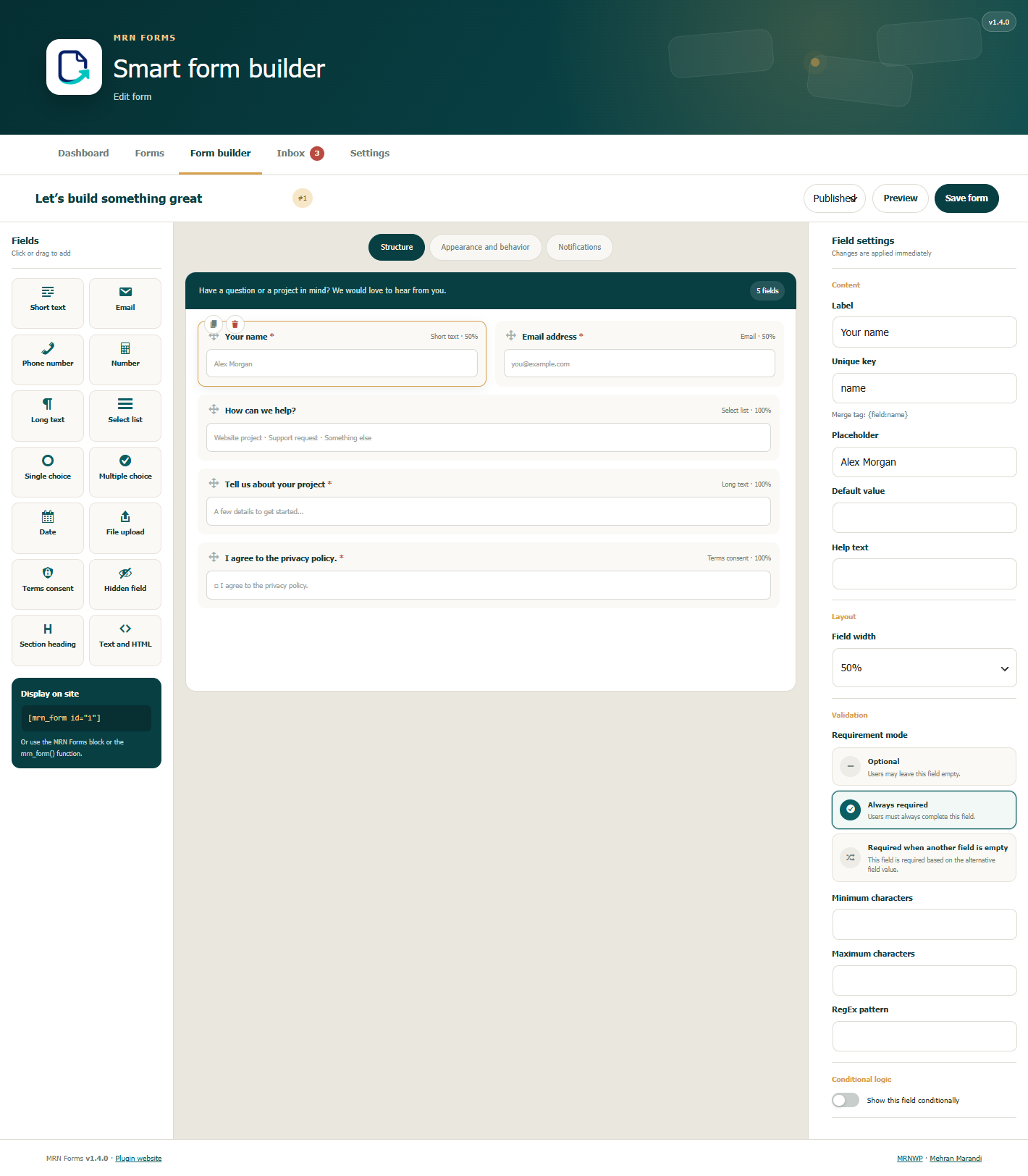
- Drag-and-drop form builder with live preview and fourteen field types.
- Conditional visibility and fields required when another field is empty.
- Client and server validation, honeypot protection, form nonces, and rate limits.
- Configurable field widths, labels, colors, spacing, and custom CSS classes.
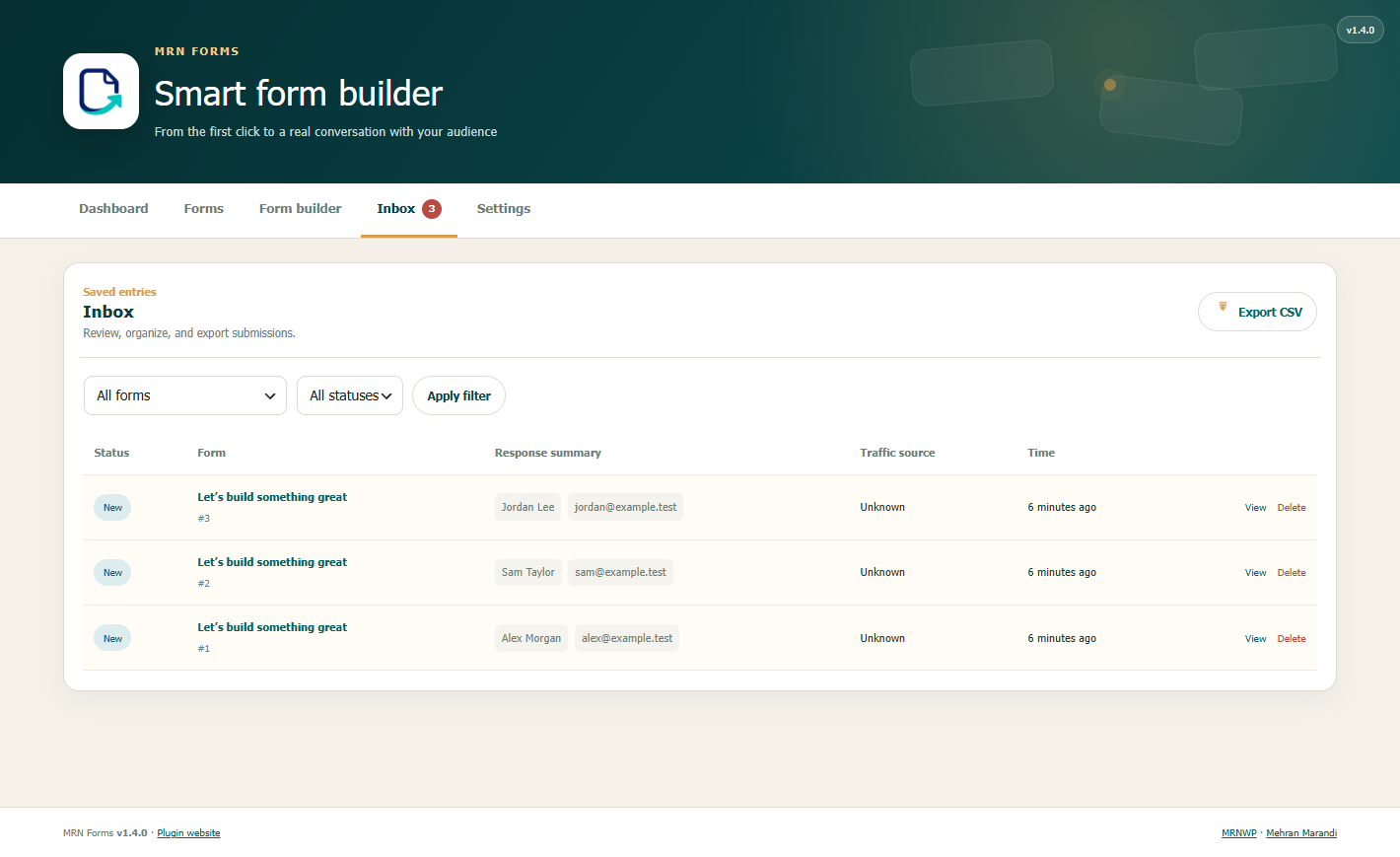
- Entry inbox, read/spam statuses, and CSV exports.
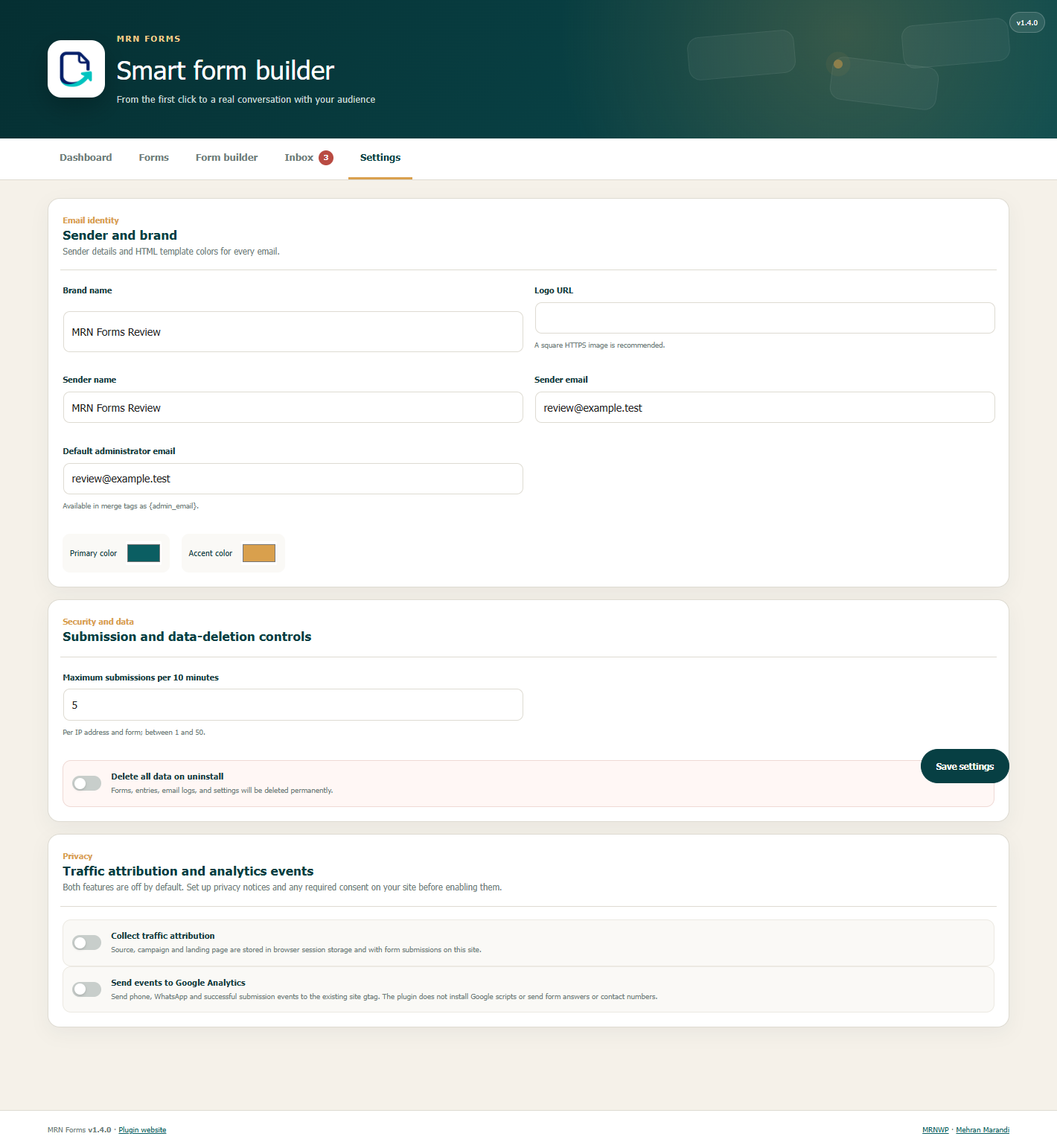
- Administrator notifications and respondent receipts with HTML templates and merge tags.
- Conditional notification recipients.
- Shortcodes, a dynamic Gutenberg block, and a theme function.
- JavaScript submission with a standard POST fallback.
- Optional traffic attribution and events for an existing Google Analytics installation. Both are off by default.
- No paid license, external account, or external runtime library is required for the form builder.
MRN Forms is developed by Mehran Marandi as a product of MRNWP.
فارسی
MRN Forms برای سایتهایی ساخته شده که یک فرمساز حرفهای میخواهند، اما نمیخواهند برای نمایش و استایل فرم به صفحهساز یا کتابخانه JavaScript سنگین وابسته باشند.
امکانات
- فرمساز Drag & Drop با پیشنمایش زنده
- رابط کامل فارسی و انگلیسی با تشخیص خودکار RTL/LTR بر اساس زبان وردپرس
- ۱۴ نوع فیلد: متن، ایمیل، تلفن، عدد، متن بلند، انتخابی، رادیویی، چکباکس، تاریخ، فایل، رضایت، پنهان، عنوان و HTML
- عرضهای واکنشگرا، رنگ، فاصله، گردی گوشه، محل برچسب و کلاس CSS اختصاصی
- منطق شرطی برای نمایش فیلدها
- اعتبارسنجی همزمان مرورگر و سرور
- آپلود امن با کنترل پسوند و حجم
- ثبت اختیاری منبع ورود، کمپین، صفحه فرود و ارجاعدهنده برای هر ارسال؛ پیشفرض خاموش
- رویدادهای اختیاری GA4 برای کلیک تماس، واتساپ و ارسال موفق فرم؛ پیشفرض خاموش
- ذخیره ارسالها، وضعیت خواندهشده/هرزنامه و خروجی CSV
- دو اعلان آماده: ایمیل مدیر و رسید تکمیلکننده
- مسیریابی شرطی اعلانها بر اساس پاسخ هر فیلد
- قالب HTML واکنشگرا با رنگ و لوگوی برند
- Merge Tag برای اطلاعات فرم و فیلدها
- ارسال AJAX با fallback کامل بدون JavaScript
- Honeypot، nonce، محدودسازی نرخ و هش کردن IP
- شورتکد، بلوک گوتنبرگ و تابع قالب
- RTL/LTR خودکار و دسترسپذیری پایه
- بدون وابستگی runtime خارجی
Display without a page builder
Shortcode
[mrn_form id="1"]
یا:
[mrn_form slug="contact-us"]
Theme template
<?php mrn_form( 1 ); ?>
یا با تنظیمات نمایشی:
<?php mrn_form( 'contact-us', array( 'showTitle' => false ) ); ?>
Gutenberg
بلوک «MRN Forms» را اضافه و فرم منتشرشده را انتخاب کنید.
Merge Tags
{form_title}عنوان فرم{form_id}شناسه فرم{entry_id}شناسه ارسال{site_name}نام سایت{site_url}نشانی سایت{admin_email}ایمیل پیشفرض مدیر{all_fields}جدول زیبای همه پاسخها{field:email}مقدار فیلدی با کلیدemail
چند گیرنده ایمیل را با ویرگول یا ; جدا کنید.
Theme customization
هر فرم تنظیمات بصری مستقل دارد. برای کنترل کاملتر، متغیرهای CSS زیر روی .mrnf-shell قابل override هستند:
--mrnf-primary, `--mrnf-accent`, `--mrnf-bg`, `--mrnf-text`, `--mrnf-gap`, `--mrnf-radius`
نمونه:
.my-form { --mrnf-primary: #222; --mrnf-radius: 4px; }
کلاس my-form را در بخش «ظاهر و رفتار کلاس CSS سفارشی» ثبت کنید.
Developer API
فیلترها و اکشنهای اصلی:
mrnf_submission_values— تغییر مقادیر اعتبارسنجیشده پیش از ذخیرهmrnf_after_entry_created— پس از ثبت ارسالmrnf_after_submission— پس از تلاش برای ارسال اعلانهاmrnf_after_notification— پس از ارسال هر اعلانmrnf_notification_results— تغییر نتیجه کانالهای اعلانmrnf_rendered_form— تغییر HTML نهایی فرم
ساختار اعلانها طوری جدا شده که کانال SMS در نسخه بعد بدون تغییر فرمها قابل اضافه شدن باشد.
Privacy
Form definitions, submitted values, and delivery logs are stored in this site’s database. Entry metadata includes submission time, the logged-in user ID when present, browser user agent, referring URL, and a keyed one-way IP hash. Raw IP addresses are not saved with entries; the hash is used for abuse control. Notifications use WordPress wp_mail() and the site’s configured mail transport, and are sent to configured recipients. The plugin does not send entries or usage statistics to MRNWP or the developer.
Traffic attribution and analytics events are separate opt-in settings under Forms > Settings, and are off by default. Configure privacy notices and any required visitor consent before enabling them.
When attribution is enabled, source, medium, campaign, term, content, landing page, referrer, and capture time are saved in browser session storage and with submissions on this site. Attribution page URLs omit query strings and fragments. These are browser-supplied reporting values, not trusted identity information.
When analytics events are enabled and the site already provides a gtag function, phone-click, WhatsApp-click, and successful-submission events are passed to that function. Events include the interaction type, page URL without query parameters, form ID for a submission, and traffic source/medium when attribution is enabled. Form answers, phone numbers, email addresses, and clicked-link text are not included. MRN Forms does not install Google scripts. The site’s existing analytics configuration controls delivery and consent, and Google may collect additional information under that configuration.
Optional service: Google Analytics, Terms, Privacy policy.
دادهها روی سایت شما ذخیره میشوند. ثبت منبع بازدید و رویدادهای گوگل اختیاری و پیشفرض خاموش هستند. پیش از فعالسازی، اطلاعرسانی حریم خصوصی و رضایت لازم را در سایت تنظیم کنید. حذف دادهها هنگام uninstall اختیاری است.
Details
Related plugins
Plugins that also contain the tag conditional-logic
Conditional Fields for Contact Form 7

Visibility Logic for Elementor

Conditional Fields for Elementor Form – Apply Conditional Logic
Extra Product Options for WooCommerce

Easy Digital Downloads – Additional Shortcodes

Extra Conditional Logic for Beaver Builder


About
Plugin for that tries to help you find the WordPress plugin you are looking for.
| Please enjoy an image of Crush (this awesome turtle) and have a lovely day! |  |
We do not own any plugin listed on this site and do not work for or work with WordPress.com or it's associated companies. We simply provide a searchable list of the available WordPress plugins.